
 Chris Bruner

DMDE is renowned as an all-in-one disk data search, editor and recovery software that run well on Windows, Linux, macOS, DOS. It can work as a disk editor and partition manager to create disk images and clones, RAID constructor, and file recovery from the current panel. It is packed with smart algorithms which are excellent in finding and recovering files in various data loss situations such as format, partition manager failure, and others.
In addition to main features, DMDE – DM Disk Editor and Data Recovery also features other powerful options that give you the ability to analyze binary data for NTFS, FAT12/16, FAT32, exFAT, and Ext2/3/4. It presents a well-structured user interface that allows you easily access all sections of the selected drive.
DMDE – DM Disk Editor Coupon Code & Discount Sep 2026
DMDE Editions
4 plans · best save 15%
DMDE Express 1-OS (1-Year) ★ Best Deal
Personal use | One-time purchase
DMDE Standard 1-OS Editor's Pick
Personal and company use for own needs | Perpetual license, updates
DMDE Professional 1-OS
Perpetual license, updates | Commercial data recovery allowed
DMDE Professional Multi-OS
Perpetual license, updates | Commercial data recovery allowed | Multi-OS
DMDE Features & Screenshots
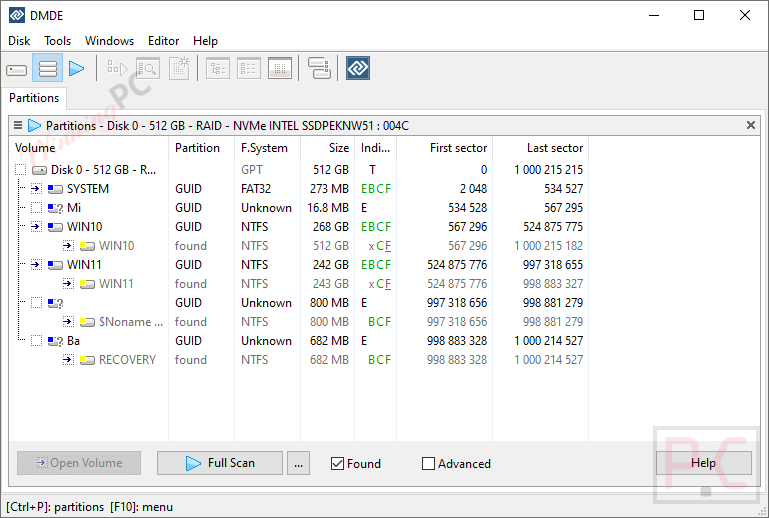
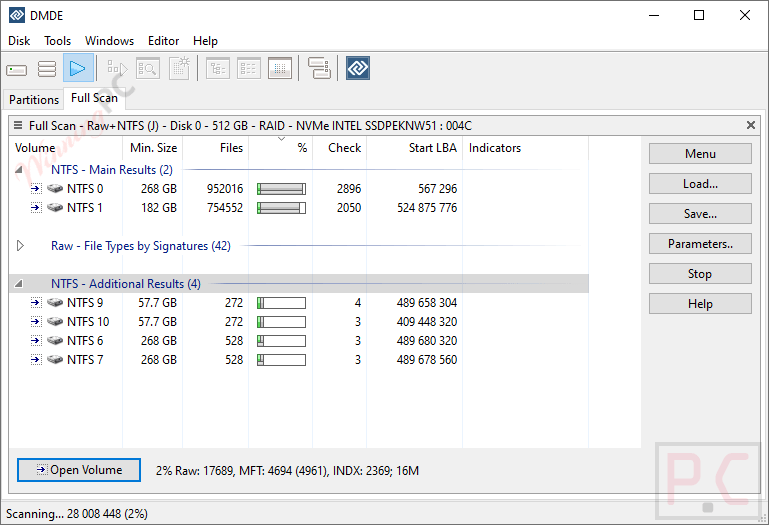
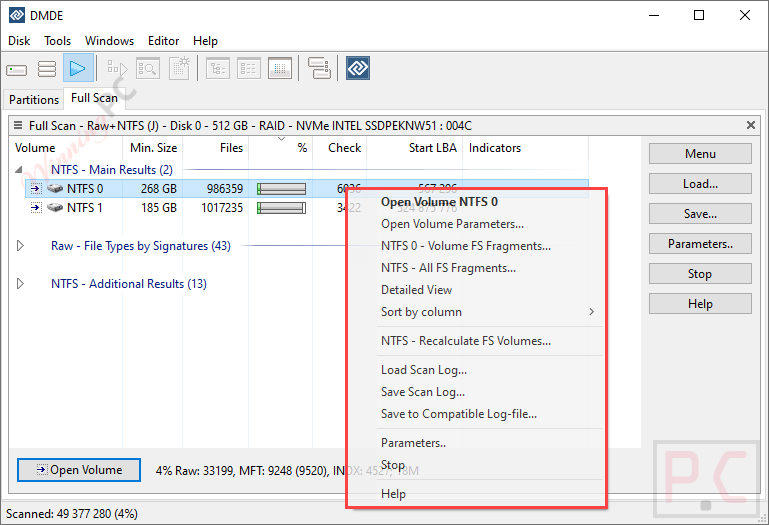
- Advanced Data Recovery: reconstructs directory structures and restores files after formatting, partition failures, and other file system damage.
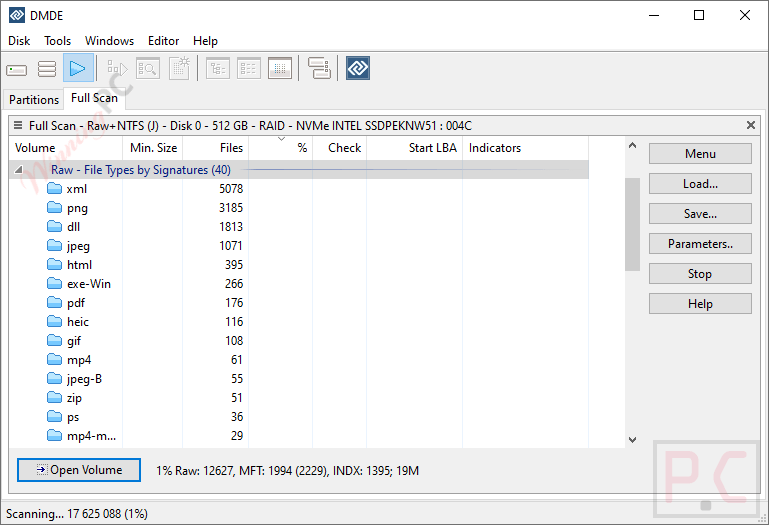
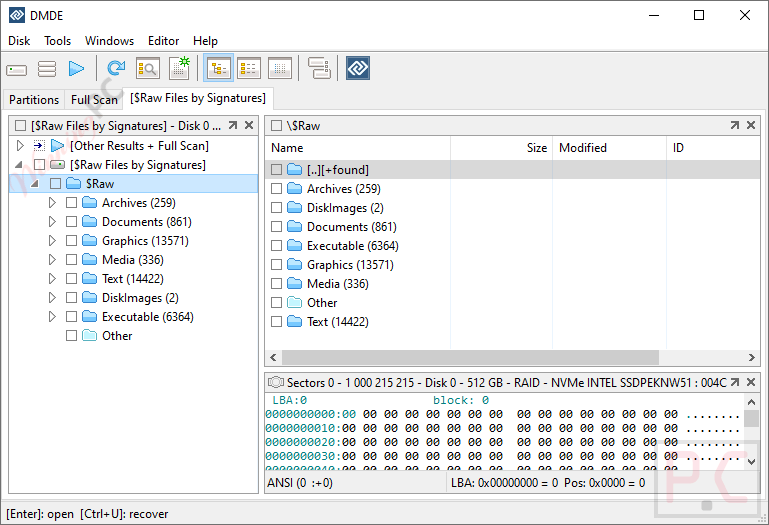
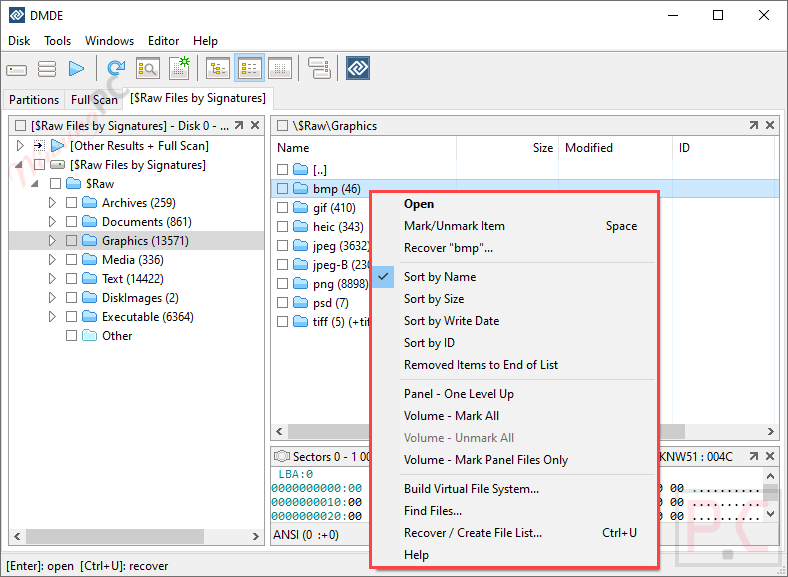
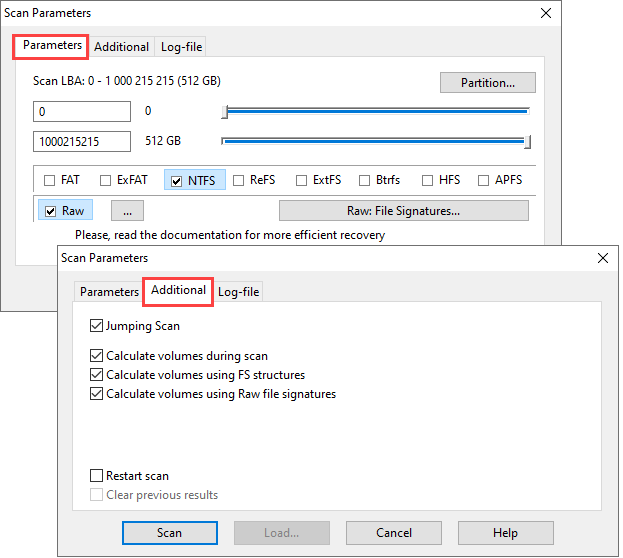
- Raw Recovery: recovers data by file signatures when standard file system recovery is no longer possible.
- Freeware Options: lets you recover up to 4,000 files per selected directory with unlimited repeat use.
- Free Preview: includes image preview for common formats, partition undelete, disk imaging and cloning, RAID construction, and disk editing.
- Partition Manager: finds and restores deleted partitions using boot sectors, superblocks, and backup copies across major file systems.
- Partition Analysis View: displays partition layouts in a format that helps analyze issues and detect errors more easily.
- RAID Constructor: virtually rebuilds RAID sets including RAID-0, 1, 4, 5, 6, JBOD, spanned disks, and custom configurations.
- Automatic RAID Detection: identifies RAID configurations automatically to simplify virtual reconstruction and reduce manual setup.
- Disk Cloning: creates disk images, writes them back, clones disks, and works through I/O errors and bad sectors.
- Professional Options: is designed for data recovery companies that need advanced recovery and service capabilities.
- Portable Activation: adds USB-based activation so the software can run on different computers.
- One-Time Activation: provides five remote-use activations per month per license without Professional Features.
- Recovery Reports: generates reports with logs and file checksums for recovery tracking and verification.
- E01 Image Support: reads E01 disk image files for added compatibility in recovery workflows.
- Copy Resume Logs: uses logs to resume disk copying and perform multi-pass sector reads.
- I/O Script Customization: supports custom I/O handlers, including scripts for logging read and write errors.
- NTFS Alternate Data Streams Recovery: restores NTFS alternate data streams when they are present in recovered files.
- DOS DMA Support: supports DMA mode in DOS environments for compatible operations.
- Portability: runs immediately after extraction without requiring installation.
- Extended Disk Editor: works with current Windows versions and automatically locks volumes when writing to volume areas.
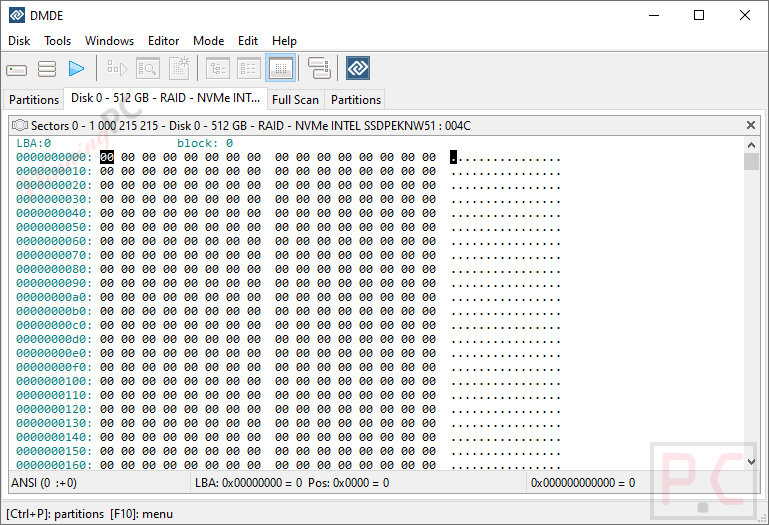
- Disk Structure Navigation: lets you view, edit, and move through files, MBR, GPT, boot sectors, tables, and directory entries.
- Custom Templates: supports custom templates for inspecting and editing disk structures more efficiently.
- Cluster Map: finds files that occupy specific clusters or sectors on disk.
- NTFS Utilities: copies, deletes, creates, repairs, and removes directories while bypassing the NTFS driver.
- Additional File System Support: handles national file names, large disks, large files, large sectors, sector translation, and compressed NTFS files.
More screenshots

Frequently Asked Questions
What is DMDE?
DMDE is a useful tool for data recovery, editing, and searching on disks. It can help you to recover files and directory structures in complex scenarios where other software might fail.
What platforms does DMDE support?
This software supports Windows, Linux, macOS, and DOS, enabling flexibility across different operating systems.
What file systems can DMDE work with?
DMDE works with many file systems, including FAT12/16/32, NTFS, exFAT, Ext2/3/4, HFS+/HFSX, APFS, and btrfs.
Does DMDE offer a free version?
Yes, DMDE offers a free version that allows users to recover up to 4000 files from a chosen directory and repeat this process unlimited times.
Where can I find coupon codes for DMDE?
Coupon codes for DMDE are available on discount websites such as WinningPC (15% discount, updated 27 Sep 2026), which regularly updates offers and promotions.
How do I apply a DMDE coupon code?
Enter the coupon code at checkout when purchasing DMDE through their official website or participating vendors like WinningPC at the 15% off coupon code section above.
Technical Details
| Language Support | English, Français, Italian, Spanish, Swedish, and more… |
| Money Back Guarantee | 30-Day |
| Operating System | Windows XP + SP2 and higher or Windows 98/ME, DOS Latest Linux distributions with libc library macOS 10.12+ |
| Supported file systems | FAT12/16, FAT32, exFAT, NTFS, ReFS, Ext2/3/4, HFS+/HFSX, APFS, btrfs |
| Shipping | After purchasing your license key will be sent by email |
| Subscription | 1-Year |
| Support Services | Email, Tickets |



Pros:really good software, limitless quantity with free version, restores complicated files
Cons: intimidating interface