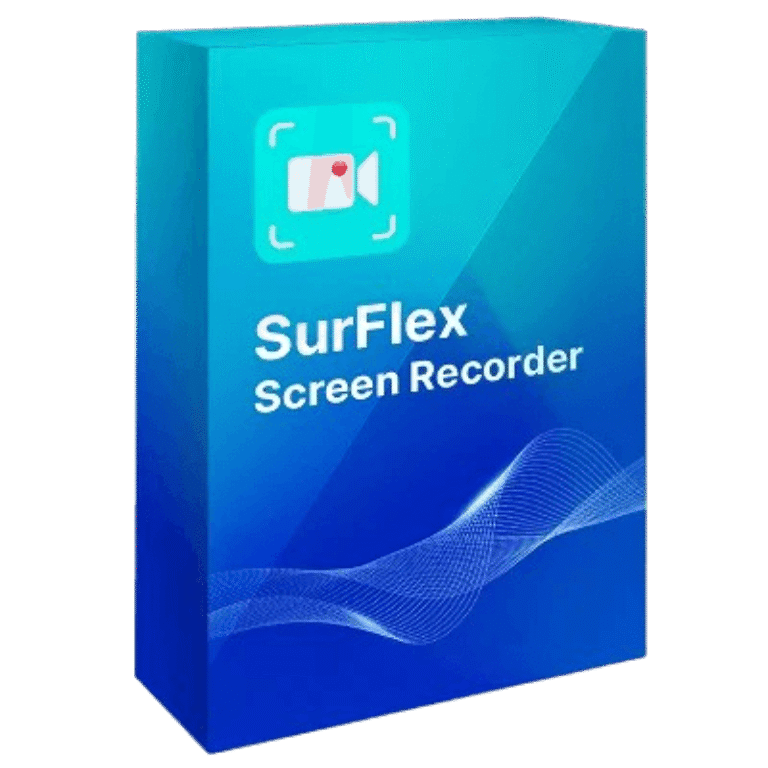

SurFlex Screen Recorder for macOS Giveaway Download
SurFlex Screen Recorder for macOS
Help you record a screen, app, window, and more.
- Product
- SurFlex Screen Recorder for macOS
- Product website
- nablamind.com
- License
- 6-Month
- Platform
- macOS 10.15 and later
- Installer
- SurFlexScreenRecorder.dmg
- Updates
- Free updates for 6 months
- Support
- No support
- Updated
- 2026-07-10
Continue on nablamind.com
Share to reveal your free license code, then activate it inside the app.
This giveaway ended on .
66% Off SurFlex Screen Recorder for macOS
How to Get SurFlex Screen Recorder for macOS Key for Free
- Download and install the software on your computer for free
- Choose the “Upgrade to the full version” button located on the software’s main screen.
- To activate the software, copy and paste the SurFlex Screen Recorder for macOS license code found above.


SurFlex Screen Recorder Coupon Codes Sep 2026

SurFlex Screen Recorder: Lifetime Subscription (Mac)
Lifetime access for 1 device
SurFlex Screen Recorder: Lifetime Subscription (Windows)
Lifetime access for 1 device
You may also like:


HitPaw Screen Recorder for Mac - Lifetime License
One license for 1 computer | perpetual free upgrades
PassFab Screen Recorder for Mac - Lifetime License
Lifetime license for 1pc | Lifetime free updates
Tipard Screen Capture for Mac - Lifetime License
Lifetime license use on 1 Mac | Lifetime upgrade and support

Aiseesoft Mac Screen Recorder – Lifetime/ 1PC
Lifetime license use on 1 Mac | Free upgrade
SurFlex Screen Recorder for macOS Review & Features
SurFlex Screen Recorder for Mac records presentations, Zoom or Google Meet sessions, YouTube videos, and other on-screen activity. It can capture the full screen or a selected area, record the screen with a webcam, or record the webcam alone. Videos can be saved in MP4, WMV, AVI, MOV, or FLV. This screen recorder tool also lets you take screenshots during recording, save audio as a separate file, and set custom shortcuts for recording controls.

Key features
- SurFlex Screen Recorder for Mac is a useful screen recorder app for Windows and Mac that allows you to do a variety of actions, such as capturing lectures, recording meetings, recording gameplay, capturing streaming video, etc.
- With this screen recorder tool, you may record your Windows or Mac computer’s complete screen, a specific area of the screen, an app window, or even a game.
- The recording of the webcam feature can help you to record videos and lectures or meetings. You are allowed to choose between recording the webcam only or recording the webcam and screen on your computer.
- The recording computer audio function is also mentioned in this app. You are allowed to simultaneously record with a microphone and system sounds to help you record any of your computer’s programs on your computer or record a voiceover using your microphone if you want.
- SurFlex Screen Recorder for Mac also enables you to take screenshots while recording and store them in JPEG format. You can save your recordings in a variety of resolutions and frame rates, such as MP4, WMV, AVI, MOV, FLV, and other formats.
More SurFlex Screen Recorder screenshots!
Record full screen

Record selected region

Record Webcam


Record Audio

System Requirements & Details
| Language Support | English, Français, Italian, Spanish, Swedish, and more… |
| Money Back Guarantee | 30-Day |
| Operating System | macOS 10.15 and later |
| Shipping | Register code will be sent to your email in minutes |
| Subscription | 1-Month, 1-Year, Lifetime |
| Support Services |