
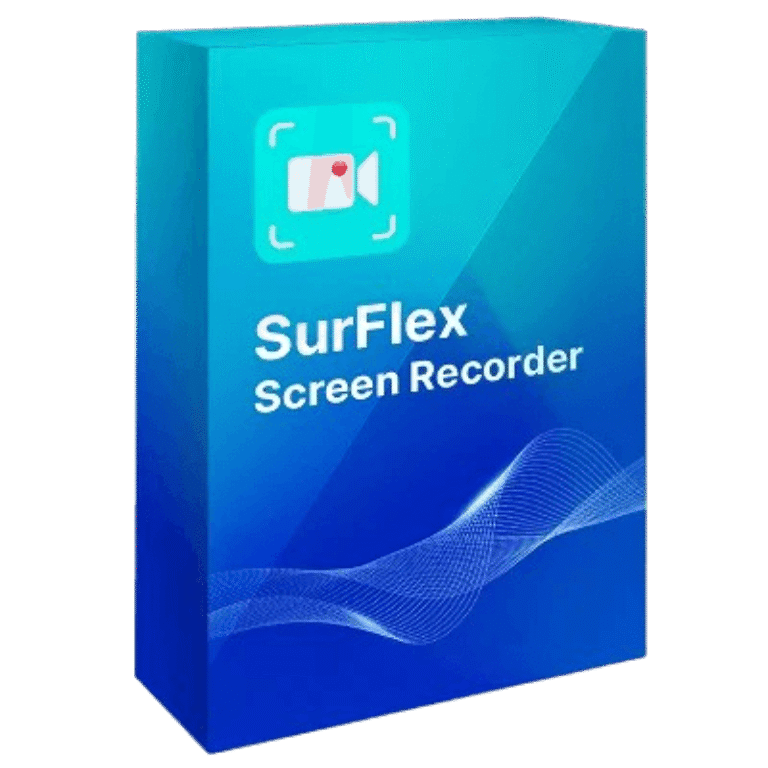

SurFlex Screen Recorder for Windows Giveaway Download
SurFlex Screen Recorder for Windows
Effortlessly capture high-quality video and audio from your screen, app, window, webcam, and microphone, all without the hassle of watermarks.
- Product
- SurFlex Screen Recorder for Windows
- Product website
- nablamind.com
- License
- 6-Month
- Platform
- Windows 7, 8, 8.1, 10, and 11
- Installer
- SurFlexScreenRecorder_installer.exe
- Updates
- Free updates for 6 months
- Support
- No support
- Updated
- 2026-07-10
Continue on nablamind.com
Share to reveal your free license code, then activate it inside the app.
This giveaway ended on .
70% Off SurFlex Screen Recorder for Windows
How to Get SurFlex Screen Recorder for Windows Key for Free
- Download and install the software on your computer for free
- Choose the “Upgrade to the full version” button located on the software’s main screen.
- To activate the software, copy and paste the SurFlex Screen Recorder for Windows license code found above.


SurFlex Screen Recorder Coupon Codes Sep 2026

SurFlex Screen Recorder: Lifetime Subscription (Windows)
Lifetime access for 1 device
SurFlex Screen Recorder: Lifetime Subscription (Mac)
Lifetime access for 1 device
SurFlex Screen Recorder for Windows Review & Features
SurFlex Screen Recorder for Windows records your screen, webcam, system audio, and microphone on a PC. It can be used to capture meetings, gameplay, streaming videos, websites, tutorials, movies, TV shows, and songs. It also lets you take screenshots while recording. Recordings can be saved in video formats such as MP4, WMV, AVI, MOV, and FLV with different resolutions and frame rates. Audio can be recorded and saved as MP3, AAC, OGG, WMA, WAV, or FLAC with different bitrate options.

Key features
- Screen Recording: records websites, lectures, video calls, and other on-screen activity on Windows with audio.
- Flexible Capture Modes: lets you record the full screen, selected areas, or fixed regions like 1080p, 720p, and 540p.
- Webcam Recording: supports webcam-only recording or combined webcam and screen capture for meetings and other computer activity.
- Computer Audio Capture: records system, browser, app, and game audio directly from your computer.
- Internal and External Audio: captures internal sound, external sound, or both without adding extra steps to your recording setup.
- Multiple Output Formats: saves video in formats like MP4, WMV, AVI, MOV, and FLV, plus audio in MP3, AAC, OGG, WMA, WAV, and FLAC.
- Screenshot Capture: takes and saves snapshots during recording sessions on your Windows device.
More SurFlex Screen Recorder for Windows Screenshots!
Record full screen

Record the selected region

Record Webcam

Record Audio

System Requirements & Details
| Language Support | EN, DE, ES, FR, IT, JA, KO, NL, PT, ZH-TW, ZH-CN. |
| Money Back Guarantee | 30-Day |
| Operating System | Windows 7, Windows 8, Windows 8.1, Windows 10, and Windows 11 |
| Shipping | Register code will be sent to your email in minutes |
| Subscription | 1-Month, 1-Year, Lifetime |
| Support Services |



This is an illegal distribution of GPLv3 build of FFMPEG.ORG binaries in a closed source GUI without attribution or regard to the license terms. The supplied installer is just a downloader that downloads the real installer that is 139MBytes long and left in the C:\Users\[YouLoginName]\AppData\Local\Temp\NablaMind which should be manually deleted at the first available opportunity to clean up your system drive as it does not clean up after itself. (badly programmed)
This key is not working, it has expired
help please