
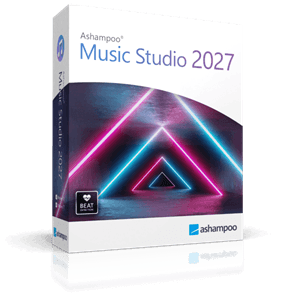

Ashampoo Music Studio 2027 Giveaway
Ashampoo Music Studio 2027
Music software for editing, organizing, and burning songs and audiobooks.
- Product
- Ashampoo Music Studio 2027
- Product website
- ashampoo.com
- License
- Lifetime
- Platform
- Windows 10/11 (64-bit)
- Usage
- Non-commercial only
- Updates
- No future upgrades
- Support
- No support
- Updated
- 2026-09-25
Download safely
A fresh, short-lived download link is created only when you click.
The free license is no longer available.
The Best Music Studio Software Coupon Code

EaseUS MakeMyAudio (Lifetime)
One-time Purchase | Lifetime free upgrades


Zortam Mp3 Media Studio Pro (32/64 bit)
Lifetime License | Lifetime Free Version Updates
Is the Ashampoo Music Studio 2027 giveaway safe and legit?
Yes. Ashampoo is a German software company with over 25 years in the market, and this giveaway runs entirely through their own official systems.
No crack or patched installer
You download and run the official Ashampoo build. Activation happens through the Ashampoo App and your personal account – nothing is modified or repackaged.
Direct publisher source
The giveaway is hosted on Ashampoo’s own servers, not a third-party key reseller or grey-market site. The key registers against your Ashampoo account directly.
Your account stays with Ashampoo
Signing up or logging in puts you in Ashampoo’s own ecosystem – the same account used across their paid products. No unknown middleman involved.
30-day money-back guarantee
he free giveaway key costs nothing, so there’s zero financial risk. If you later buy any Ashampoo upgrade or product, it comes with a full 30-day refund window.
How to get the Ashampoo Music Studio license key for free?
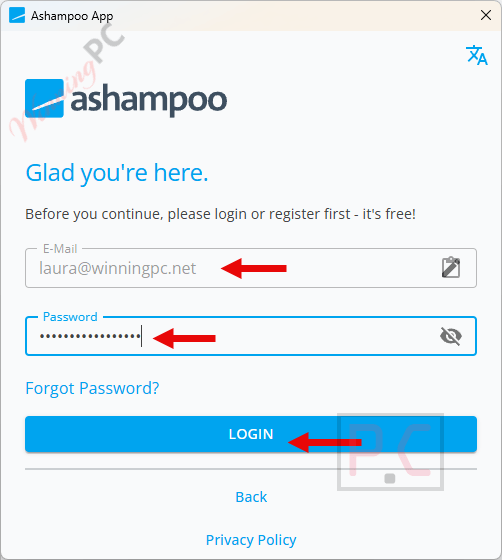
- Get the free Ashampoo App. Download and install it from ashampoo.com if you don’t have it — it’s the installation hub for all Ashampoo products and takes under a minute to set up.
- Log in to your Ashampoo account. Open the Ashampoo App and sign in with your existing account. No account? Create one free at ashampoo.com/en-us/mca.
- Click the giveaway download button on this page. This starts the download process.
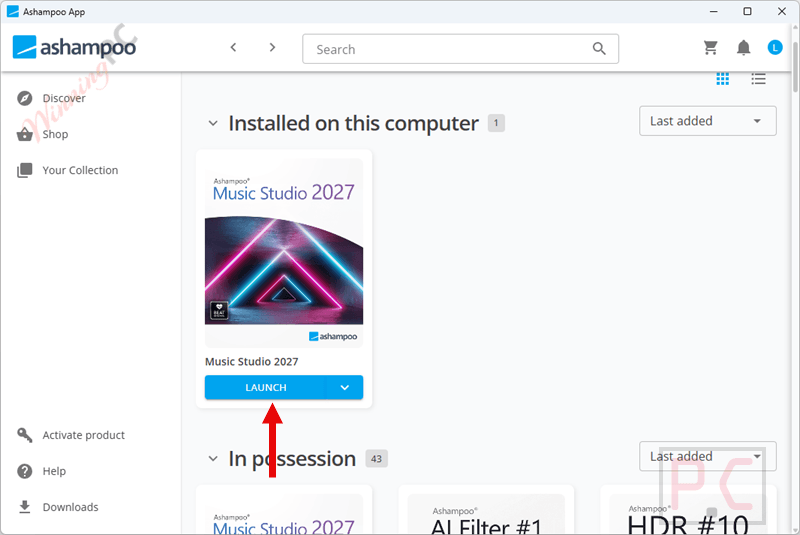
- Trigger the automatic install. With the Ashampoo App still open, click the giveaway download link a second time. Music Studio 2027 installs automatically through the App – no separate installer to run.
- Launch and you’re done. Open Ashampoo Music Studio 2027. Your Lifetime license activates automatically through your logged-in account; no key to copy or paste.
Ashampoo Music Studio Review & Features
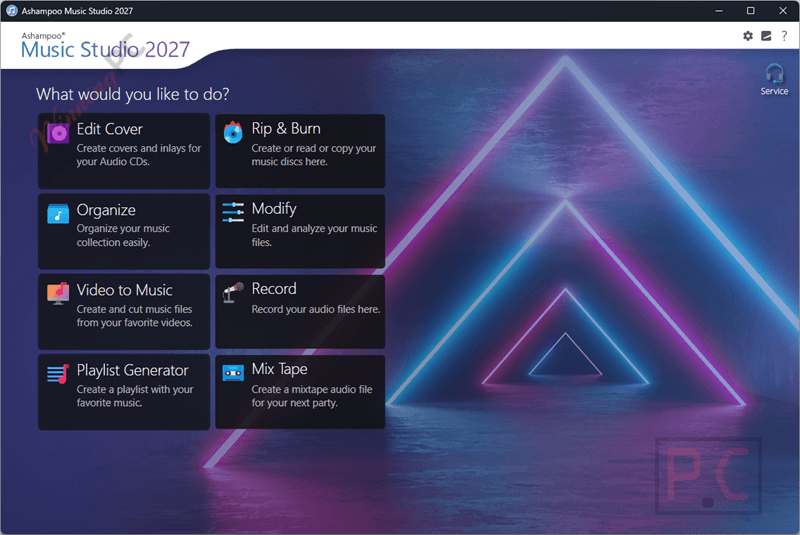
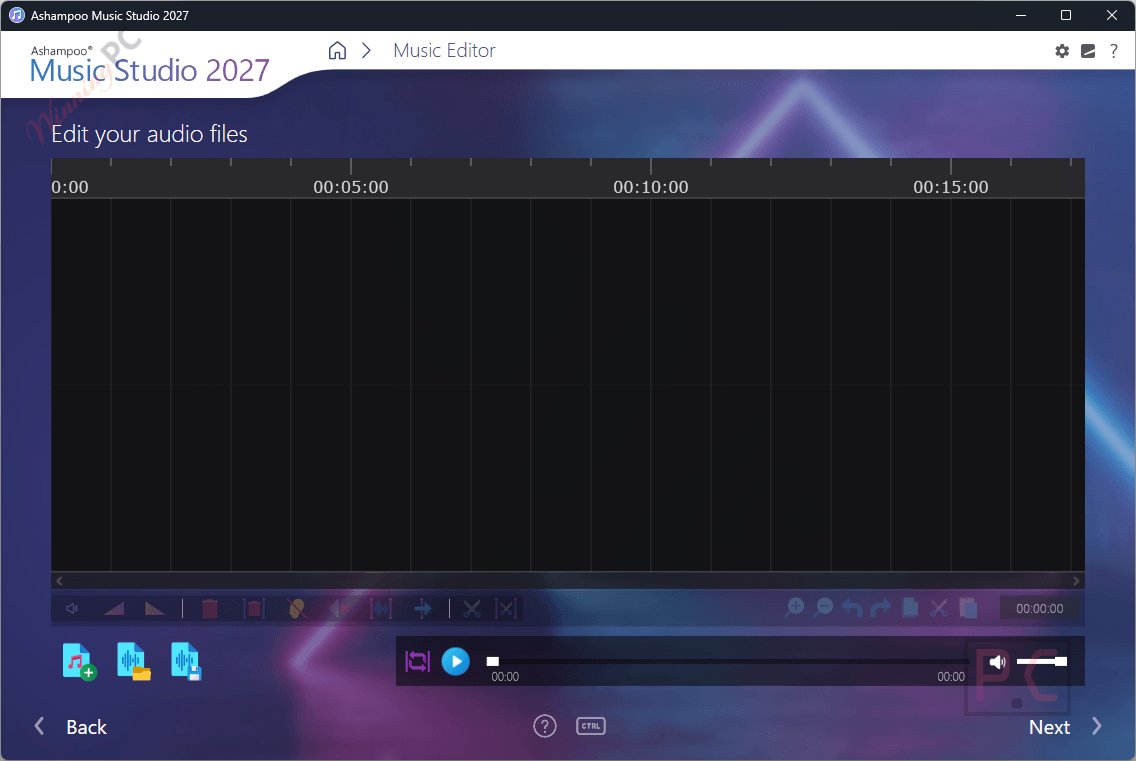
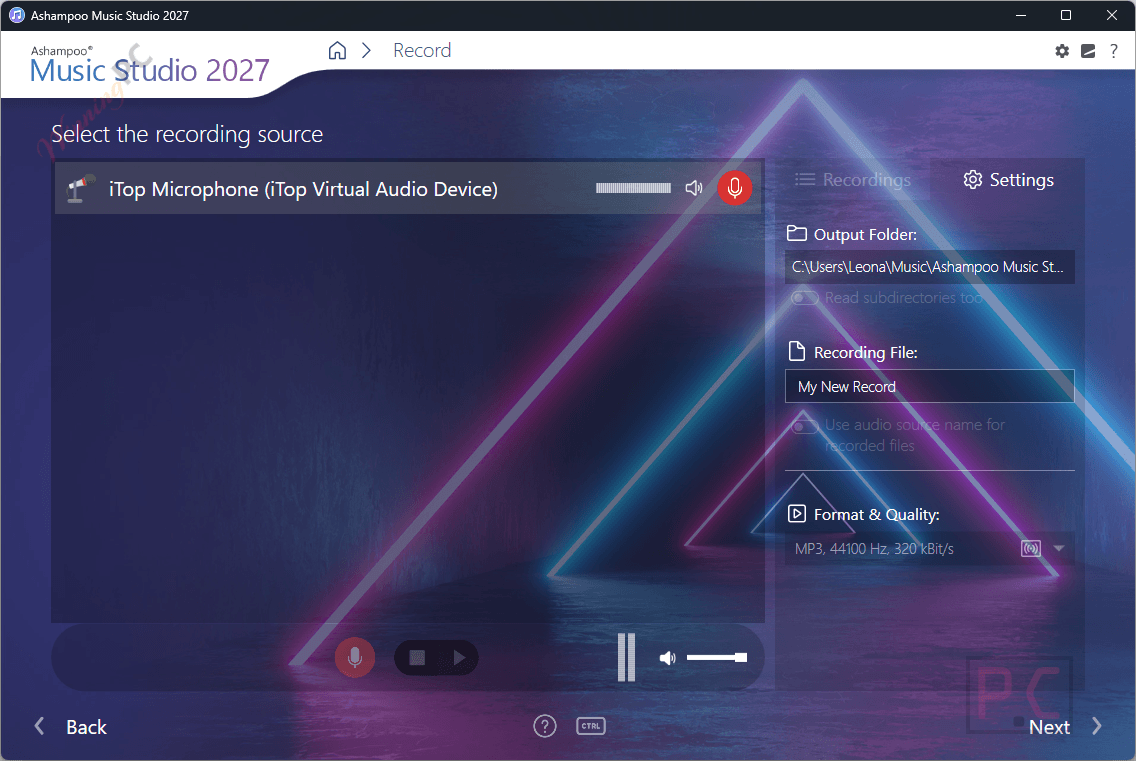
The case for Ashampoo Music Studio 2027 is breadth. This isn’t a tool for someone producing music professionally – Audacity will run circles around it for serious editing. But for home users who want to rip a box of old CDs, clean up a chaotic file library, build a device-friendly playlist, and create a decent cover for a disc image, it handles all of that without making you switch apps or watch tutorials. The CD ripper pulls track names and cover art from an online database automatically, which is the kind of detail that saves real time when you’re processing two dozen albums. The audio editor handles the basics cleanly: crop, cut, volume normalization, muting sections. And the recorder lets you capture from a microphone or line-in source directly, which is a genuinely useful addition at this price point.
Key features
- CD ripping with automatic track naming and cover art from an online music database.
- Audio editing: crop, cut, volume adjustment, normalization, and section muting.
- Mixtape creator with configurable transitions, fades, and multi-format export.
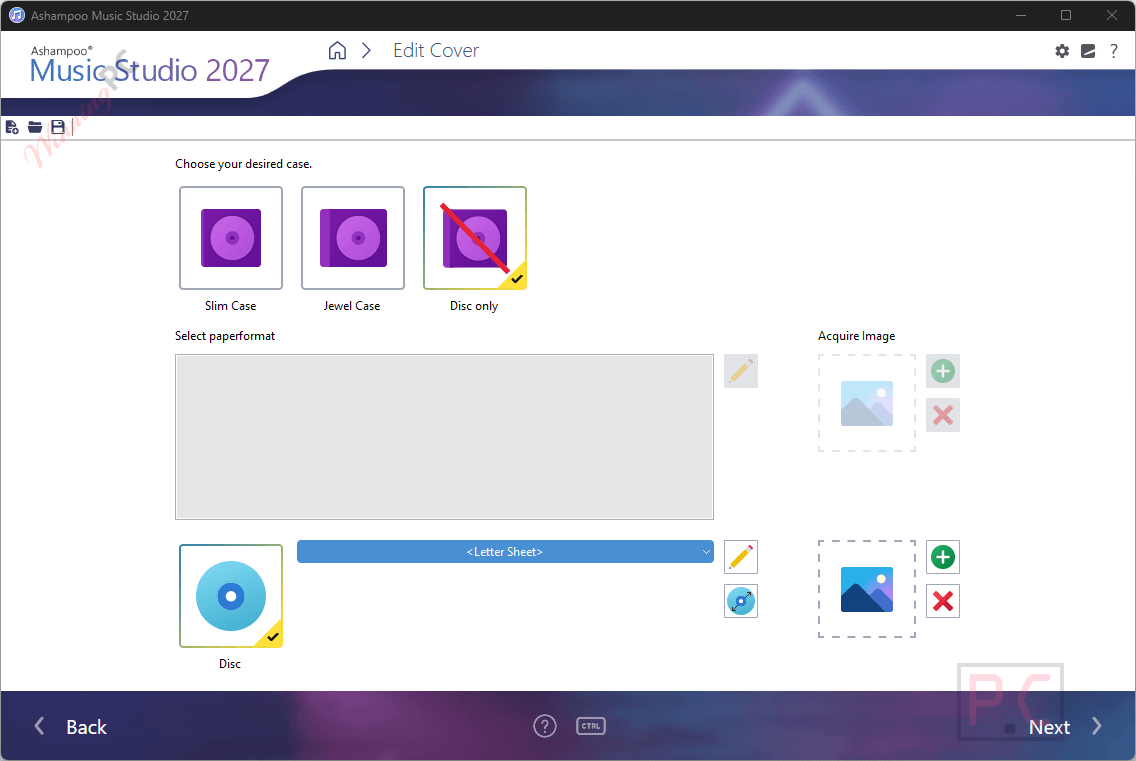
- Cover designer for CD/DVD cases – includes templates and a mosaic auto-function.
- Playlist creation in M3U, PLS, WPL, XSPF, and other common audio formats.
- Video audio extraction: pull the soundtrack from a video file and save it as audio.
- Metadata editor and smart auto-renaming using customizable file naming schemes.
- Audio recorder for capturing from a microphone or line-in source.
pros & cons
more Ashampoo Music Studio screenshots!
Frequently Asked Questions
Does the Ashampoo Music Studio 2027 giveaway license expire?
No, the license is lifetime. Once it registers to your Ashampoo account, it stays there permanently. The trade-off is that you keep the 2027 build with no future version upgrades – so what you install now is what you use long-term.
Can I use Ashampoo Music Studio 2027 for commercial or business purposes?
No. The giveaway license is explicitly non-commercial. If you need to use it professionally or in a business context, you’ll need to buy the paid license directly from Ashampoo’s store.
Do I need to share on social media or complete tasks to claim the key?
No. The only requirements are a free Ashampoo account and the Ashampoo App installed on your PC. No social sharing, no survey, no email confirmation beyond the account registration. Both take under two minutes if you’re starting from scratch.
Is Ashampoo Music Studio 2027 compatible with Windows 11?
Yes. The official system requirements list Windows 11 and Windows 10 (64-bit only). It does not support 32-bit Windows or earlier versions such as Windows 7 or 8.
System Requirements & Details
| Operating system | Windows 11, Windows 10 (64-bit only) |
| Internet connection | Required for activation; required for some features |
| Playlist formats | M3U, PLS, WPL, XSPF (confirmed) |
| Other requirements | Free Ashampoo account + Ashampoo App required for activation |




Wynford You don’t have to use the connect app if you don’t want to. Most of the Ashampoo apps I have installed without using the =connect app. What I don’t like is that Ashampoo has a folder for each individual app. Verey wasteful.I got rid of these folders and have only one folder containing all the Ashampoo apps.
I believe Nero does the same thing as Ashampoo having their equivalent of Ashampoo’s Connect app.
I am not happy with Ashampoo lately… forcing you to install their connect when you don’t want it especially if you only have a couple of their apps.