Chris Bruner
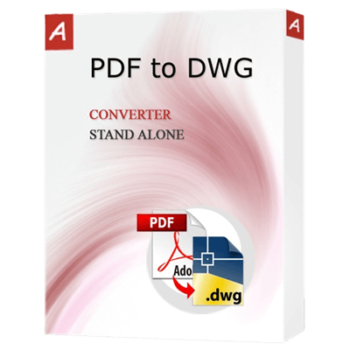
AutoDWG PDF to DWG Converter turns PDF files into editable DWG or DXF CAD drawings. It uses local data processing to safely maintain original elements like lines, arcs, texts, and layers from your source files.
- Status: ✅ Active & Verified
- Last Checked: October 2026
- Offer: Up to 35% Off
- Code: Auto***42
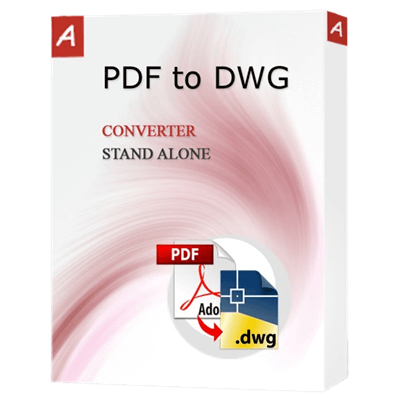
AutoDWG PDF to DWG Converter Standard
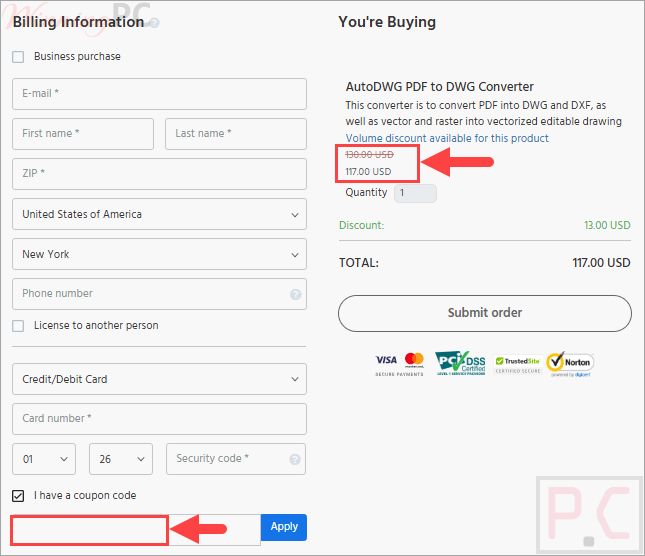
35% off coupon code: regular price $179, discounted price $117
AutoDWG PDF to DWG Converter Pro
10% off coupon code: regular price $229, discounted price $206.10
📄 Licensing & Support Details
- License Types: Standard, Pro.
- Free updates
- Free technical support.
- Secure Payment.
📝 How to apply
Ready to grab this deal? Just click the ‘Copy Code’ button above. We’ll take you straight to checkout so you can apply it and save.
AutoDWG PDF to DWG Converter: Review & Features

Key Features:
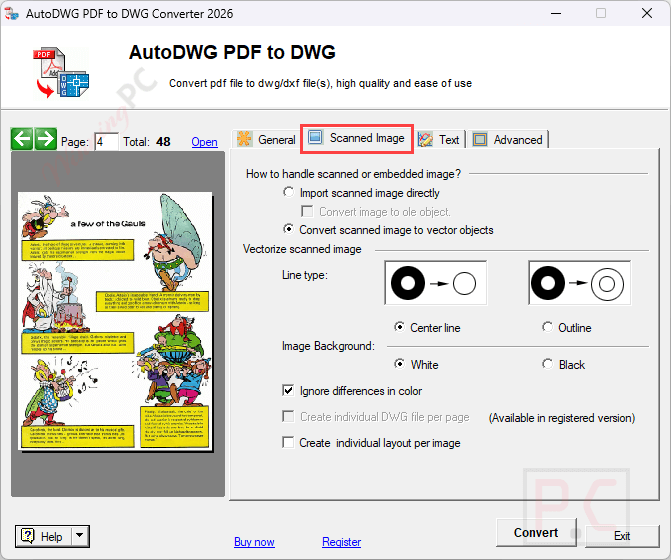
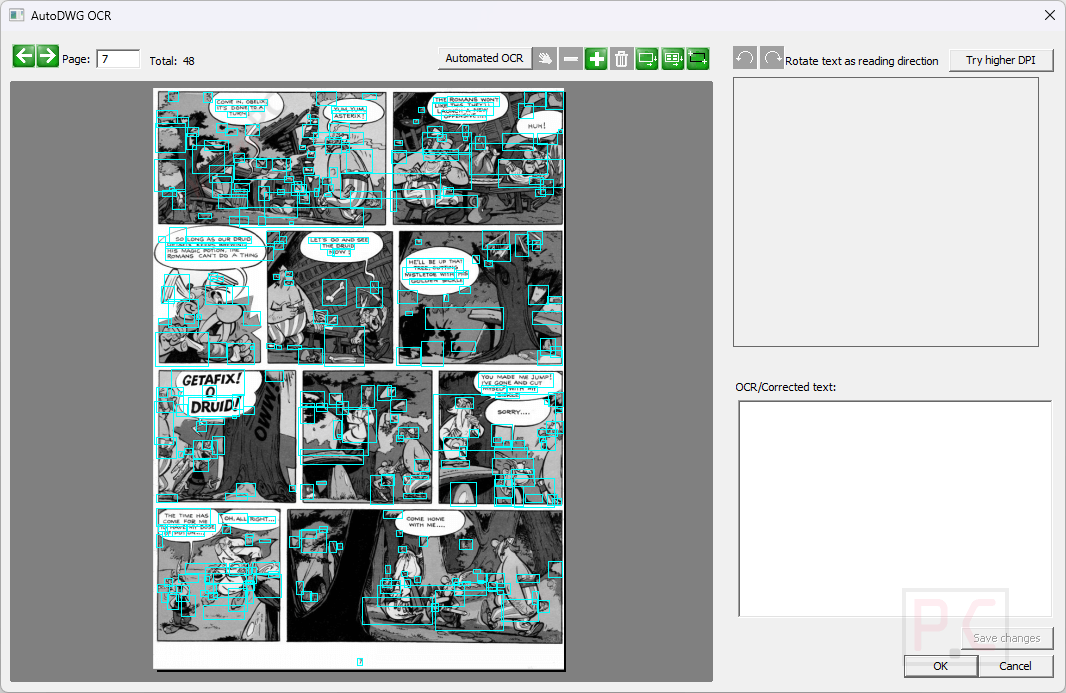
- Smart Object Recognition: Accurately retains arcs and vectors scanned raster images into central or border lines.
- Precise Line Retention: Keeps the exact location, shape, and thickness of the original lines during conversion.
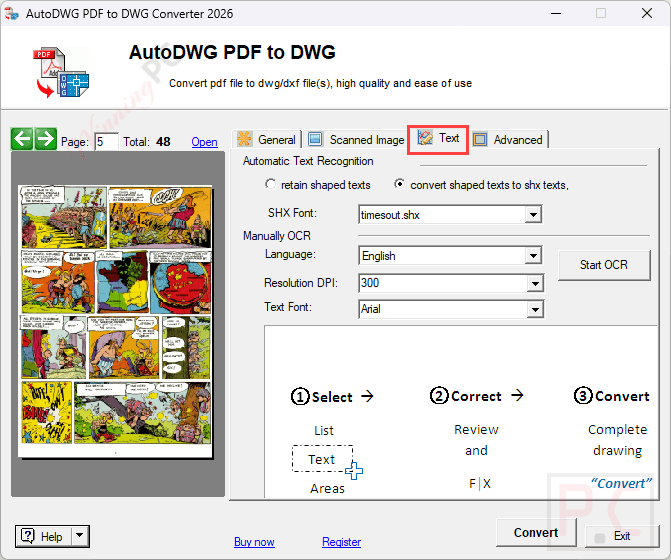
- Selectable Text: Recreates text from the original PDF into the DWG/DXF file, allowing for easy searching and modification.
- Solid and Hatch Processing: Gives you the option to convert solids and hatches or just retain their outer border lines.
- Layer Preservation: Carries over all original layers from the PDF directly into the converted drawing file.
- Batch Conversion: AutoDWG PDF to DWG Converter allows multiple files to be processed simultaneously (requires the Pro version).
Pros & Cons
More Screenshots:

Frequently Asked Questions
Where can I find a coupon code for AutoDWG PDF to DWG Converter?
The latest and best deals can be found on WinningPC, alongside the official software website or the developer’s social media channels.
What is the best discount available for AutoDWG PDF to DWG Converter?
The best current discount is 35% OFF for the Standard version and 10% OFF for the Pro version, available directly on WinningPC.
What is the difference between a vector PDF and a raster PDF?
A vector PDF uses math to draw shapes using points and curves, usually created directly from a CAD program, meaning lines stay smooth when zoomed in. A raster PDF is an image made of tiny pixels (like a scanned document or photo), so zooming in reveals jagged edges.
Can I convert an image to a DWG?
Yes, this converter handles raster-to-vector conversion for scanned images. Alternatively, AutoDWG provides a standalone program called VectorNow specifically for converting image formats like BMP, JPG, and PNG to DWG.
How do I convert a PDF to a DXF file instead of DWG?
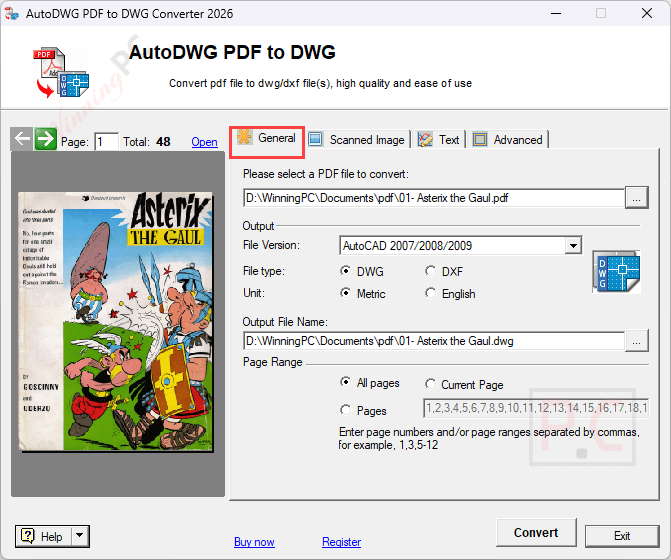
Simply launch the desktop converter, choose your PDF file, select “DXF” as your output format instead of “DWG,” and click the Convert button.
System Requirements & Details
| Language Support | English, Français, Italian, Spanish, Swedish, and more… |
| Operating System | Windows XP, Vista, 7, 8, 10, 11 |
| RAM & Storage | Minimum 1024MB (1GB) RAM; 40MB free hard drive space |
| Supported Input | PDF (Vector and Raster) |
| Supported Output | DWG, DXF |