AVbeam is a specialized audio comparison software designed for Windows and macOS. It is built to save you valuable time by quickly comparing multiple source audio files against target files to find identical or similar segments. This tool is perfect for audio professionals, researchers, content creators, or anyone who needs to detect matching audio, even if the files are only partially matched, offset by time, or distorted.
AVbeam - Windows
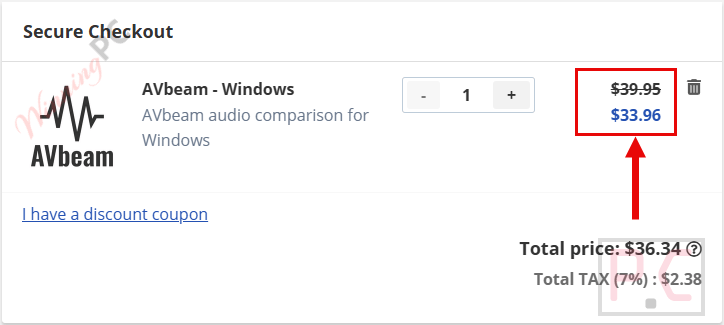
15% discount coupon code, regular price $39.95, discounted price $33.96
AVbeam - macOS
15% discount coupon code, regular price $39.95, discounted price $33.96
📄 Licensing & Support Details
- License: lifetime (one-time purchase).
- Activation: license key provided.
- Usage: limited PCs per plan.
- Support: included.
- Updates: included for the version.
- Refunds: non-refundable.
📝 How to apply
- Applying this discount is incredibly straightforward. Just click the “Coupon Code” button above to head to the AVbeam checkout page,
- You can enjoy a 15% discount without the need to manually enter any promo codes.
In-Depth Review & Features
Core Features
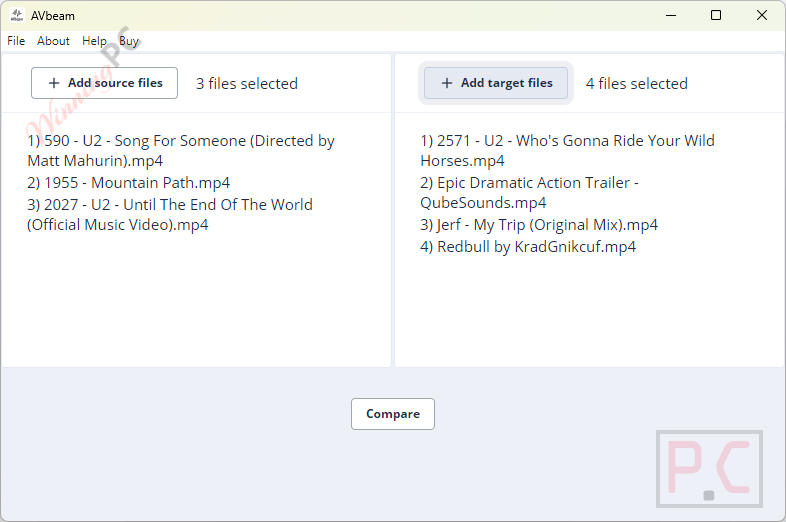
Based on my hands-on experience, here is a clear breakdown of the core features that make this software stand out:
- Automated Multi-File Comparison: Select batches of source and target files to automatically compare and report matching segments, completely eliminating the need for manual review.
- Powerful Partial Matching: Accurately identifies audio similarities despite significant noise, frequency filtering, amplification, damping, or completely different time offsets.
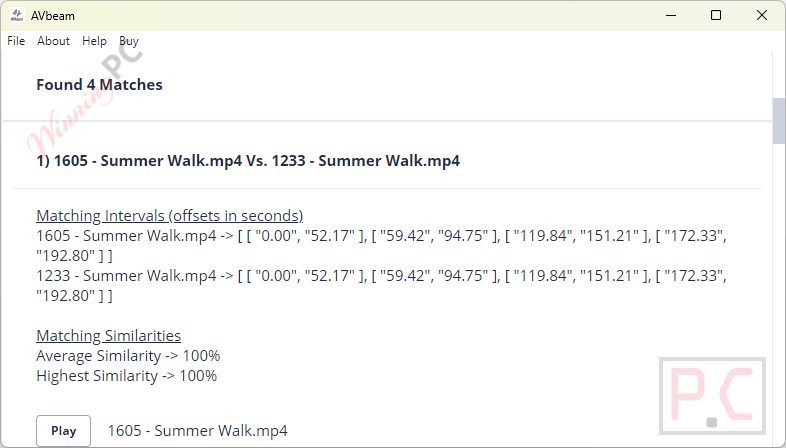
- Advanced Audio Fingerprinting: Utilizes fingerprinting technology to pinpoint exact time offsets and display similarity percentages for precise data analysis.
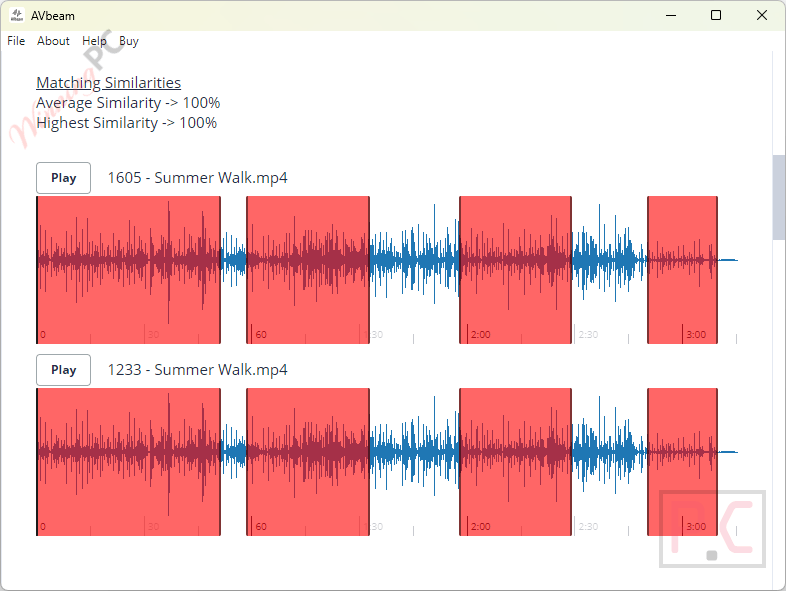
- Built-In Visual Verification: Visually inspect and listen to matched segments directly within the app using the integrated audio player and waveform viewer.
Pros & Cons
More AVbeam screenshots!
Frequently Asked Questions
Where can I find the best coupon code for AVbeam?
At the moment, WinningPC stands out as the finest resource for obtaining a 15% off verified coupon for this specific product.
Can this tool compare more than two files at once?
Absolutely. With its Multi-File Support, you can select multiple source audio files and compare them against multiple target audio files all at the same time.
Do the audio files need to be exactly identical for the software to find a match?
No. It features Partial Audio Matching. This means your files don’t have to match entirely; the software can identify segments that match partially and at different time offsets.
Will the tool still work if my audio file has a lot of background noise?
Yes, it utilizes a robust audio comparison algorithm specifically designed to identify similar audio segments even under significant noise and distortion.
Can it handle audio that has been amplified or damped?
Yes, the software’s algorithm is highly resistant to audio amplifying, audio damping, frequency filtering, and various other common distortions.
What audio formats does the software support?
Thanks to its advanced audio fingerprinting technology, it can identify matching segments in mp3, wav, ogg, and flac audio file formats.
How does the software show me how similar two audio files are?
It displays the similarity level of the matching audio segments as a precise percentage, alongside the exact time offsets of where those matches occur.
Can I listen to the matching audio within the software?
Yes! AVbeam includes a built-in audio player equipped with a waveform viewer, allowing you to visually analyze and listen to the matched segments directly inside the interface.
System Requirements & Details
| Feature | Specifications |
|---|---|
| Supported Operating Systems | Windows, macOS |
| Supported Audio Formats | mp3, wav, ogg, flac |