Chris Bruner
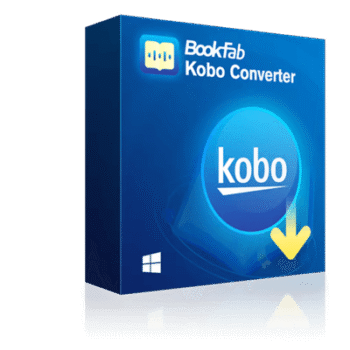
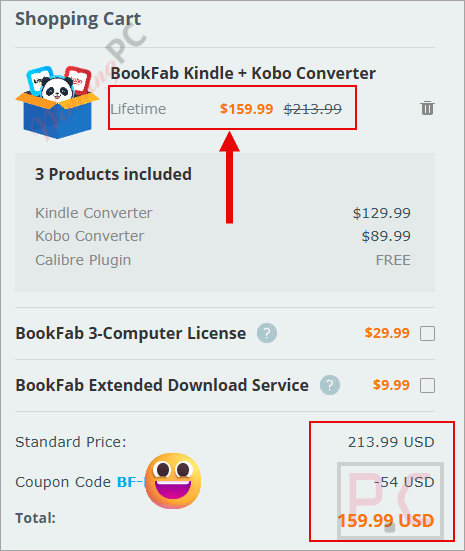
Tired of being locked into a single reading device? You need the BookFab Kobo Converter to actually own the eBooks you buy. The problem is, buying full conversion suites gets expensive fast. We at WinningPC tracked down an exclusive 25% discount on the BookFab Kindle + Kobo Converter bundle, dropping the massive $213.99 price tag down to $159.99.
- Status: ✅ Active & Verified
- Last Checked: October 2026
- Offer: 25% OFF BookFab Kindle + Kobo Converter Bundle

BookFab Kindle + Kobo Converter
25% off coupon code: regular price $213.99, discounted price $159.99
Price Comparison Table
| License Type | Official Price | WinningPC Price | You Save |
| BookFab Kobo Converter (Standalone) | $89.99 | $89.99 | $0 |
| Kindle + Kobo Bundle | $213.99 | $159.99 | $54.00 (25%) |
Redemption Guide
- Click the custom WinningPC deal link provided above to head to the official BookFab checkout.
- Select the “Kindle + Kobo Converter” bundle package.
- Look at your cart total. Because this is an auto-applied promotion, the 25% reduction should already be active.
- If it asks for a code, leave it blank; our link bypasses the need for manual entry.
What is BookFab Kobo Converter?
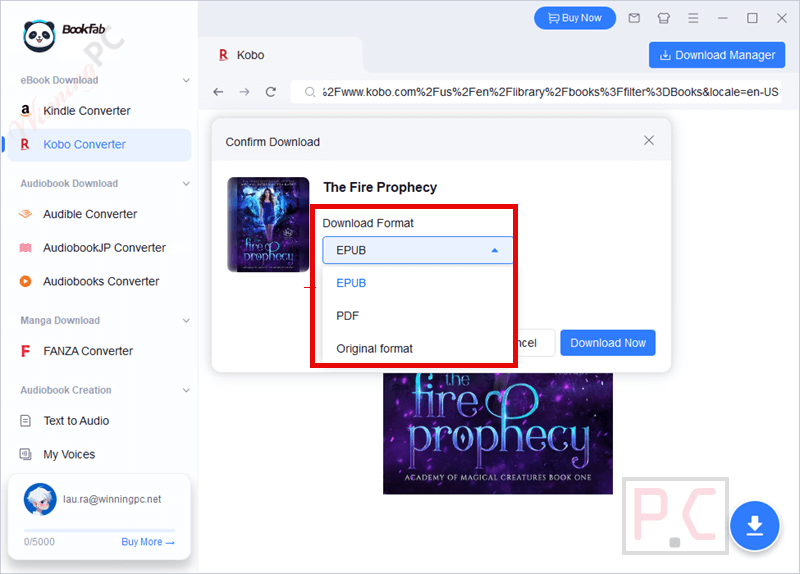
BookFab Kobo Converter is a software tool designed to automatically remove DRM protection from your purchased Kobo eBooks. Breaking these restrictions allows you to convert encrypted Kobo books into DRM-free EPUB or PDF formats.
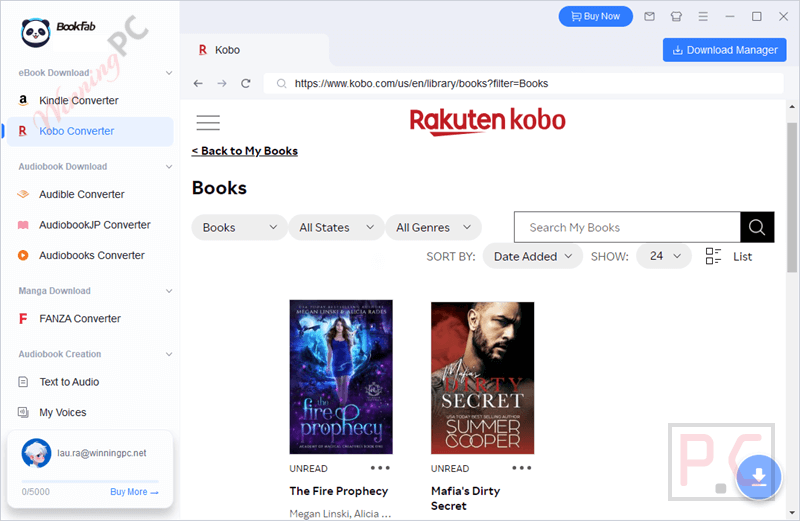
It serves as the ideal companion to Calibre, giving you full ownership of your digital library without vendor lock-in. If you want to read your purchased books freely on any device, app, or platform, whether it’s Apple Books, Adobe Digital Editions, or a standard PDF reader, this tool makes it happen.
In-Depth Review & Features
- Full DRM Removal: BookFab Kobo Converter strips DRM automatically. Instead of being locked into Kobo’s ecosystem, you actually own the files.
- Unprotected EPUB & PDF Conversion: It outputs to standard EPUB and PDF formats, ensuring cross-platform compatibility across major eReaders, mobile apps, and desktop software.
- Calibre Integration: BookFab is built to work with Calibre. You download via BookFab, remove the DRM, and then import the clean EPUB/PDF directly into Calibre for management. (They also have an upcoming Calibre Plugin planned).
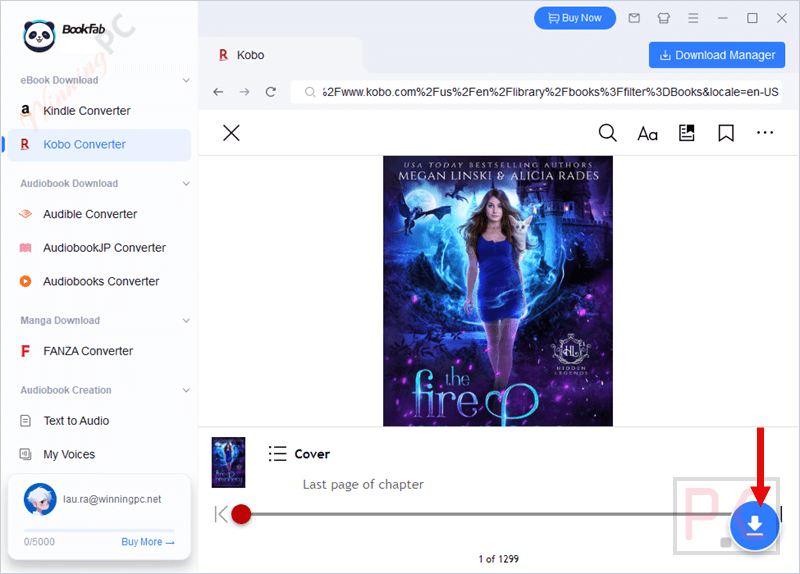
- Built-in Browser: You don’t have to juggle a separate web browser. BookFab has a built-in browser where you log into your Kobo account, find your books, and trigger the download natively.
- Instant Transfer: The conversion engine is built for speed. It handles Kobo to EPUB/PDF conversions in seconds, which is great for large library backups.
- Text to Audio Integration: If you own BookFab Audiobook Creator, the Kobo Converter connects with it. You can push your decrypted eBooks over to generate natural-sounding audiobooks.
Pros & Cons
More BookFab Kobo Converter screenshots
Frequently Asked Questions
Is this the best coupon for BookFab Kobo Converter?
Yes. WinningPC currently offers the highest discount rate available on the market for this software. Activating the bundle deal via our link guarantees the lowest checkout price.
Is it legal to remove DRM from my Kobo eBooks?
BookFab is strictly for personal use. If you own the eBooks and use the converted files for private reading or local backup, fair use is generally allowed in many regions. Always check your local copyright laws.
How exactly do I download my books inside the app?
Launch BookFab, open the Kobo Converter sidebar, and log into Kobo via the built-in browser. Search for your purchased book, open its detail page, select your format (EPUB/PDF/Original), and click “Download Now.”
Can I download Kobo eBooks that I haven’t purchased?
No. Only eBooks that you have legitimately purchased and are tied to your personal Kobo account library can be parsed and downloaded.
What happens if a book fails to download?
If the parser fails, an error popup will appear. Just click “Try Again” to restart it. If it keeps failing, you will need to contact BookFab support.
Can I listen to my Kobo books?
Yes, but it requires an extra step. BookFab Kobo Converter integrates with BookFab Audiobook Creator. You can push the decrypted text to the audiobook software to create an audio version.
What devices can I use to read the converted files?
Anything that supports standard EPUB or PDF. This includes Apple Books, Adobe Digital Editions, Calibre, and practically all third-party Android/iOS reading apps.
Technical Specifications
| OS Supported | Windows 11 / 10 (32 and 64 bits) |
| RAM | 4GB of RAM or above |
| Storage | x40GB of free hard disk space or above |
| Network | Live Internet connection required |