WinningPC
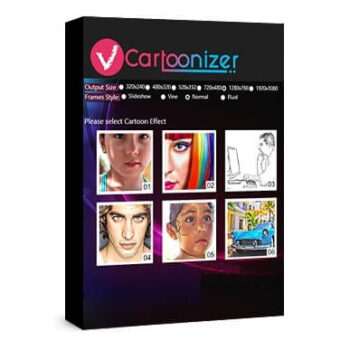
VCartoonizer stands out as an innovative video conversion tool harnessing the power of deep learning algorithms. Its primary function is to convert stock videos stored on your local disk or sourced from websites like YouTube, Vimeo, and Dailymotion into captivating cartoon-like renditions. The software achieves this by meticulously analyzing the video content, distinguishing essential elements such as objects, faces, and background components, and granting users the freedom to pick from an impressive selection of 15 distinctive cartoon effects for a truly personalized transformation.
This remarkable video cartoonization software is equipped with broad output format compatibility, encompassing well-known video file extensions like mp4, flv, mov, and avi. This broad spectrum of supported formats ensures seamless playback across various devices, platforms, and video-sharing services. Furthermore, VCartoonizer extends flexibility to users by allowing them to specify the output video size, spanning from standard 480p resolution to crystal-clear 4K, thus empowering users to create top-tier, high-quality cartoon videos that cater to their unique preferences and requirements.
Top VCartoonizer Alternative: Discount Codes

Wondershare AILab - Video Cartoonizer
AILab video cartoonizer can convert your real-life video into a cartoon instantly in just a few simple clicks.

InVideo - AI Cartoon Video Generator
Prompt your cartoon video idea and our AI cartoon video generator writes the script, adds visuals generated with AI, adds voiceovers, subtitles, music, etc. Create publish-worthy cartoon videos for any topic.

VEED.io - Cartoon Maker
Create animated cartoon videos with VEED’s cartoon maker. Use animated stock videos and animate elements

Mango AI - Free AI Video Cartoonizer
Cartoonize your videos with Mango AI video to cartoon converter. Turn your videos into fun and visually appealing cartoons with different anime styles.
VCartoonizer Features & Screenshots
- VCartoonizer stands as a user-friendly, innovative cartoon creation tool that excels at turning ordinary video content into captivating, one-of-a-kind cartoon videos. This versatile software empowers creators to craft visually engaging content suitable for a wide array of online platforms, including but not limited to YouTube, Vimeo, TikTok, and many others.
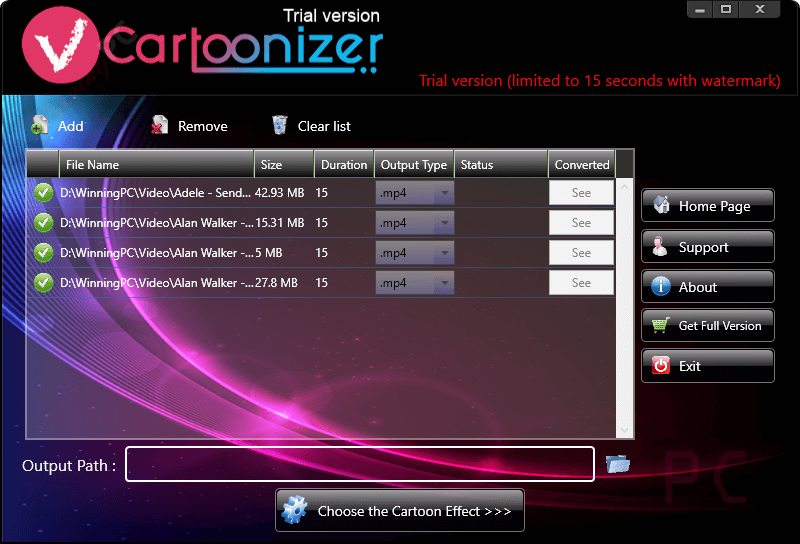
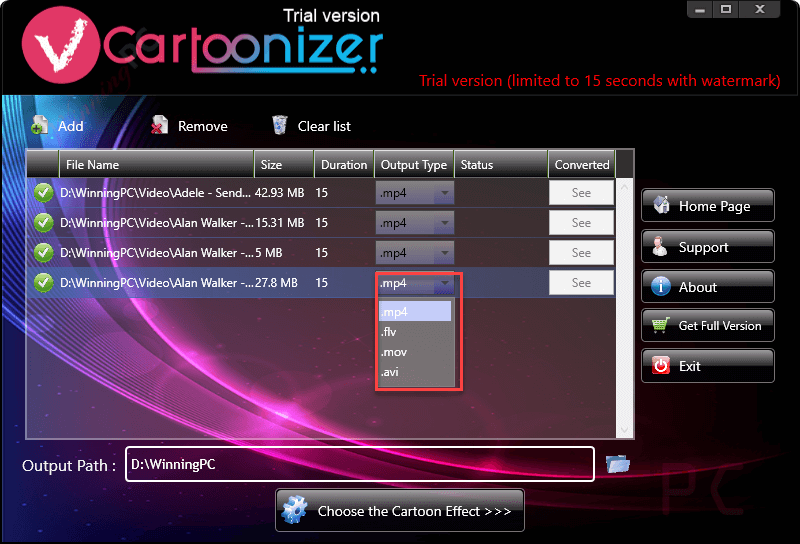
- This video cartoonizer software offers flexibility in choosing the output format for the cartoonized videos. It supports a range of output formats, including popular video file formats such as MP4, AVI, MOV, and FLV ensuring compatibility with various devices and platforms.
- In addition to its remarkable cartoon video creation capabilities, VCartoonizer boasts extensive format support, eliminating the need for format conversion prior to uploading your content. This user-friendly program comes equipped with a versatile selection of 15 distinct effects, ensuring your creative projects are enriched with a wide range of visual enhancements.
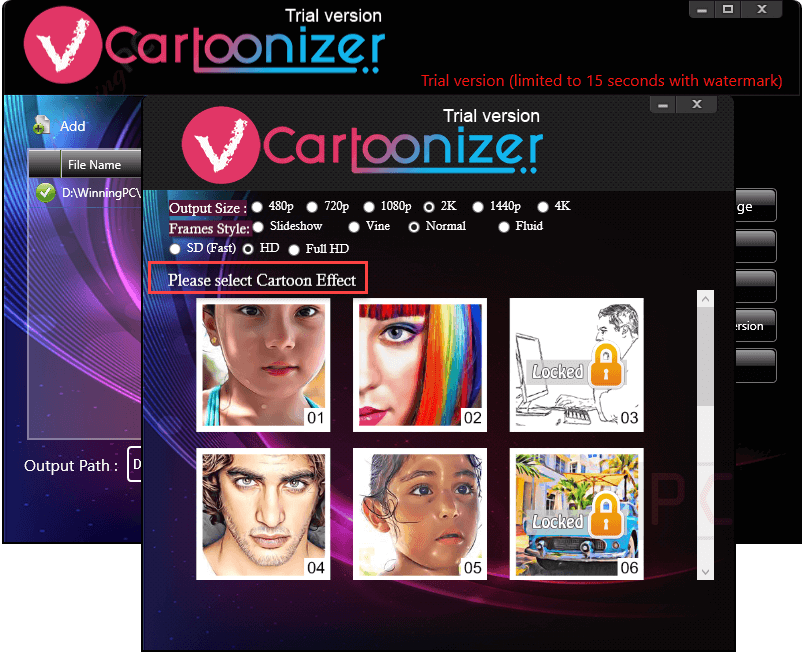
- VCartoonizer further enhances your creative control by allowing you to tailor the output video size according to your preferences. This versatile feature spans from a standard 480p resolution to a stunning 4K, guaranteeing that users can effortlessly craft high-quality cartoon videos with precision and flexibility.
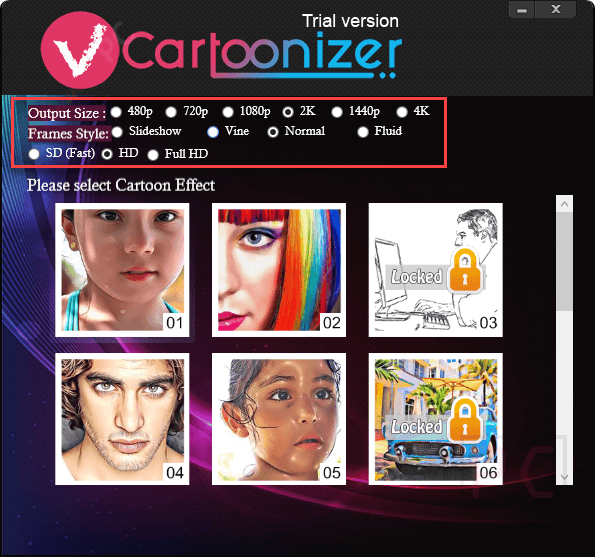
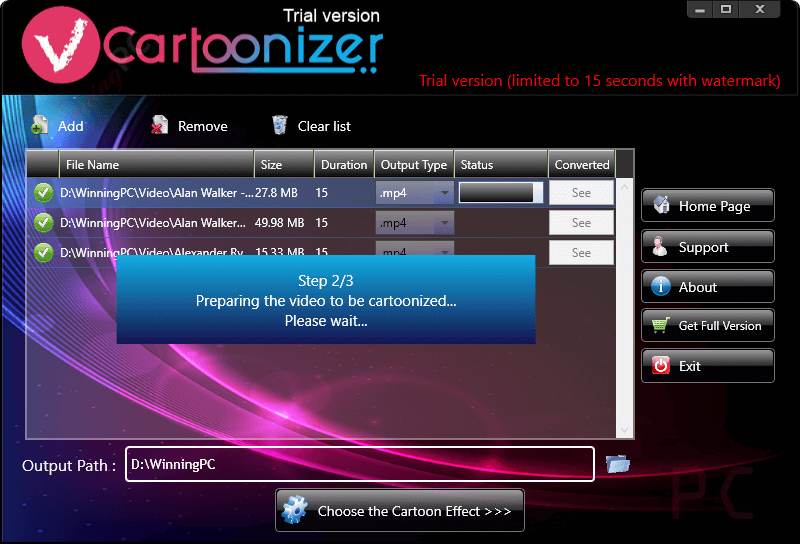
- VCartoonizer presents a seamless and efficient solution for expeditiously rendering and processing videos, effectively saving valuable time. With its advantageous batch-processing feature, you can effortlessly convert multiple videos simultaneously, streamlining your workflow. The software prides itself on its user-friendly interface, offering a variety of frame styles to choose from, including Slideshow, Vine, Normal, and Fluid, allowing you to tailor the visual aesthetics of your project to your exact specifications.
Frequently asked questions
Frequently asked questions
Technical Details
| Language Support | English, Français, Italian, Spanish, Swedish, and more… |
| Money Back Guarantee | 30-Day |
| Operating System | Windows Vista, Windows 7, Windows 8/8.1, Windows 10/11 |
| Shipping | Register code will be sent to your email in minutes |
| Subscription | Lifetime |
| Support Services |