
 Laura Marano
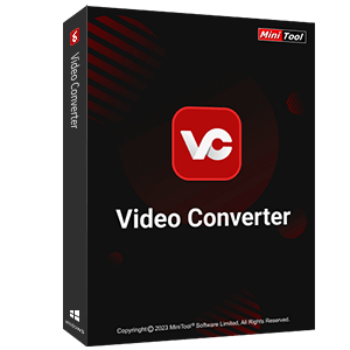
MiniTool Video Converter Pro combines video conversion, downloading, and screen recording into one easy-to-use desktop tool. It allows users to convert video and audio files between a wide range of formats, including MP4, AVI, MKV, MP3, and many others, making playback across devices much simpler. The software also supports downloading videos from popular platforms and saving them in common audio or video formats without quality loss. In addition, it includes a screen recording feature with full-screen and custom-area modes, capturing system sound and microphone audio together, which is useful for tutorials, presentations, and everyday recording needs.
MiniTool Video Converter for Windows
3 plans · best save 42%
Annual Subscription ★ Best Deal
1 license for 1 PC | 12-months free upgrade
MiniTool Software Sitewide Coupon
15% off all MiniTool Software at MiniTool Solutions
MiniTool Video Converter License Key Free Download
- Product name: MiniTool Video Converter Pro v4.5
- Website: https://moviemaker.minitool.com/
- License type: 1-year
- Platform: Windows
- Download: https://cdn2.minitool.com/?p=giveaway&e=vc-giveaway
- License code – last updated: Nov 28, 2025
Click here...
- License code:
07C53D-5CC482-438443-B45541
- License code:
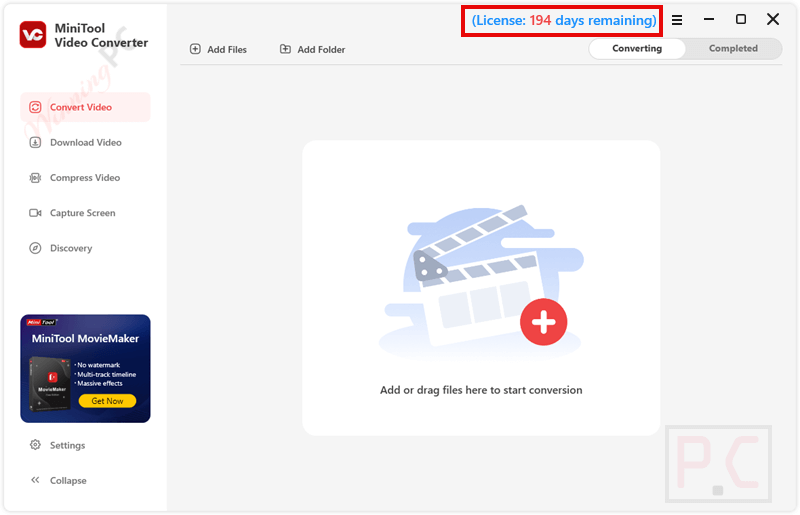
Click on the giveaway download link above to download and install the software on your computer and launch it. Please click on the “Register” button in the main software window, then copy and paste your license code to activate the full functions.
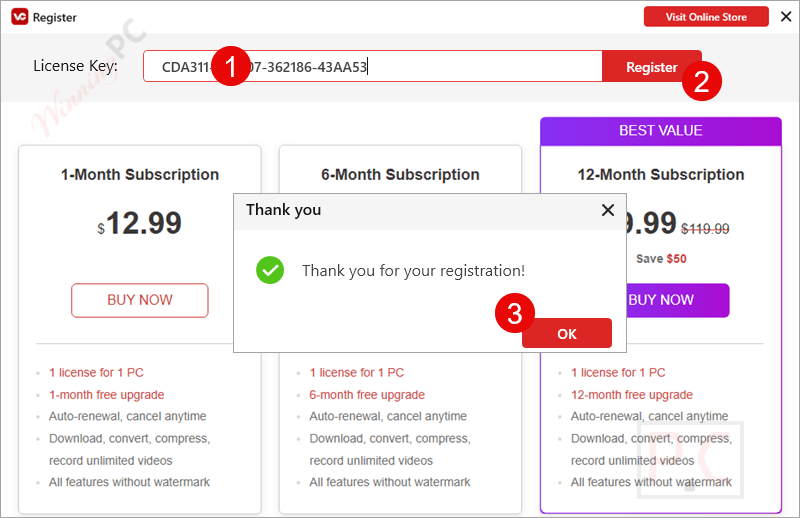
Got it for 6 months free!
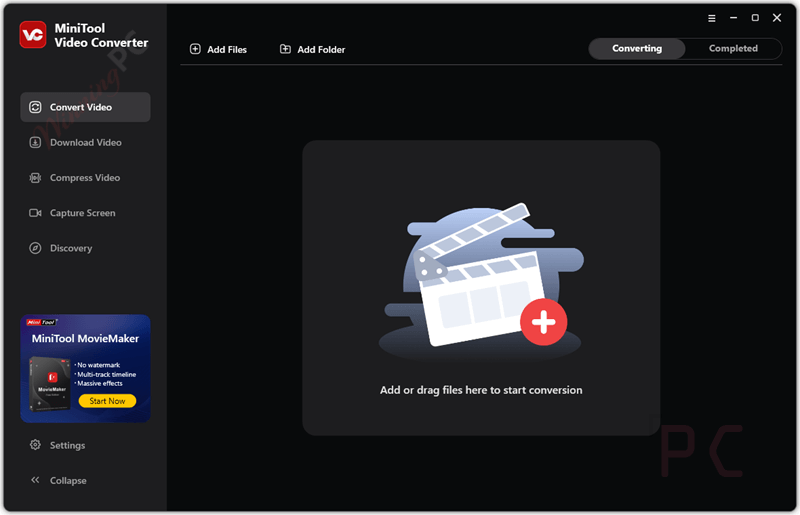
MiniTool Video Converter Pro main screenshot – Dark Theme
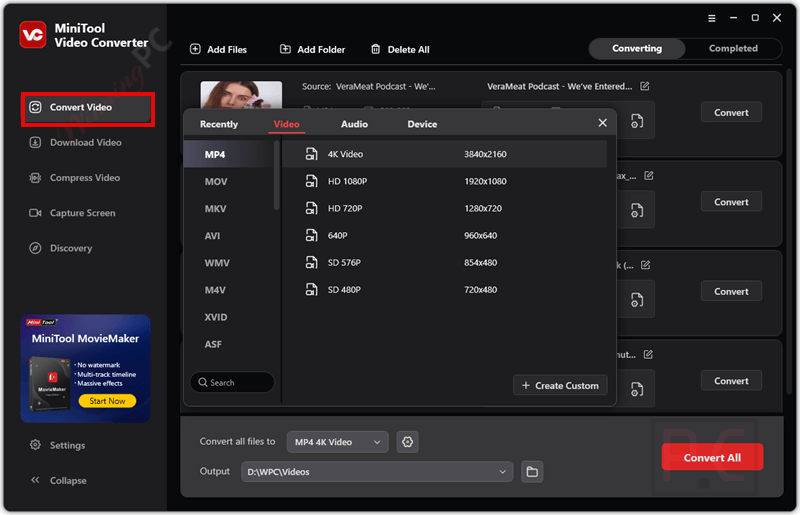
Convert Video
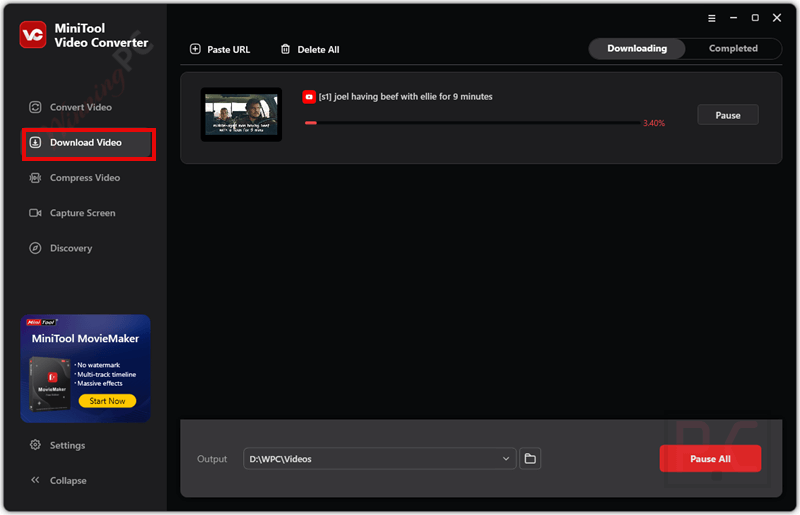
Download Video
Compress Video
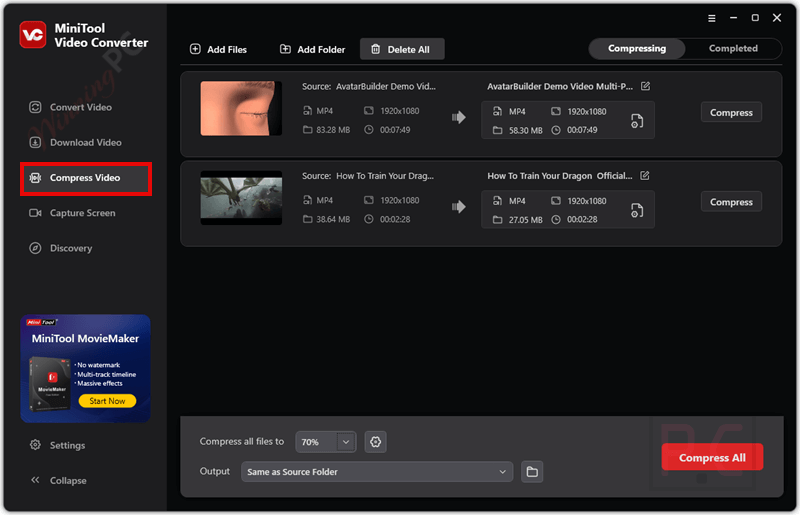
Capture Screen
Main Features
- Convert Between 1000+ Formats: MiniTool Video Converter Pro supports more than 1,000 popular or commonly used video and audio formats in daily life, including MP4, AVI, MKV, MP3, WAV, and many more. This function is useful when converting files for different devices, such as Apple, Samsung, Huawei, and Android devices.
- Download Videos from Popular Websites: A really nice feature is the ability to save videos from all popular video sites. It helps you download videos, audio, and subtitles from various online platforms such as YouTube, Netflix, Hulu, DailyMotion, Vimeo, TikTok, SoundCloud, Facebook, Instagram, Tumblr, etc. for offline viewing and content repurposing.
- Compress Video: This function helps you easily reduce large videos for faster sharing, uploading, or storage while maintaining resolution and clarity. With adjustable compression settings, you can balance between file size and output quality for managing and optimizing your video files.
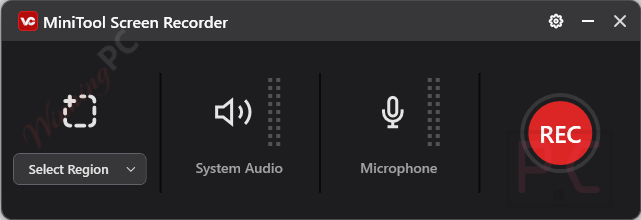
- Record 4K Screen at Original Quality: With the built-in screen recorder, you can capture high-quality screen activities. You are allowed to capture streaming videos, tutorial videos, online meetings, and gameplay in high-quality 4K resolution, and you can include both the system audio and microphone.
- Batch Video Conversion: The batch conversion is provided to help you convert multiple video and audio files at a time with a single click. With its help, you can save time when efficiently converting large collections of media.
- Fast Conversion Speed: Thanks to advanced acceleration technology, MiniTool Video Converter Pro ensures fast conversion speeds while maintaining the original quality of the video or audio file. This means that large files, when converted, will not lose quality.
- Customizable Settings: MiniTool Video Converter Pro provides customizable settings to allow you to adjust output settings such as resolution, bitrate, and frame rate to meet your specific needs.
Frequently Asked Questions
What video and audio formats does MiniTool Video Converter Pro support? I
t supports a wide range of formats, including MP4, AVI, MKV, MOV, MP3, WAV, AAC, and many more.
Can I convert multiple videos at once?
Yes, the software supports batch conversion, allowing you to convert multiple files simultaneously, saving you time and effort.
How does the screen recording feature work?
MiniTool Video Converter Pro includes a screen recording feature that allows you to capture your screen in high-quality 4K resolution, with options to record both system and microphone audio.
Is there a file size limit for conversions?
No, MiniTool Video Converter Pro does not impose a file size limit, allowing you to convert large video and audio files without restrictions.
How do I customize the output settings?
You can adjust parameters such as resolution, bitrate, and frame rate in the settings menu to tailor the output to your specific needs.
Is MiniTool Video Converter Pro free?
MiniTool Video Converter Pro offers a free version with basic features and a Pro version with advanced functionalities. You can use the WininningPC coupon code to get 42% off the Pro version.
Technical Details
| Language Support | English, Français, Italian, Spanish, Swedish, and more… |
| Money Back Guarantee | 30-Day |
| Operating System | Windows 10 (64-bit) and Windows 11 (64-bit) |
| Shipping | Register code will be sent to your email in minutes |
| Subscription | 1-Month, 6-Month, 1-Year |
| Support Services | Email, Tickets, Forums |



The key you sent is expired already. Can i get the new one?
I’m sorry for the inconvenience.
This is a 6-month license for 1,000 users, and it has reached its maximum activation limit.
I got the email for th giveaway but after i downloaded the software. its not intalling. please check the software & update the working one.
Thanks so much ????