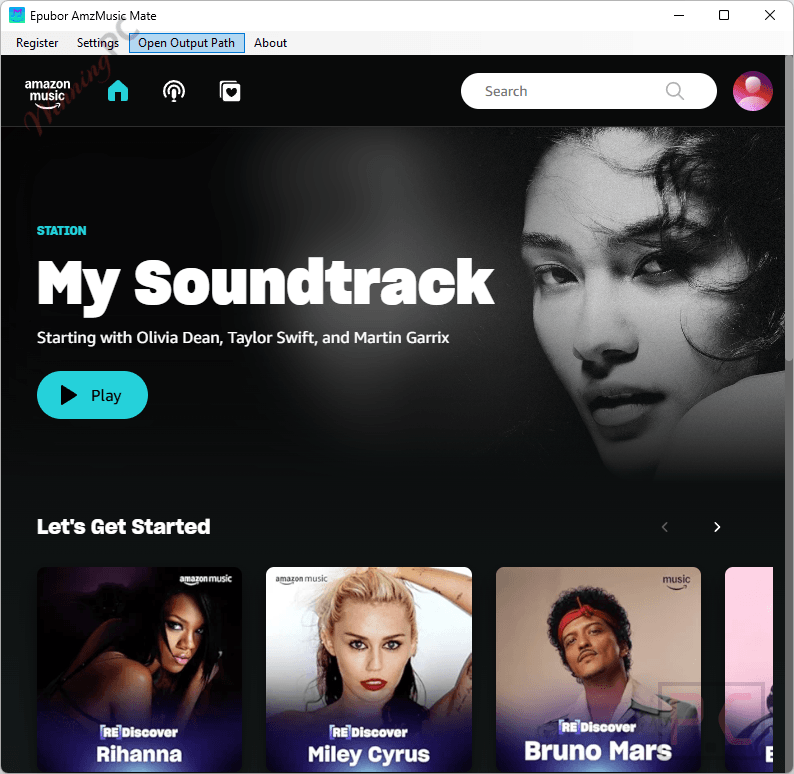
Epubor AmzMusic Mate is a Windows music downloader that lets you back up your favorite playlists from Amazon Music Unlimited or Prime Music to your local computer. It downloads and converts these tracks into high-quality, universally compatible formats so you can listen offline on any device.
Epubor AmzMusic Mate for Windows
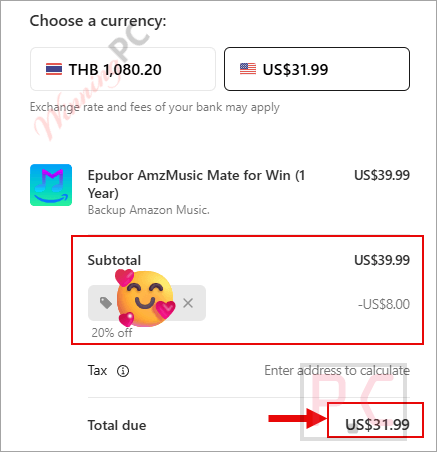
3 plans · best save 20%
📄 Licensing & Support Details
- Support: Free remote assistance and 6 * 12 free after-sale service.
- Guarantee: 30-day 100% money-back guarantee.
- Upgrades: Free version upgrades included during your active license period.
📝 How to apply
- Click the “Coupon Code” button above to head to the Epubor AmzMusic Mate homepage.
- Next, click “BUY NOW” and choose your preferred plan.
- Finally, paste the code into the “Add promotion code” box to apply your discount.
Epubor AmzMusic Mate: In-Depth Review & Features
Key Features
- Downloads playlists and tracks directly from Amazon Music Unlimited and Prime Music.
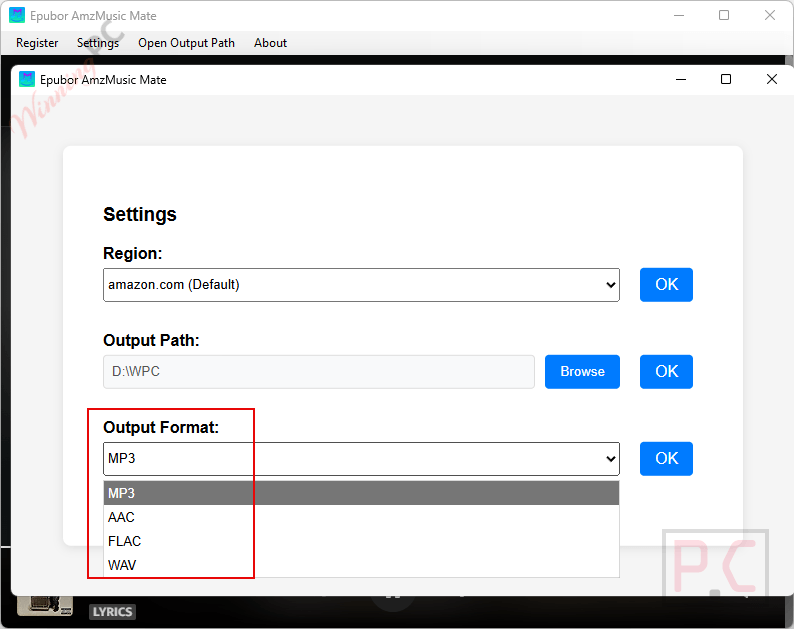
- Converts Amazon tracks into MP3, FLAC, AAC, and WAV formats.
- Retains lossless HD and Ultra HD audio quality.
- Batch download support allows you to queue multiple liked songs or entire playlists at once.
- Up to 20X faster download speeds through improved data processing technology.
- Enables permanent offline playback on any media player.
Pros & Cons
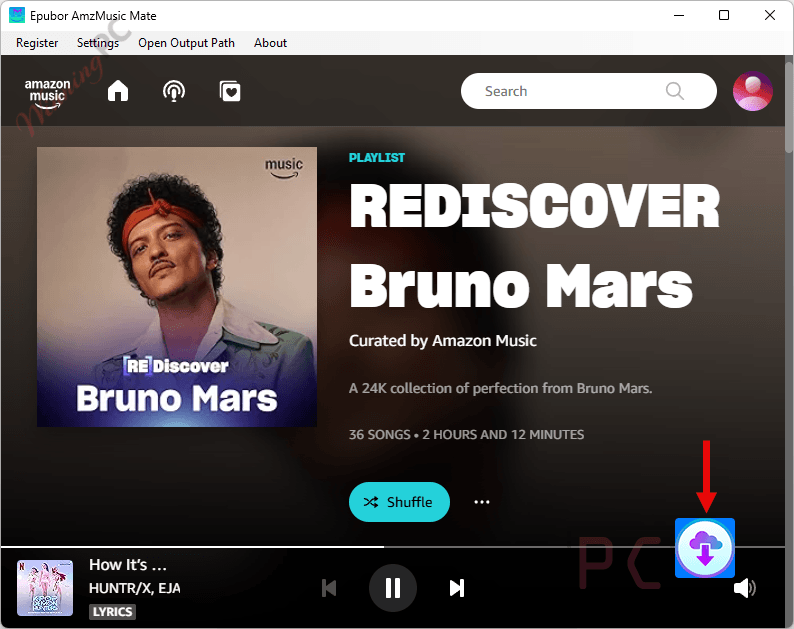
More Epubor AmzMusic Mate screenshots
Settings
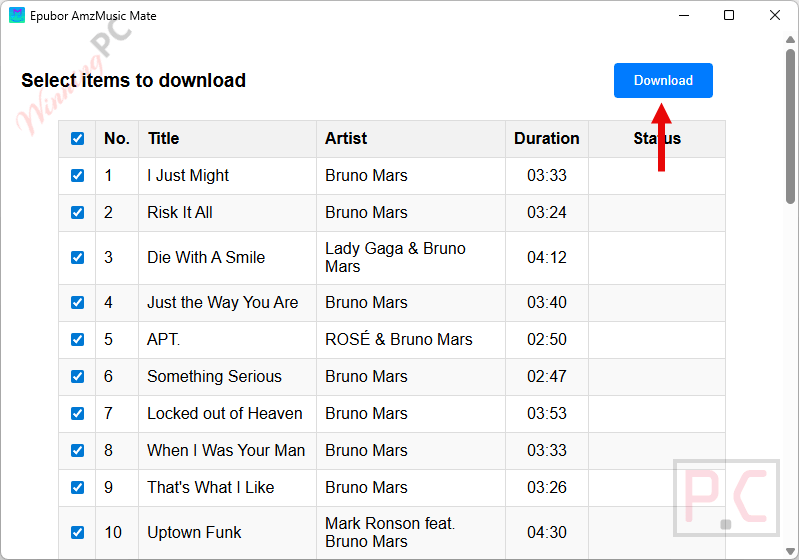
Select items to download
Frequently Asked Questions
Are there any promo codes for Epubor AmzMusic Mate?
Yes, if you are searching for the latest deals on this software, WinningPC is the top spot to check. We partner directly with developers to provide verified promo codes alongside official offers.
What is the lowest price or best savings currently offered for this Amazon music downloader?
Right now, the biggest discount is a full 20% OFF across all license types (1-year, 5-year, and lifetime). You can claim this specific markdown directly on WinningPC using our dedicated coupon codes.
Why are some of my Amazon tracks locked during a batch download?
If you see a locked status, open a different playlist and play any track. Then, return to your original list and try to download the locked song again.
Why does the Amazon sign-in window keep popping up even though I already signed in?
This happens if the region in the app settings doesn’t match the region where your Amazon account was originally registered. Choose the correct region in the app to fix this.
Which output audio formats does this tool actually support?
It converts your Amazon tracks into widely compatible formats, specifically MP3, FLAC, WAV, and AAC.
System Requirements & Details
| Feature | Specifications |
|---|---|
| Language Support | English, Français, Italian, Spanish, Swedish, and more… |
| Operating System | Windows 10, 11 |
| Supported Input | Amazon Music Unlimited, Prime Music playlists |
| Supported Output | MP3, FLAC, AAC, WAV |