On this page
Extreme Picture Finder Coupons & Pricing

Extreme Picture Finder - Standard license
Never expires | 1 year of free software updates
Extreme Picture Finder - Lifetime license
Never expires | All software updates are free
Can you trust this Extreme Picture Finder deal?
Yes. The discount runs through the developer’s own store, and you can test the full program before spending anything.
No crack or keygen
You install the official build from Extreme Internet Software and unlock it with a genuine registration key. Nothing is patched or repackaged.
Official PayPro checkout
Orders are processed by PayPro on behalf of the developer, over a secure connection. Your card details never touch WinningPC.
Full trial first
The 20-day trial isn’t feature-limited, so you’ll know whether it handles your sites before you pay.
Long-running developer
Extreme Internet Software has been making Windows software since 2001, and Extreme Picture Finder is still actively updated.
How to Use the Extreme Picture Finder Coupon Code
Download the free 20-day trial of Extreme Picture Finder from Extreme Internet Software and test it on the sites you actually plan to use. If your browser blocks .exe downloads, the developer also offers the installer as a ZIP or 7z archive. Testing first keeps you eligible for a refund later.
Click the WinningPC deal button on this page to open the official Extreme Picture Finder order page.
Pick the Standard or Lifetime license and check that the WinningPC discount shows in the PayPro cart total.
Pay by credit card, PayPal, bank transfer or another listed method. You can pay in your own currency.
5. Your registration key arrives by email as soon as the payment clears. Enter it in the program you installed in step 1 to unlock the full version.
Extreme Picture Finder Review & Features
Extreme Picture Finder‘s template library is the real reason to pick this over a basic scraper. Most bulk downloaders give you a URL box and leave you to work out which links lead to full-size images and which are thumbnails. Here, hundreds of pre-built templates for popular sites already know that, so on a supported site you mostly paste a link and start. Sites without a template take more fiddling with size, resolution and URL filters, but the controls are there and they’re granular.
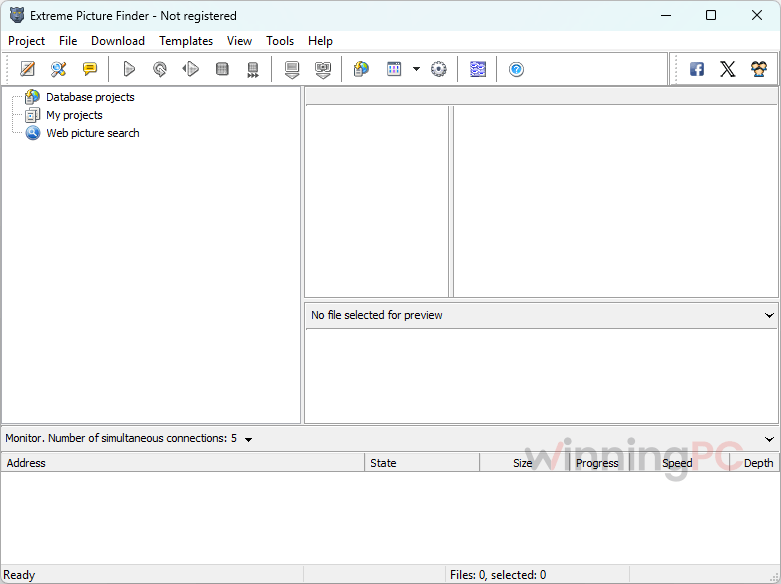
The keyword image search is a nice extra rather than the main event: great for wallpaper hunting, less useful when you need specific images you’re allowed to reuse. And the limit is one every downloader shares. Websites change, social networks especially, so a project that worked last month can need a template update.
Key features
- Ready-made templates and projects: an online library of pre-configured setups for popular websites, with new ones added regularly, so you skip the manual configuration.
- Filters that skip the junk: filter by file size, resolution or URL to drop thumbnails, rename files before saving, and auto-sort everything into subfolders by page title or address.
- Built-in Chromium browser: log in to password-protected sites (with your own password) and get past CAPTCHA pages before the download starts.
- Downloads that survive interruptions: pause and resume anytime without losing progress, and aborted files are re-downloaded automatically.
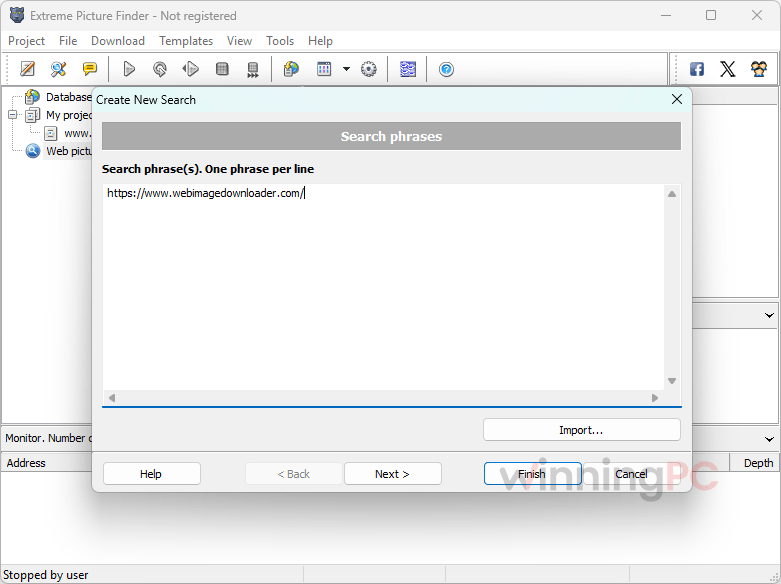
- Keyword image search plus a viewer: type a keyword and choose thumbnails only, hand-picked full-size images, or everything including related images, then browse results in the built-in viewer with slideshow mode.
What we think
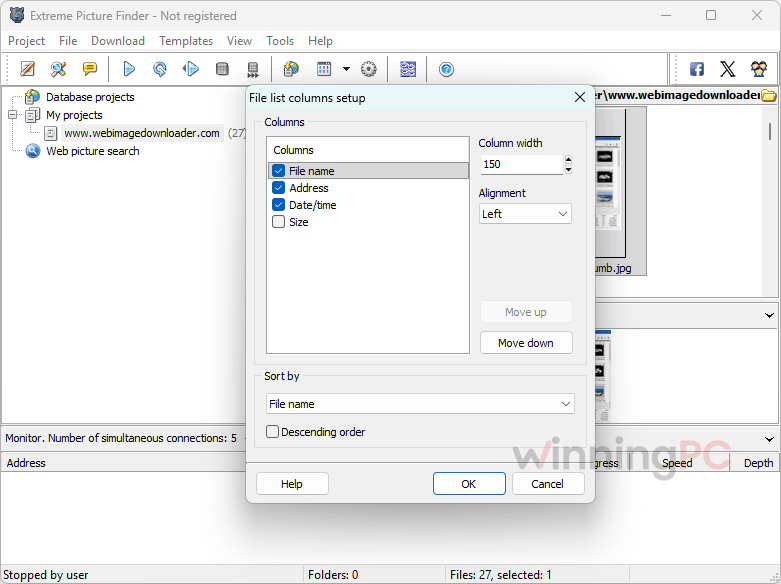
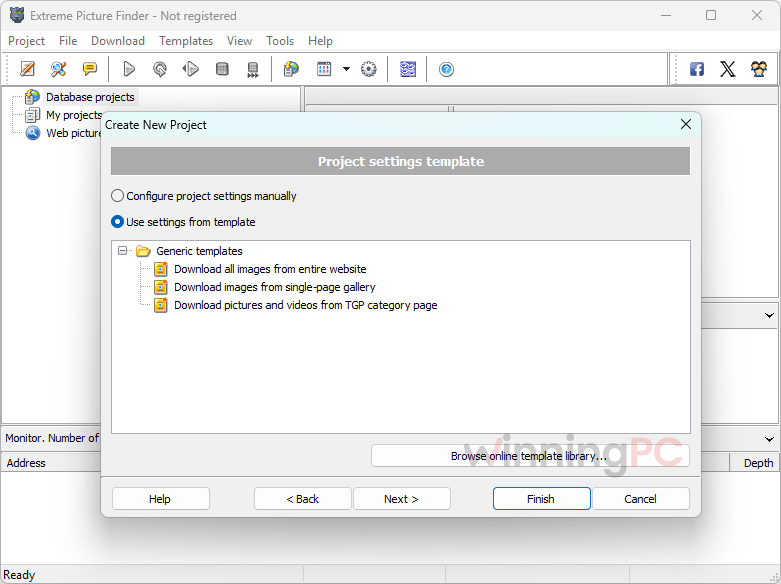
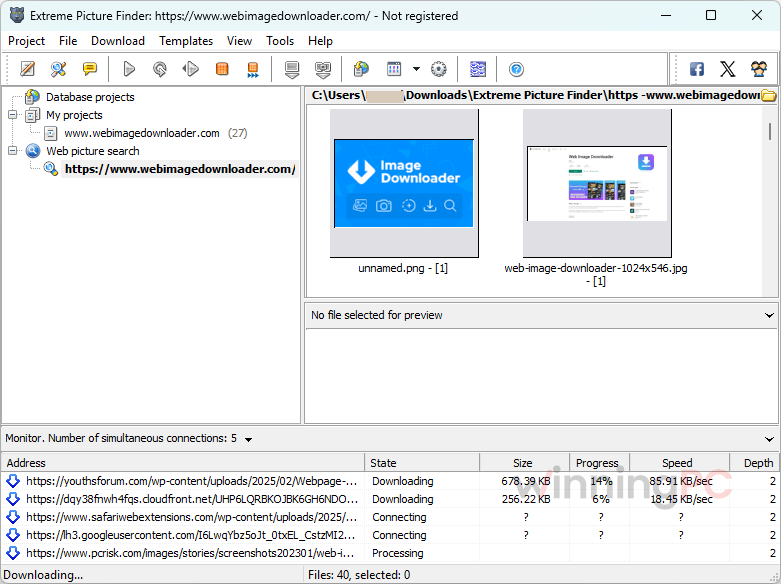
More Extreme Picture Finder Screenshots
Extreme Picture Finder prices and today’s deal
The WinningPC discount is applied when you check out through the deal button on this page. Your final price shows in the PayPro cart before you pay.
| License | Regular price | Payment | Software keeps working | Free updates | Covers | Best for |
|---|---|---|---|---|---|---|
| Standard | $29.95 | One-time | Forever | 1 year, then renewable at a discount | 1 user, up to 2 PCs | One big project or occasional use |
| Lifetime | $49.95 | One-time | Forever | All future updates | 1 user, up to 2 PCs | Daily use, sites that change often |
Worth knowing: the Standard license is sometimes called the “1-Year” license, but the year only applies to updates. The program itself never expires, and there are no recurring charges on either plan.
Extreme Picture Finder vs the alternatives
Not every job needs a paid tool. Here’s how it stacks up, including a free option.
| Tool | Price | Main focus | Platform | Best for |
|---|---|---|---|---|
| Extreme Picture Finder (our pick) | $29 (Standard) / $49.95 (Lifetime) before discount | Images, video and any files; site templates; keyword search | Windows 10 or newer | Power users batch-downloading from many different sites |
| Imaget | $20.96/life | One-click image and GIF downloads from web pages | Windows, Mac | Simpler image grabbing, Mac users |
| Meget Pro | $27.96/life | Video and music download plus conversion (MP4, MKV, MP3 and more) | Windows, Mac, Android | Saving videos and playlists rather than image galleries |
| Vovsoft Picture Downloader | $13.3/life | Finds and downloads images by file extension; no preview | Windows | A cheap, basic image scraper |
| gallery-dl | Free, open source | Command-line downloader for image galleries and many sites | Windows, Mac, Linux | Technical users comfortable with a terminal |
If your main goal is video, Meget Pro is the more focused tool. If you’re on a Mac, Imaget is the closest match. If you live in the terminal, gallery-dl costs nothing.
Frequently Asked Questions
Does the Extreme Picture Finder Standard license stop working after a year?
No. Standard is a one-time payment and the software keeps working forever on the version you have. Only free updates end after 12 months, and the developer offers a discounted renewal if you want new versions after that.
How many computers can I use it on?
Up to 2 PCs for one user, on both the Standard and Lifetime licenses. Handy if you want it on a desktop and a laptop.
Can I get a refund if it doesn’t work on my site?
Yes, within 30 days, but only if you tried the free 20-day trial before buying. The developer is clear on this, so test your target sites first.
Does it work on Windows 7 or 8?
Yes, but only an older version. The latest release needs Windows 10 or newer, so Windows 7, 8 and 8.1 users have to install version 3.63.3, the last build for those systems. There’s no Mac version at all; Mac users should look at Imaget or gallery-dl.
Can Extreme Picture Finder download from sites that need a login?
Yes. Log in through the built-in Chromium browser using your own account, and the program downloads from the protected pages. It can also handle sites that show a CAPTCHA.
Can it download whole video playlists and channels?
Yes. Besides images, it saves videos, music and any other file type, including video playlists and channels, plus media posted in forum threads.
Is it legal to download images with it?
Extreme Picture Finder itself is legal. What you do with the files is the part that matters: downloading for personal viewing or archiving is generally fine, but republishing or selling someone else’s photos usually needs the owner’s permission. Check each site’s terms as well.
How fast do I get my license key?
Right away. PayPro emails your registration key as soon as the payment is processed, and orders are accepted 24/7.
System Requirements & Details
| Field | Value |
|---|---|
| Operating system | Windows 10 or newer |
| Older Windows | Windows 7, 8 and 8.1: version 3.63.3 is the last build that runs on them |
| Latest version | 3.72.6 |
| Installer size | 120 MB |
| Free disk space | About 330 MB |
| Processor / RAM | No additional requirements listed by the developer |
| Download options | Standard installer, or a ZIP / 7z archive if your browser blocks .exe files |
| What it can download | Images, video, music and any other file type |
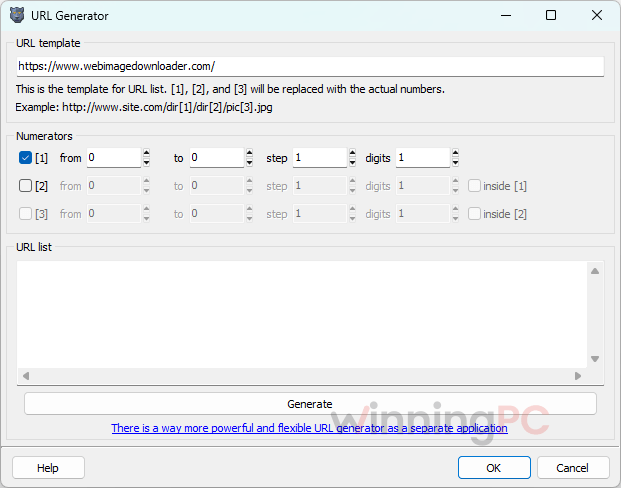
| Supported sources | Photo galleries, site categories, video playlists and channels, forum threads, URL lists (fusker links), X (Twitter), Tumblr, Flickr, Reddit, VK and others |
| Other requirements | Internet connection; your own login for password-protected sites |