Laura Marano
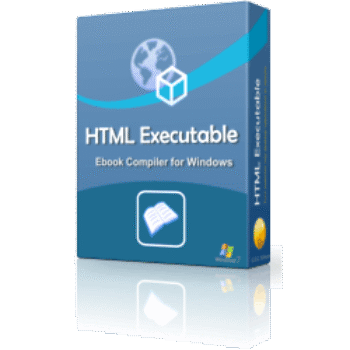
HTML Executable transforms your websites, HTML documents, PDFs, and Microsoft Word files into secure, standalone Windows .exe applications. It acts as a custom web browser to display your content natively, allowing you to quickly distribute protected ebooks, offline documentation, and presentations without requiring your readers to install any external software.
📄 Licensing & Support Details
- License Type: Lifetime license for three options: Personal, Professional, or Commercial.
- Support & Updates: Free major and minor upgrades plus priority email support for the first year. Maintenance can be renewed annually.
- Money-Back Guarantee: Refer to the official refund policy on their website.
📝 How to apply
- Press the “Copy Code” button to apply the coupon automatically and continue to the checkout page, where the discount will be applied.
HTML Executable: In-Depth Review & Features
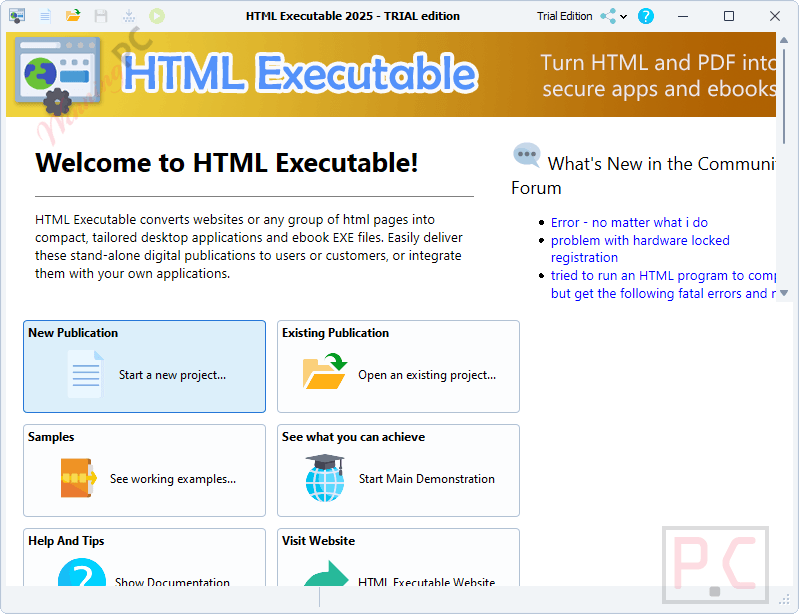
Key Features
- All-in-One Compilation: Packages HTML pages, PDFs, DOCX files, CSS, JavaScript, and media files into a single compressed desktop application.
- Integrated File Viewers: Displays your PDF and Word documents natively within the app, meaning files are never extracted to the user’s hard drive.
- Strict Digital Rights Management (DRM): Stops piracy by letting you lock applications to specific computers using hardware-based keys and online activation servers.
- Anti-Theft Protections: Actively blocks screen recording software, disables the print screen key, and prevents users from copying, selecting, or printing your text.
- Trial Version Builder: Lets you create evaluation editions of your app with set expiration dates, a maximum number of runs, or restricted page access.
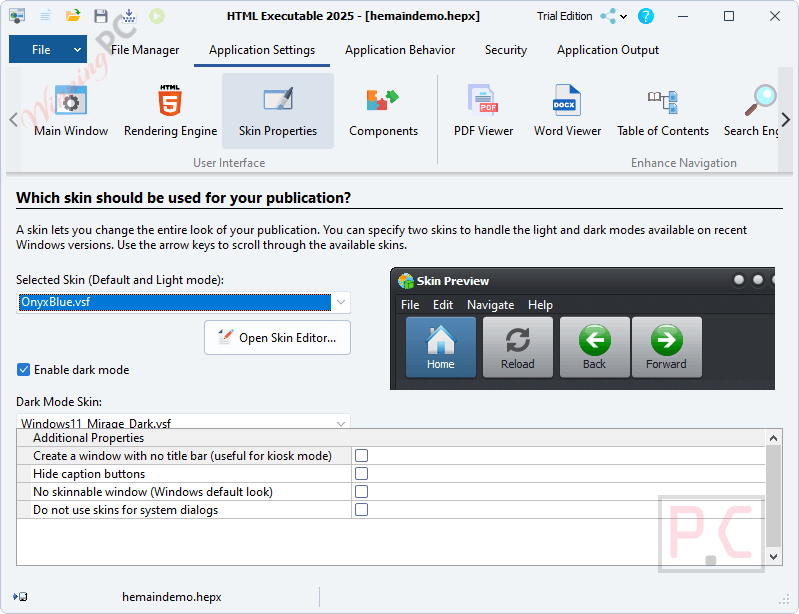
- Interface Customizer: Provides over 80 visual skins and a menu editor so you can match the app’s navigation bar and buttons to your own brand.
- Automated Web Updates: Allows your compiled applications to automatically check for and download new versions from your hosting server.
- Code Signing Integration: Supports Microsoft Authenticode and Azure Trusted Signing so you can digitally sign your executable files for safe distribution.
Pros & Cons
More HTML Executable screenshots
Skin Properties
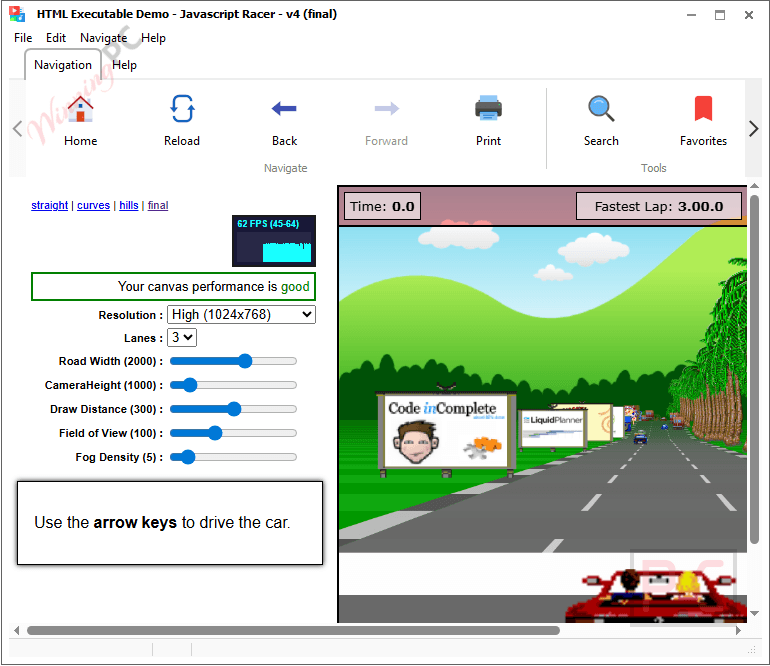
Play HTML5 games
Frequently Asked Questions
Where can I find a coupon or deal for HTML Executable?
The latest and best deals can be found on WinningPC.
Do my users need to install external software to read the PDFs?
No. The software has a built-in PDF engine to read files natively, so your users will not need third-party apps like Adobe Reader or Foxit Reader.
Can I run the compiled applications on Mac?
No. The generated .exe files and the HTML Executable software itself are designed strictly for Windows operating systems (Windows 11, 10, 8.1, 8, and 7).
How does the hardware-locked key work?
It restricts your application so it can only run on a single computer. The software generates a unique system ID based on the user’s hardware, preventing the file from being shared.
Can I stop people from taking screenshots of my content?
Yes. The software uses Windows’ built-in content protection to block screen capture tools. If someone tries to record the screen or use the Snipping Tool, the window will turn black.
Does the software support automatic web updates?
Yes. You can configure your apps to automatically detect and install new updates directly from your web server without needing any third-party tools.
Can I remove the HTML Executable branding from my apps?
Yes, but you need to purchase the “No Branding” option for an additional fee. This allows you to remove the “Built with HTML Executable” watermark from your application’s about box.
System Requirements & Details
| Feature | Specifications |
|---|---|
| Language Support | English |
| Operating System | Windows 11, 10, 8.1, 8 or 7 at least. |
| Hard Disk | About 220 MB free space. More will be required for creating publications. |
| RAM | 1 GB RAM (Recommended: 2 GB RAM or greater). |
| Supported Input | HTML, PDF, DOCX, images, CSS, media, JavaScript, XML |
| Supported Output | Windows executable (.exe) |