Laura Marano

If you’re a .NET developer, you know the struggle: building an application that needs to extract text from images, scans, and PDFs can be a massive headache. Enter Ironsoftware IronOCR, an advanced C# OCR Library featuring an enterprise-grade ML engine that goes far beyond basic text reading to seamlessly handle scans, screenshots, and handwriting.
Status: ✅ Active & Verified
Last Checked: October 2026
Offer: 15% Off

IronOCR Lite License
5% off coupon code: regular price $799, discounted price $759.05
IronOCR Plus License
5% off coupon code: regular price $1,199, discounted price $1,139.05
IronOCR Professional License
10% off coupon code: regular price $2,399, discounted price $2,159.10
IronOCR Unlimited License
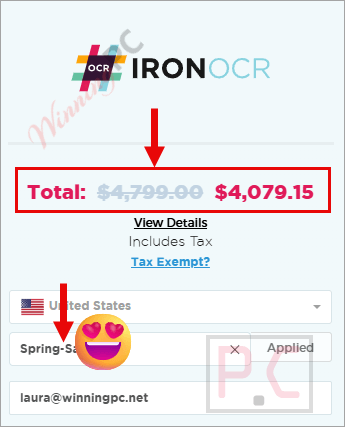
15% off coupon code: regular price $4,799, discounted price $4,079.15
📄 Licensing & Support Details
- Perpetual license – buy once, use forever.
- 24/5 engineer support (24/7 in Premium).
- 30-day money-back guarantee.
📝 How to apply
- Simply click the “Coupon Code” button above, choose your license tier, then click “Buy License.”
- Paste the code into the coupon field, and you will see the discounted price dynamically update at checkout.
What is IronOCR?
IronOCR is a leading C# OCR library designed strictly for developers working within the .NET ecosystem. Whether you are building console, web, or desktop apps, this OCR software provides an advanced Machine Learning engine built on top of Tesseract 5 that extracts text, barcodes, and structured data from images and PDFs. It’s built for enterprise engineering teams and developers who need high-accuracy data extraction without wrestling with complex, manual Tesseract configurations.
In-Depth Review & Features
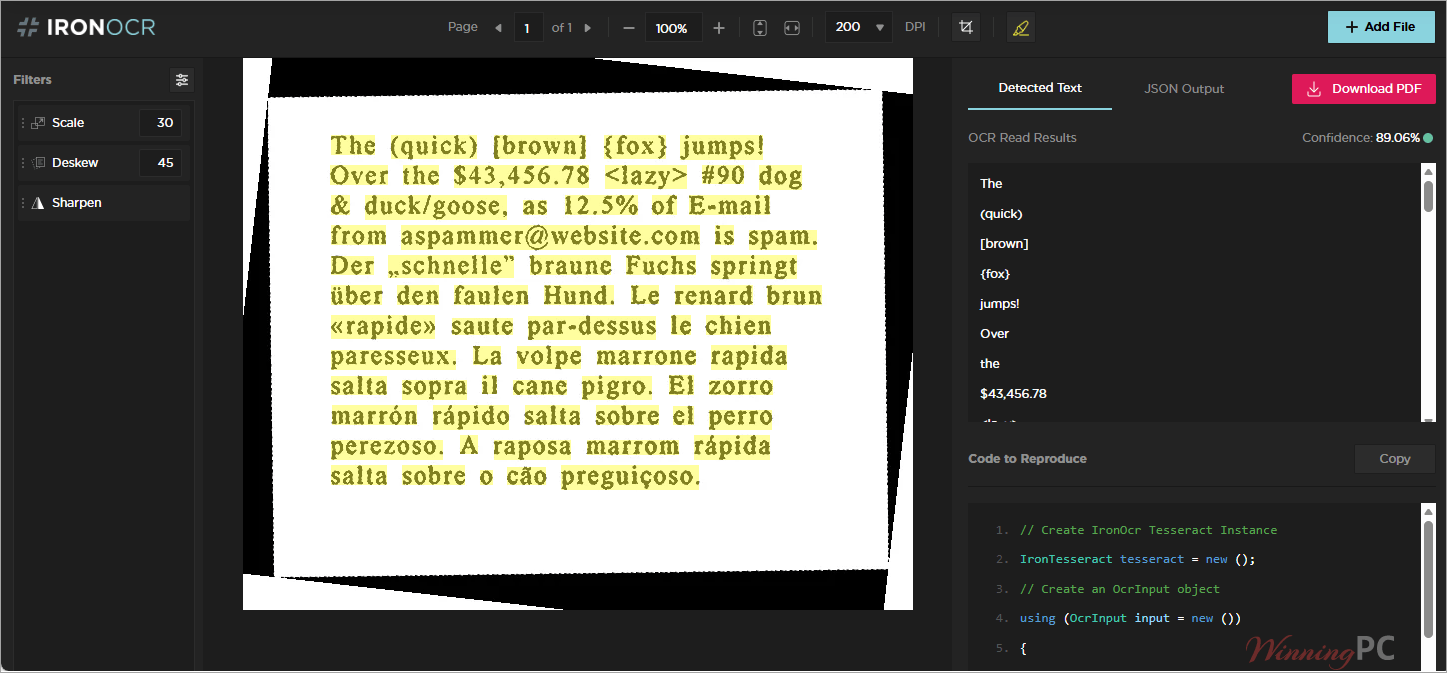
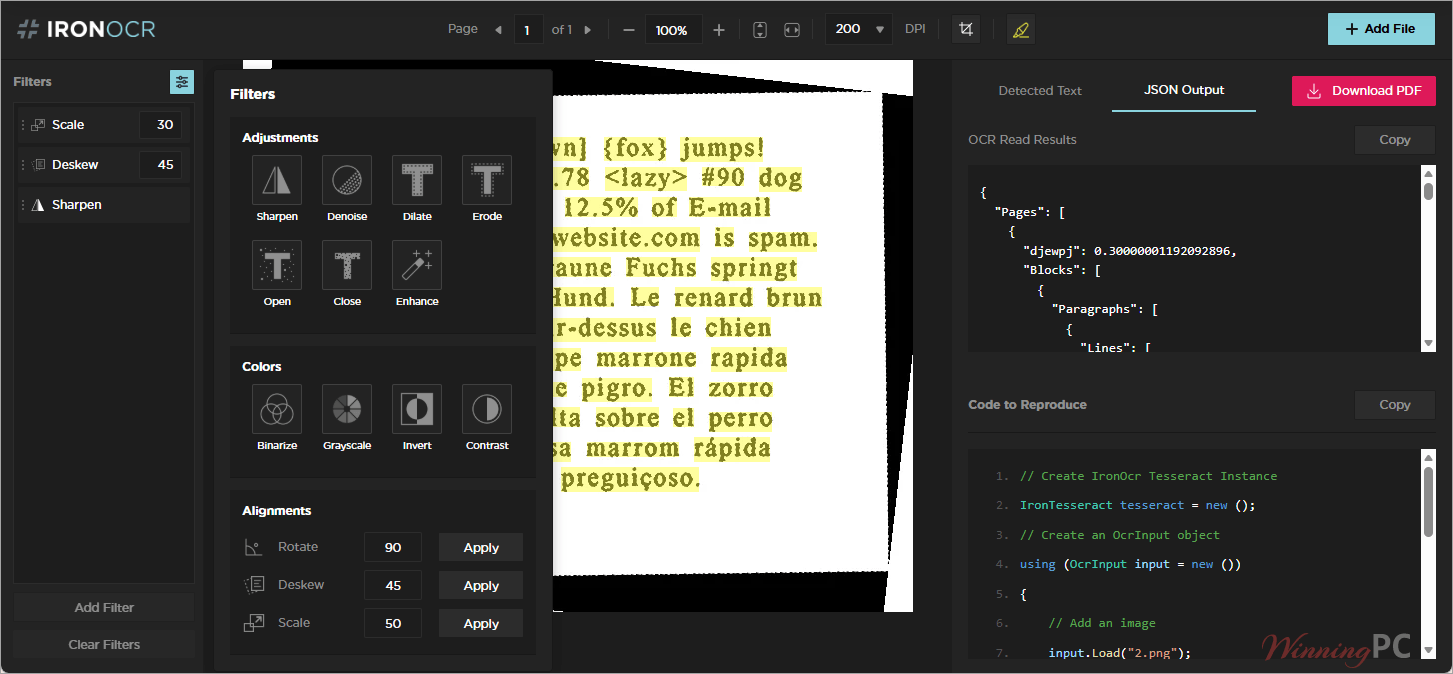
- Advanced Preprocessing Engine: You don’t need manual configurations. It automatically detects text regions, tables, and barcodes. You can also manually apply filters to sharpen, denoise, dilate, erode, rotate, deskew, and scale images to ensure maximum OCR accuracy.
- Massive Language Support: Out-of-the-box support for 125+ languages. I was thrilled to see full support for CJK, Cyrillic, and Arabic, complete with proper RTL (Right-to-Left) and vertical text support. You can even combine multiple language packs in a single OCR operation!
- Specialized Reading & Barcodes: It goes way beyond plain text. You can accurately extract data from specialized formats such as passports (MRZ), checks (MICR), and license plates. It also detects and reads barcodes and QR codes right alongside your text.
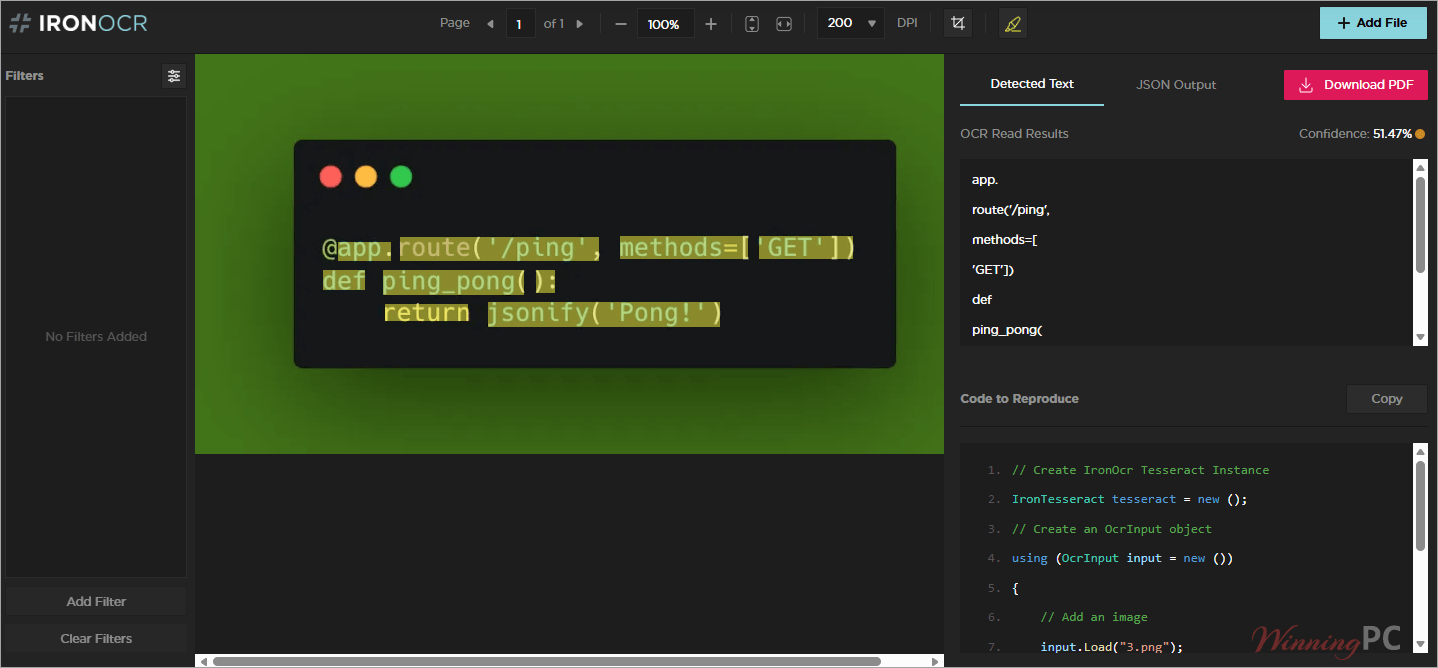
- Granular OCR Results: The API doesn’t just spit out a block of text. You get a full document hierarchy (pages, lines, words) along with bounding boxes, coordinate data, and per-character confidence scores.
- Flexible Data Output: You can export your extracted data exactly how you need it. Options include Searchable PDFs, hOCR, XML, plain text, and structured data (like exporting tables to CSV/Excel or forms to JSON).
- Direct Memory Reading: A massive plus for security and efficiency, it reads directly from byte[] arrays and MemoryStream objects without requiring you to save physical files to disk.
- Cloud & Container Ready: It works flawlessly across platforms, including Docker/Kubernetes, Azure, AWS, and serverless environments.
Pros & Cons
More screenshots
Frequently Asked Questions
Where can I find the best coupon code for IronOCR?
WinningPC is currently the best place to find the verified coupon code for IronOCR, offering the highest and most reliable discount rates (up to 15% off) on the market.
Can IronOCR convert raster image formats into editable text?
Yes! IronOCR can easily convert JPEG, PNG, TIFF, BMP, and GIF formats into editable text via code.
Does IronOCR support multiple languages in a single operation?
Absolutely. You can use multiple language packs together in a single OCR operation, and it supports all 127 Tesseract language packs, including CJK, Cyrillic, and Arabic.
Will I need to manually clean up my images before running OCR?
No. IronOCR includes a Filter Wizard and image filters to automatically sharpen, enhance resolution, denoise, dilate, erode, deskew, and binarize images to improve scan quality.
Does it read directly from memory streams?
Yes, IronOCR reads directly from byte[] arrays and MemoryStream objects, meaning you do not have to save files to a physical disk path first.
Can I get specific data like confidence scores and bounding boxes?
Yes. You can access bounding boxes, confidence scores, and coordinate data for individual characters, words, lines, and paragraphs.
Can it process password-protected PDFs?
Yes, it fully supports processing both multi-page and password-protected scanned PDFs.
Does IronOCR read barcodes?
Yes, the engine detects and reads barcodes and QR codes alongside standard text extraction.
Technical Specifications
| .NET Platforms | .NET 10, 9, 8, 7, 6 & 5; .NET Core; .NET Standard 2; .NET Framework 4.6.2+ |
| Languages | C#, VB.NET, F# |
| Operating Systems | Windows, macOS, Linux |
| Cloud & Containers | Docker, Azure, AWS |
| Supported IDEs | Microsoft Visual Studio, Jetbrains ReSharper & Rider |
| App Types | Console, Web, & Desktop |
| Security | Microsoft Authenticode Binary Certification |