Chris Bruner
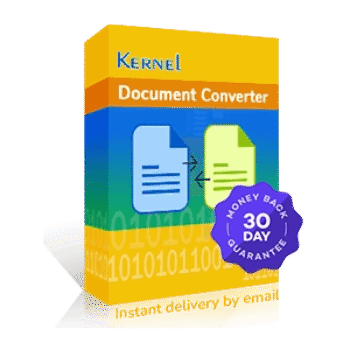
Kernel Document Converter is a document conversion tool built for changing single or multiple files from one format to another.
- Status: ✅ Active & Verified
- Last Checked: October 2026
- Offer: Up to 71% Off
- Code: VW***30
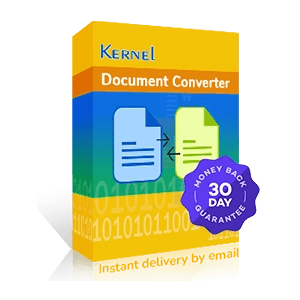
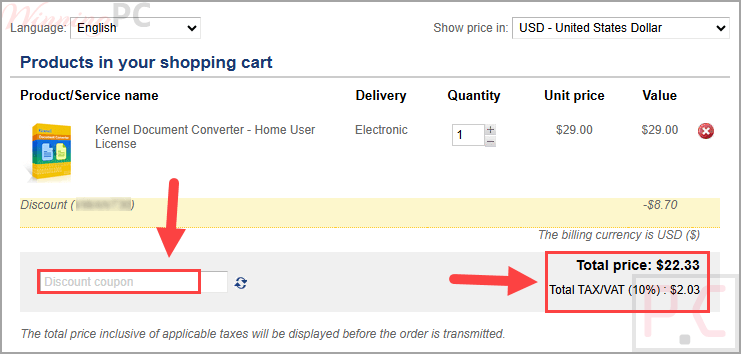
Kernel Document Converter - Home User License
71% off coupon code: regular price $69.0, discounted price $20.3
Kernel Document Converter - Corporate License
65% off: regular price $199.0, discounted price $69.3
Kernel Document Converter - Technician License
48% off: regular price $399.0, discounted price $209.3
📄 Licensing & Support Details
- 30-day money-back guarantee
- Delivery key via email in 15 minutes.
- 24*7 Free technical support (live chat, emails & phone)
- Secure checkout
- For individual use.
- License validity & updates: 1 Year
📝 How to apply
Click “Copy Code” above to continue to checkout, then review the discounted price and finish your order.
What is Kernel Document Converter?
Kernel Document Converter is a document converter software that helps users move files from one format to another without changing the original structure. It supports single-file and bulk conversion, works offline, and can handle formats such as PDF, DOCX, RTF, TXT, HTML, and more.
In-Depth Review & Features
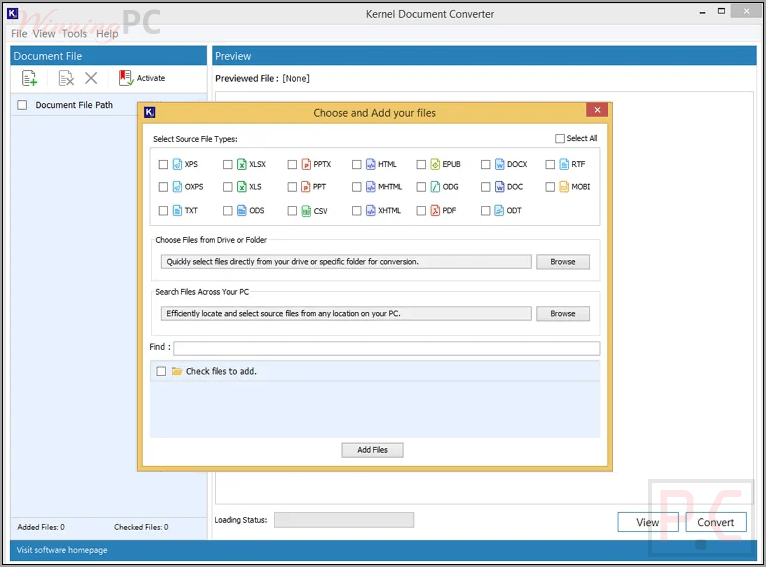
- 20+ format support: works with a wide range of document formats for flexible conversion.
- Bulk conversion: lets you convert multiple files or full folders at the same time.
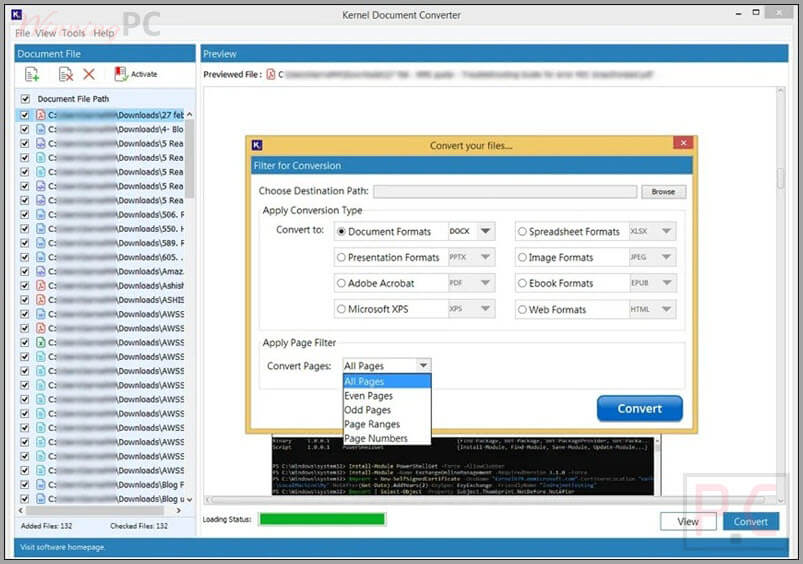
- Document format conversion: converts files into DOC, DOCX, RTF, and TXT.
- Spreadsheet format conversion: supports formats such as XLS, XLSX, ODS, and CSV.
- Image format conversion: exports documents to JPG, PNG, BMP, and TIFF.
- Presentation format conversion: allows export to PPT and PPTX formats.
- Additional format support: includes PDF, EPUB, XPS, OXPS, HTML, and MHTML.
- Formatting preservation: keeps the original layout, fonts, images, and structure intact.
- Selective page filters: supports all pages, even pages, odd pages, page ranges, and page numbers.
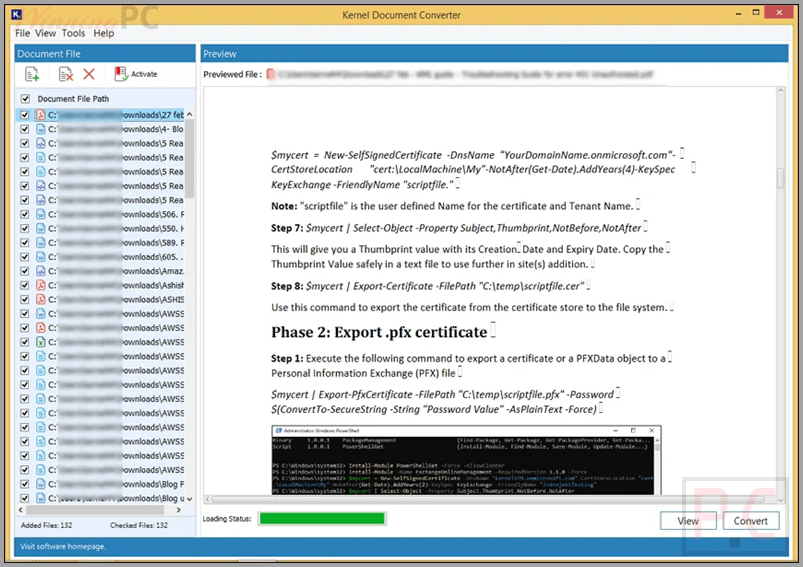
- Preview support: includes document preview along with conversion functionality.
- Password-protected file conversion: processes encrypted PDF and Word documents securely.
- Offline use: works without internet connectivity.
- Windows compatibility: supports older and newer Windows versions.
Pros & Cons
More screenshots
Frequently Asked Questions
What is the best Kernel Document Converter coupon available right now?
The highest listed deal is 71% off for the Home User License.
Can I convert a folder of documents all at once?
Yes. The software supports folder upload and bulk conversion, so you can add multiple files or an entire folder for conversion.
Does it support password-protected documents?
Yes. It can scan and convert password-protected PDF and Word documents.
Will the software change the originality of my files?
No. The tool creates new files in the selected output format while preserving the originality of the source files.
Is there a file size limit for conversion?
Kernel Document Converter is described as having no file size restrictions, so it can be used for both small and large files.
What formats can Kernel Document Converter work with?
It supports conversion across many formats, including PDF, DOCX, RTF, TXT, HTML, XLS, XLSX, ODS, CSV, JPG, PNG, BMP, TIFF, PPT, PPTX, EPUB, XPS, OXPS, and MHTML.
Can it preserve formatting during conversion?
Yes. The software is built to preserve the original layout, fonts, images, tables, and page structure.
Technical Specifications
| Hard Disk | 300 MB of disk space. |
| Memory | 64 MB RAM (greater than 64 MB recommended) |
| Processor | Intel® Pentium Processor compatible (x86, x64) or equivalent |
| Operating System | Windows 365, 11, 10, 8.1, 8, 7, Vista, XP, 2000, 98, NT, 95, Windows Server 2022, 2019, and older versions |
| License Type | Home, Corporate & Technician |