PowerCryptor Encryption Suite Coupons & Pricing
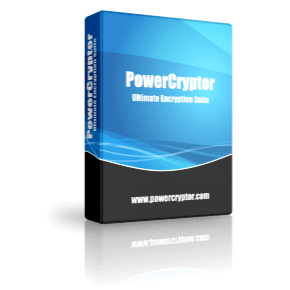
PowerCryptor Encryption Suite
One-time payment | a perpetual license | Free Lifetime update
How to Use the PowerCryptor Coupon Code
- In the coupon code section, please click on the “COPY” button.
- You will be directed to the PowerCryptor Encryption Suite checkout page.
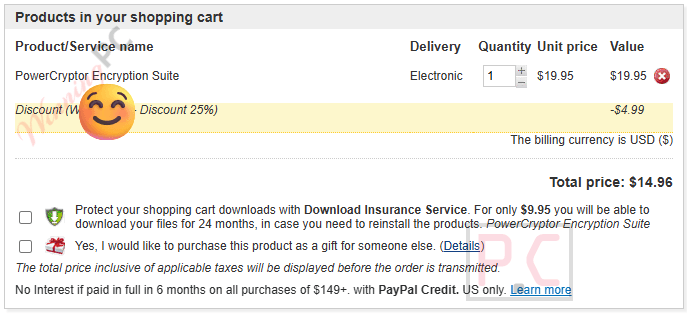
- The code WINNI***5 will be applied automatically, and you immediately get the software at $14.96 instead of $29.95.
- Complete your billing information to get the license code to open the software with full functions.
Hands-on with PowerCryptor Encryption Suite
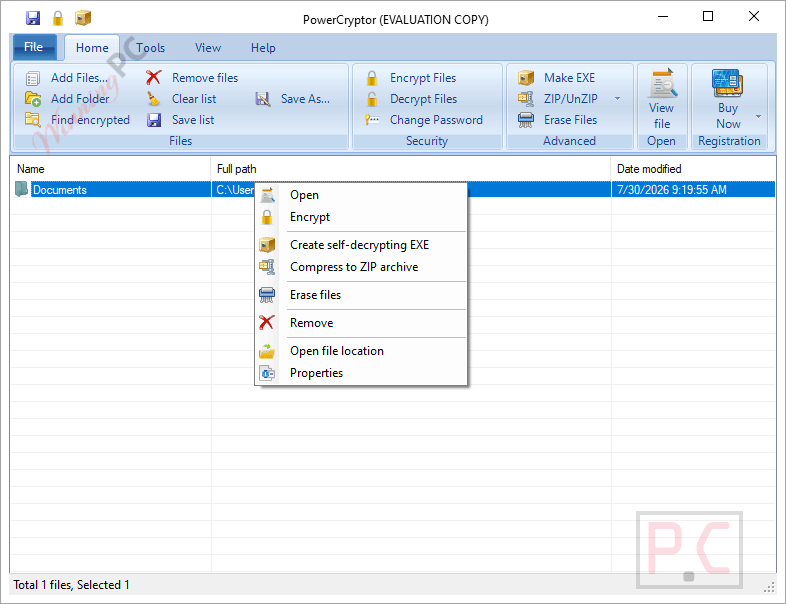
PowerCryptor Encryption Suite does one job and keeps it simple. The killer feature for most people is the Windows Explorer shell integration: encrypt, decrypt, or permanently erase a file without ever opening a separate app window. That zero-friction workflow is what separates it from more powerful tools like VeraCrypt, which require you to create virtual disk containers and learn a new mental model. Six encryption algorithms sounds impressive, and AES 256-bit is the one you’ll reach for every time, but having DES, triple DES, RC2, and ARC4 available means it covers edge cases for compliance environments.
Key features
- AES 256-bit, Blowfish, DES, Triple DES, RC2, and ARC4 encryption: six algorithms, maximum flexibility.
- Windows Explorer right-click integration: encrypt, decrypt, or erase with one click, no app window needed.
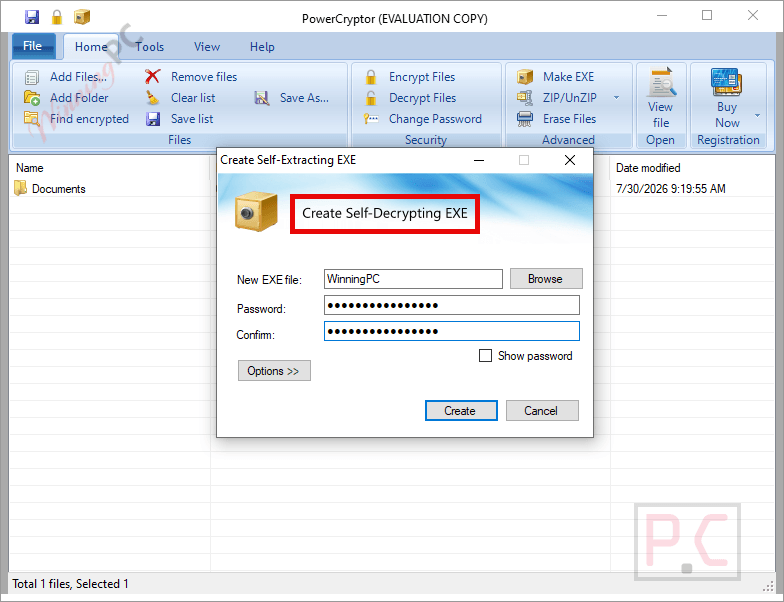
- Self-decrypting .exe files: share encrypted content with people who don’t have PowerCryptor Encryption Suite installed.
- Secure file eraser: overwrites files so no data-recovery tool can retrieve them.
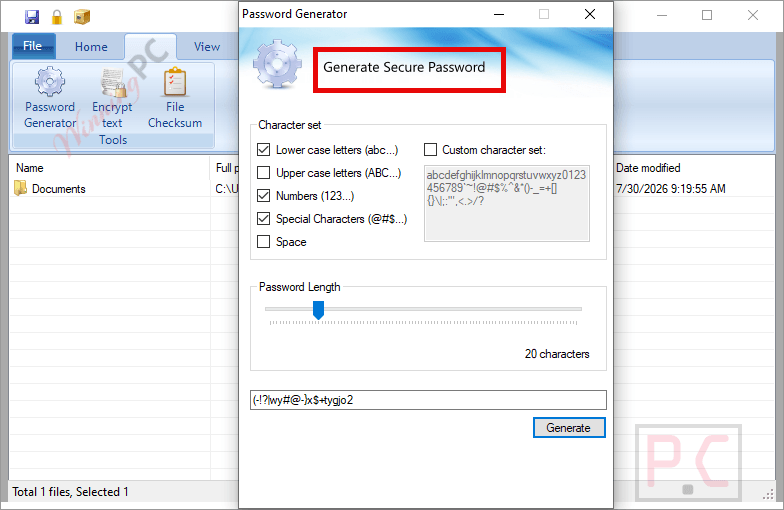
- Built-in password generator: creates strong random passwords on demand.
- ZIP archive support: compress and encrypt files to AES-protected ZIP archives.
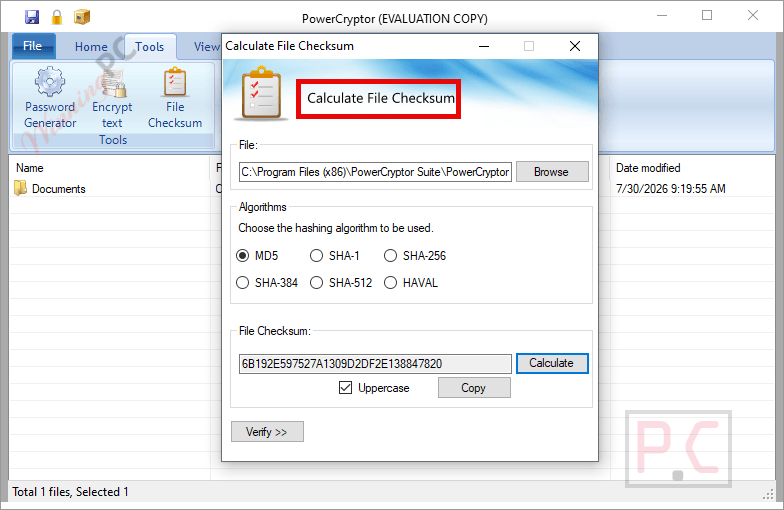
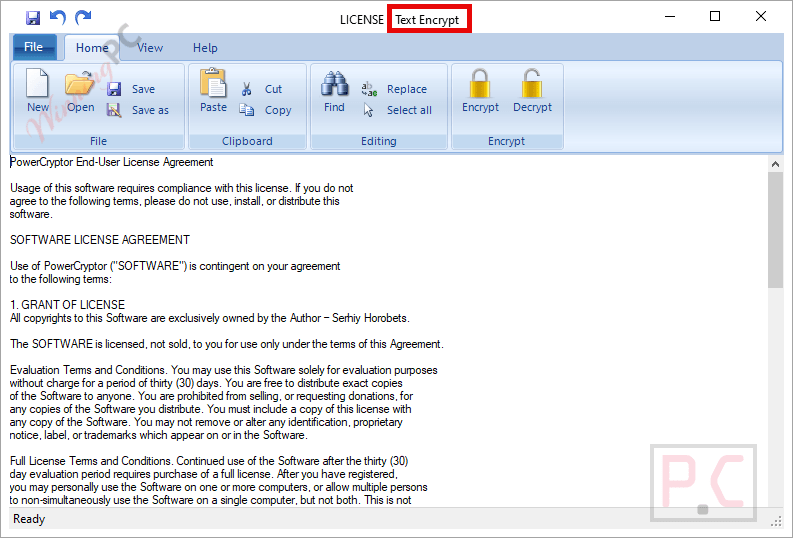
- Text encryption and file checksum tools: bundled extras for quick tasks.
What we liked, and what gave us pause
Screenshots
How PowerCryptor Encryption Suite compares to other encryption tools
| Tool | Price | Encryption | Platform | Best for |
|---|---|---|---|---|
| PowerCryptor (this deal) | $14.96 Lifetime (code WINNINGPC25) | AES 256-bit, Blowfish + 4 more | Windows only | Simple file/folder encryption, one-time payment |
| VeraCrypt | Free | AES, Twofish, Serpent | Windows, Mac, Linux | Full-disk & container encryption; powerful but steep learning curve |
| 7-Zip | Free | AES 256-bit (archives only) | Windows, Mac, Linux | Encrypting ZIP archives; not designed for individual file encryption |
| AxCrypt Premium | $32.9/yr | AES 256-bit | Windows, Mac | Cloud-synced encryption, team collaboration |
| Folder Lock | $33.96/yr | AES 256-bit | Windows | Locker-style vaults + backup; broader feature set |
Honest take: If you need free and don’t mind a learning curve, VeraCrypt handles full-disk encryption better than anything here. If you want simple right-click file encryption with one-time pricing and no subscription, PowerCryptor Encryption Suite at $14.96 is a fair pick. 7-Zip is worth knowing about if archive encryption is all you need.
Frequently Asked Questions
Is the WINNINGPC25 coupon code still active?
Yes, verified by Cathryn. Enter it at checkout on powercryptor.com to confirm the 50% discount applies before you pay.
Does the lifetime license cover all future updates?
Yes. Krylack’s lifetime license explicitly includes free lifetime upgrades, meaning all future versions are free once you register.
Can someone decrypt my files without the password?
No. PowerCryptor Encryption Suite uses AES 256-bit encryption as its primary algorithm, which is the same standard used in banking and government systems. Without the correct password, the encrypted file is effectively unreadable. That said, keep your password safe – there’s no account-based recovery mechanism for locally encrypted files.
Is there a free trial of PowerCryptor?
PowerCryptor Encryption Suite installs as a demo version with limitations. Registering your license key removes those limitations. No specific time-limited trial is described in the documentation – check powercryptor.com for the current trial terms.
System Requirements & Details
| Field | Value |
|---|---|
| Operating system | Windows XP, Vista, 7, 8, 8.1, 10 or higher (32-bit and 64-bit) – covers Windows 11 |
| .NET Framework | 4.0 (required — not bundled on all systems) |
| Disk space | Minimum 20 MB free |
| Mouse | Microsoft or 100% compatible (recommended) |
| Additional | Microsoft HTML Help Update |
| External programs | None required |
| File size (installer) | 12.91 MB |
| Supported file types (input) | Any file or folder type (general-purpose encryption tool) |
| Output containers | Encrypted files, self-decrypting executables (.exe), AES-encrypted ZIP archives (.zip) |