WinningPC

Unarguably, PT Photo Editor is a powerful and versatile photo editing tool to easily rescue problem photos and make every shot its best. Using this tool, you can make photo enhancement and correction a breeze. It allows you to remove blemishes, smooth skin, red-eye correction, and correct imperfections with ease. The pro-quality adjustment tools are also supported to help you control color balance, exposure, contrast, and saturation to achieve the perfect look.
This photo ending tool allows you to edit photos in various formats such as JPG, JPEG, PNG, and HEIF/HEIC. PT Photo Editor can adjust an image’s specific areas without affecting the entire photo. With this function, your pictures can be enhanced with particular elements while maintaining balance. Features like a watermark that allows you to add text/image watermarks into your images to protect them from theft. Furthermore, the batch editing function allows you to apply the same adjustments to multiple photos at the same time.
Top Photo Editing Software Coupon Code Oct 2026

HitPaw FotorPea
70% off coupon code: regular price $51.99, discounted price $15.67

Luminar Neo - Perpetual Desktop
79% off coupon code: regular price $417, discounted price $89.0


PhotoWorks Ultimate - Lifetime license
75% discount code: regular price $114, discounted price $28.50

Workflow Bundle for Radiant Photo 2
40% discount promo: regular price $317.0, discounted price $190.0
Key Features and Screenshots
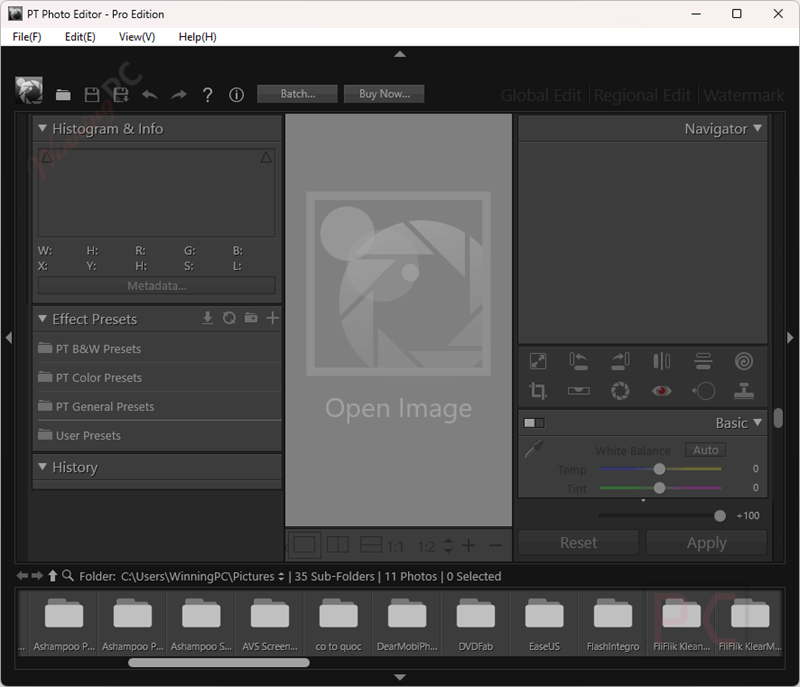
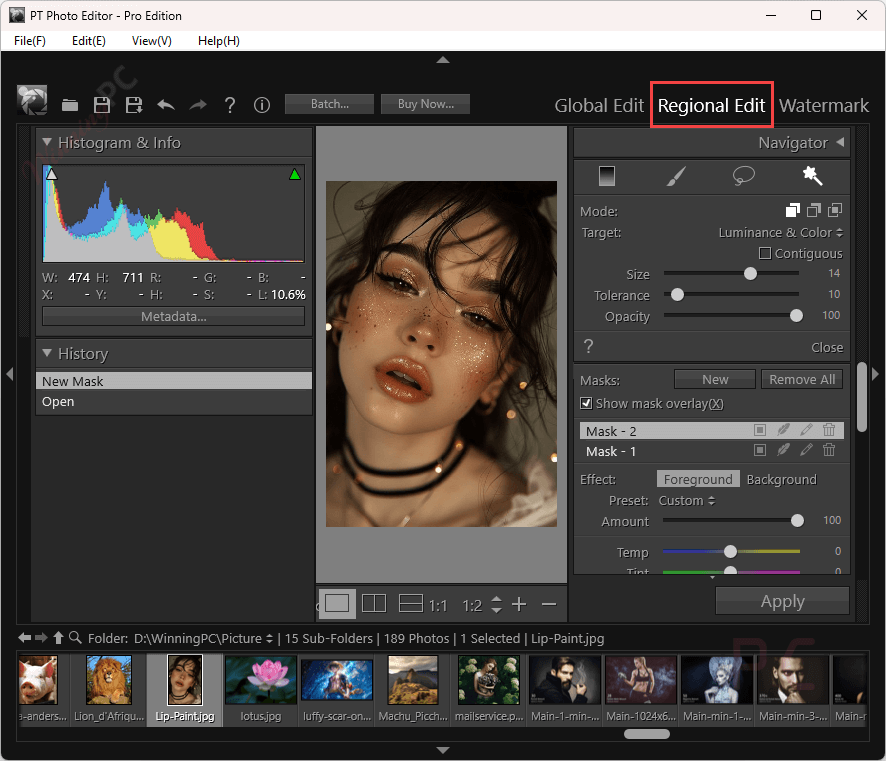
- Advanced Retouching Tools: PT Photo Editor offers a suite of advanced retouching tools that allow you to expertly improve, correct, and repair photos with professional precision. It helps you remove blemishes, smooth skin, or fix imperfections; these functions ensure your photos look flawless.
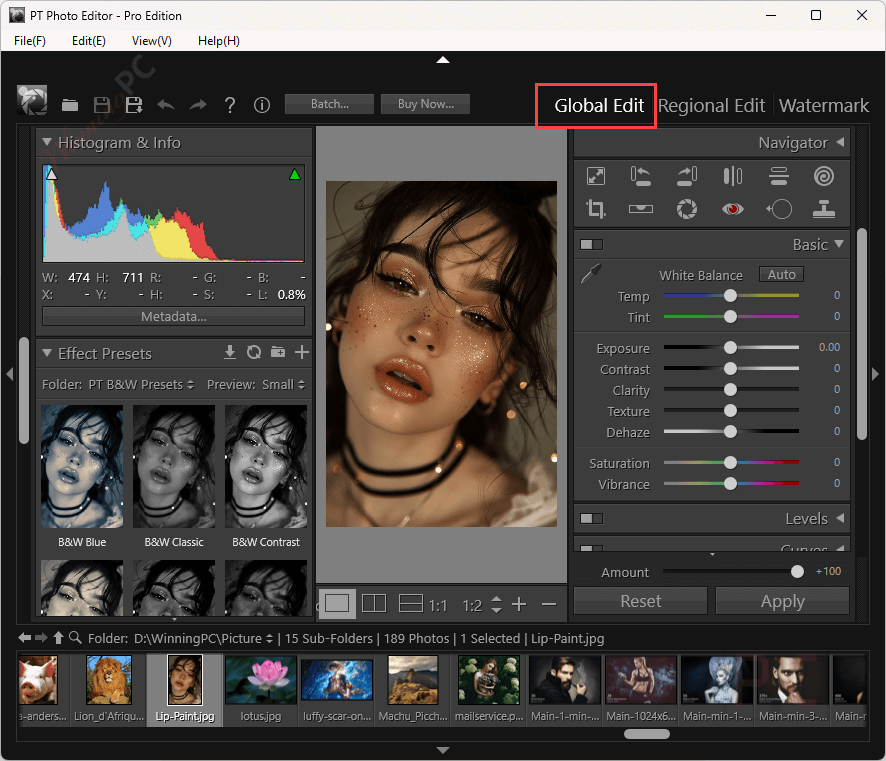
- Pro-Quality Adjustments: With a range of professional-grade image adjustment tools provided, it helps you easily tweak color balance, exposure, contrast, and saturation to achieve the perfect look.
- Smart Selective Editing: One of the standout features of PT Photo Editor is its smart, selective editing capabilities, which allow you to apply adjustments to specific areas of an image without affecting the entire photo. With its help, elements can be enhanced perfectly and maintain the overall balance of the image.
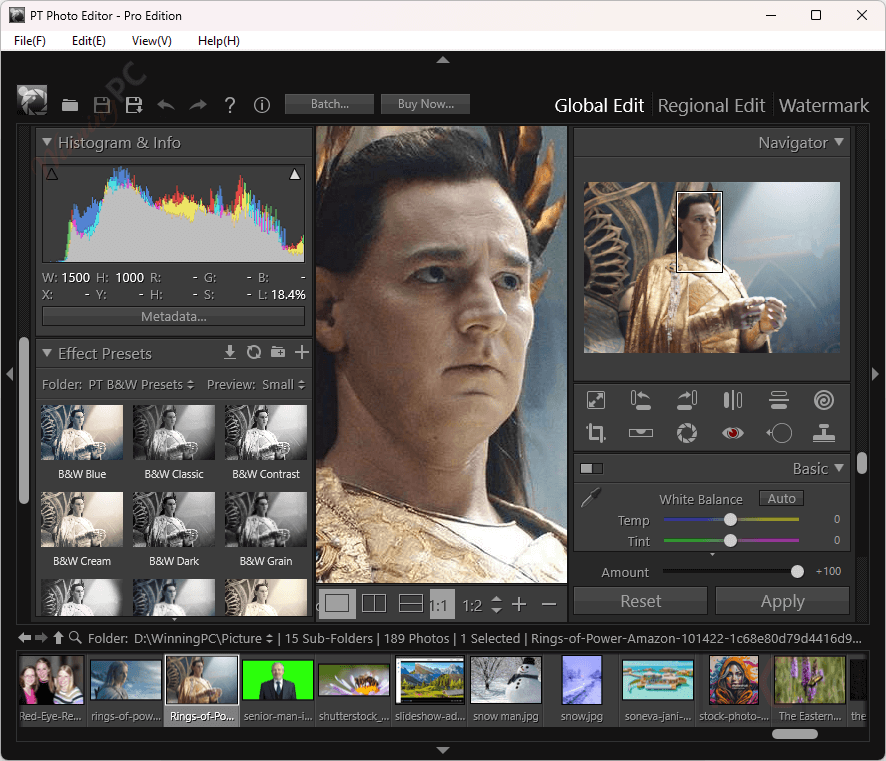
- Inspiring Effect Presets: Your images can instantly transform with a variety of effect presets. You can choose vintage looks or modern styles to give your images a unique touch.
- Batch Processing: Save time with batch processing capabilities. You can apply the same adjustments to multiple photos simultaneously, which is perfect for handling large image collections.
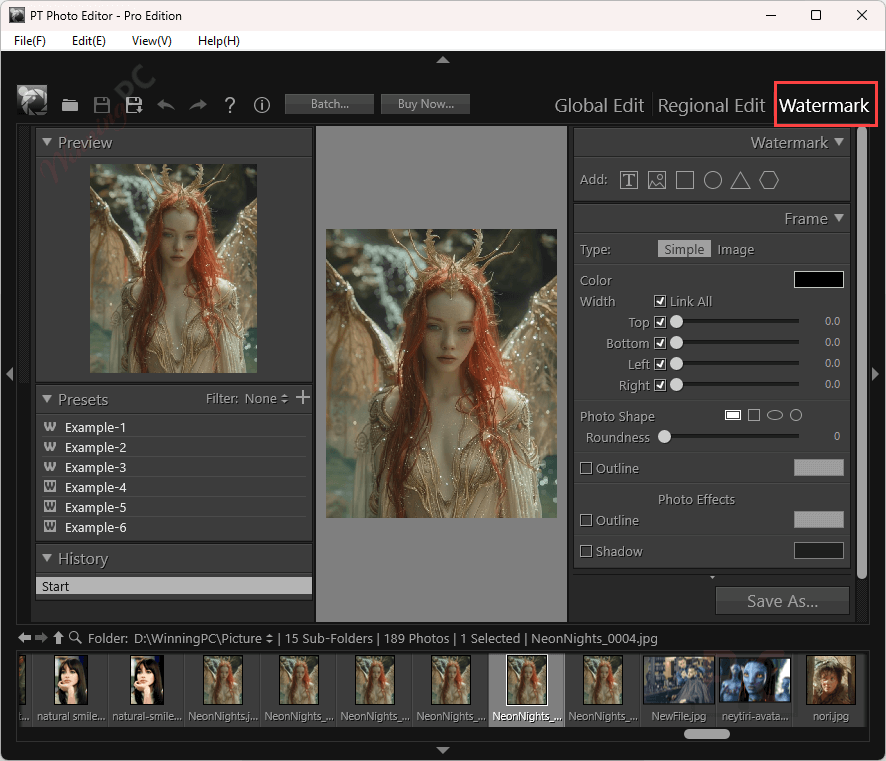
- Watermarks: This function allows you to easily add customized text or image watermarks to your photos. You can adjust font, size, color, opacity, and position, ensuring your copyright or branding is clearly displayed without compromising the image’s quality.
- Versatile File Support: This photo editor application supports a wide range of file formats, including RAW files from various camera brands. This versatility makes it a valuable tool for photographers who work with different types of images.
Frequently asked questions
What is the difference between the free and pro versions of PT Photo Editor?
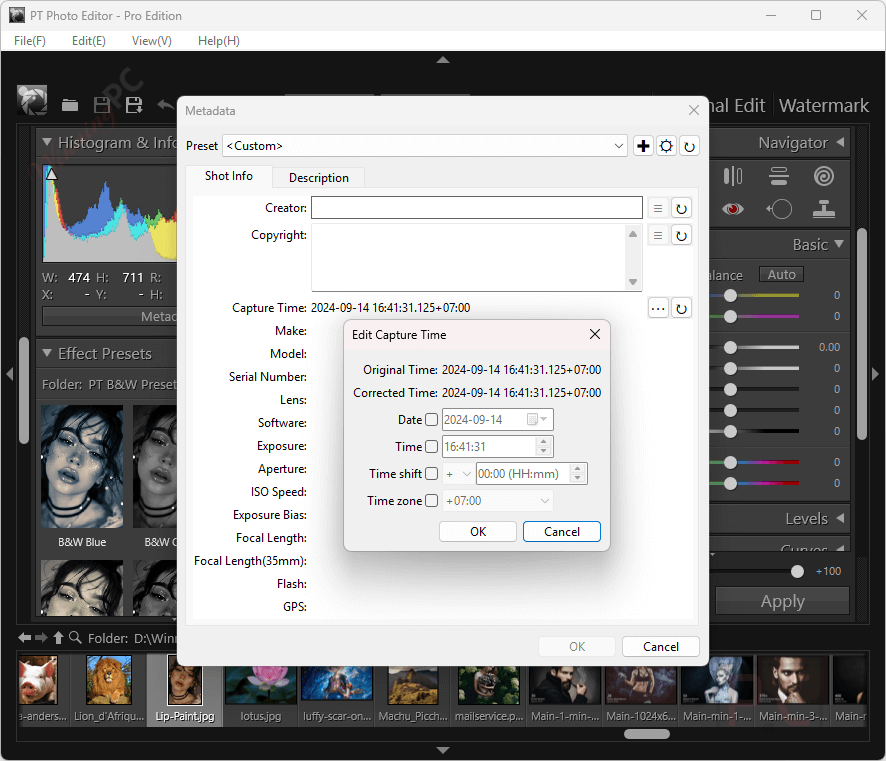
The Pro version offers advanced features such as high-quality 16/32-bit algorithms, support for viewing/editing image metadata, professional watermark creation, and comprehensive batch processing capabilities, which may not be available in the free edition.
What file formats does PT Photo Editor support?
PT Photo Editor supports a wide range of file formats, including popular image formats like JPEG, PNG, TIFF, and RAW files from various camera brands.
Is PT Photo Editor suitable for beginners?
Absolutely! PT Photo Editor has an intuitive interface and provides extensive help resources, including tutorials and user guides, making it suitable for both beginners and experienced editors.
Can PT Photo Editor remove blemishes and imperfections?
Yes, the software includes retouching tools to remove blemishes, spots, and other imperfections seamlessly.
Does PT Photo Editor offer selective editing?
Yes, PT Photo Editor provides smart selective editing capabilities, allowing you to apply adjustments to specific areas of an image without affecting the entire photo.
How can I upgrade to the Pro version of PT Photo Editor?
You can purchase the Pro version on the official website and use the WinningPC coupon code WINNINGP** to receive a 10% discount.
Technical Details
| Language Support | English, Français, Italian, Spanish, Swedish, and more… |
| Money Back Guarantee | 30-Day |
| Operating System | 64-bit Windows 7/8/10 |
| Shipping | Register code will be sent to your email in minutes |
| Subscription | Lifetime |
| Support Services |