SOS Click for Microsoft Word offers a professional solution to save your Word document to multiple places in just one click. Using this Microsoft Office add-on, you can freely save important contracts, your Ph.D., your next bestseller, or anything else on local the computer or remote on the local network or on the cloud services like Dropbox and Google Drive without having to save to one by one place separately.
1
SOS Click for Microsoft Word Free License Key
Giveaway Details
The giveaway has ended!
- Product name: SOS Click for Microsoft Word
- Website: https://www.sos-click.com/
- License type: lifetime
- Platform: Windows
- License code – last updated: Jan 15, 2022
Click here...
- Full version:
SOSClickforMicrosoftWord-Giveaway.msi
- Full version:
2
How to get the license key?
Instructions
Click on the download link to download and install the software for free.
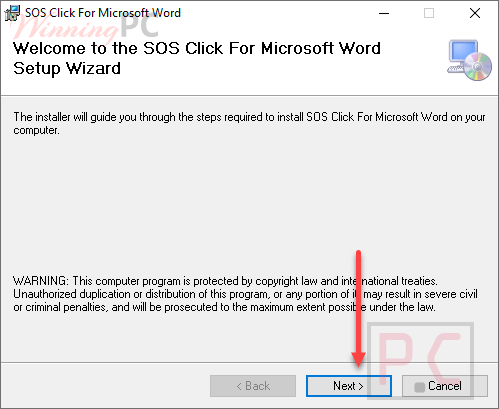
The SOS Click for Microsoft Word add-in is preactivated. No activation key is required. Launch MS Word and search the add-in in the icon group from the Office ribbon interface.

Settings
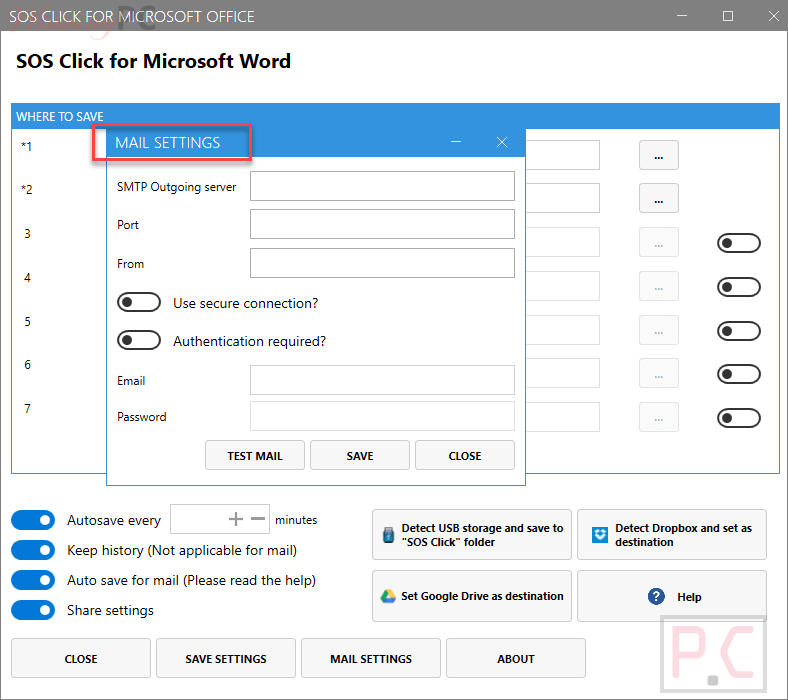
Mail Settings
3
Main Features
Feature Highlights
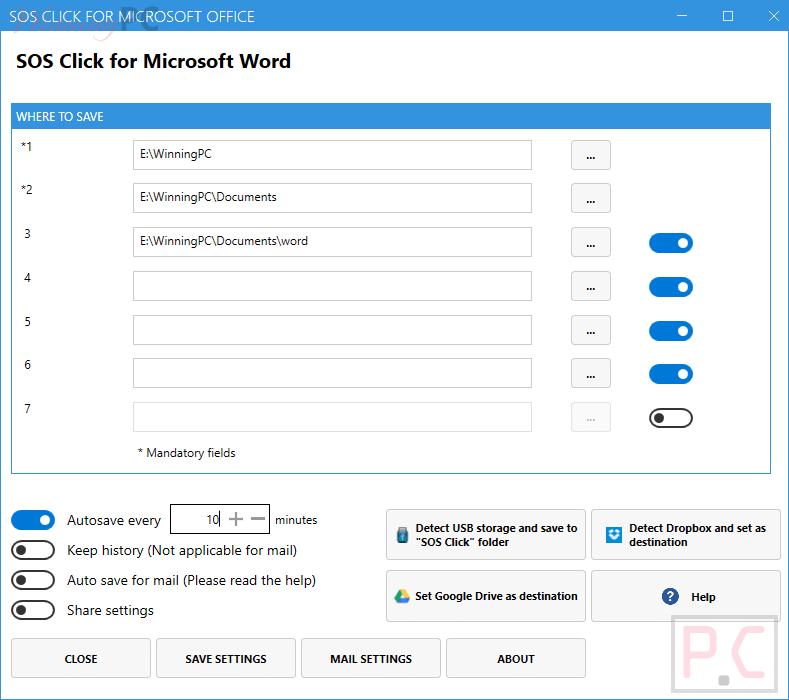
- It allows you to add Word documents to up to 8 different destinations
- It has built-in buttons for common tasks
- It comes with several auto-save options
- You can share your settings
4
Technical Details
Product specification
| Language Support | English, Français, Italian, Spanish, Swedish, and more… |
| Money Back Guarantee | 30-Day |
| Operating System | Windows Vista, Windows 7, Windows 8/8.1, Windows 10/11 |
| Shipping | Register code will be sent to your email in minutes |
| Subscription | Lifetime |
| Support Services | Tickets |
5
User’s and Editor’s scores
Add your rating