Cathryn Lee

Stardock CursorFX is a tool that lets you customize and create your own Windows mouse cursors. You can animate your cursors with special effects, add custom mouse click sounds, or build entirely new designs from scratch.

You may also like:
📄 Licensing & Support Details
- License Type: Single install.
- Support & Money-Back Guarantee: 30 days.
📝 How to apply
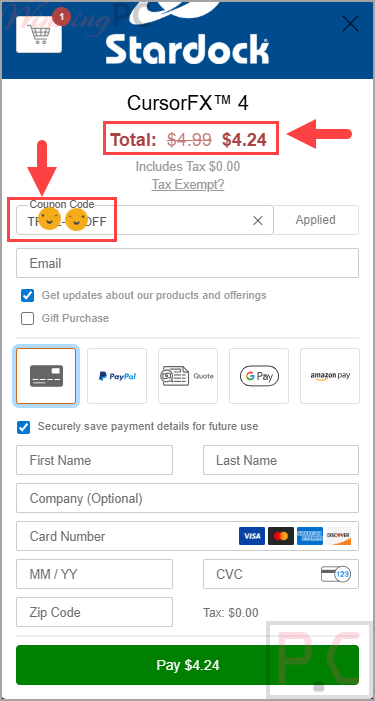
Click the ‘Copy Code’ button in the coupon box above. The Stardock CursorFX code will be copied, and you will be redirected to the checkout page where you can apply it to secure your discounted price.
Stardock CursorFX: In-Depth Review & Features
Key Features
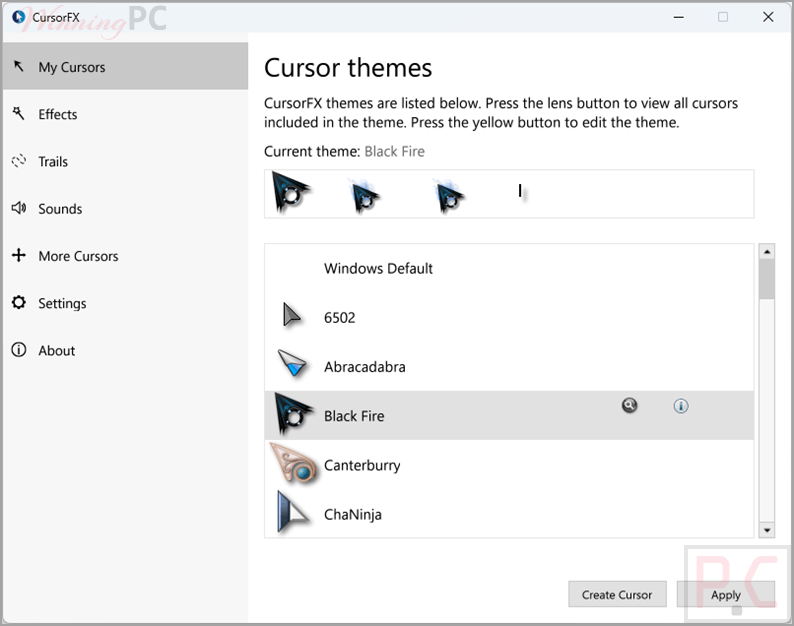
- Quick preview list to easily test and apply new cursors before saving.
- A theme editor that allows you to import your own .PNG files to build custom cursors.
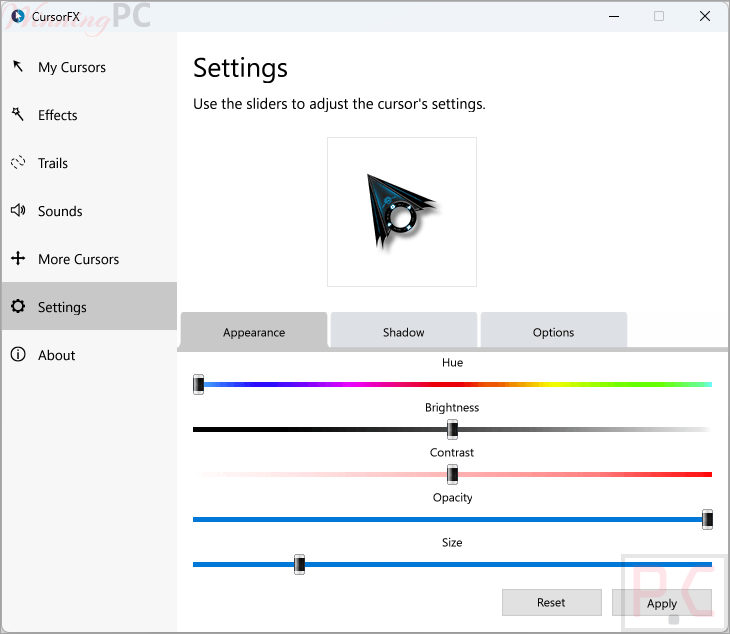
- Settings menu for adjusting cursor size, color, and drop shadow.
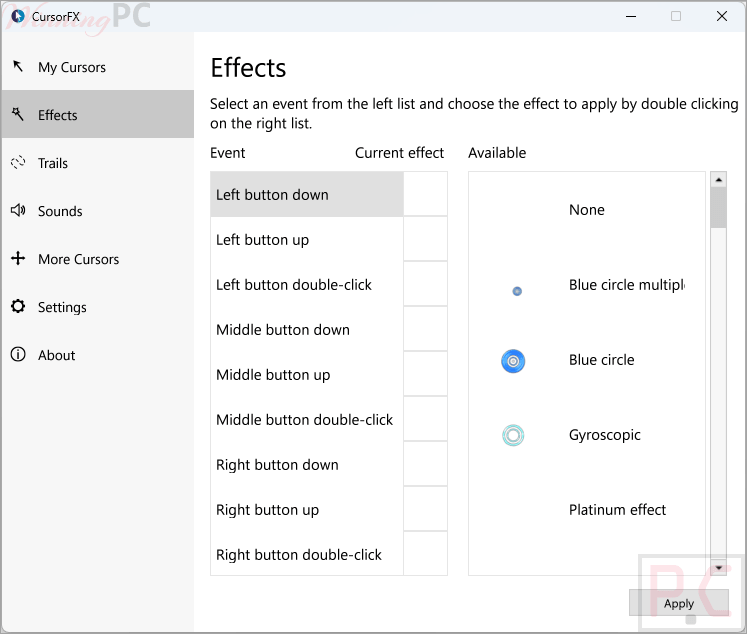
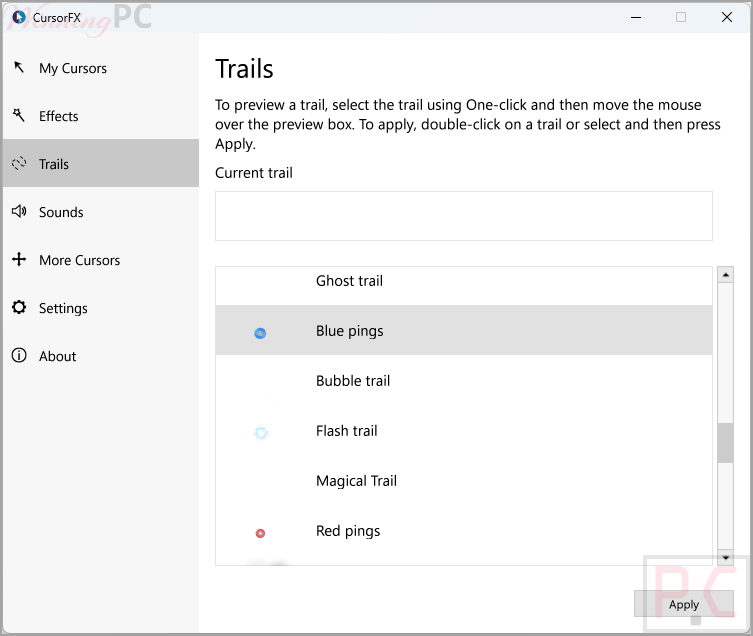
- Options to attach skins, motion trails, and visual styles to your mouse movements.
- Quick reset to the default Windows cursor via the control panel or the “ctrl+shift+c” hotkey.
- Direct access to download thousands of extra community-made cursors at WinCustomize.com.
Pros & Cons
More screenshots:
Frequently Asked Questions
Where can I find a coupon code or deal for Stardock CursorFX?
The latest and best deals can be found on WinningPC, alongside the official software website or the developer’s social media channels.
What is the best discount currently available for Stardock CursorFX?
The best current discount is 15% OFF, available directly on WinningPC.
Can I use my own images for the cursors?
Yes, the included theme editor lets you import your own .PNG files so you can create a custom design from scratch.
How do I switch back to my normal mouse cursor?
You can return to the default Windows cursor at any time using the control panel, or by simply pressing ctrl+shift+c on your keyboard.
Will this software slow down my older computer?
It shouldn’t. The system requirements are very low, needing only 512MB of RAM to run properly.
System Requirements & Details
| Feature | Specifications |
|---|---|
| Language Support | English, Arabic, Dutch, French, German, Hungarian, Italian, Japanese, Polish, Portuguese, Russian, Simplified Chinese, Spanish, and Turkish. |
| Operating System | Windows 10 / Windows 7 |
| RAM & Storage | 512MB RAM, 100MB free drive space |