Laura Marano
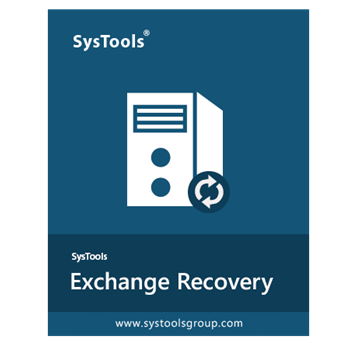
SysTools Exchange Recovery is a professional EDB recovery solution designed to repair corrupt Exchange database files and recover mailbox data from offline or dismounted EDB files. It supports Exchange Server 2019, 2016, 2013, 2010, 2007, and 2003 while allowing exports to PST, Office 365, Live Exchange Server, PDF, EML, MSG, HTML, and MBOX formats.
SysTools Exchange Recovery
Personal License | 1 Year Free Product Updates
Bundle Offer License

Bundle Offer - SysTools Exchange Recovery + OST Recovery + Outlook Recovery
Corporate License
Special Offer - SysTools Exchange Recovery + OST Recovery + EDB to NSF Converter + EDB Converter
Personal License
📄 Licensing & Support Details
- License Type: Personal License (Free trial version limits saving to 25 items).
- Support: Technical support is available for product activation.
- Money-Back Guarantee: Not specified in the provided data.
📝 How to apply
- Hit the “Copy” button to secure this offer.
- We’ll automatically apply the coupon and send you to the checkout page, where you can grab the software for less.
SysTools Exchange Recovery: In-Depth Review & Features
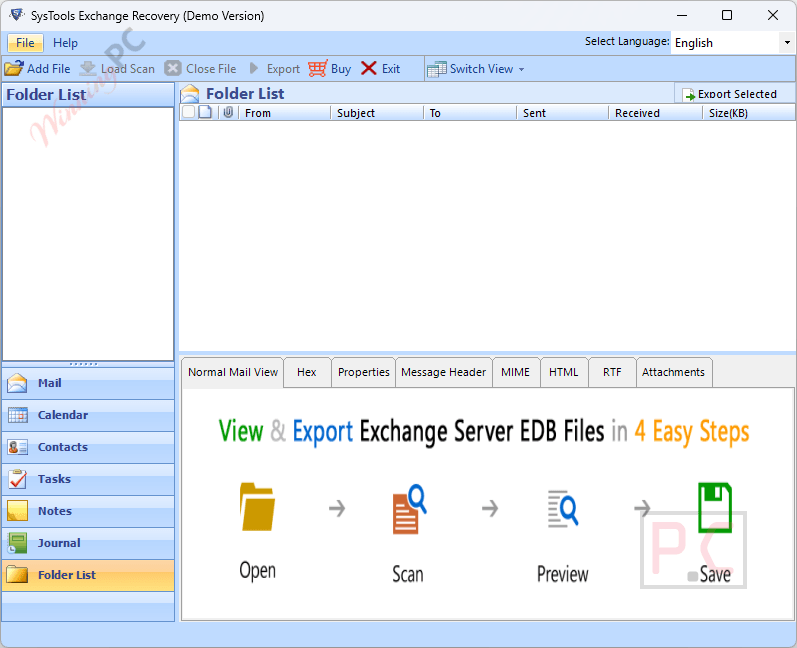
Key Features
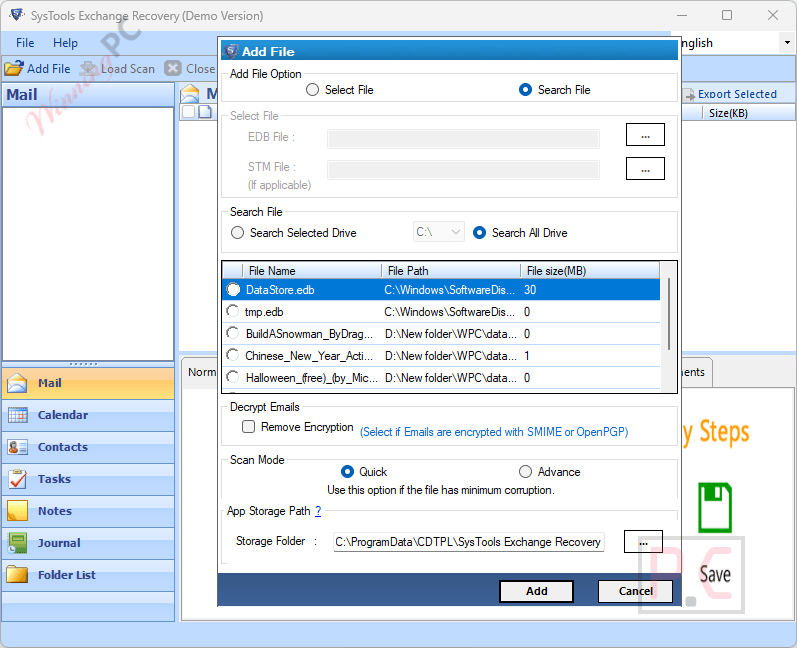
- Dual Recovery Modes: Utilizes a Quick scan for minor issues and an Advance mode to resolve severe database damage.
- Decryption Tools: Removes SMIME and OpenPGP email encryption in bulk when provided with the correct certificates and passwords.
- Automated Search: Scans local drives and sub-folders to automatically locate offline EDB format files.
- Pause and Resume: Saves the current scanning progress as a DAT file, allowing you to reload the results later without rescanning massive files.
- Selective Exporting: Applies date range filters to isolate specific messages and generates a precise export report detailing success and failure counts.
- CSV Mapping: Auto-generates a CSV file to map source and destination user mailboxes for smooth Exchange-to-Exchange migration.
- Concurrent Loading: Automatically loads associated STM files if they are located in the same folder as the target EDB file.
Pros & Cons
More SysTools Exchange Recovery screenshots
Frequently Asked Questions
Where is the best place to find promo codes for SysTools Exchange Recovery?
The most reliable source for active deals is right here at WinningPC. We work directly with software vendors to guarantee working coupons, so checking our platform ensures you skip the expired codes found elsewhere.
What is the lowest price available for this EDB recovery software right now?
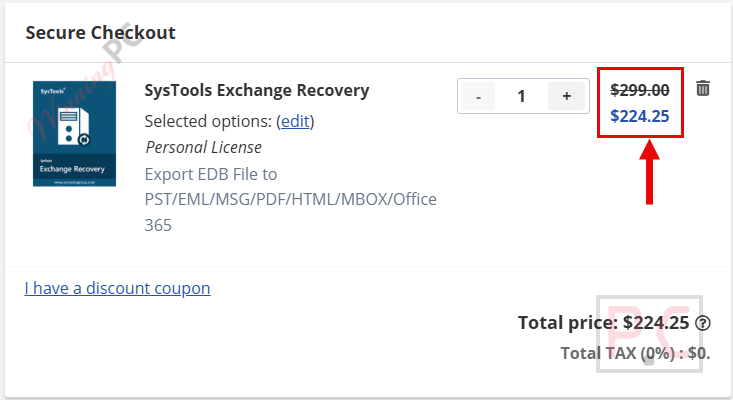
Currently, WinningPC offers a verified 25% OFF markdown on the Personal License. This drops the regular $299 price tag down to just $224.25.
Do I need an active Exchange Server to fix my files?
No, you do not need a Live Server environment to fix the database or extract the files. However, an active connection is mandatory if your end goal is to export the retrieved mailboxes directly back into a Live Exchange Server.
Can this utility retrieve completely deleted mailboxes?
Yes. SysTools Exchange Recovery is capable of locating permanently deleted emails, calendars, and contacts from your corrupted file. Once found, it highlights these specific items in red within the preview panel.
Does it matter how badly damaged my database is?
Not necessarily. If standard Eseutil commands have failed, or if the database suffered a dirty shutdown, you can trigger the Advance Scan Mode. This feature is specifically built to address logical corruption, checksum errors, and severe integrity issues.
Will my folder organization get messed up during extraction?
No. SysTools Exchange Recoveryis designed to retain the exact internal folder and sub-folder hierarchy of your user mailboxes, keeping all meta-data and attachments intact.
Is Microsoft Outlook required on my machine?
It is only required under specific conditions. You must have MS Outlook installed and configured if you are choosing the ‘Use Outlook’ option to export into PST format, or if you are working specifically with an Exchange 2003 server.
Is there a limit to how large my corrupted file can be?
There are no size caps. SysTools Exchange Recovery handles large-scale enterprise databases and has been successfully tested on EDB files up to 1 TB in size.
System Requirements & Details
| Feature | Specifications |
|---|---|
| Language Support | Multiple foreign languages on Application UI |
| Operating System | Windows 11 (64-bit), 10, 8, 7; Windows Server 2022, 2019, 2016, 2012 R2, 2008 |
| Processor | Intel Core 2 Duo CPU E4600 @ 2.40GHz 2.39GHz |
| RAM & Storage | 4 GB RAM recommended; 100 MB free hard disk space |
| Supported Input | EDB files, STM files (corrupt, dismounted, offline) |
| Supported Output | PST, MBOX, EML, MSG, PDF, HTML, Live Exchange Server, Office 365 |