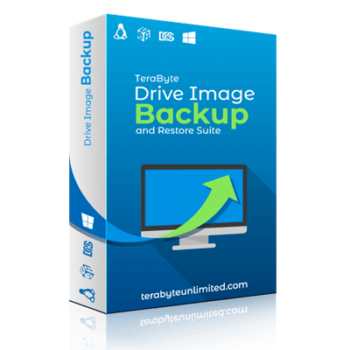
Developed by TeraByte Unlimited, the TeraByte Drive Image Backup and Restore Suite includes several key components: Image for Windows, Image for DOS, Image for Linux, and the OSD Tool Suite. This suite provides powerful backup and restore functionalities to safeguard data across various platforms. Each component has specialized functionalities to ensure seamless backup and restoration of your entire system.
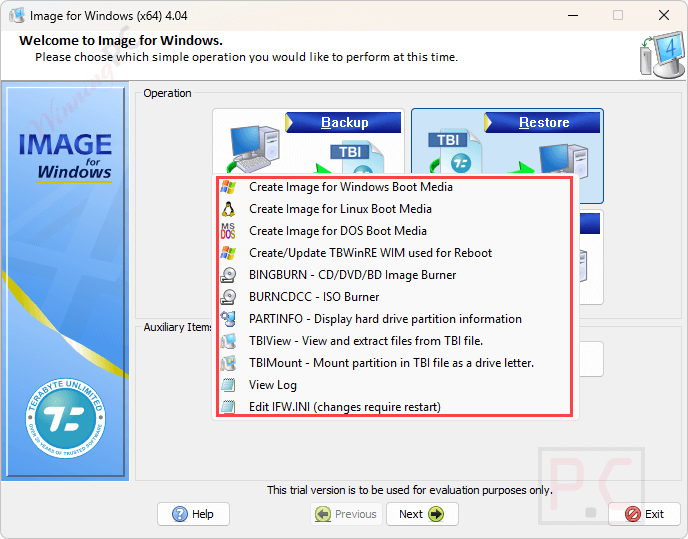
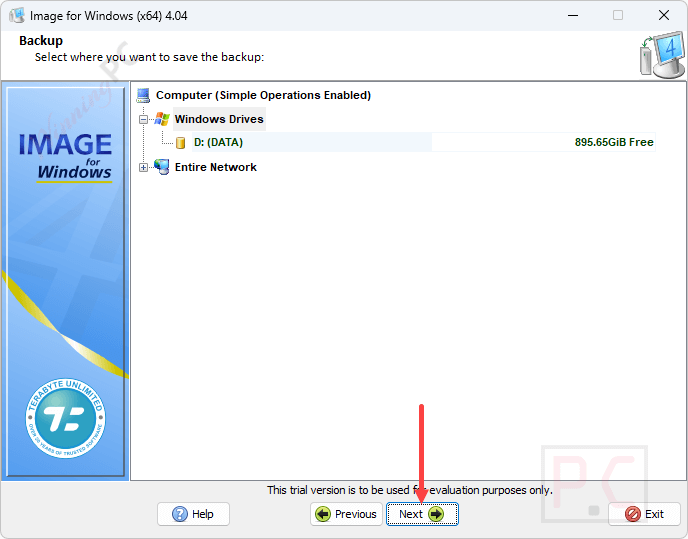
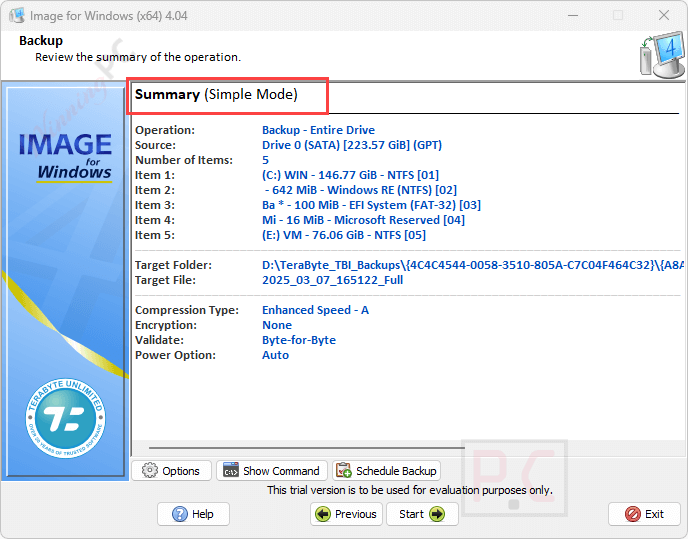
Image for Windows is the heart of this suite that is designed to create complete backups of your hard drives, including data, programs, and operating systems. These backups can be stored on external USB and FireWire drives, internal or network drives, and even directly to CD, DVD, or BD. It uses advanced technologies like Volume Shadow Copy Service (VSS) and PHYLock to ensure consistent and reliable backups, even while the system is in use.
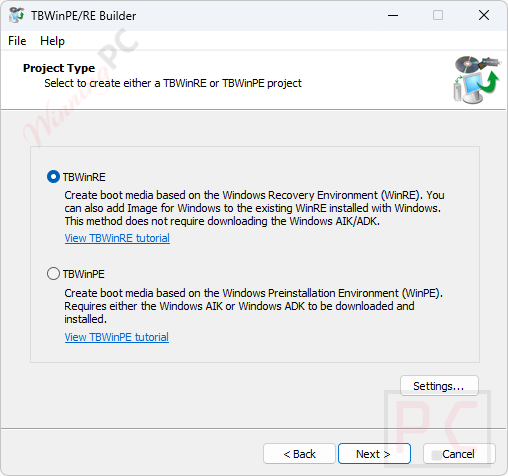
Along with Windows, TeraByte Drive Image Backup and Restore Suite also extends its capabilities with Image for Linux and Image for DOS to help you backup and restore operations across different operating environments. Image for Linux let you backup or restore any partition, including Windows or DOS partitions, by operating in a Linux environment. On the other hand, Image for DOS may backup or restore any partition, even Windows or Linux ones, and operates in a DOS environment.
OSD Tool Suite contains a collection of specialized software; you deploy Windows to different hardware configurations effortlessly to ensure compatibility.
TeraByte Drive Image Backup and Restore Coupon Code Oct 2026

TeraByte Drive Image Backup and Restore DOS/Linux Suite 4
5% coupon code: regular price $39.98, discounted price $37.98
TeraByte Drive Image Backup and Restore Suite 4
5% discount code: regular price $49.98, discounted price $47.48
TeraByte Bundle 2
39% discount coupon: regular price $89.93, discounted price $55.18
Key Features and Screenshots

- Image for Windows: Image for Windows provides a simple and efficient way to back up your entire hard drive on Windows operating systems, including data, programs, and operating systems. It can save backups to external USB, FireWire drives, internal or network drives, or directly to CD, DVD, or BD. It uses Volume Shadow Copy Service (VSS) or the included PHYLock add-on to ensure consistent point-in-time backups without requiring a system reboot.
- Image for Linux: Image for Linux is a user-friendly disk image backup and restore application that efficiently creates complete backups of your operating systems, programs, and data for Linux environments. It supports direct access to various file systems such as FAT, FAT32, EXT2/3/4, and NTFS and includes USB3 support, ensuring quick and reliable data protection.
- Image for DOS: Image for DOS is a reliable drive image backup and restore program that operates in a DOS environment. It can directly access multiple file systems and supports most writable USB 2, IEEE-1394, ATAPI-, or ASPI-accessible CD, DVD, or BD drives, ensuring quick and complete backups and restorations without the need for special drivers.
- OSD Tool Suite: OSD Tool Suite is a collection of specialized tools for IT professionals and power users. It facilitates virus and rootkit removal, software and driver installation, and OS deployment. It offers powerful scripting and command capabilities for efficient system management with tools like TBOSDT, BootFile, TBOS, and TBCMD.



Frequently asked questions
What is TeraByte Drive Image Backup and Restore Suite?
It is a comprehensive backup and restore solution that includes Image for Windows, Image for DOS, Image for Linux, and the OSD Tool Suite.
What storage options are available for saving backups?
Backups can be saved to external USB and FireWire drives, internal or network drives, and directly to CD, DVD, or BD.
Is it possible to clone a hard drive using this suite?
Yes, TeraByte Drive Image Backup and Restore provides disk cloning capabilities, enabling you to create an exact copy of a hard drive for migration or duplication purposes.
Can I save image files to the same partition being imaged?
No, it is recommended to save image files to a different partition or external storage to avoid data loss.
Does TeraByte Drive Image Backup and Restore support encrypted partitions?
Yes, it can handle partitions encrypted by third-party software, ensuring data integrity during backup and restore.
Is there a discount available for purchasing TeraByte Drive Image Backup and Restore?
Yes, you can use the coupon code WINN*PC5 to get a 38% discount on your purchase from WinningPC.
Technical Details
| Language Support | English, Français, Italian, Spanish, Swedish, and more… |
| Money Back Guarantee | 30-Day |
| Operating System | Windows/DOS/Linux |
| Shipping | Register code will be sent to your email in minutes |
| Subscription | Lifetime |
| Support Services | Email, Forums |