Laura Marano

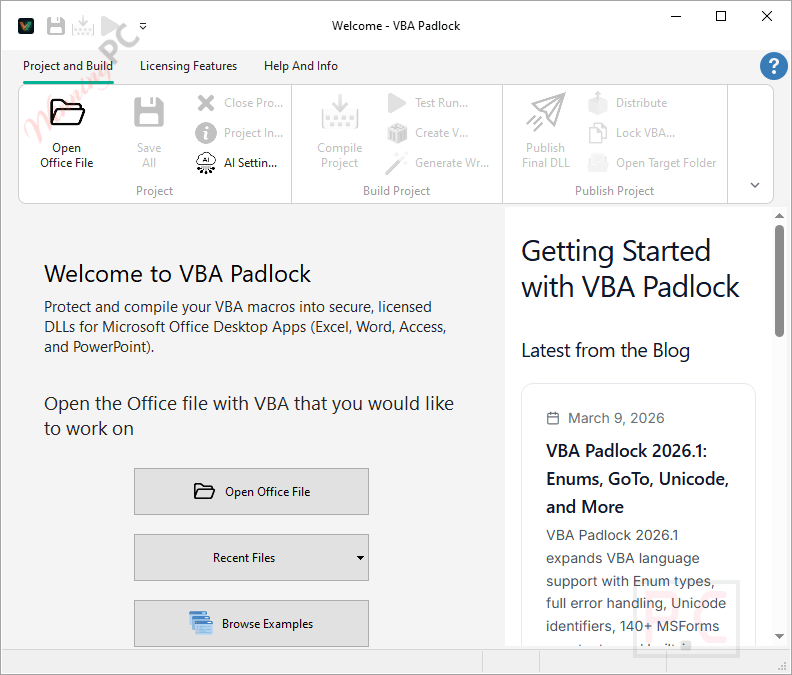
VBA Padlock is a VBA compiler and protection system that transforms your Excel, Word, Access, and PowerPoint macros into secure, obfuscated DLLs. It provides a complete toolkit for securing your VBA source code and monetizing your Office applications through hardware locking and automated license distribution.

📄 Licensing & Support Details
- License Type: Standard License (One-time purchase, no royalties, unlimited end users, 2 simultaneous activations).
- Support: 12 months of maintenance included (priority basic technical support via email and forum, plus free minor and major upgrades).
- Money-Back Guarantee: 30-day refund strictly under extenuating technical circumstances (requires a signed Affidavit of De-Installation and is subject to a 10% processing fee).
📝 How to apply
- Click “Copy Code” in the coupon section above.
- The code will be applied automatically while you are redirected to the checkout page for the special offer.
VBA Padlock: In-Depth Review & Features
Key Features
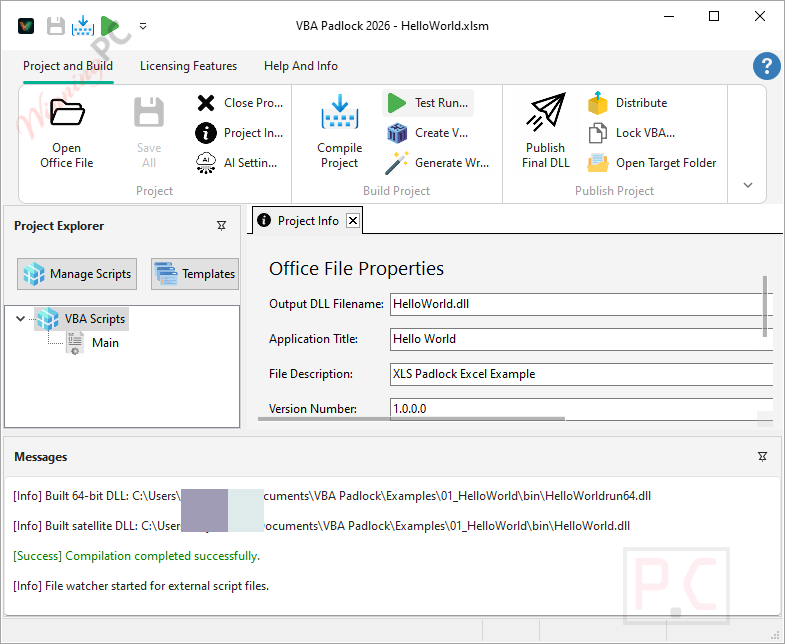
- Architecture-Specific Compilation: Automatically generates 32-bit and 64-bit native DLLs from your scripts, transforming readable code into encrypted bytecode.
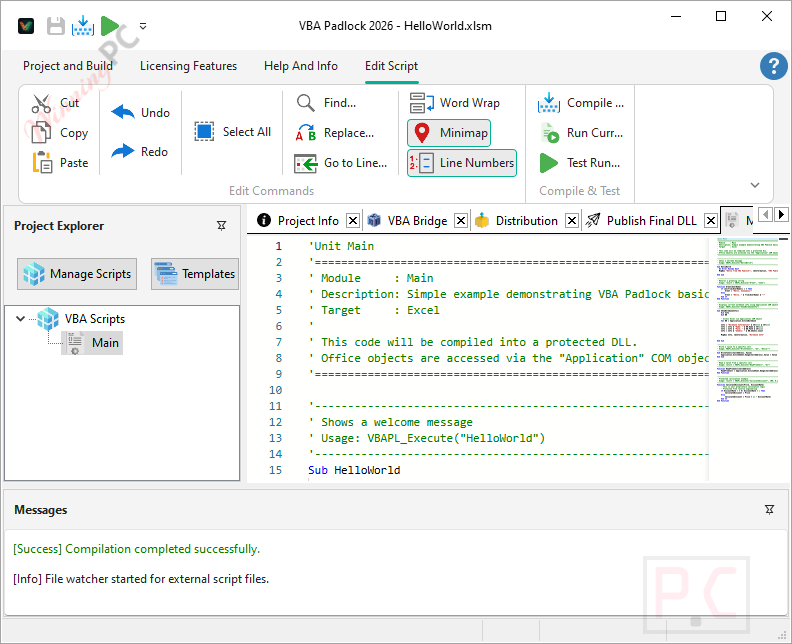
- VBA Padlock Studio: A dedicated development environment featuring an Office 365-style ribbon UI, a script editor with syntax highlighting, and project management tools.
- Integrated Licensing Engine: Deploy perpetual, subscription, or trial licenses using built-in activation dialogs and ECC Ed25519 cryptographic keys.
- Hardware Locking: Bind activation keys to specific machines using unique hardware fingerprints to prevent unauthorized key sharing.
- PHP Activation Kit: An included server-based toolkit (PHP + MySQL) for automating key generation, validation, and online deactivation.
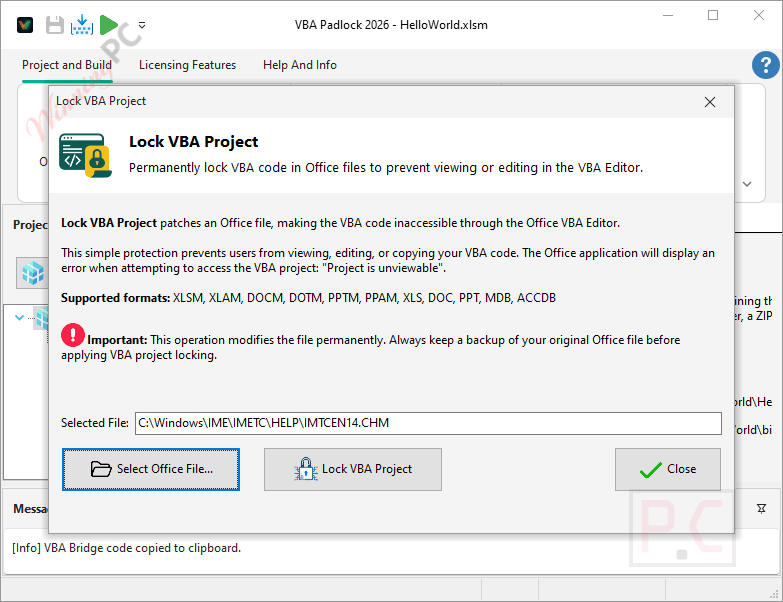
- Advanced Copy Protection: Physically removes the original VBA source from the Office file, replacing it with an auto-generated bridge module and Authenticode-signed runtime DLLs.
Pros & Cons
More VBA Padlock screenshots
Frequently Asked Questions
Where can I find a coupon code or deal for VBA Padlock?
The latest and best deals can be found on WinningPC, alongside the official software website or the developer’s social media channels.
Do end users need to install VBA Padlock to run my macros?
No. End users only need Microsoft Office installed on their computer. The compiled DLLs and a small VBA bridge module are all that is required to run the application.
Can I compile Excel add-ins (.xlam)?
Yes, the software fully supports compiling VBA code from .xlsm workbooks and .xlam add-ins into secure DLLs.
Does my compiled code still access the Office object model?
Absolutely. Your compiled macros retain full access to COM objects like Workbooks, Ranges, and PivotTables without any sandbox limitations.
Will my original VBA code still be visible in the editor?
No. The compiler physically removes your original source code from the Office file and replaces it with a lightweight, auto-generated bridge module.
System Requirements & Details
| Feature | Specifications |
|---|---|
| Language Support | English |
| Operating System | Windows 7 SP1, 10, 11 (64-bit recommended) |
| Microsoft Office Requirement | Microsoft Office 2016, 2019, 2021, 2024, or Microsoft 365 desktop apps, either 32-bit or 64-bit. |
| Storage | At least 100 MB of free disk space for installation. |
| Supported Input | .xlsm, .xlam, Word documents/templates, Access databases, PowerPoint presentations/add-ins |
| Supported Output | 32-bit and 64-bit obfuscated DLLs, protected Office files |