Laura Marano
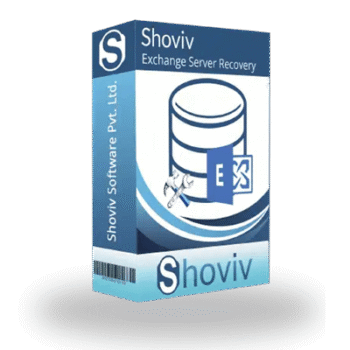
Shoviv Exchange Backup and Restore secure your Exchange mailboxes by backing them up into accessible formats like PST, MBOX, and HTML. It also allows you to restore or export data from multiple file formats directly back to your Exchange Server with complete accuracy.
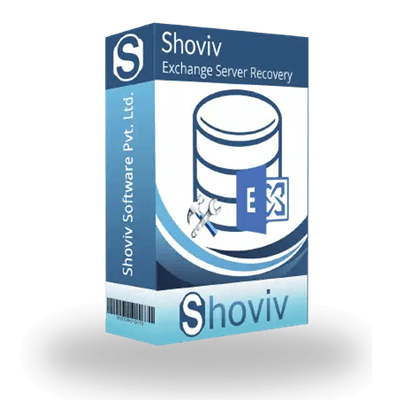
Shoviv Exchange Backup and Restore (Lifetime Subscription)
Lifetime license validity and free updates
📄 Licensing & Support Details
- 30-day money-back guarantee.
- Support Options: Live chat, email, and phone support available
- 24*7 Free Technical Support
- Instant Delivery by Email
- 100% Safe and Secure.
📝 How to apply
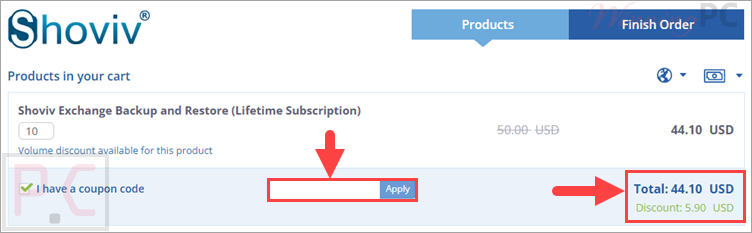
Click the ‘Copy Code’ button in the coupon box above. The code will be copied, and you will be redirected to the checkout page, where you can apply it to secure your discounted price.
Shoviv Exchange Backup and Restore: Review & Features
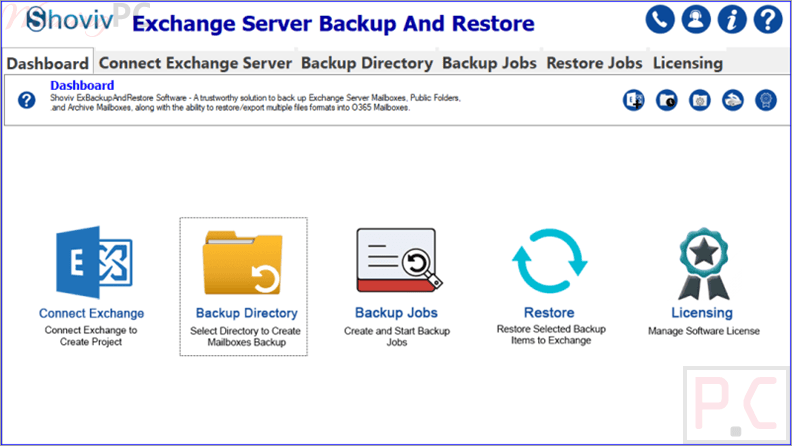
Key Features
- Backup Exchange mailboxes into PST, MBOX, EML, MSG, MHT, and HTML formats
- Restore/export data from PST, OST, MBOX, EML, and MSG files to Exchange Server
- Supports User Mailbox, Archive Mailbox, and Public Folder backup
- Incremental backup/export to avoid duplicate data
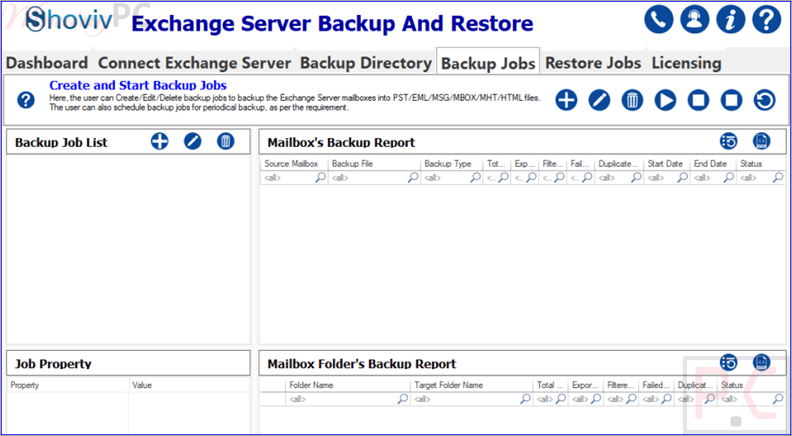
- Schedule daily, weekly, or monthly backup jobs
- Run multiple backup and restore jobs simultaneously
- Filter emails by Message Class and Date Range
- Job-based processing for easier management
- Set limits for bad item count during export
- Timer option for skipping oversized items
- Generates detailed backup and restore reports
- Compatible with Windows desktop and server platforms
- Works in VMware, Hyper-V, and VirtualBox environments.
Pros & Cons
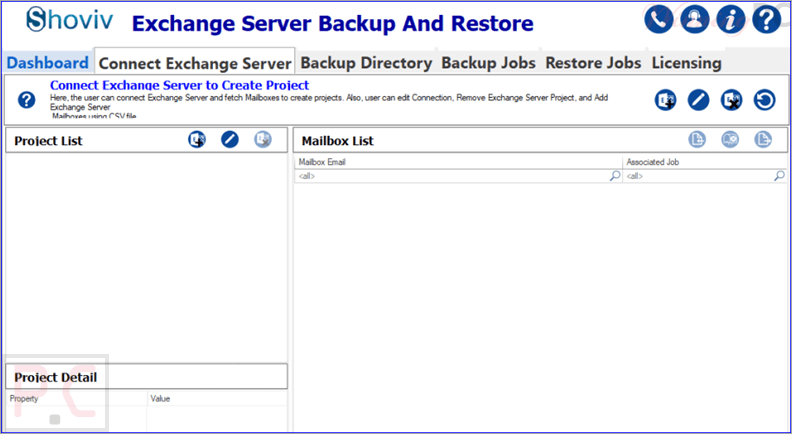
More screenshots:
Frequently Asked Questions
Where can I find the latest coupon codes?
You can usually find active Shoviv Exchange Backup and Restore discounts, and promo offers on WinningPC, along with updates from the official Shoviv website and seasonal software promotions.
What is the highest discount currently available?
At the moment, WinningPC features a 12% OFF lifetime subscription deal that lowers the price from $50.00 to $44.10.
Does the software support incremental backup?
Yes, it includes an incremental backup/export feature that only processes newly added or changed data.
Can I restore PST files directly to Exchange Server?
Yes, the software allows restoring PST files directly into Exchange mailboxes.
Is there a free trial version available?
Yes, users can test the software with a free demo that processes up to 50 items per folder.
Which file formats are supported for backup?
It supports PST, MBOX, EML, MSG, MHT, and HTML formats.
Can I schedule automatic backups?
Yes, you can create daily, weekly, or monthly scheduled backup jobs.
Does the software support public folder backup?
Yes, it supports User Mailboxes, Archive Mailboxes, and Public Folders.
Can I filter emails before backup or export?
Yes, users can filter data using Message Class and Date Range options.
System Requirements & Details
| Feature | Specifications |
|---|---|
| Language Support | English |
| Operating System | Windows 7/8/8.1/10/11, Windows Server 2008/2012 R2/2016/2019/2022/2025 |
| Processor | Minimum 1.0 GHz (2.0 GHz recommended) |
| RAM & Storage | Minimum 2 GB RAM and 500 MB free disk space |
| Supported Input | PST, OST, MBOX, EML, MSG |
| Supported Output | PST, MBOX, EML, MSG, MHT, HTML |