On this page
Intego Antivirus for Windows Coupons & Pricing

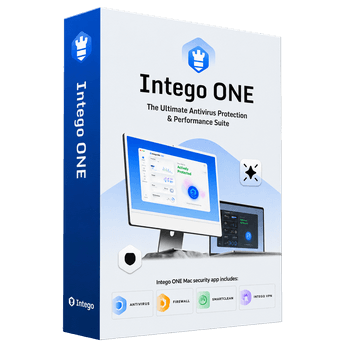
Intego ONE Complete
Mac + iPhone | Antivirus | Firewall | SmartClean | VPN
How to Redeem Your Intego ONE Discount
Copy the Intego coupon code from the box above.
Choose your period of protection and device count, then click Buy Now. That takes you to checkout.intego.com
Find the “Got a coupon? Enter code here” link under the order summary and paste the code in.
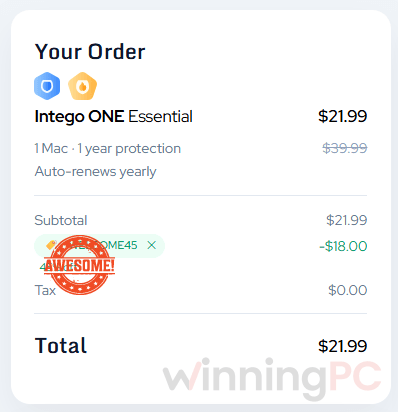
Pay by credit card (processed through Stripe) or PayPal. Delivery is electronic, so the licence arrives by email.
Intego ONE Review & Features
The interesting thing about Intego ONE isn’t any single tool. It’s that Intego finally stopped shipping VirusBarrier, NetBarrier, Washing Machine, and its VPN as separate purchases and put them behind one Home screen. That matters more than it sounds. Security software you have to remember to open is security software you stop opening, and a single ONE Scan button that covers the whole Mac removes the main reason people let protection lapse.
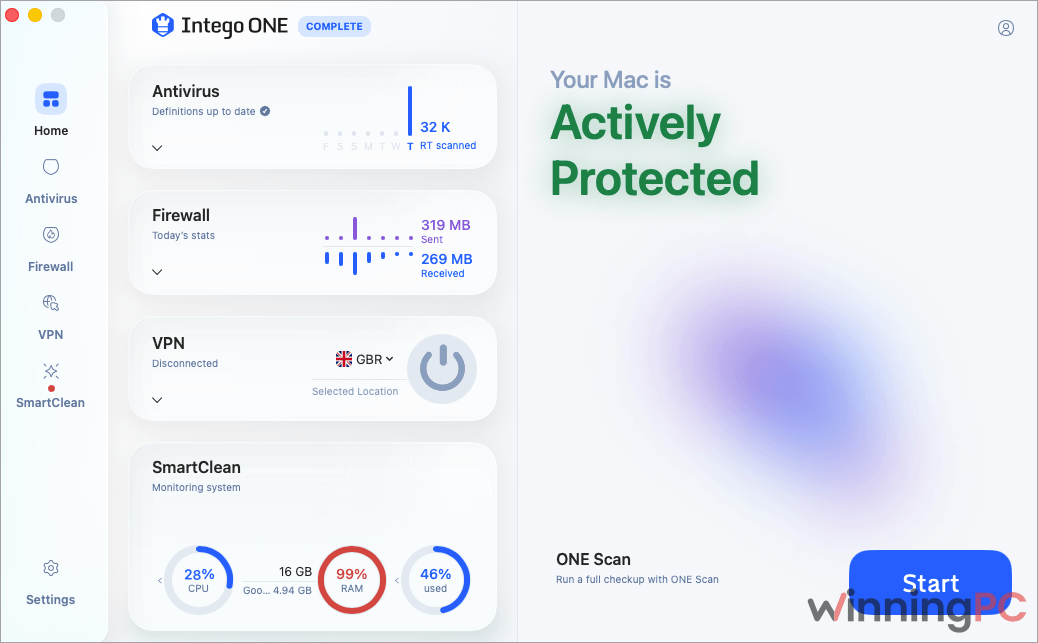
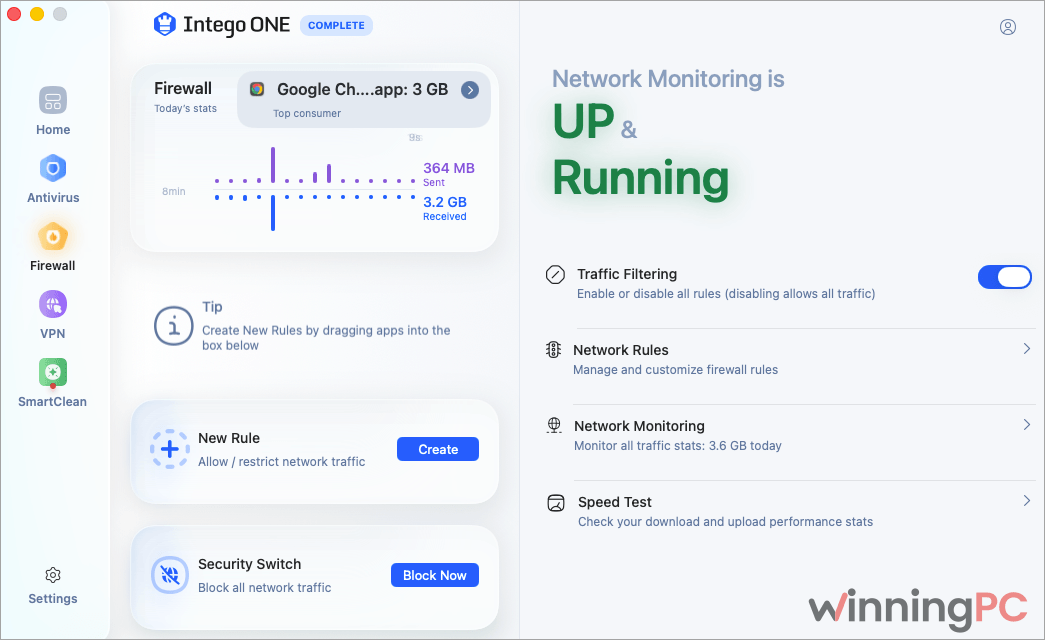
The firewall is the piece macOS genuinely lacks. Apple ships one, but it’s off by default and gives you almost no visibility. Intego’s version shows live traffic, tracks per-app data use over time, and lets you write rules by app, website, or IP address in readable language rather than terminal syntax. There’s also a Security Switch that kills all network traffic instantly, which is a reasonable panic button on a coffee-shop Wi-Fi network.
Key features
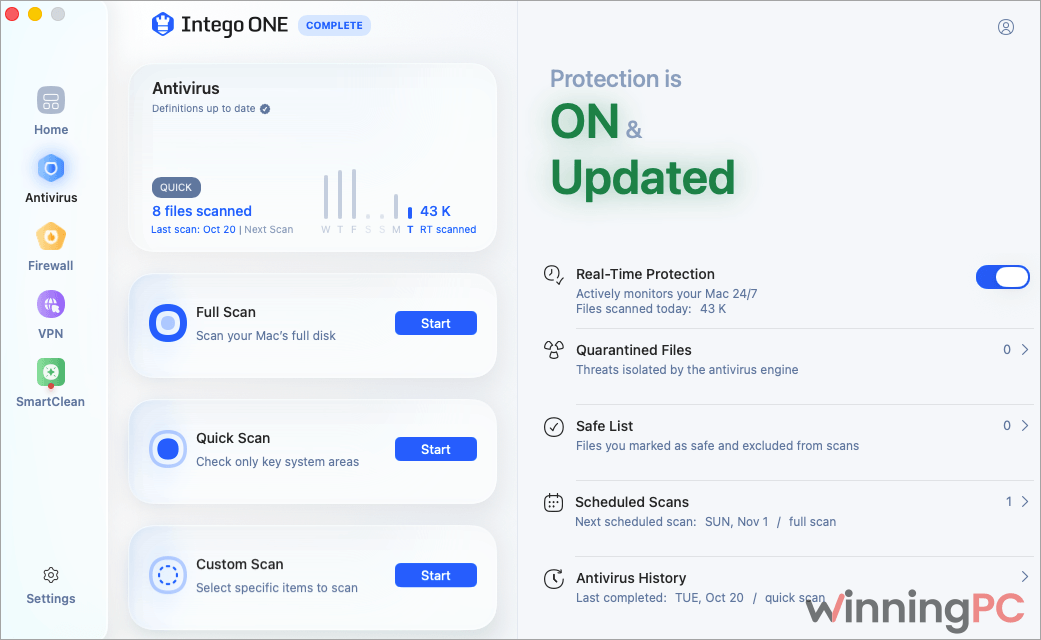
- Real-time scanning with a quarantine you can inspect. Suspicious files are isolated rather than silently deleted, and the Scan History keeps a record of what was found and when.
- Four scan modes. Quick for a fast check of vulnerable areas, Full for the whole disk, Custom for one folder or an external drive, and ONE Scan which combines a security and performance pass from the Home screen.
- A firewall with readable rules. Set permissions by app, website, or IP address, watch live traffic, track bandwidth per app over time, and hit the Security Switch to block everything at once.
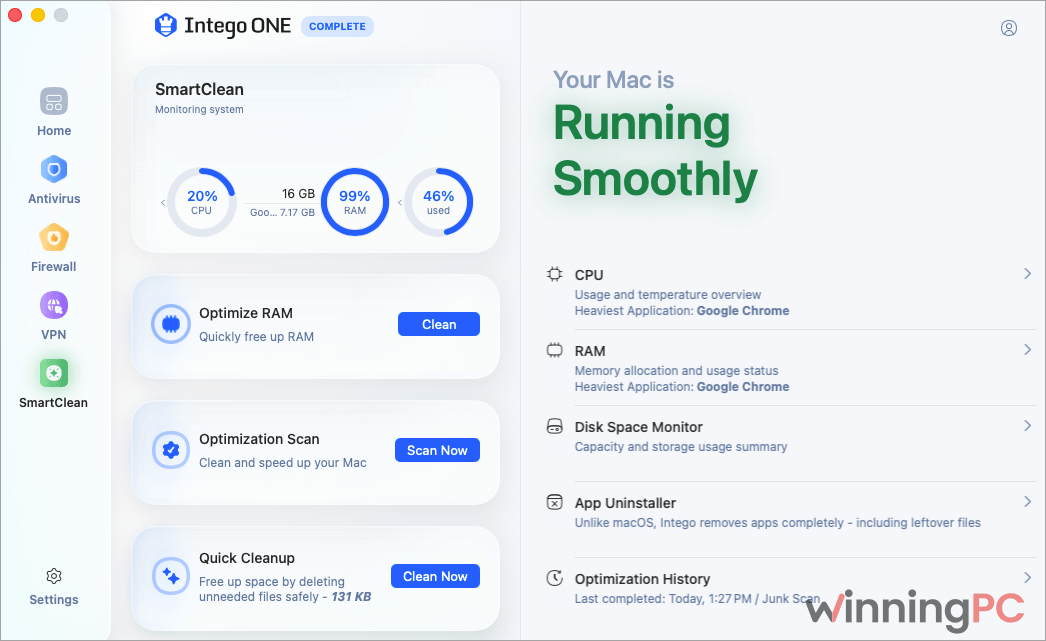
- SmartClean goes beyond junk files. The App Uninstaller strips out support files that a normal delete leaves behind, and the CPU monitor reports temperature alongside utilisation, which is useful for working out whether a background process is cooking your fans.
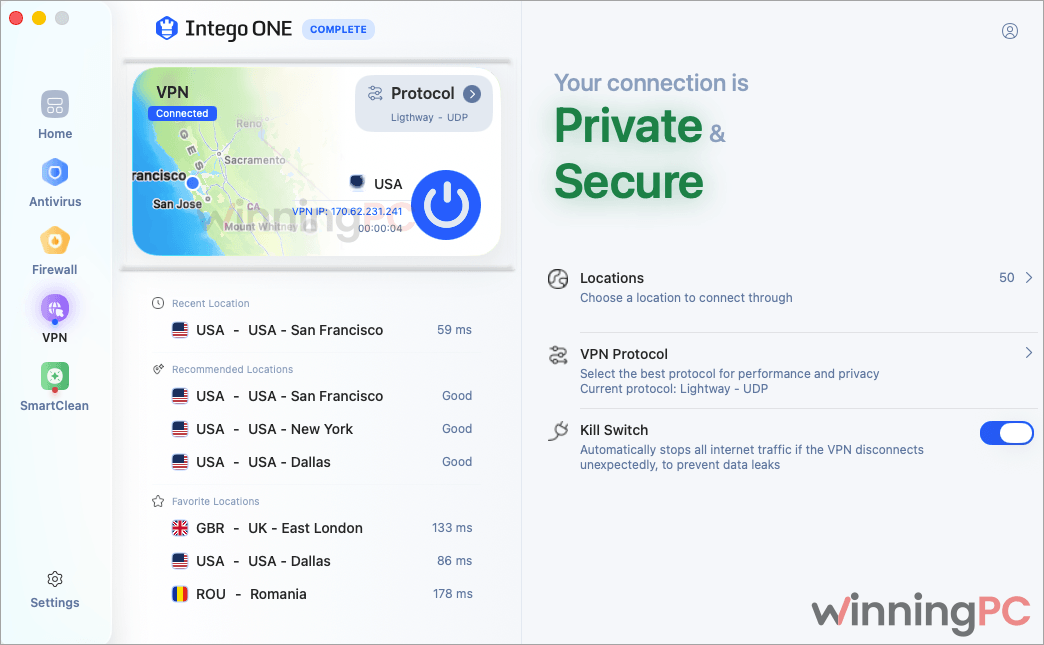
- Intego VPN on the Complete tier. One-click connect, Lightway in UDP, TCP or automatic mode, encrypted DNS, a kill switch, and auto-connect when you join an unknown network.
What we liked, what we didn’t
Screenshots
Which Intego ONE Plan Should You Buy?
| Plan | Tools included | Devices covered | Cost per month | What you give up |
|---|---|---|---|---|
| Essential · $21.99 | Antivirus, Firewall | 1, 3 or 5 Macs | $1.83 | No SmartClean, no VPN, no iPhone cover |
| Advanced · $38.49 | Antivirus, Firewall, SmartClean | 1, 3 or 5 Macs | $3.21 | No VPN, no iPhone cover |
| Complete · $49.49 | Antivirus, Firewall, SmartClean, Intego VPN, Security Assessment, Network Speed Test | 1, 3 or 5 Macs plus matching iPhones | $4.12 | Nothing held back |
Intego ONE vs Other Products
| Tool | One Mac, one year | App-level firewall | Blocks bad websites | Cleanup tools | VPN |
|---|---|---|---|---|---|
| Intego ONE Complete (our pick) | $49.49 | Yes, per-app rules | No | Yes, SmartClean | Yes, unlimited, 50+ locations |
| Intego ONE Essential | $21.99 | Yes, per-app rules | No | No | No |
| MacKeeper | $47.70 | No | Yes, adware and tracker blocking | Yes | Yes, Private Connect |
| CleanMyMac | $28.14 | No | Yes | Yes, the deepest of the group | No |
| Bitdefender Antivirus for Mac | $24.99 | No | Yes, anti-phishing | No | Capped at 200 MB a day |
| macOS built-in | Free | On or off only | Partly, via Safari | Basic storage tools | No |
Frequently Asked Questions
What is the cheapest way to get Intego ONE?
$21.99, for Essential covering one Mac for a year, with code from WinningPC at checkout. That gets you antivirus and firewall. If you want the VPN and iPhone coverage too, Complete is $49.49, which is $27.50 more for three extra tools.
Which plan includes the VPN?
Complete, and only Complete. Essential is antivirus plus firewall, Advanced adds SmartClean, and the VPN, Security Assessment, and Network Speed Test are exclusive to the top tier. Complete is also the only plan that extends to your iPhone.
How many Macs does one subscription cover?
One, three, or five, selected on the plan card before checkout. On Complete you get a matching number of iPhones alongside the Macs, so a three-device Complete plan covers three Macs and three iPhones.
Does Intego ONE run on Apple Silicon?
Yes. Both Intel and Apple Silicon Macs are supported on macOS 12.4 or later. The app asks for 8 GB of RAM as a minimum and recommends 16 GB, which is a higher bar than several competing Mac security tools set.
Does it block malicious websites?
No. This is the one real gap in the feature set. Intego ONE handles files, network connections, and system cleanup, but it doesn’t filter web traffic for phishing or scam sites while you browse. A browser extension or DNS-level filtering covers that separately.
Can I get a refund if it isn’t a fit?
Yes, within 30 days. Intego’s stated process is to contact support and ask, with no forms to fill in. The window applies to all three tiers.
How do I turn off auto-renewal?
Sign in to your Intego account, open the “Your Plan” tab, and follow the “Turn off Auto-Renewal” prompts before midnight on the renewal date. Turning it off doesn’t cancel your current term, so protection runs to the end of what you paid for.
System Requirements & Details
| Requirement | Specification |
|---|---|
| Operating system | macOS 12.4 (Monterey) or later, including macOS Sequoia 15.x |
| Processor | Intel or Apple Silicon |
| Memory | 8 GB minimum, 16 GB recommended |
| Storage | 2 GB free disk space |
| Delivery | Electronic; licence sent by email after checkout |
| Also covered | iPhone, on the Complete plan only |