Cathryn Lee
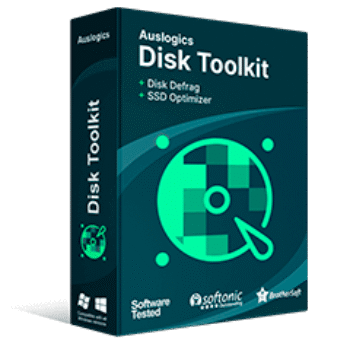
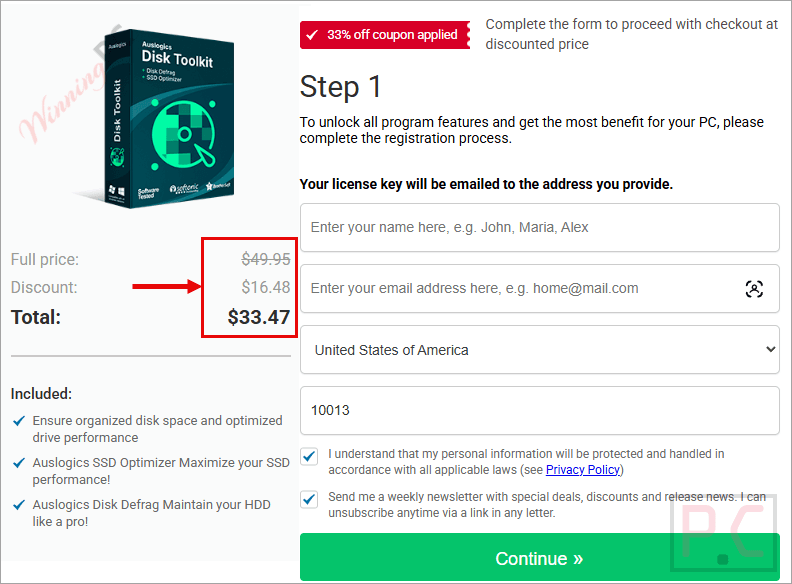
Auslogics Disk Toolkit is a disk maintenance bundle that combines Auslogics SSD Optimizer and Auslogics Disk Defrag to help both solid-state and hard disk drives operate at peak efficiency. It provides specialized tools for each drive type, allowing you to speed up file access, extend your drive’s lifespan, and clean up storage space without navigating irrelevant settings.
You may also like

Auslogics SSD Optimizer Pro
1-year subscription for up to 3 PCs | Professional support

Auslogics Disk Defrag Ultimate
1-year subscription for up to 3 PCs | Professional support
Auslogics Disk Defrag Pro
1-year subscription for up to 3 PCs | Professional support
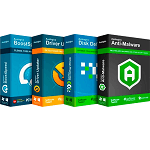
Auslogics Essential Tools
1-year subscription | Includes Auslogics BoostSpeed, Auslogics Driver Updater, Auslogics Anti-Malware, Auslogics Disk Defrag Ultimate.
📄 Licensing & Support Details
- License Type: 1-Year Subscription.
- Support: Professional email support with answers typically provided within a few hours.
- Guarantee: 100% money-back guarantee within 30 days of license purchase.
📝 How to apply
- Simply select the “Copy Code” button in the coupon box above.
- The discount code will be applied automatically, and you’ll be redirected to complete your purchase with the reduced price.
Auslogics Disk Toolkit: Review & Features
Key Features
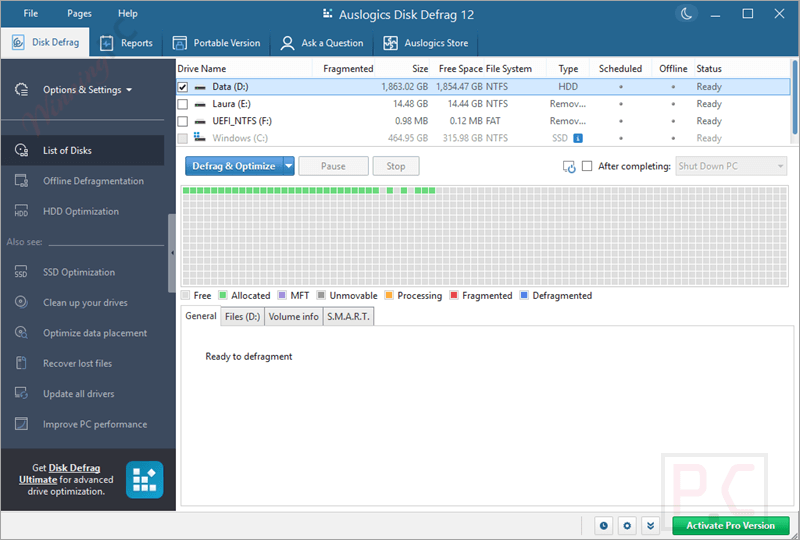
- Automatic Drive Detection: Instantly identifies whether your disk is an HDD or SSD to apply the correct maintenance tool and prevent unsafe operations.
- Targeted Defragmentation: Speeds up specific games or resource-heavy applications by allowing you to defragment individual files or folders instead of the entire hard drive.
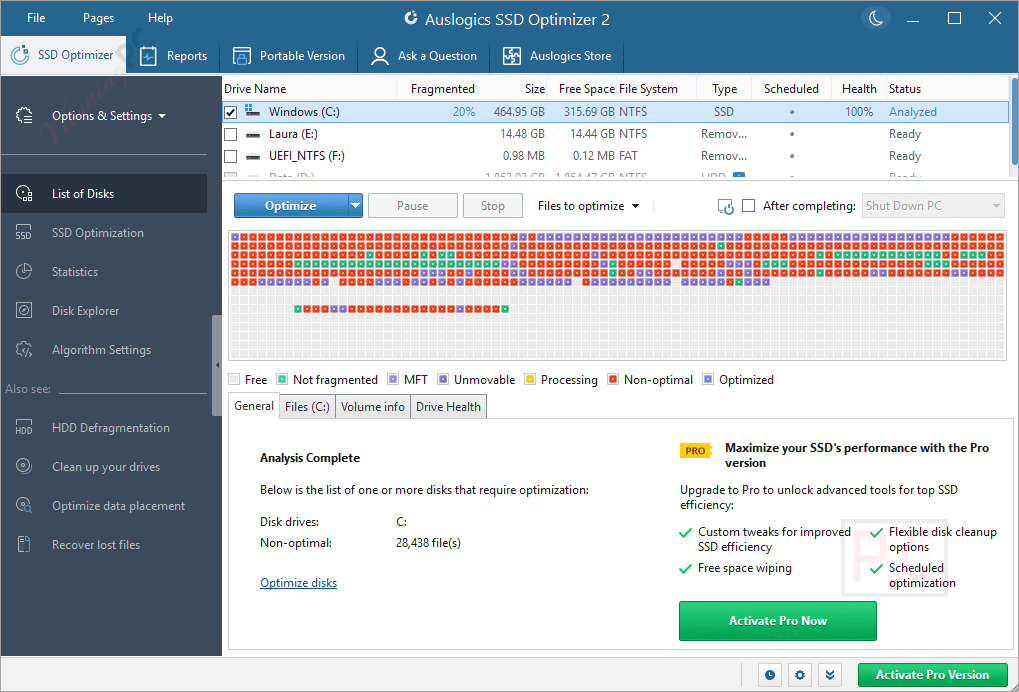
- SSD Health Monitoring: Displays real-time data on the amount of data read from and written to your SSD, and estimates its remaining service life.
- Space Management: Features a Disk Explorer that finds large, space-hogging files so you can move them to another storage device and free up room on smaller SSDs.
- Ultra-Fast Defrag Engine: Consolidates scattered free space and defragments an average-sized hard drive in under 10 minutes.
- Portable Mode: Allows you to create a portable version of Disk Defrag on a USB drive to optimize other computers that lack internet access.
- Scheduled Maintenance: Lets you set custom times for the software to automatically clean junk and run optimizations when the PC is on but not heavily used.
Pros & Cons
More Auslogics Disk Toolkit Screenshot
List of Disks
Reports
Frequently Asked Questions
Where can I find a code or deal for Auslogics Disk Toolkit?
The latest and best deals can be found on WinningPC, alongside the official software website or the developer’s social media channels.
What is the best discount available for Auslogics Disk Toolkit?
The best current discount is 57% OFF, available directly on WinningPC.
Will this software try to defragment my solid-state drive?
No. The software automatically detects your drive type. If it identifies an SSD, it will skip standard defragmentation to protect the drive and use safe, specific SSD optimization algorithms instead.
Can I use the defragmenter on a computer without an internet connection?
Yes. You can create a portable version of Auslogics Disk Defrag, save it to a USB flash drive, and use it on any computer without needing internet access or local installation.
Do I have to wait for my whole hard drive to defragment to speed up a specific program?
No. You can choose to defragment a single file or folder, which is highly effective for quickly improving the loading times of specific games or large applications.
How often should I run the HDD defragmenter?
If you actively save and delete many files, running it once a week is recommended. For lighter use, once a month or every few months is sufficient. You can also use the scheduling tool to automate this.
Why are there two separate apps instead of one?
HDDs and SSDs use completely different physical mechanisms to read and write data. Splitting the tools ensures you only see the features and maintenance algorithms relevant to the specific drive you are optimizing.
System Requirements & Details
| Feature | Specifications |
|---|---|
| Language Support | English, Spanish, German, French, Japanese, Italia, Brasil, & Russia. |
| Money Back Guarantee | 30-Day |
| Operating System | Windows 7, Windows 8/8.1, Windows 10/11 |
| Shipping | Register code will be sent to your email in minutes |
| Subscription | 1-Year |
| Support Services | Tickets |