Chris Bruner
Amazing Password Protect USB Flash Drive is a software developed by amazing-share.com that provides an easy and secure way to password-protect files and folders on USB flash drives. This software is designed for Windows operating systems (Windows 10, 8, 7, Vista, and XP) and can be used with a wide range of USB flash drive brands such as SanDisk, Lexar, Kingston, Toshiba, and more. This tool is perfect for anyone looking to protect their data effortlessly.
A password-protected USB flash drive is a device used for storing data and files that has an added security feature. The user can set a password to lock the drive and prevent unauthorized access to the data stored on it. This provides a layer of security for sensitive or personal information. With Amazing Password Protect USB Flash Drive, you can keep your personal data safe on your USB flash drive and prevent unauthorized access. The encryption process is easy to follow, and once completed, the protected files and folders can only be accessed with the password you set.
Top USB Lock/Secure Software Discount Codes

NewSoftwares USB Secure
36% Off coupon code: regular price $39.95, discounted price $25.46
Amazing Password Protect USB Flash Drive Features
- Password protection: This software offers advanced encryption to lock, hide, and disguise files, folders, and even entire USB drives by a password. You are allowed to set the password before accessing the data stored on the drive. This function helps prevent unauthorized access to sensitive or personal information, providing peace of mind whether your drive is misplaced or stolen.
- Compatibility with Various USB Brands: This program supports numerous USB flash drive brands, such as Kingston, Samsung, Toshiba, SanDisk, Lexar, and others. This guarantees that your data will be easily safeguarded regardless of the type of USB drive you use.
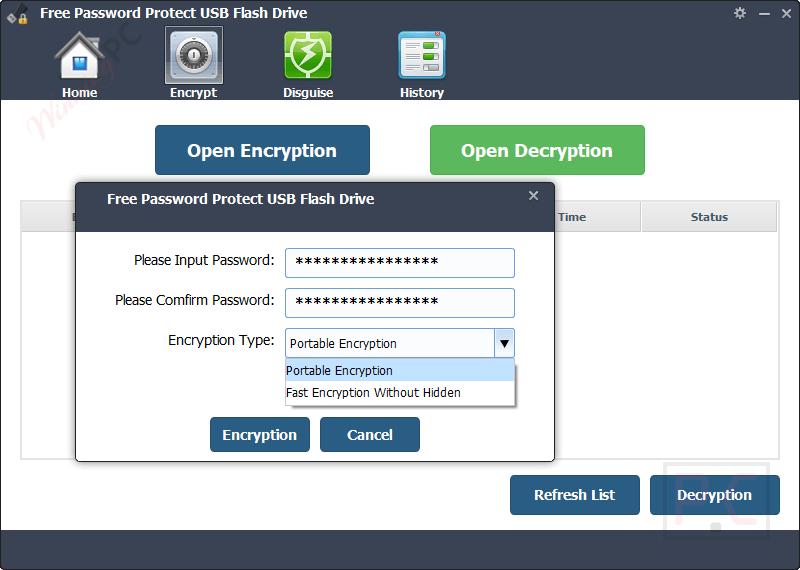
- Multiple Encryption Options: This tool provides various encryption methods for your choosing to suit your specific needs. It offers flexible options to cater to different security requirements, no matter if you need to lock a single file, a folder, or the entire drive.
- Easy-to-use software: This software is usually user-friendly and straightforward to use, helping you easily set up passwords to protect files and folders.
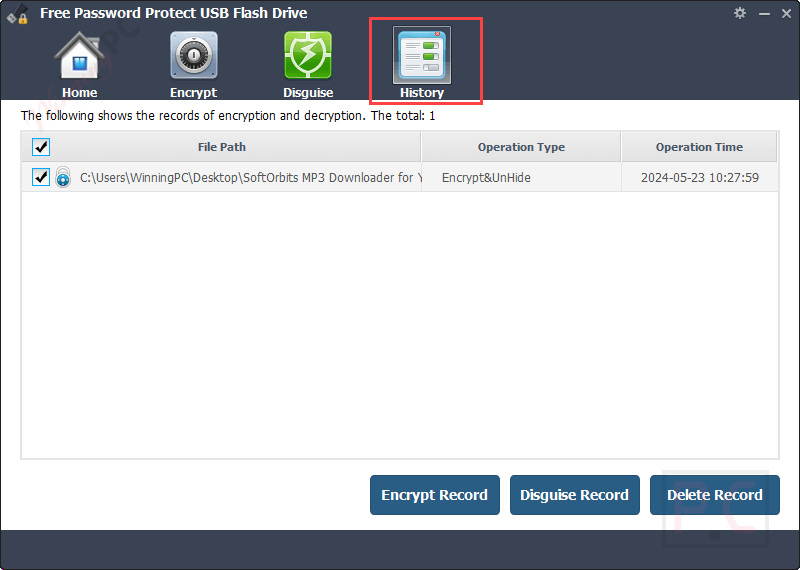
Screenshots


Frequently asked questions
What is the Amazing Password Protect USB Flash Drive?
It is a software tool designed to password-protect, encrypt, and secure files, folders, and email attachments on USB flash drives of any brand.
How do I use the software to protect my USB flash drive?
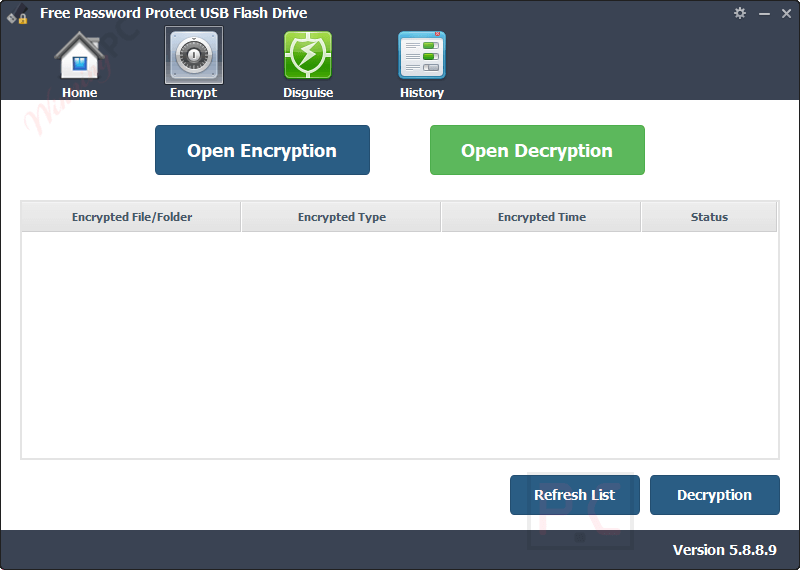
Launch the software, click “Open Encryption,” select the files or folders you want to protect, set a password, choose an encryption type, and click “Encryption” to secure your USB flash drive.
Which brands of USB flash drives are supported?
The software supports all major brands, including SanDisk, Kingston, Toshiba, Samsung, Transcend, HP, Sony, and many others.
How can I get a discount on Amazing Password Protect USB Flash Drive?
Use the WinningPC coupon code “AMA****HARE” at checkout to save up to 53% on your purchase.
Can I use this software on multiple USB drives?
Yes, you can use the software to protect multiple USB drives, but each drive will need to be encrypted separately.
Can I decrypt my USB drive and remove the password protection?
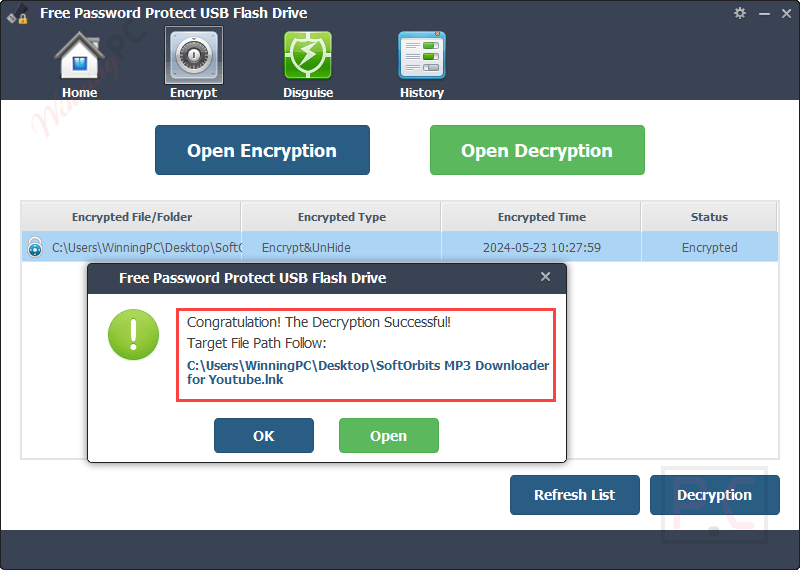
Yes, you can use the software to decrypt and remove the password protection from your USB drive if needed.
Technical Details
| Language Support | English, Français, Italian, Spanish, Swedish, and more… |
| Money Back Guarantee | 30-Day |
| Operating System | Windows 11/10/8.1/8/7/Vista/2000/XP |
| Shipping | Register code will be sent to your email in minutes |
| Subscription | Lifetime |
| Support Services | Email, Live Chat |