
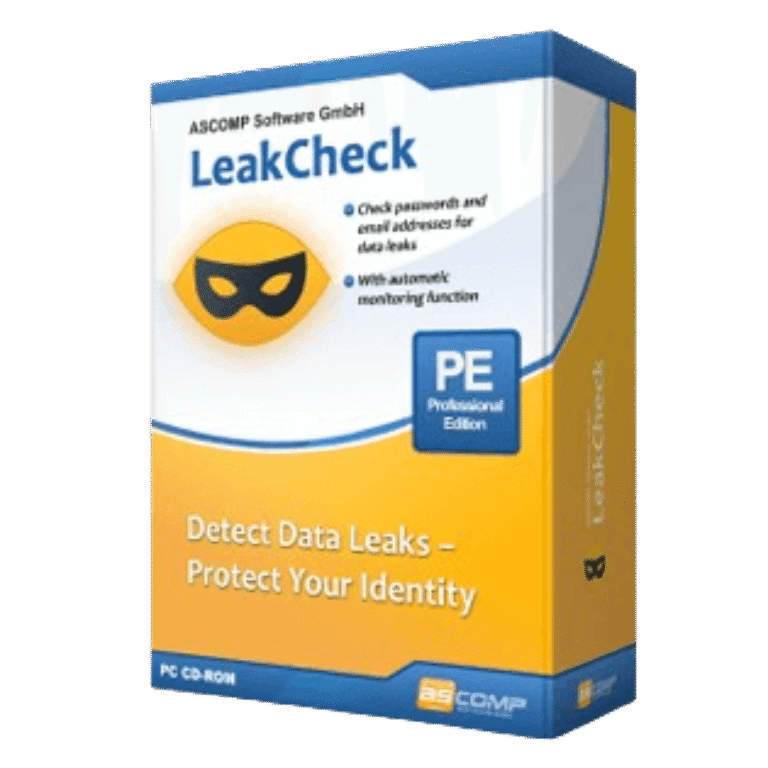

ASCOMP LeakCheck Pro Giveaway
ASCOMP LeakCheck Pro
Check Passwords & Detect Data Breaches
- Product
- ASCOMP LeakCheck Pro
- Product website
- ascompsoftware.com
- License
- Lifetime
- Platform
- Windows 11, 10, 8.1, 8, 7, Server 2022/2025, Server 2016/2019, Server 2012
- Support
- Free tech support for one month
- Updates
- Free updates for one month
- Updated
- 2026-08-12
Continue on ascompsoftware.com
Share to reveal your license code and the official claim page.
The limited-time giveaway!
The free license is no longer available.
How to Get ASCOMP LeakCheck Pro Key Free
- Click the giveaway link to go to the official ASCOMP giveaway page.
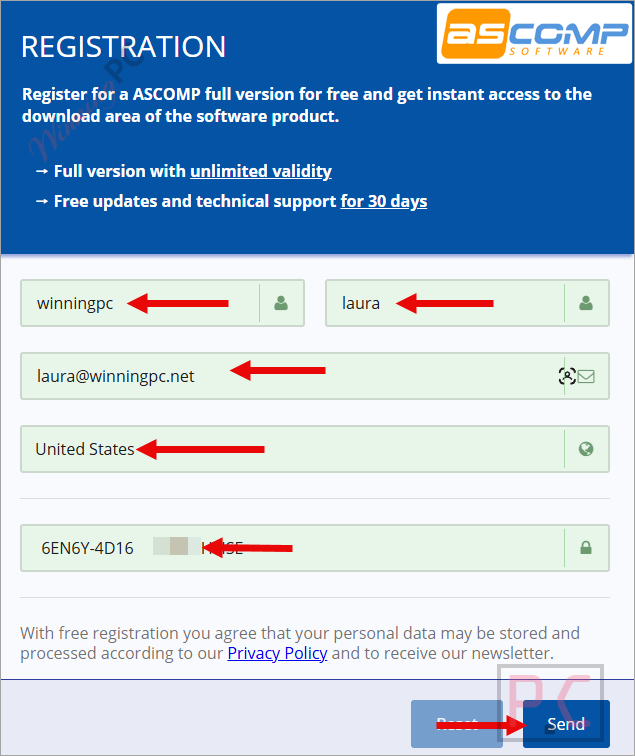
- Enter license code, your name, and email address to register.
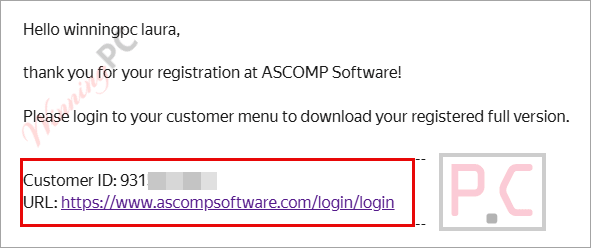
- Check your inbox for your ASCOMP account login details – they arrive within seconds.
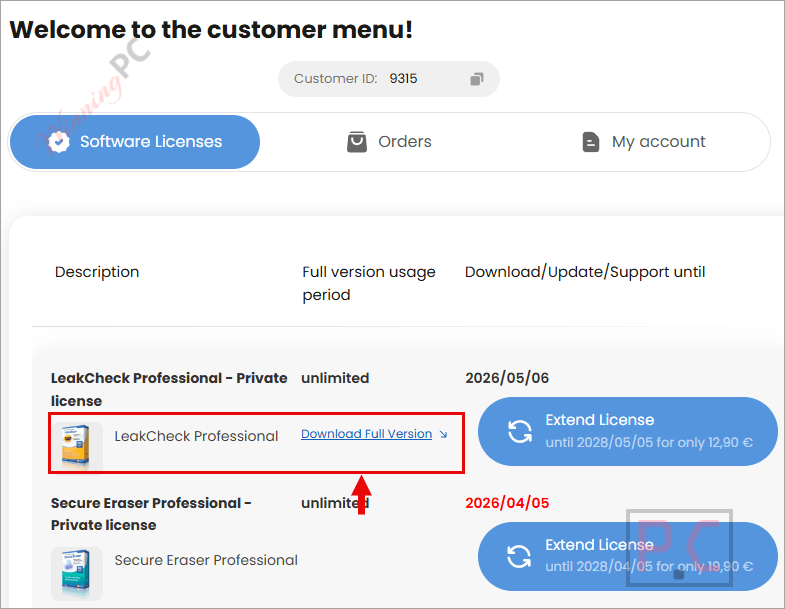
- Log in to the ASCOMP customer/reseller area and download the LeakCheck Professional installer.
- Install the software on your PC, then enter your Customer ID on the activation screen to unlock the Professional Edition.
ASCOMP LeakCheck Pro Coupon Codes Oct 2026
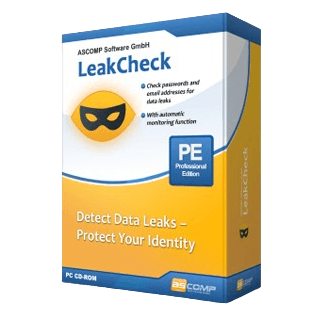
ASCOMP LeakCheck Professional - Private license
Lifetime license (lifelong use; including updates, download & support for two years)

ASCOMP All-in-One Pack
Free update & Free technical customer for 24 months

Is this LeakCheck Pro giveaway safe to use?
No crack or keygen
You download the official LeakCheck Professional installer directly from ASCOMP’s reseller area and activate it with a real Customer ID. Nothing is patched, repackaged, or modified.
Official publisher giveaway
Your license is tied to a genuine ASCOMP account created on ASCOMP’s own platform. WinningPC links to the source; we don’t generate or distribute the keys.
Secure checkout for paid plans
If you use the coupon instead, payment is processed on ASCOMP’s encrypted store. WinningPC never sees or handles your card details.
14-day money-back on paid plans
If you later upgrade to Private or Company, ASCOMP offers a full refund within 14 days, no questions asked. The giveaway key is free, so there’s no financial risk either way.
How well does ASCOMP LeakCheck Pro actually work?
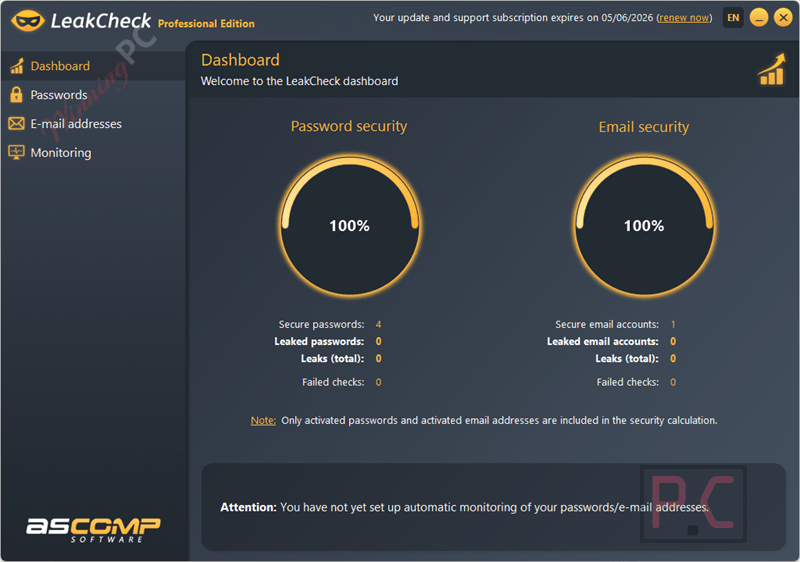
ASCOMP LeakCheck Pro does the core job well. The k-anonymity check is the standout feature from a privacy standpoint: your password is hashed locally, and only a short anonymous fragment goes to the Have I Been Pwned API. The service confirms a match without ever seeing your actual credentials. In practice, the dashboard is clean and readable, separating safe entries from compromised ones and listing the exact breach name and date for each hit. What makes the Professional Edition genuinely useful is automatic background monitoring. ASCOMP LeakCheck Pro watches for new breach records and opens itself to alert you, which is far more practical than remembering to run a manual check every few months. The catch is that it only monitors what you’ve added to the list, so keeping your email addresses and passwords updated in the app is on you. The interface is functional but no-frills, which is fine for a security utility.
Key features
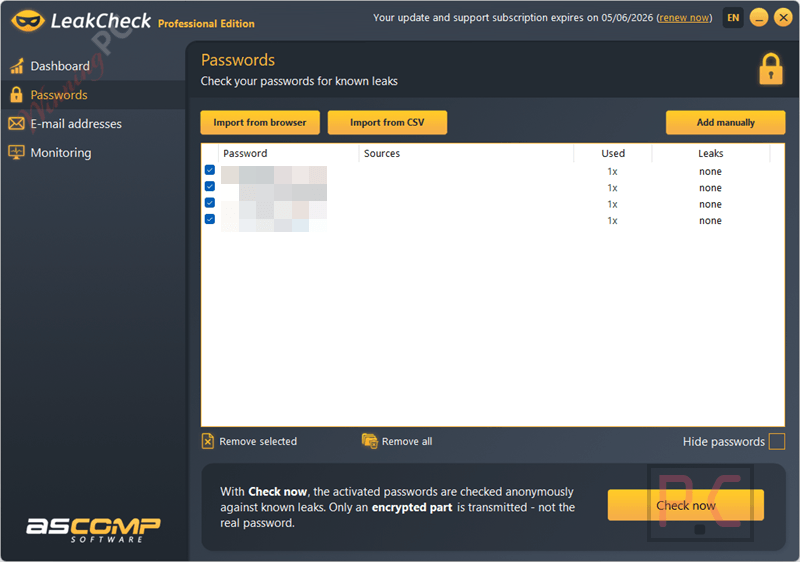
- Secure Password Checking (k-anonymity): Your passwords are never transmitted in plain text. The software uses an anonymized hash fragment to securely verify your data against known breaches, ensuring maximum privacy.
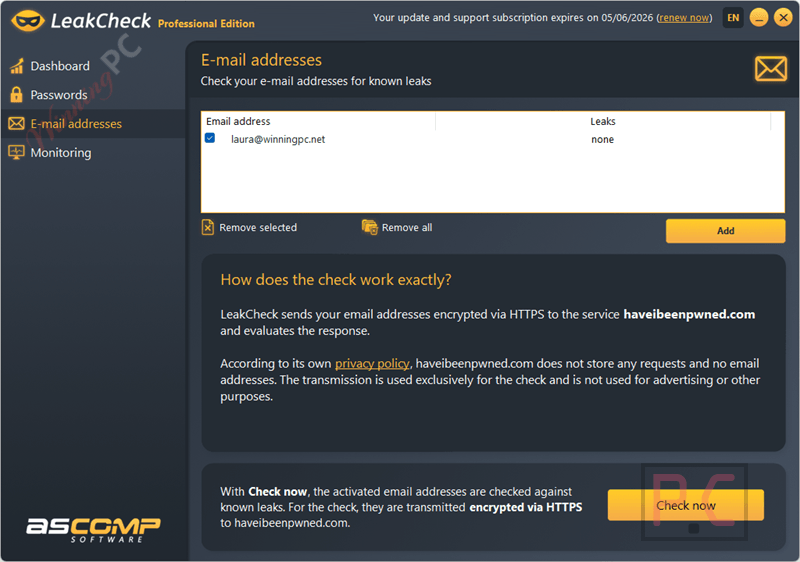
- Email Account Monitoring: Add your email addresses to a monitoring list and instantly see which specific data breaches they have appeared in, including the name and date of the breach.
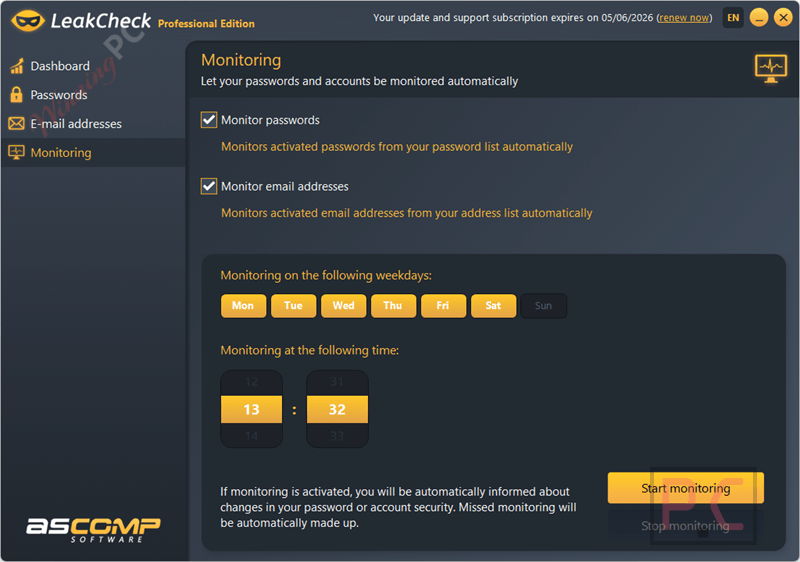
- Automatic Background Monitoring: The ASCOMP LeakCheck Professional Edition automatically checks your saved passwords and emails at regular intervals, notifying you immediately if a new breach is detected.
- Local, Encrypted Storage: All your data is stored locally on your PC and encrypted using the Windows Data Protection API (DPAPI) tied to your Windows user account.
- Intuitive Dashboard: View your security status at a glance. Safe and compromised entries are clearly separated so you can prioritize which accounts need immediate attention.
What we think
More Screenshots
Free License or Paid: What Does the Giveaway Key Leave Out?
| Giveaway (Free) | Paid Private License ($6.96 with code) | |
|---|---|---|
| License duration | Lifetime | Lifetime |
| Private use | Yes | Yes |
| Commercial use | No | No (need Company license) |
| Updates included | 1 month only | 2 years |
| Tech support | 1 month only | 2 years |
| Automatic monitoring | Yes | Yes |
| Version received | Current at time of giveaway | Latest, always |
| Key delivery | Via ASCOMP email after registration | Immediate on purchase |
The main trade-off is clear: you get the same Lifetime license, but the giveaway key’s updates and support expire after one month. If you want two years of updates and the latest version going forward, the $6.96 paid option is the better value.
Frequently Asked Questions
How can I get ASCOMP LeakCheck Pro license key for free legally?
The safest and most reliable way to get a legal, free license key for ASCOMP LeakCheck is right here at WinningPC. We partner directly with developers to provide official giveaway keys to our readers.
Where can I find the best coupon code for ASCOMP LeakCheck?
WinningPC offers the best exclusive deals. By using the coupon code provided on this page, you can secure a massive 65% discount on the lifetime Professional license.
What should I do if LeakCheck finds my password in a data breach?
If a breach is detected, it means attackers may use your password for automated login attempts (credential stuffing). You should immediately change that password on all services where it is used. Enable two-factor authentication (2FA) wherever possible.
What should I do if my email address is found in a leak?
Check which specific service was breached. Change your password for that service and any other site where you reused it. Be extra vigilant regarding phishing emails, as your address is now public.
Are there limits to how many emails I can check?
Yes. For the Professional Edition, you are allowed up to 10 requests per minute and a maximum of 50 requests per day. Password checks, however, are unlimited.
Is it safe to store my passwords in ASCOMP LeakCheck Pro?
Yes. Passwords and email addresses are stored exclusively on your local hard drive and are securely encrypted using Windows DPAPI, preventing unauthorized access.
System Requirements & Details
| Field | Value |
|---|---|
| Operating system | Windows 11, 10, 8.1, 8, 7; Windows Server 2012, 2016, 2019, 2022, 2025 |
| Processor | Intel compatible or Windows on ARM |
| Memory | 2 GB minimum (4 GB recommended) |
| Disk space | 50 MB of free space |
| Supported input | Passwords and email addresses (entered manually via the app interface) |
| Supported output | Breach check results displayed in-app dashboard; breach name, date, and status per entry |
| Other | Internet connection required for breach database checks via Have I Been Pwned API |





I’m always weary about these login credential checkers… do they submit our credentials to some online database of leaked credentials and search for a match (which if they do is in itself a crazy security risk, they could be building a database of submitted valid credentials…) or do they download the entire database of millions of leaked credentials to a local sequestered database and that is searched locally and your precious credentials and the search results are never uploaded to any internet service? I’m always wary of obfuscating credentials with hashes as there are programs out there to do rainbow cracks of hashes so they can reverse hashes into what was hashed to try and protect it… it’s all down to the probability of the service you are using being surreptitiously malicious.