Laura Marano
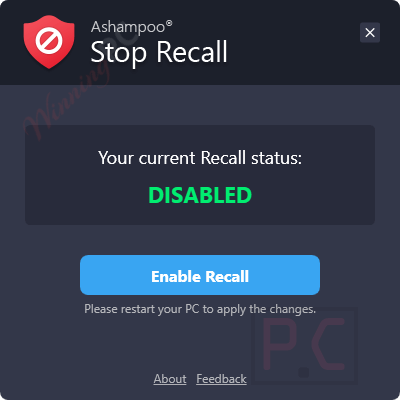
Ashampoo Stop Recall is a simple and effective solution for users who want to disable Microsoft Recall and protect their privacy on Windows 11. With its help, you can turn off Microsoft Recall with a single click, providing immediate privacy protection without the need for complex system modifications. The tool scans the Windows Registry to check whether Microsoft Recall is active, ensuring you can take action when necessary.
Designed specifically for Windows 11, Ashampoo Stop Recall addresses the privacy concerns associated with Microsoft Recall, a feature exclusive to this operating system. It prevents Microsoft Recall from capturing and analyzing screen activity, thereby stopping the storage of periodic screenshots of user behaviour. You can also manually check the status of Microsoft Recall at any time, giving you complete control over your privacy settings.
Ashampoo Stop Recall License Key Free
- Product name: Ashampoo Stop Recall
- Website: https://www.ashampoo.com/en-us/stop-recall
- License type: lifetime
- Platform: Windows
- Giveaway installer – last updated: Apr 03, 2025
Full version: ashampoo_stop_recall.exe
How to get the license key?
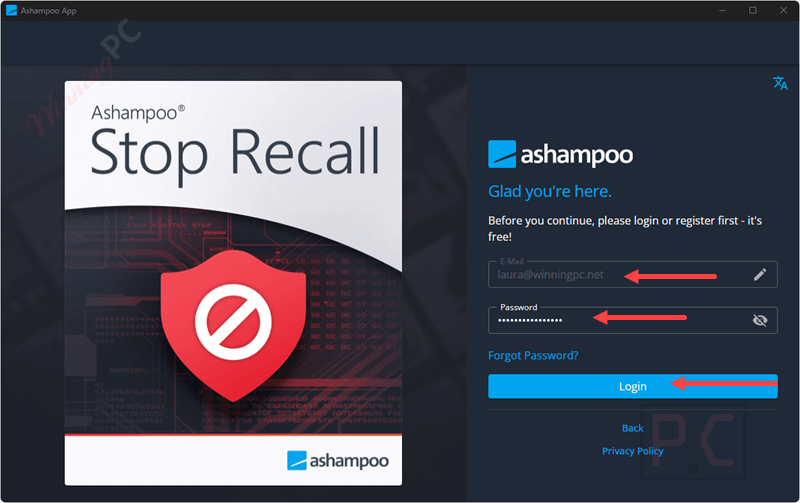
Download and install the software on your computer by clicking the giveaway download link above. To access your Ashampoo account, please enter your email address and password.
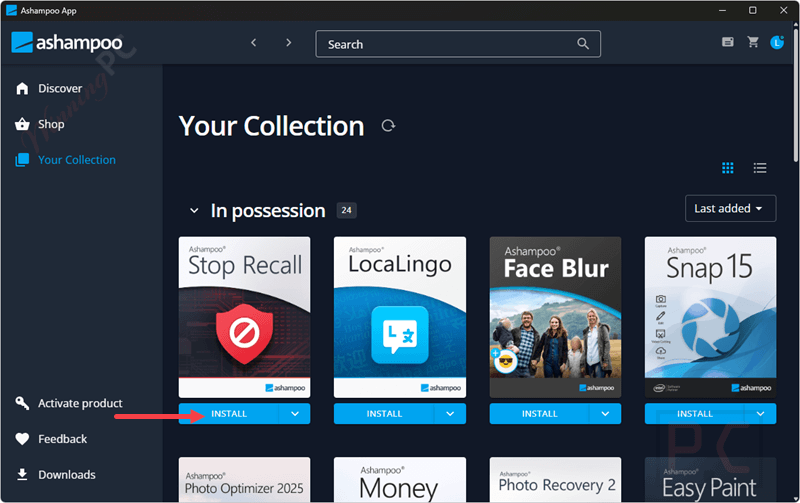
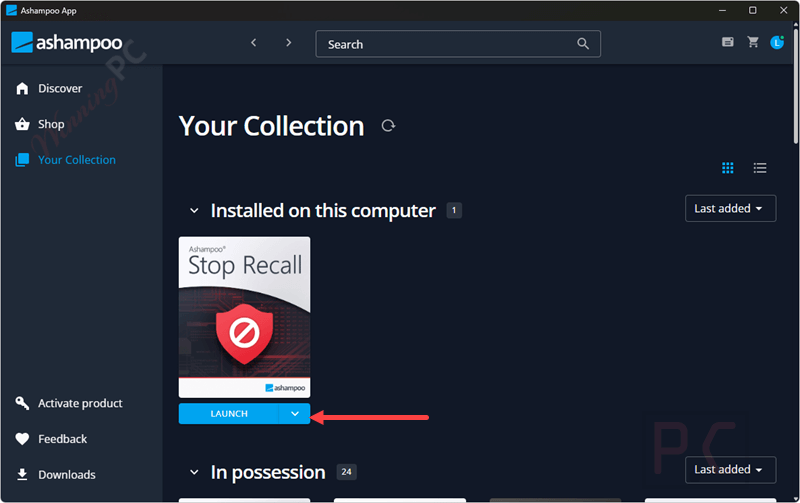
Once you have successfully logged in, please click the “Install” button to start the installation. Launch it once the installation is finished.
Got it for a lifetime free!
Ashampoo Stop Recall main screenshot!
Main Features
- Microsoft Recall Detection: Ashampoo Stop Recall scans the Windows Registry to check the presence and activation status of Microsoft Recall on your system. You will immediately receive feedback regarding any potential privacy intrusions.
- One-Click Disable: With a simple and intuitive interface, this tool allows you to disable Microsoft Recall with a single click, ensuring privacy and preventing unwanted screenshots from being taken and analyzed, providing immediate privacy protection.
- Privacy Protection: By disabling Microsoft Recall, Ashampoo Stop Recall helps protect your privacy by preventing the AI-powered feature from capturing and storing screenshots of your screen activities, thus enhancing privacy and minimizing unnecessary data collection.
- Targeted Solution: It is specifically designed to address Microsoft Recall, a feature exclusive to Copilot+ PCs running Windows 11, providing a focused solution for privacy-conscious users
Technical Details
| Language Support | English, Français, Italian, Spanish, Swedish, and more… |
| Money Back Guarantee | 30-Day |
| Operating System | Windows 11 |
| Shipping | Register code will be sent to your email in minutes |
| Subscription | Lifetime |
| Support Services | Tickets |