Laura Marano
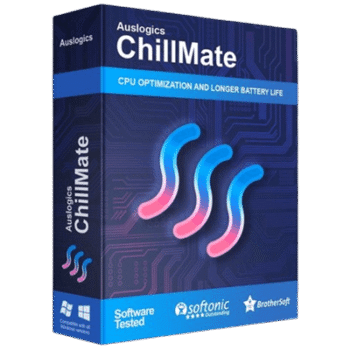
Auslogics ChillMate is a PC temperature monitoring and cooling optimization tool designed to help prevent laptop overheating, reduce fan noise, improve battery usage, and protect hardware components. It provides real-time monitoring for CPU, GPU, RAM, battery, and system performance while offering customizable cooling profiles for different usage scenarios.
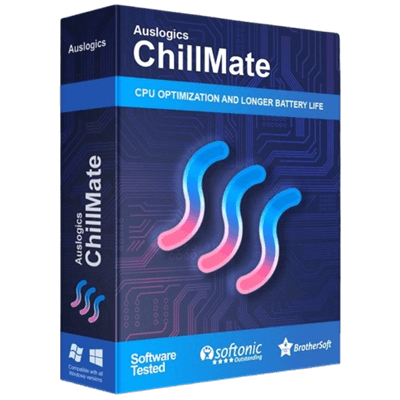
Auslogics Chillmate
1-year subscription for 3 PCs | Professional Support
You may also like
Auslogics Essential Tools
1-year subscription | Includes Auslogics BoostSpeed, Auslogics Driver Updater, Auslogics Anti-Malware, Auslogics Disk Defrag Ultimate.
📄 Licensing & Support Details
- License: 1-year subscription
- Device Limit: 3 PCs
- Money-Back Guarantee: 30 days
- Support: Professional support with quick response times via email and in-app assistance.
📝 How to apply
- To activate the offer, click “Copy Code” in the coupon area above.
- You’ll be redirected to the payment page, where the code is automatically applied to help you get the best price.
Auslogics Chillmate: Review & Features
Key Features
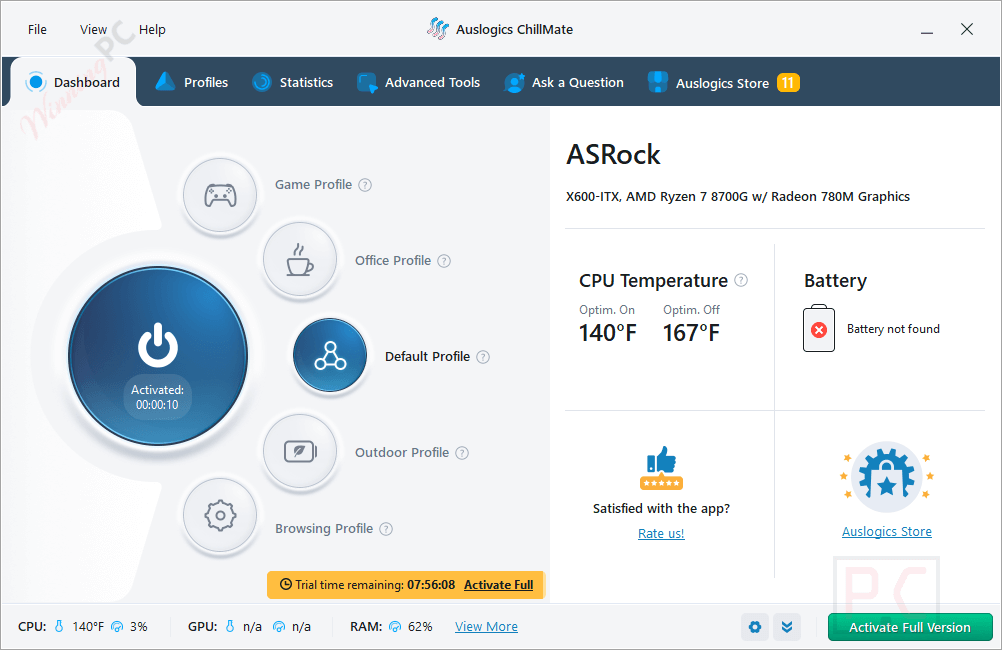
- Real-time monitoring: Tracks vital metrics including CPU and GPU load, temperature, RAM usage, battery level, and internet speed.
- Historical tracking: View temperature dynamics on a timeline from the last 10 minutes up to a full 24 hours.
- Custom performance profiles: Quickly switch between Game, Office, Default, Outdoor, or Browsing modes, or build your own custom setup.
- Fan noise reduction: Lowers component temperatures to stop laptop fans from spinning at maximum, noisy speeds.
- Battery optimization: Manages laptop power consumption to slow down chemical degradation and make your battery last longer.
- Game Mode exclusions: Stop CPU optimization for specific games to maintain maximum performance during playtime.
Pros & Cons
More Auslogics Chillmate Screenshot!
Profiles

Statistics

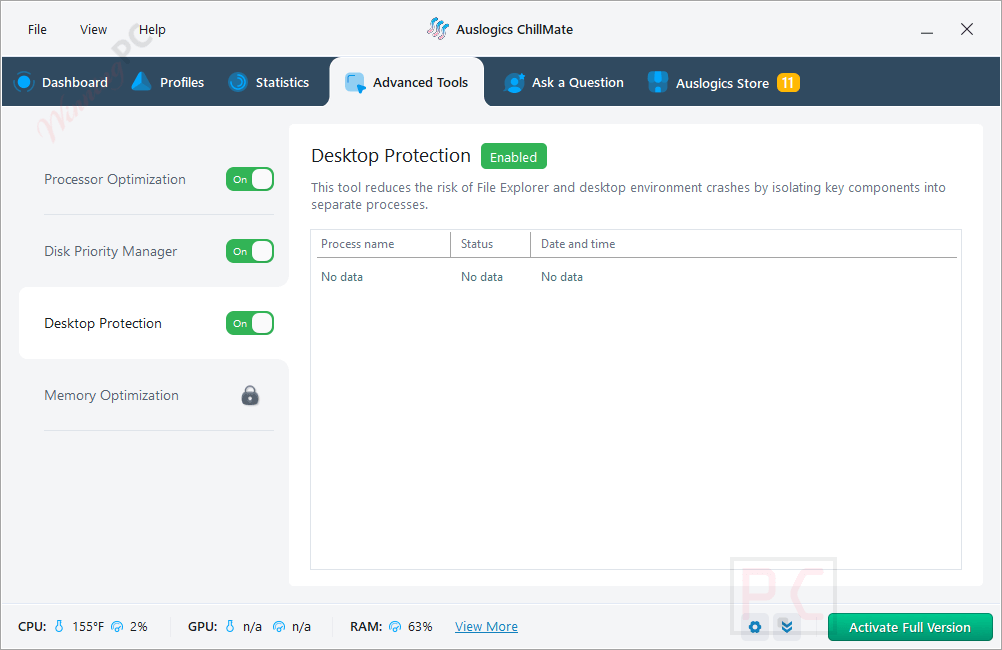
Advanced Tools
Frequently Asked Questions
Where can I find working discounts or promo codes for Auslogics ChillMate?
You can usually find the latest Auslogics ChillMate coupons and limited-time deals on WinningPC, along with promotions available directly from the official Auslogics website.
What’s the biggest current discount available?
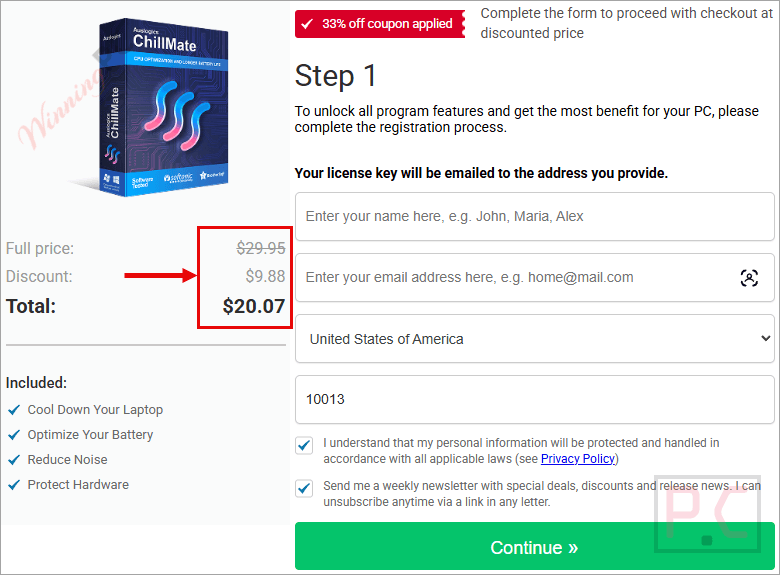
Right now, WinningPC features a 50% OFF deal that lowers the price from $39.95 to $20.07 for a 1-year, 3-PC license.
Will using this tool void my hardware warranty?
No. ChillMate cools down your laptop without using risky methods like undervolting, underclocking, or modifying the registry, keeping your warranty completely intact.
Does this program actually help quiet down loud laptop fans?
Yes. By actively lowering the temperature of your CPU and GPU, the software stops your fans from working double duty, which significantly reduces the loud background humming.
What should my normal idle CPU temperature be?
When your computer is idle, the CPU temperature should sit comfortably between 35 and 45°C (95-113°F).
How exactly does this extend my laptop’s battery life?
The program minimizes unnecessary battery drain by controlling your laptop’s power consumption. Keeping the battery cooler also prevents the internal chemical reactions from speeding up, which causes irreversible battery decay.
Will this app slow down my games while trying to cool the PC?
It won’t. You can use the Game Mode feature to add specific games to an exclusion list, which stops the app from restricting your CPU while you are actively playing.
System Requirements & Details
| Feature | Specifications |
|---|---|
| Language Support | English, Spanish, German, French, Japanese, Italia, Brasil, & Russia. |
| Operating System | Windows 7, 8, 8.1, 10, 11 |
| RAM & Storage | 18.5MB storage required |
| Supported Input | CPU/GPU temperature monitoring, RAM usage, battery data |
| Supported Output | Performance statistics, cooling profiles, & temperature reports. |