Laura Marano
Auslogics Duplicate File Finder scans your storage drives to locate and remove identical files, helping you instantly free up valuable disk space. It compares both file names and actual contents to safely identify extra copies of images, videos, music, and documents across your internal and external devices.
Auslogics Duplicate File Finder
1-year subscription for up to 3 PCs | Professional support
You may also like

Auslogics Essential Tools
1-year subscription | Includes Auslogics BoostSpeed, Auslogics Driver Updater, Auslogics Anti-Malware, Auslogics Disk Defrag Ultimate.
📄 Licensing & Support Details
- License Type: 1-year subscription for up to 3 PCs (Pro version).
- Support: Professional tech support via built-in “Ask a Question” tool or email (most inquiries answered within a few hours).
- Guarantee: 30-day full money-back guarantee.
📝 How to apply
- Click the “Copy Code” button in the coupon section above to grab this deal.
- The code will be applied automatically, and you’ll be taken to the checkout page to enjoy the discount.
Auslogics Duplicate File Finder: Review & Features
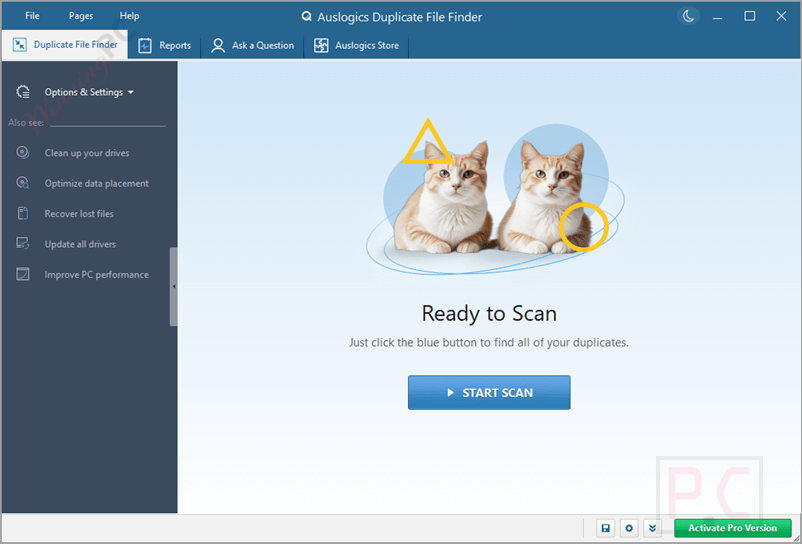
Key Features
- Smart Selection Algorithm: Automatically evaluates and marks the least necessary file copies for removal.
- Broad Drive Scanning: Checks internal SSDs/HDDs, USB flash drives, memory cards, and portable hard drives.
- Custom Search Filters: Target specific file types (audio, video, archives, apps), set file size limits, or ignore certain file attributes.
- File Explorer Integration: Adds a custom option to the Windows right-click context menu to scan specific folders directly.
- Multiple Deletion Modes: Send files to the Recycle Bin, move them to the Auslogics Rescue Center, or delete them permanently.
- Built-in Preview: View images, documents, and other files directly within the scan results before taking action.
- Automated Ignore List: Automatically skips critical system folders to ensure your Windows installation remains stable.
- Byte-by-Byte Comparison: Performs strict checksum analysis to find exact content matches even if file names or dates differ.
Pros & Cons
More Auslogics Duplicate File Finder Screenshots:
Duplicate File Finder
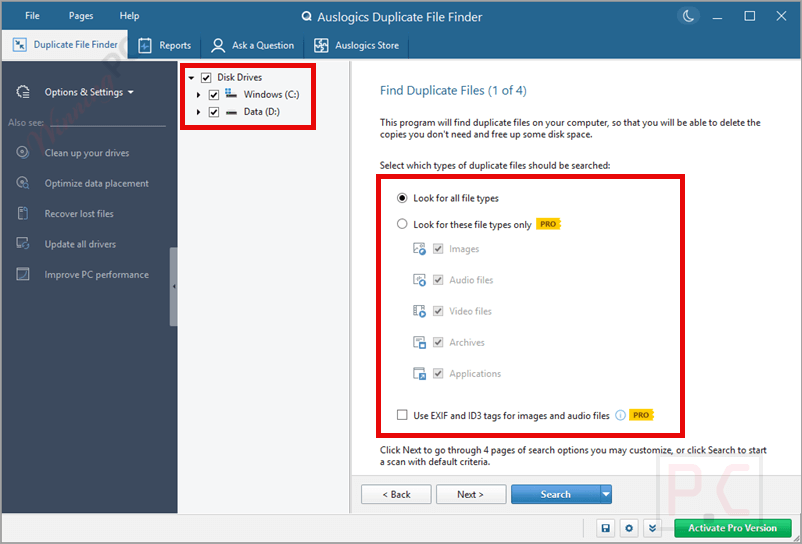
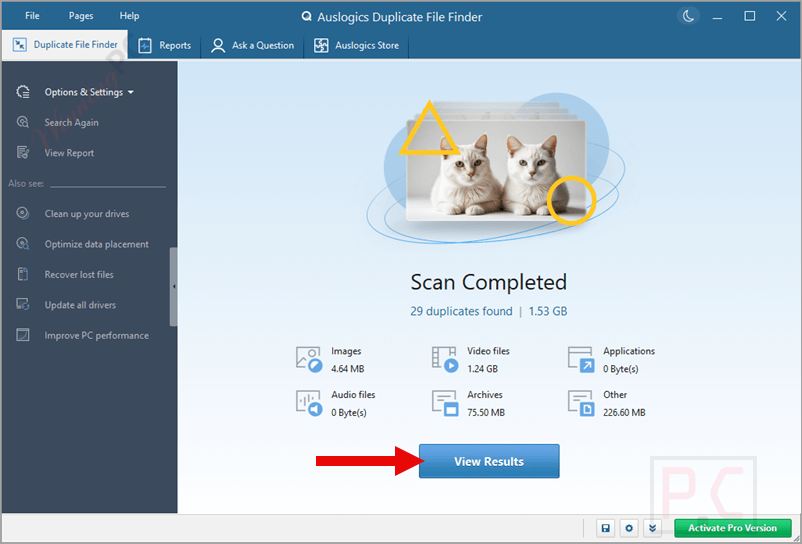
View Results
Delete Selected Files

Frequently Asked Questions
Where can I find a coupon or deal for Auslogics Duplicate File Finder?
The latest and best deals can be found right here on WinningPC, alongside the official software website or the developer’s social media channels.
What is the best discount currently available?
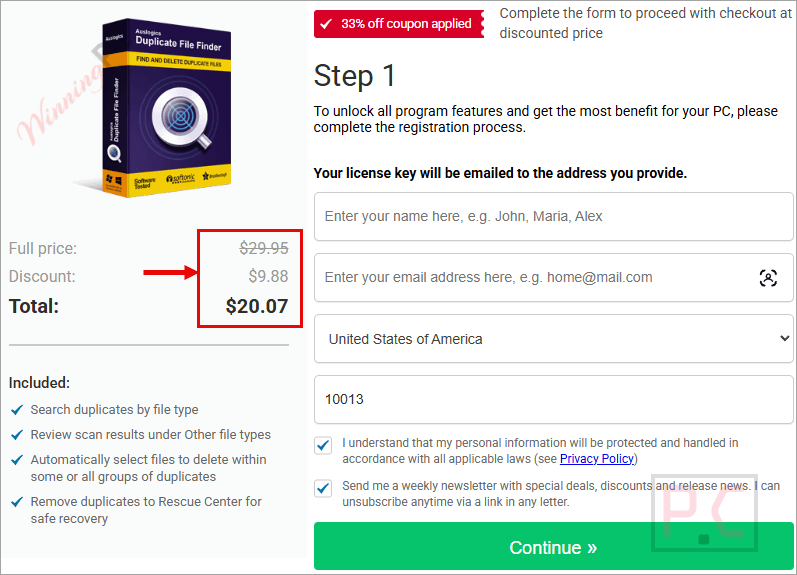
The best current Auslogics Duplicate File Finder discount is 33% OFF, available directly on WinningPC.
Can I recover a duplicate file if I delete it by mistake?
Yes, as long as you don’t choose the permanent deletion option. You can easily restore files either from your Windows Recycle Bin or from the software’s built-in Rescue Center.
Will this tool accidentally delete my important Windows system files?
No. The software is designed to automatically add critical Windows system folders to an Ignore List, skipping them completely during scans.
Does it detect duplicate files even if they have different names?
Yes. By checking the “Ignore file names” setting, the program skips the name and compares the actual contents of the files on a byte-by-byte basis to find exact matches.
Can I use Auslogics Duplicate File Finder on my external USB drive?
Absolutely. It supports scanning on external hard drives, USB flash drives, memory cards, and other removable storage devices.
Why isn’t the software finding my duplicate iTunes songs?
iTunes sometimes flags songs as duplicates just because they share a name and artist. To find actual duplicate audio files, enable the “Ignore File Names” and “Ignore File Dates” options so the software checks the raw audio data instead.
Do I have to manually review every single duplicate it finds?
No. While manual review is available, you can use the Auto-Select feature. This applies an intelligent algorithm to automatically choose which copies are safe to remove.
How do I stop the app from scanning a specific folder?
You can manually add folders to the Ignore List in the settings menu, select a folder from the scan results and set it to be ignored, or use file masks (like “*.ext”) to exclude specific file types.
System Requirements & Details
| Feature | Specifications |
|---|---|
| Language Support | English, Français, Italian, Spanish, Swedish, and more… |
| Operating System | Windows 7, 8, 8.1, 10, 11 (32-bit and 64-bit) |
| RAM & Storage | 20.0MB installation size |
| Subscription | 1-Year |
| Supported Input | Internal SSD/HDD, external hard drives, USB flash drives, memory cards |
| Supported Output | Recycle Bin, Rescue Center, Permanent Deletion |