Laura Marano
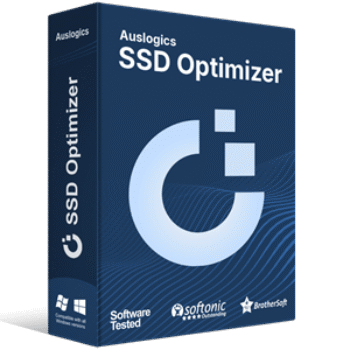
Auslogics SSD Optimizer is a professional maintenance tool designed to maximize the speed, efficiency, and lifespan of your solid-state drive. By reducing unnecessary write operations, managing disk space, and monitoring drive health, it keeps your hardware running smoothly without the harmful wear and tear of traditional defragmentation.

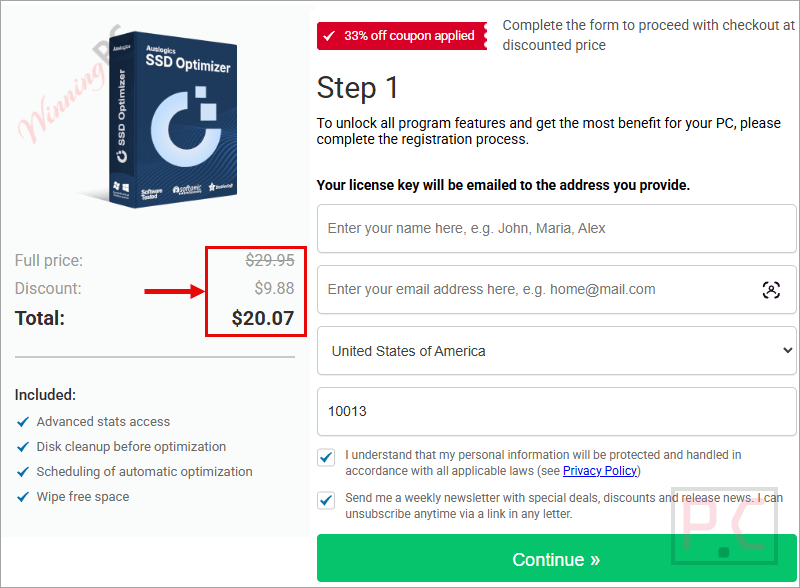
Auslogics SSD Optimizer Pro
1-year subscription for up to 3 PCs | Professional support
You may also like:
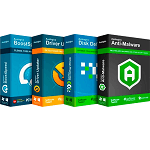
Auslogics Essential Tools
1-year subscription | Includes Auslogics BoostSpeed, Auslogics Driver Updater, Auslogics Anti-Malware, Auslogics Disk Defrag Ultimate.
📄 Licensing & Support Details
- License Type: 1-Year Subscription (covers up to 3 PCs).
- Support: Professional assistance via the in-app “Ask a Question” tool or email, with most inquiries answered within a few hours.
- Guarantee: 30-day 100% money-back guarantee.
📝 How to apply
- Simply press the “Copy Code” button found in the coupon box to secure this promotion.
- This will automatically trigger the discount and redirect you to the checkout, ensuring you get the software for the best value.
Auslogics SSD Optimizer: In-Depth Review & Features
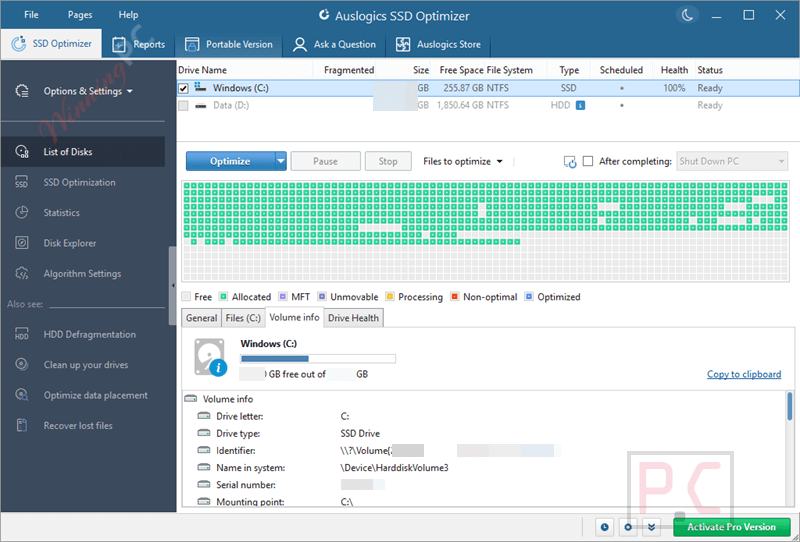
Key Features
- Drive Optimization: Reduces write operations and optimizes system core operations to extend your drive’s service life.
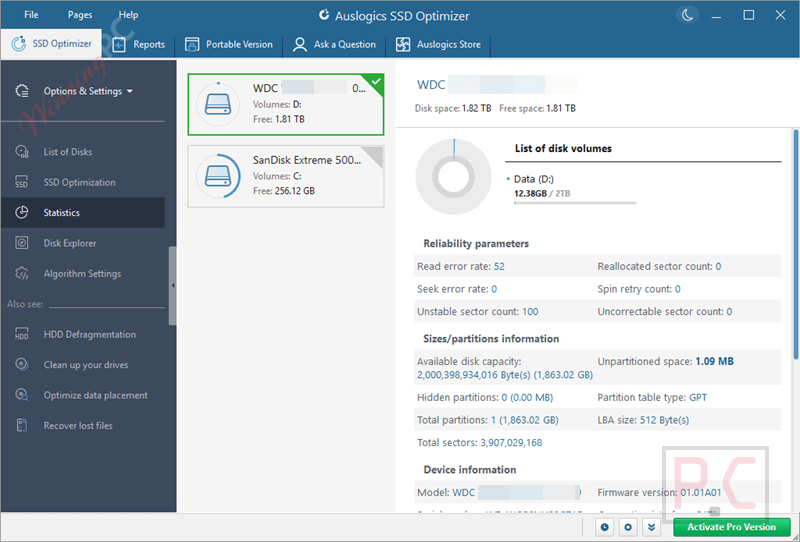
- Disk Explorer: Scans your storage to find the biggest space hogs, allowing you to move or delete large files and free up room.
- Real-Time Health Monitoring: Displays live data on your drive’s status, including data read/write volumes and estimated remaining lifespan.
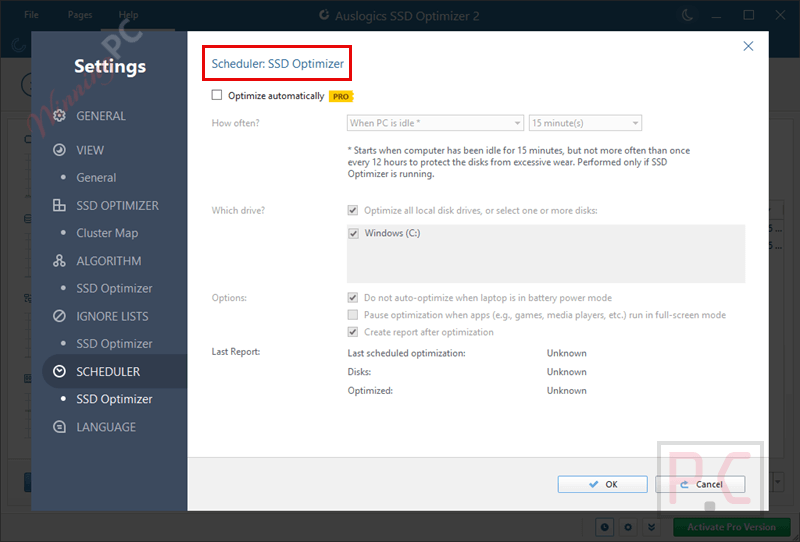
- Scheduled Maintenance: Allows you to customize the frequency and timing of background optimizations so your drive stays healthy automatically.
- Quick Disk Cleanup: Cleans junk files prior to optimization so less data has to be moved around.
- Smart Drive Detection: Automatically detects whether your installed drive is an HDD or an SSD, preventing accidental and harmful SSD defragmentation.
Pros & Cons
More Auslogics SSD Optimizer screenshots
SSD Optimization

Statistics
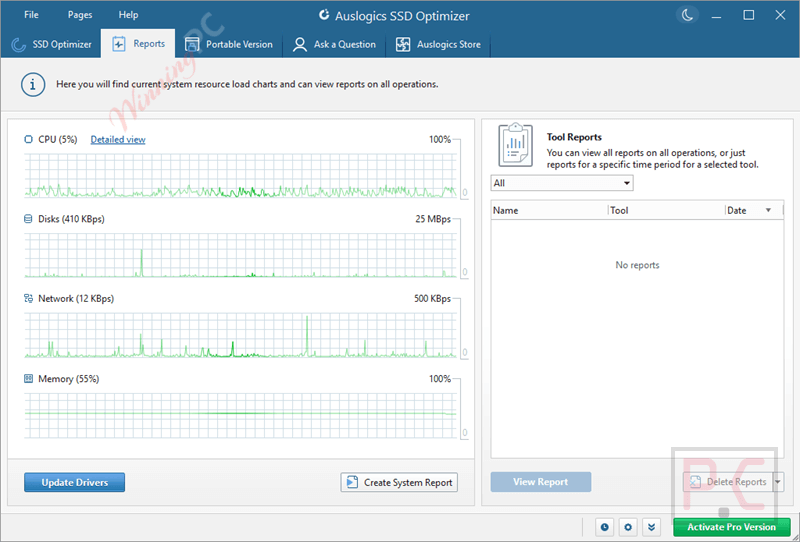
Reports
Scheduler
Frequently Asked Questions
Where can I find a code or deal for Auslogics SSD Optimizer?
The latest and best deals can be found on WinningPC, alongside the official software website or the developer’s social media channels.
What is the best discount available for Auslogics SSD Optimizer?
The best current discount is 50% OFF, available directly on WinningPC.
Will this software defragment my SSD?
No. Defragmentation accelerates wear and tear on solid-state drives. This tool focuses entirely on SSD-safe optimization techniques instead.
Can I use this tool to optimize my hard disk drive (HDD)?
No. If the software detects an HDD, it will not run optimizations on it. You need a dedicated tool like Auslogics Disk Defrag for traditional hard drives.
How does the software help me manage my storage space?
It includes a Disk Explorer feature that identifies and sorts folders by size, helping you spot large, unnecessary files that are taking up space.
Will optimizing my SSD fix all the speed issues on my PC?
While it keeps your drive performing at its best, other issues like registry errors, junk files, or network settings might also cause slowdowns. Those issues require a general PC maintenance tool.
System Requirements & Details
| Feature | Specifications |
|---|---|
| Language Support | Deutsch, English, Español, Français, Italian, Chinese, Português, and Russian. |
| Operating System | Windows 7, 8, 8.1, 10, 11 (32-bit and 64-bit) |
| Processor | 32-bit and 64-bit supported on Windows 7, 8, 8.1, and 10; Windows 11 supported |
| RAM & Storage | 24.5MB installer size; RAM not specified |
| Supported Input | SSD drives; automatically detects HDD/SSD drive type |
| Supported Output | SSD optimization, disk cleanup, drive health stats, storage analysis |