Cathryn Lee

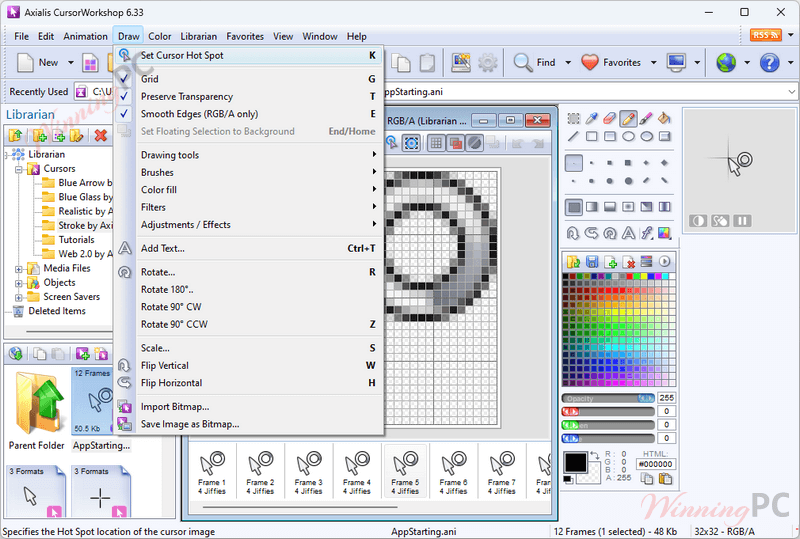
Axialis CursorWorkshop is a professional cursor authoring tool designed for Windows, enabling users to create high-quality static and animated cursors for applications and websites. With CursorWorkshop, you can generate CUR and ANI files, taking advantage of advanced features like variable transparency (alpha channel) to create beautiful cursors with smooth borders and shadows. This tool supports all sizes and color depths, including RGB with alpha channel, making it compatible with Windows XP through Windows 10.
Axialis CursorWorkshop offers a robust editor for animated cursors, allowing you to edit each frame, specify display delays, and preview animations in real-time. For Adobe users, the software includes plugins for Illustrator and Photoshop, enabling seamless transfer of images directly from these applications into CursorWorkshop without the need for temporary files.
Axialis CursorWorkshop Coupon Code
Axialis CursorWorkshop Key Features
- Create High-Quality Cursors:
– Generate both static (CUR) and animated (ANI) cursors for Windows applications and websites.
– Supports modern cursor features such as variable transparency (alpha channel) for smooth borders and shadows. - Integrated Workspace:
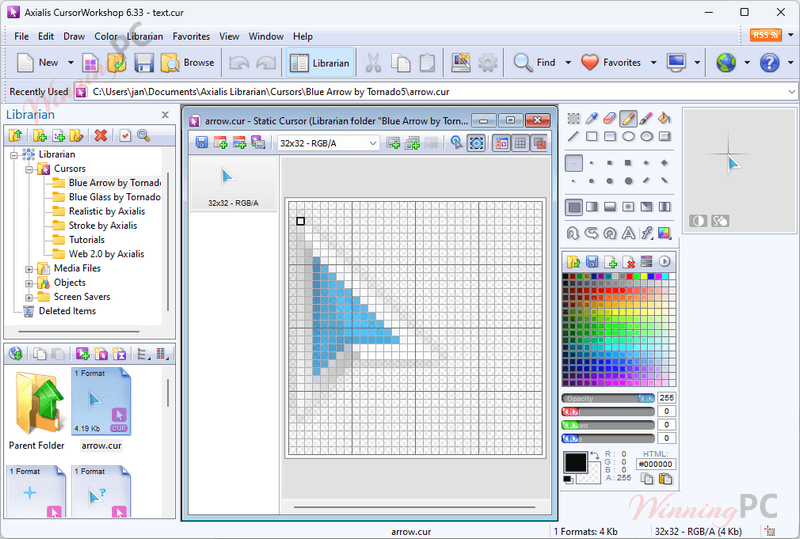
– Fully integrated workspace with all features accessible on-screen, enhancing productivity and ease of use. - Static Cursor Creation:
– Supports all sizes and color depths up to RGB with alpha channel.
– Allows quick creation of various image formats from a single drawing without quality loss. - Animated Cursor Creation:
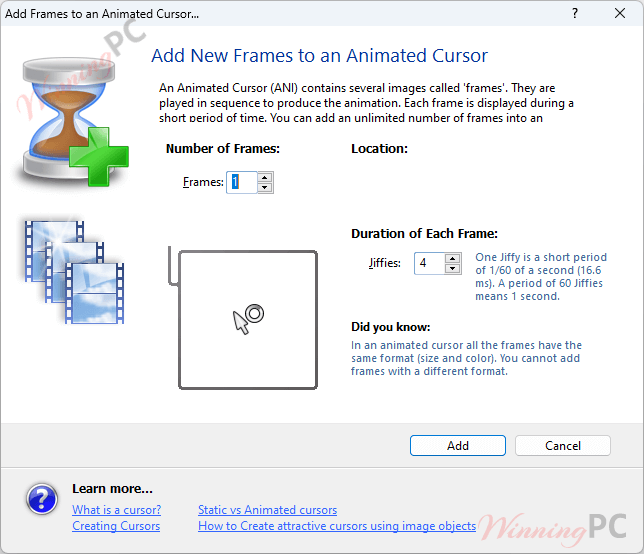
– Advanced editor to create smooth animated pointers, with features for editing each frame and specifying display delays.
– Supports importing animations from formats like BMP, PNG, PSD, Jpeg 2000, Animated GIF, and FLI/FLC. - Adobe Compatibility:
– Import PSD images with layers from Photoshop to create multi-resolution cursors.
– Includes plugins for Adobe Illustrator and Photoshop to transfer images directly without saving temporary files. - Use of Image Objects:
– Create professional-looking cursors quickly using a library of basic image and animation objects.
– Simple drag-and-drop functionality to combine objects and create custom cursors. - Convert Animations to Cursors:
– Create animated cursors from existing animation files such as Autodesk FLI/FLC and animated GIFs. - Comprehensive Help:
– Professional and comprehensive help file, illustrated and easy to read, to guide users through all features. - Batch Procedures:
– Automate operations on large numbers of files, such as creating cursors from a set of PNG files. - Librarian & Explorer with Previews:
– Integrated librarian to manage media and cursor files efficiently.
– Built-in file explorer to browse, preview, and open files in thumbnail mode.
Axialis CursorWorkshop Screenshots

Frequently asked questions
Technical Details
| Language Support | English, Français, Italian, Spanish, Swedish, and more… |
| Money Back Guarantee | 30-Day |
| Operating System | Windows 2000/XP, Windows Vista, Windows 7, Windows 8/8.1 & Windows 10 |
| Shipping | Register code will be sent to your email in minutes |
| Subscription | Lifetime |
| Support Services | Email, Tickets |