BitRecover EmailRaser Wizard is a Windows and Mac utility for permanently deleting unwanted messages from more than 90 webmail services. It supports bulk processing, multiple accounts, selective email removal, and rule-based cleanup.
BitRecover EmailRaser Wizard Coupon Code October 2026
BitRecover EmailRaser Wizard
3 plans · best save 5%
Standard License ★ Best Deal
One-Year License - FREE Product Upgrades & Support
Table of Contents
In-Depth Review & Features
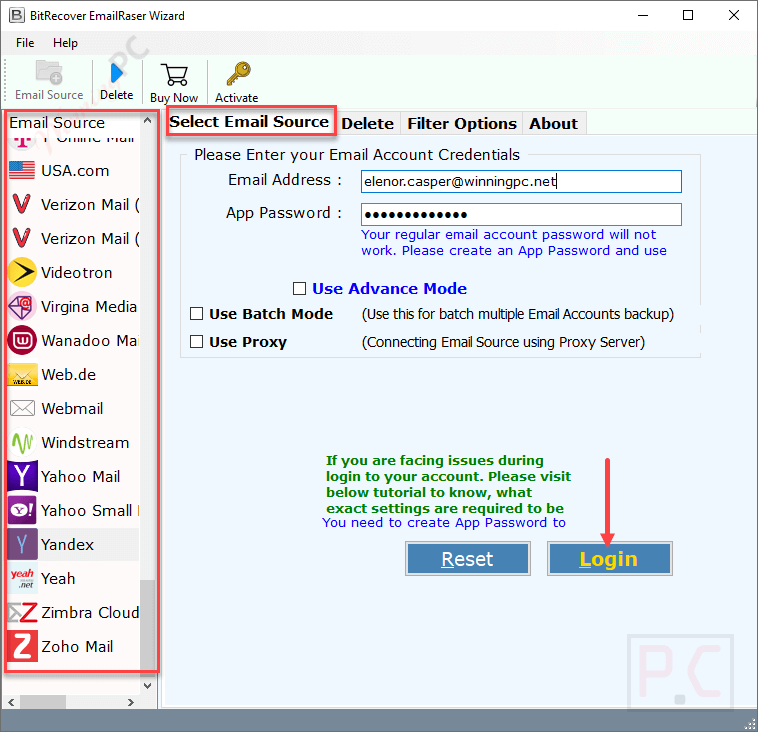
Core Capabilities
- Removes messages from Inbox, Sent, Spam, Promotions, Social, Updates, and other folders.
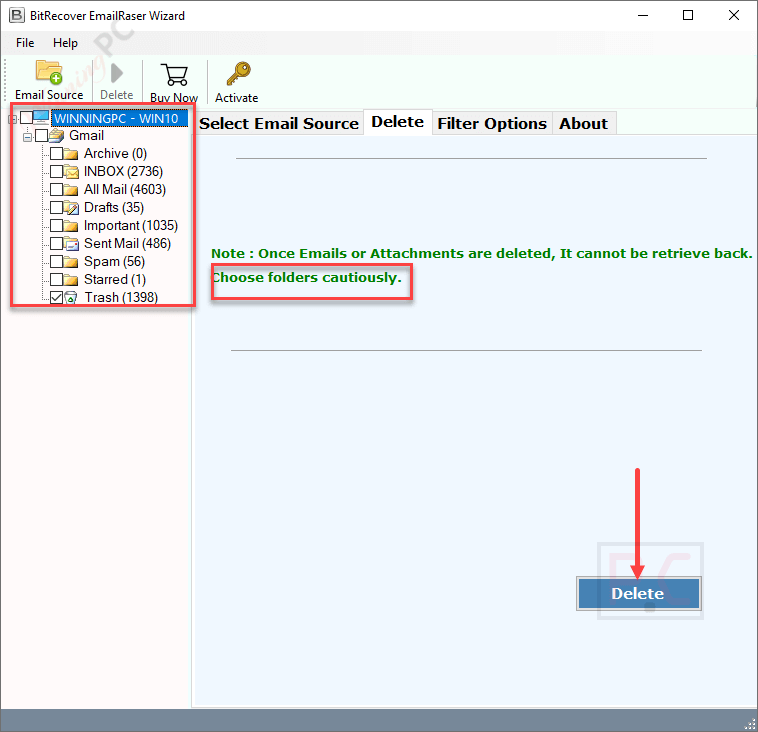
- Displays available mailbox folders before the deletion process begins.
- Lets users choose specific folders instead of cleaning the entire mailbox.
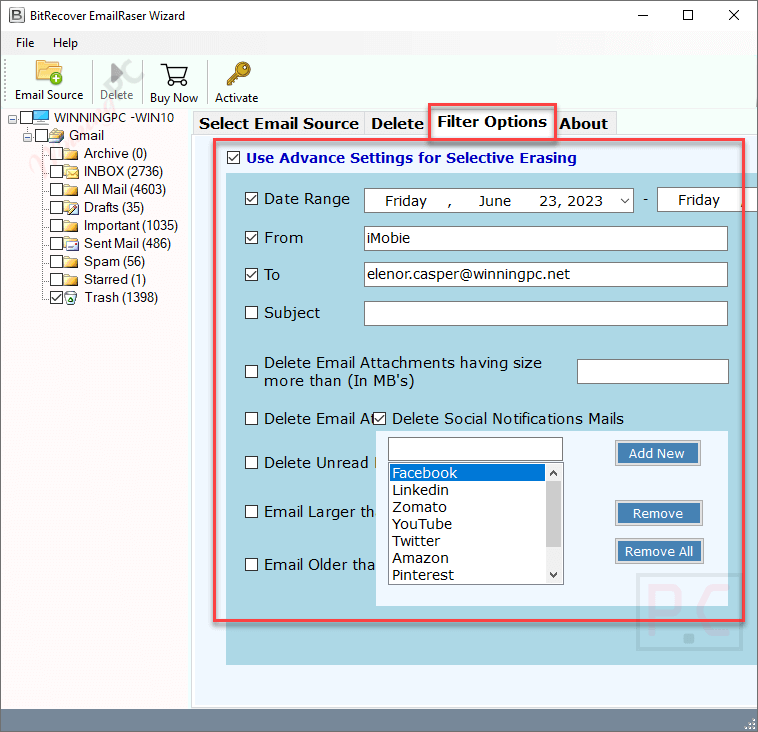
- Filters messages by date range, sender, recipient, and subject.
- Finds emails that are larger than a selected size.
- Targets messages older than a chosen period.
- Identifies unread emails for removal.
- Deletes messages containing attachments.
- Cleans notification emails from selected social platforms and online services.
- Processes several cloud accounts through the Batch Email Source option.
- Imports credentials for multiple accounts through a CSV file.
- Works with Gmail, G Suite, Outlook.com, Exchange Server, AOL, FastMail, Zimbra, Comcast, GoDaddy, Horde Webmail, and many other services.
- Uses login credentials, app passwords, or supported OAuth authentication.
- Examines header details such as sender, recipient, date, subject, and email size.
- Does not need to examine the contents of messages or attachments, according to the product information.
Pros & Cons
More BitRecover EmailRaser Wizard Screenshots!
Delete
Filter Options
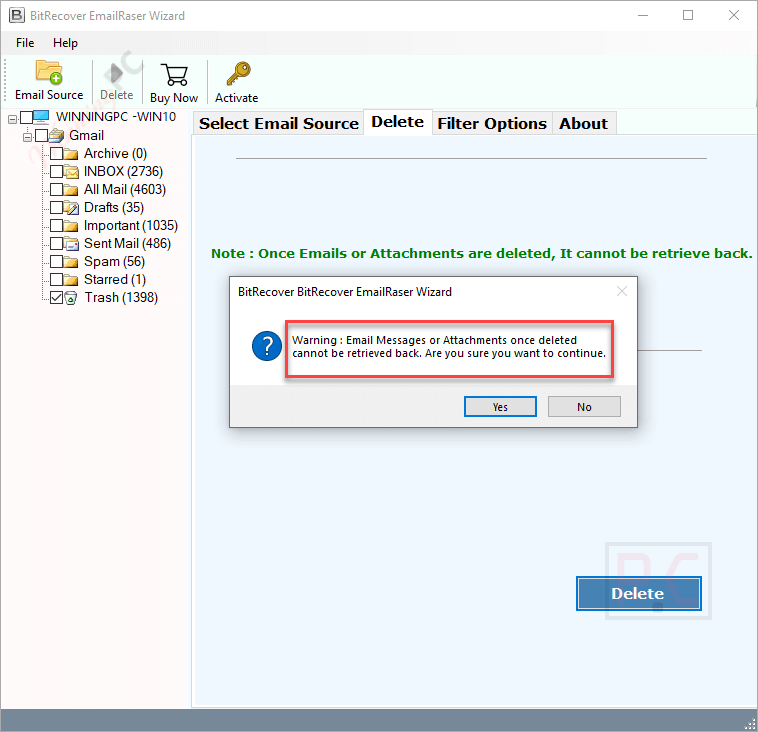
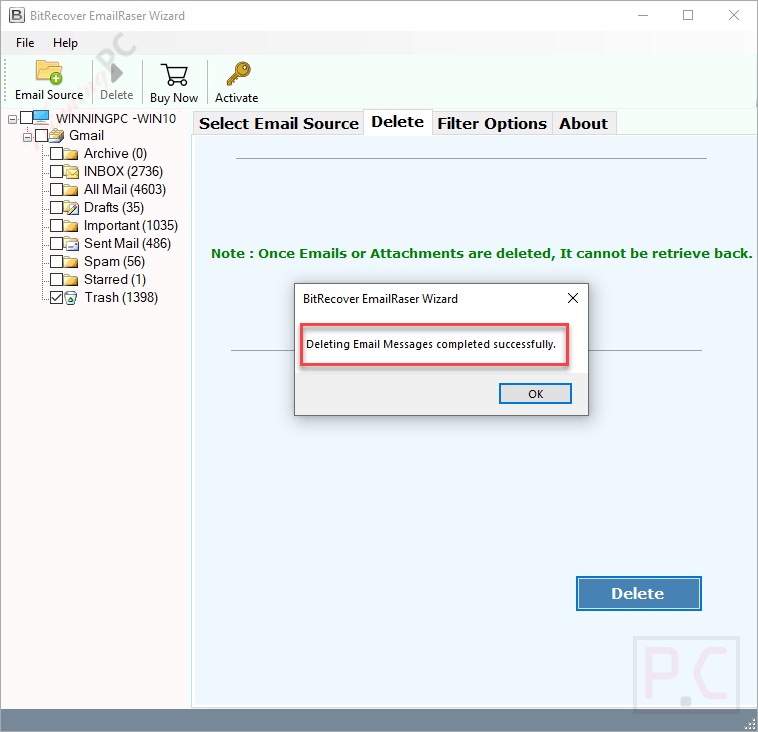
Deleting Successfully
Frequently Asked Questions
Where is the best place to find active promo codes for the BitRecover email removal tool?
You can routinely check the official BitRecover website for seasonal promotions, but WinningPC remains the most reliable hub for verified discounts and the latest deals on this software.
What is the highest percentage of savings currently offered on BitRecover EmailRaser Wizard?
Right now, you can activate a 5% OFF discount exclusively through WinningPC, which drops the Standard License price from $49.00 down to $46.55.
Can I erase emails from my Gmail account that contain large attachments?
Yes, the software includes a specific filter that allows you to target and permanently delete emails based on the presence of attachments and their file size.
Do I have to delete my entire inbox, or can I choose specific folders?
You do not need to wipe the whole mailbox. The wizard previews your account and lets you select only specific folders, such as Spam, Promotions, or Trash, for deletion.
Will the application save my email passwords?
No, the software prioritizes privacy. It uses OAuth authentication and does not retain or store your account login credentials in its database.
Is it possible to filter out and delete only unread promotional emails?
Absolutely. The tool provides isolated options to filter and remove unread emails or specific promotional messages based on the criteria you set.
Can a business use this to manage multiple employee email accounts at once?
Yes, the Batch Source Mode allows organizations to upload a single CSV file containing multiple cloud accounts and mass-delete emails across all of them simultaneously.
How does the software handle social media notification spam?
There is a dedicated feature built specifically to find and erase social messages from platforms like Facebook, Twitter, YouTube, and Amazon, saving you the hassle of deleting them manually.
System Requirements & Details
| Specification | Details |
|---|---|
| Language Support | English, Français, Italian, Spanish, Swedish, and more… |
| Operating System | Windows 11/10/8/7 & Windows Server 2022-2008 macOS 12.0 (Monterey) down to OS X 10.8 (Mountain Lion) |
| Processor | Intel Pentium 1 GHz processor (2.4 GHz recommended) |
| RAM & Storage | Minimum 2 GB RAM, 100 MB of free hard disk space |
| Supported Input | Webmail Login Credentials / App Passwords / OAuth |
| Supported Output | Erased mailbox storage space |