
On this page
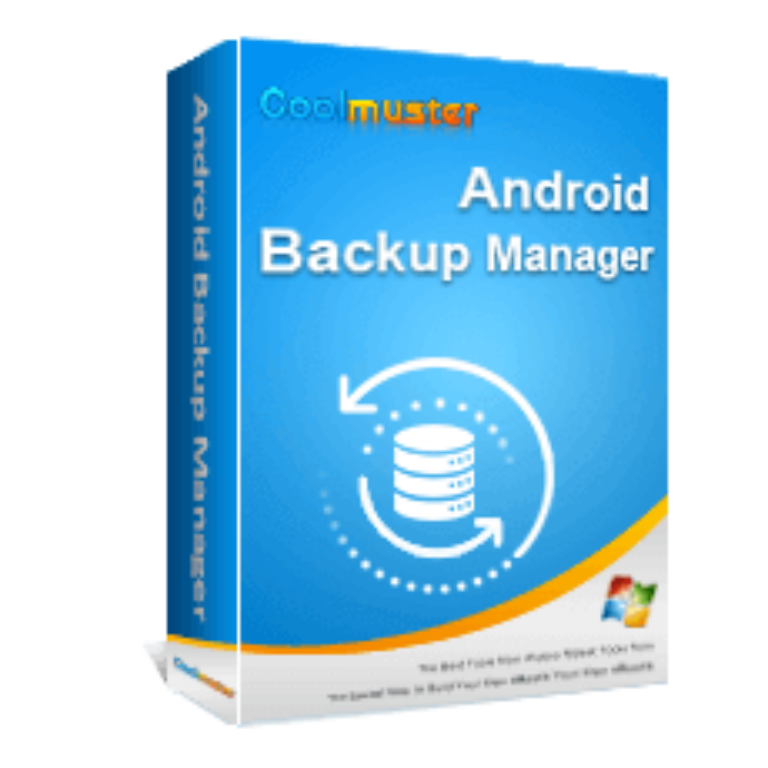
Coolmuster Android Backup Manager Giveaway

Coolmuster Android Backup Manager
Visit the Coolmuster to register and receive your license.
- Product
- Android Backup Manager
- Product website
- coolmuster.com
- License
- 1-Year
- Platform
- Windows 11/10/8/7
- Usage
- Non-commercial only
- Updates
- No future upgrades
- Support
- No support
- Updated
- 2026-10-10
Continue on coolmuster.com
The publisher handles registration and license delivery on its official website.
This giveaway ended on .
50% Off Android Backup Manager - Lifetime/1 PC
Coolmuster Android Backup Manager Coupons & Pricing
Coolmuster Android Backup Manager
2 plans · best save 50%
Coolmuster Android Backup Manager for Mac
2 plans · best save 50%
You may also like

All Products Bundle, Lifetime (Windows)
One-time payment, permanent lifetime license | Free lifetime software upgrades
All Products Bundle, Lifetime (Mac)
One-time payment, permanent lifetime license | Free lifetime software upgrades
Coolmuster iPhone Backup Extractor Key Free
Fill in the blanks with your name, email address, and captcha on the giveaway page.

The license code displays on the pop-up window after you finish the social sharing. Download Coolmuster Android Backup Manager for free with the above download link.

Install it on your PC:

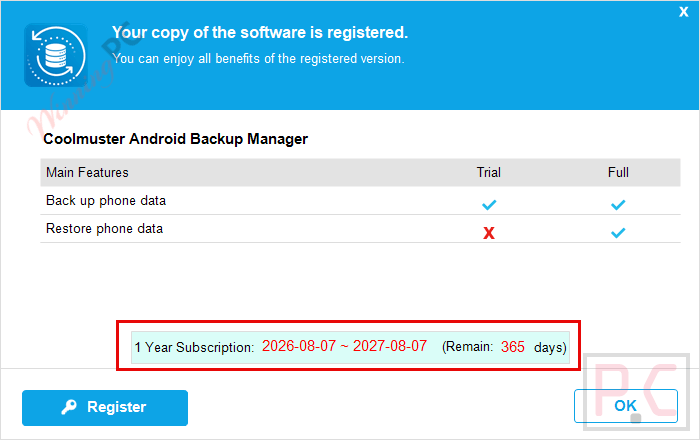
Register with your license key

Got it!
How well does Coolmuster Android Backup Manager work?
Coolmuster Android Backup Manager is an Android backup software that lets you back up your Android phone to PC in one click and gives you full rights to back up your Android phone data with ease. Besides, it gives two ways to connect the Android device to this software for successful Android data backup and restore: USB connection and Wi-Fi connection. You can freely choose whichever way you want.

Key features
- Back up Android devices to PC in one click
- Easily Android backup and restore to a new phone
- Two ways to connect an Android device to Coolmuster Android Backup Manager for successful Android data backup and restore: USB connection and Wi-Fi connection
- Easy and fast to back up and restore Android data, READ-ONLY for Android data without damaging it.
System Requirements & Details
| Language Support | English, Français, Italian, Portuguese, Russian, Spanish, Swedish, and more… |
| System Requirements | Windows 7 or newer Mac OS X 10.10 or later Android 6.0 above (Android 17 included) |
| CPU/Processor | Win: 1GHz (32 bit or 64 bit) or above Mac: 1GHz Intel or above, M1 |
| Hard Disk Space | 200 MB or more free space |
| RAM | Win: 256 MB or more of RAM (1024MB Recommended) Mac: 512 MB or more |
| Supported File Types | Text Content: Contacts, Messages, Call Logs Media File: Photos, Music, Videos, Documents, Apps |
| Supported Devices | Samsung, Xiaomi, Redmi, POCO, TECNO, Infinix, OPPO, Oneplus, etc. |




thanks so much for this giveaway. another license code that can be used for everyone: License key: 0500320AF582B0101191122220A8CA60DD50EBA9846E142306720EAE
Which mail id needs to use? My mail id isn’t work for the above key.
thanks for the discount code, it’s worked.
easy way to backup and restore my Android phone.
Thankks for the sharing.