
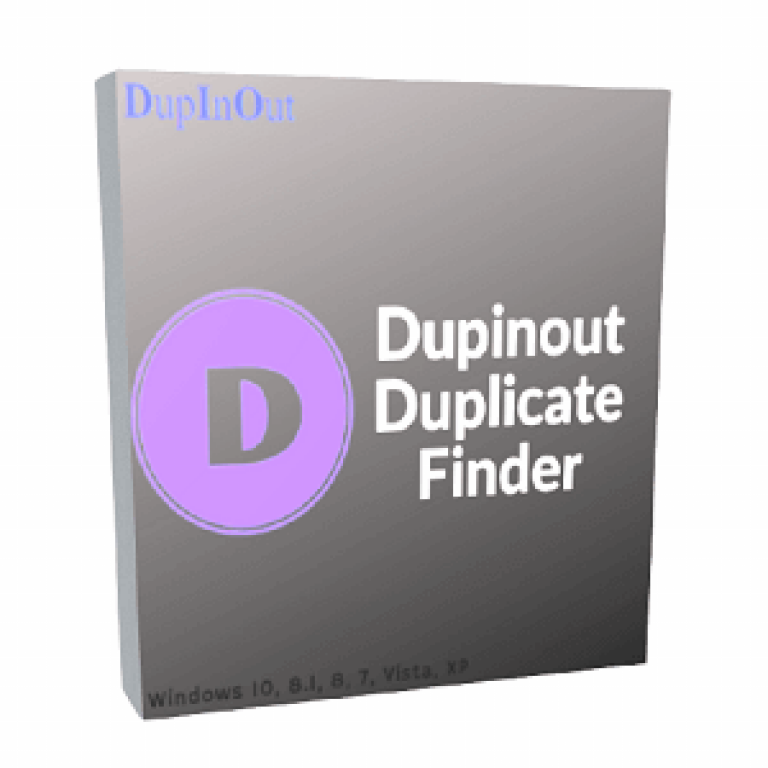

Dupinout Duplicate Finder Giveaway
Dupinout Duplicate Finder
Remove duplicate files with the best duplicate finder.
- Product
- Dupinout Duplicate Finder
- Product website
- dupinout.com
- License
- Lifetime
- Platform
- Windows 11, 10, 8.1/8, 7
- Usage
- Non-commercial only
- Updates
- No future upgrades
- Support
- Free tech support
Continue on dupinout.com
Share to reveal your free license code, then activate it inside the app.
The limited-time giveaway!
The free license is no longer available.
Dupinout Duplicate Finder Key Free
- Click the download link above to get the software for free.
- Once the download is completed, run the DupInOut_Setup.exe file to install it on your computer.
- Paste the license key from the clipboard, then click the “Activate” button to unlock full functionality.

Top Duplicate Files Finder Software Coupon Code Oct 2026



In-Depth Review & Features

Key features
- Content-Based Scanning: Compares actual file contents to find exact duplicates, bypassing different file names for higher accuracy.
- Advanced Media Search: Identifies duplicate music using tags (Album, Artist, Bitrate) and detects similar photos even if they are flipped, rotated up to 180 degrees, or converted to other formats.
- Data Protection Mechanism (DPM): Automatically steps in if you accidentally select all files in a group, unchecking and keeping at least one original file to prevent data loss.
- Folder Comparison: Compares source and target folders to identify same, different, or additional files—ideal for checking manual backups.
- File Organizer Add-on: Allows you to restructure your hard disk by moving or copying files into unique folder structures based on creation dates.
- Flexible Action Controls: Choose to permanently delete duplicates, move them to a specific folder, rename them with prefixes/suffixes, or replace them with shortcuts.
- Session Management: Save your scan configurations and session progress to resume large operations later without having to rescan your entire drive.
pros & cons
screenshots!


Frequently Asked Questions
How can I get a valid free license key?
You can get a 100% legal free license key from WinningPC during our limited-time giveaway campaigns.
How does the software ensure I don’t delete important files?
It uses a Data Protection Mechanism that automatically keeps at least one file unchecked in a duplicate group. You can also use the Excluded Files List to ignore specific folders.
Does the scan work if my music files are missing tags?
By default, the program skips music files without tags during a “Music Search.” However, you can change the settings to compare the actual file content instead.
Can I stop a scan halfway and finish it another day?
Yes. The Save Session feature allows you to exit the application and reload your duplicate results later without rescanning your storage.
System Requirements & Details
| Feature | Specifications |
|---|---|
| Operating System | Windows 11, 10, 8.1/8, 7 (64-bit/32-bit) |
| Language Support | English, Français, Italian, Spanish, Swedish, German, Japanese, Chinese, and more… |
| Subscription | Lifetime |
| Supported File Types | Documents, Photos, Music, Videos, Custom Extensions |
| Support Services | Tickets |



Setup file will not open, even when running as adminstrator. (Windows 11 home on HPOmen)
Aww, that’s too bad – it crashes consistently and will not finish analyzing, and cannot pick up where it left off when it crashed, so why even start all over again just to crash again?
It’s v1, so let’s wait for this to get to v4 or later to become as mature as the competition.
Alternatives even like EaseUS DupFiles Cleaner which is currently on a 1-month trial, it’s also at v1, but did not crash on the same assignment.
.
Hi,
I am extremely sorry for the application crash issue you’ve been facing with our product.
Please email us the Error Log at support@dupinout.com to investigate this issue thoroughly and provide a fix. You can find the error log by clicking on About > Error Log.
Thank you.
Regards,
Dupinout Support
Peter, I just ran a scan with this software just to try out. I didn’t face any of the issues you mentioned in your comment. In fact, I was able to find 232 GBs of data on my SSD in 34 mins.
There was a typo: I was able to scan 232 GBs of data
The most important thing to me, other than
– a program working always on it’s own,
– and fixing anything inside itself to always work on it’s own is …
… how support handles a problem.
DupInOut contacted me and asked for a log,
then replied that I should tell them what I was doing when it crashed
( I dunno, it crashed, and it’s not on the screen anymore ! ).
This tells me that their log is useless,
and that their program is not self-aware
and not self-healing.
On the one hand, not many programs are.
On the other hand, given the robust competition,
why would I spend a lot of time troubleshooting this,
when other programs work in the same environment
doing the same things
just fine?
All I can do is report back in,
and let the programmers know
they had at least one failure.
I believe that’s a courtesy to the programmers.
– – – – –
FYI:
I’m on Windows 7 x64 with 16 GB RAM
It’s v1.1.2.1 located in:
“C:\Program Files (x86)\DupInOut Duplicate Finder (Special Build for TickCoupon)\DupInOut.exe”
And it has babies in:
C:\Users\user\Local Settings\DupFilesUI
C:\Users\user\Local Settings\DupInOut
I don’t remember what directory I was scanning when it crashed.
The program itself also does not remember what directory I was scanning when it crashed.
It created 74 *.qlmc cache files that start with “qv4cdata%” in their contents, I presume these were file hashes in process, but there is no clue what files they might refer to.
Maybe I’ll try it again when I have a chance, and get back to everyone.
Thanks for letting us explore this and share.
.
thanks