Chris Bruner
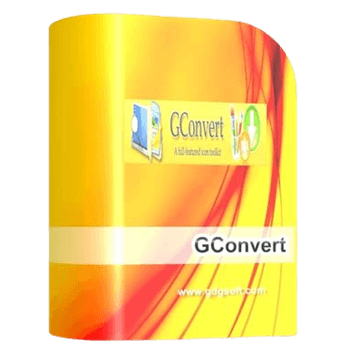
GConvert is an icon toolkit for Windows that allows you to extract, edit, manage, and convert icons across multiple formats. It reads both standard and modern 32-bit alpha-blended files, letting you turn basic image formats like PNG, PSD, and BMP into ready-to-use desktop icons.
📄 Licensing & Support Details
- Single license (one user) for lifetime use.
- Use the full-featured program without any time restriction.
- Access all functions of the program.
- Receive future minor upgrades for free (all 5.x updates).
- Get priority for free technical support by email and forum during the lifetime of the product.
📝 How to apply
- Click the “Copy Code” button in the coupon section above to grab this deal.
- The code will be applied automatically, and you’ll be taken to the checkout page to enjoy the discount.
GConvert: In-Depth Review & Features
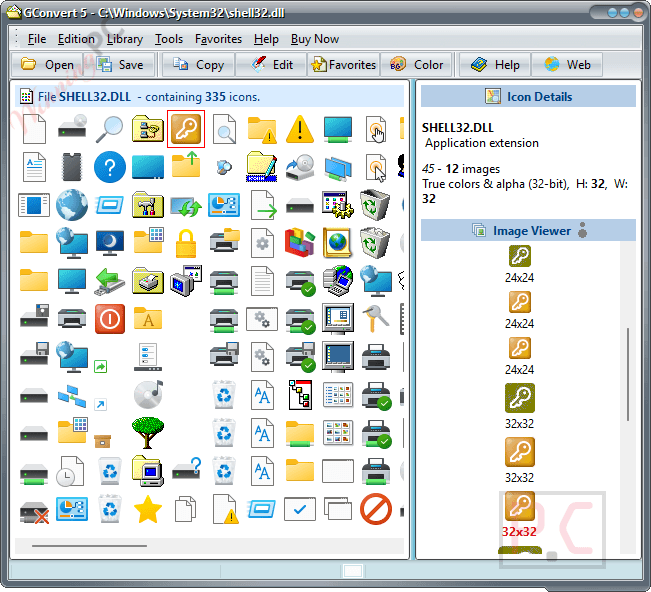
Key Features
- Extracts complete image sets from program files (EXE, DLL), Macintosh resource files (ICNS, RSRC), and directly from unzipped ZIP archives.
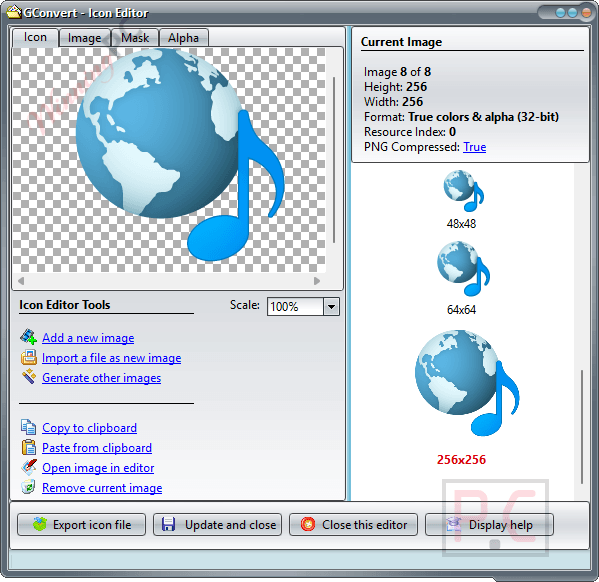
- Generates multi-resolution icon sizes automatically from a single imported picture, handling both resizing and color conversion.
- Builds custom icon libraries in 16-bit or 32-bit ICL formats, or compiles them into standalone 32-bit DLL files recognized by Windows.
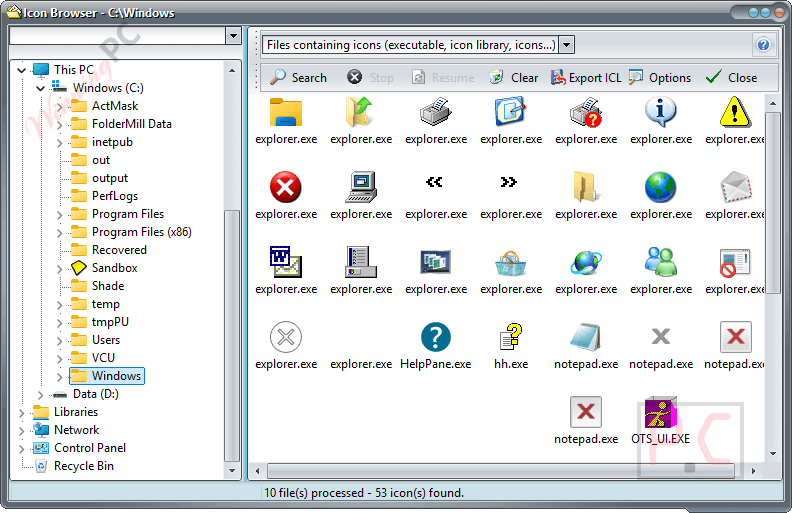
- Scans your local directories to locate hidden icons embedded in system files and exports the search results.
- Acts as a resource patcher to modify or replace existing icons directly inside 32-bit EXE and DLL files.
- Creates Windows cursor files (.cur) from standard icons and allows you to configure their interactive hotspots.
- Processes multiple files simultaneously using automated batch save and conversion operations.
- Includes an integrated viewer to inspect individual properties, XOR masks, AND masks, and alpha channels.
Pros & Cons
More GConvert screenshots!
Icon Browser
Icon Editor
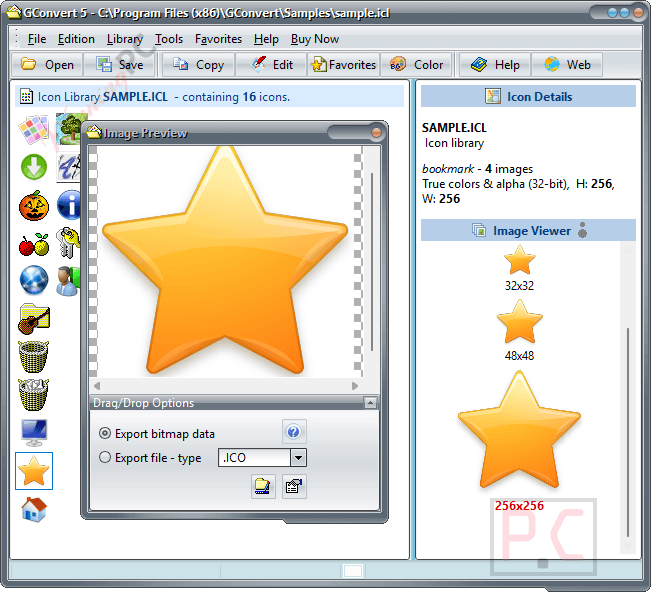
Export
Frequently Asked Questions
Where can I find a coupon code or deal for GConvert?
The latest and best deals can be found on WinningPC, alongside the official software website or the developer’s social media channels.
Does it handle high-resolution formats?
Yes, it processes large 256×256 Vista files with PNG compression and 512×512 Mac OS X formats.
What file types can I extract icons from?
You can pull them from EXE, DLL, ICL, ICO, ICNS, RSRC, CUR, and ZIP archives.
Can I make a desktop cursor with this software?
Yes, you can generate cursor files, set their active click points, and test them live on your screen.
Does it have an automated search function?
It includes a scanning tool that checks your computer folders to locate hidden icons inside system programs.
Will my image lose its transparent background during conversion?
No, full transparency and alpha channels are preserved when you import or export PNG, PSD, GIF, or BMP files.
Can I change an icon that is already attached to a program?
It features a resource patcher that lets you directly modify the icons embedded within 32-bit executable files.
Do I need to unzip archives to view the icons inside?
No, it reads directly from Zip archives, so you can browse and extract what you need without extracting the entire folder first.
System Requirements & Details
| Feature | Specifications |
|---|---|
| Language Support | English |
| Operating System | Windows 10, 8, 7, Vista, XP, 2008, 2003, 2000, ME, 98, 95 or higher |
| RAM | 128 MB RAM or more for large icon libraries. |
| Subscription | Lifetime |
| Supported Input | EXE, DLL, ICL, ICO, ICNS, RSRC, CUR, ZIP, BMP, PNG, PSD, JPEG, GIF |
| Supported Output | ICO, BMP, PNG, PSD, JPEG, GIF, CUR, ICL, DLL, ZIP |