
On this page
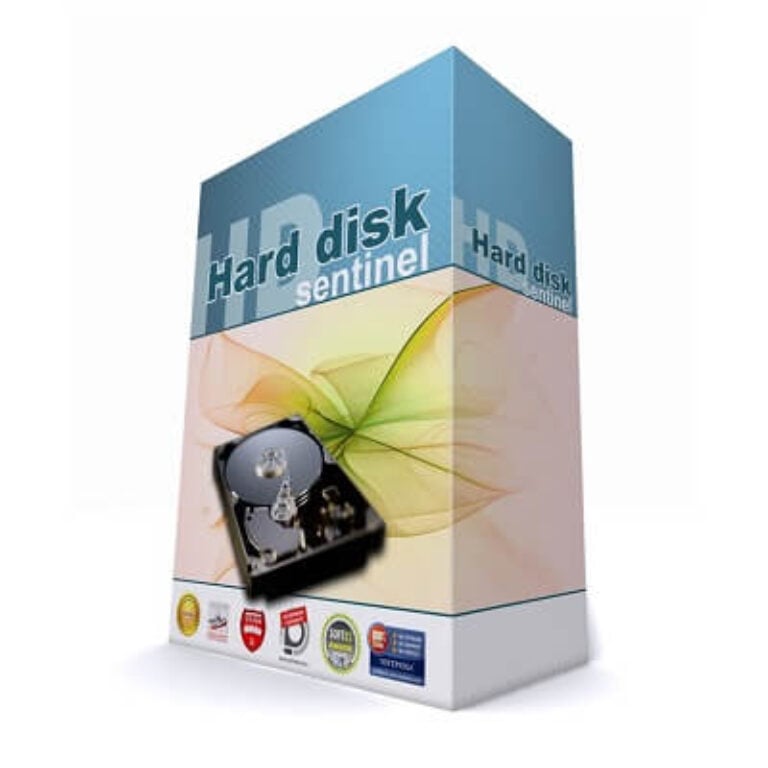
Hard Disk Sentinel Professional Giveaway
| Field | Value |
|---|---|
| Product | Hard Disk Sentinel Professional |
| Original price | $33 (Single PC license) |
| License | Lifetime, 1 PC |
| Keys available | 10, one per winner |
| How winners are picked | Select winner by highest entries |
| Platform | Windows |
| Updates | Free upgrade to the new version |
| Support | No free technical support |
| How to join | Enter the raffle using the form below before it closes. |
| Giveaway ends | Oct 11 (runs for one week) |
| Verified | Oct 5, 2026 by Laura |
After drawing from all valid entries, we are thrilled to announce the 10 lucky winners, each receiving a premium license for Hard Disk Sentinel Professional.
🎉 Congratulations to our winners:
mar***r832@gmail.com
hak**@hotmail.com.tw
sh***66@gmail.com
nicol***eieso@outlook.com
quac***gcane@gmail.com
ba***is@gmail.com
none***oknow192@gmail.com
ae***d@gmail.com
denn***warwick1@gmail.com
mam***haldebiry@gmail.com
We have emailed all winners their license key and activation instructions. Please check your Inbox, as well as your Spam/Junk folder just in case.
Hard Disk Sentinel Pro Coupon Code Nov 2026

Hard Disk Sentinel Professional license (Single PC license)
Free life-of-product technical support and help
Hard Disk Sentinel Professional Family license (5 PC license)
Free life-of-product technical support and help
How to activate the license key?
Click on the above download link to download and install the software on your computer. Upon completing the installation process, kindly navigate to the “Help” section and then opt for the “Enter registration key” feature within Hard Disk Sentinel Pro to activate the software.

Got it!

How well does Hard Disk Sentinel Professional work?
The health rating is the reason to use this over a basic S.M.A.R.T. reader. Instead of a wall of raw attributes, you get a health percentage, a performance percentage, an estimated remaining lifetime and a plain-text explanation of what is wrong. Green, yellow and red do the rest. This hard drive tool reads IDE, SATA, NVMe, SCSI, SAS and most USB drives, though some USB and FireWire enclosures only pass through partial status, depending on their firmware.

Where Hard Disk Sentinel Professional earns its price is in what happens after a warning: it can run a repair pass on weak or pending sectors, and it can fire a “panic backup” the moment a drive starts to degrade. The interface is dense and looks its age. That said, everything you need is in the main window.
Key Features
- Health you can read at a glance: health and performance percentages, current and maximum temperature, power-on time and estimated lifetime remaining for each drive.
- Tests that also repair: short and extended self tests, surface tests, and a “Repair disk drive” mode for weak or pending sectors (Disk menu, Surface test).
- Backup that reacts to trouble: scheduled backup projects plus panic backup on failure, to a local folder, a LAN server, FTP or e-mail.
- Alerts your way: e-mail, sound or network message, optional daily status reports, and an option to shut the PC down on overheat or failure.
- Portable version: run the same diagnostics from a USB stick on any PC without installing (it has no real-time protection, and using it alongside the installed version needs a separate or Family license).
The good and the not-so-good
Screenshots


Questions people ask about Hard Disk Sentinel Pro
Is Hard Disk Sentinel Professional free?
No. It is shareware with a regular price of $33 for one PC. The free trial shows drive health, temperature and S.M.A.R.T. data, but tests, alerts, repair and backup need a registered key. This raffle gives 10 readers a lifetime key at no cost.
Is the lifetime license really lifetime?
Yes. A purchased license never expires and, per the publisher, covers all future versions of the same edition, so there are no update or subscription fees.
How many computers can I use it on?
One at a time with the Single PC license, five with the Family license. You can reinstall and move a purchased license to a new computer.
What does Professional have that Standard doesn’t?
Repair and backup, mainly. Professional adds complete surface analysis and repair, the quick fix for weak sectors, scheduled and panic backup, NAS monitoring, custom alert thresholds, data destruction and the portable version. Standard stops at monitoring, self tests and alerts.
Can it repair bad sectors?
It can repair weak or pending sectors in the registered Professional version, using Disk menu, Surface test, Repair disk drive. The extended self test also re-allocates bad sectors where possible. Treat a drive that keeps losing health as one to replace, and back it up first.
Technical Details
| Field | Value |
|---|---|
| Operating system | Windows 95, 98, 98SE, ME, NT4, 2000, XP, Vista, 7, 8, 8.1, 10, 11; Windows Server 2003, 2008, 2012, 2016; Windows Home Server (32 and 64 bit where applicable) |
| Processor | Pentium or compatible |
| RAM | 64 MB |
| Disk space | 50 MB |
| Supported drives | HDD, SSD, SSHD with IDE, SATA, SCSI, SAS, USB or NVMe M.2 interface |
| Other requirements | Administrator account (not needed in service mode). No .NET, Java or Visual C runtime required |




Good Software
where is an activation key?
Hope to get it
Good luck to get one….
Hope to get it