Chris Bruner

Kernel Exchange Reporter is an Exchange Server reporting tool designed to monitor email activity and generate detailed analytics.

📄 Licensing & Support Details
- 30-day money-back guarantee
- 24×7 free support
- Free feature updates
- No file size limitation
- Delivery key via email in 15 minutes
- Secure checkout
📝 How to apply
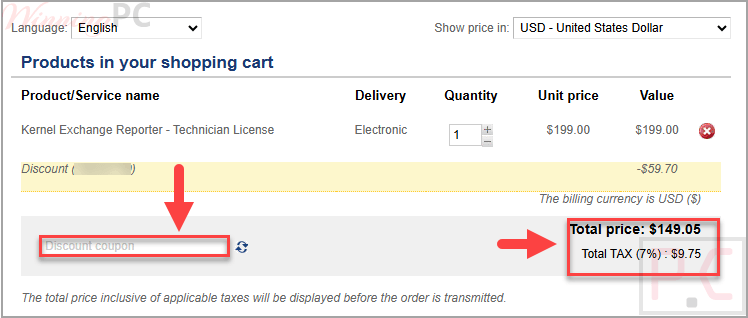
Hit ‘Copy Code’ to lock in the deal, which brings you directly to checkout. Give your order summary a quick look before you finalize everything.
Kernel Exchange Reporter: In-Depth Review & Features
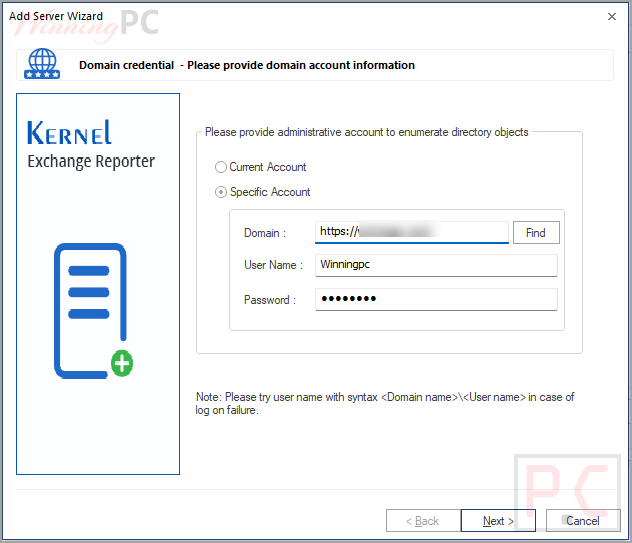
- Exchange server scanning: scans Exchange server data from information stores and log files to generate reports.
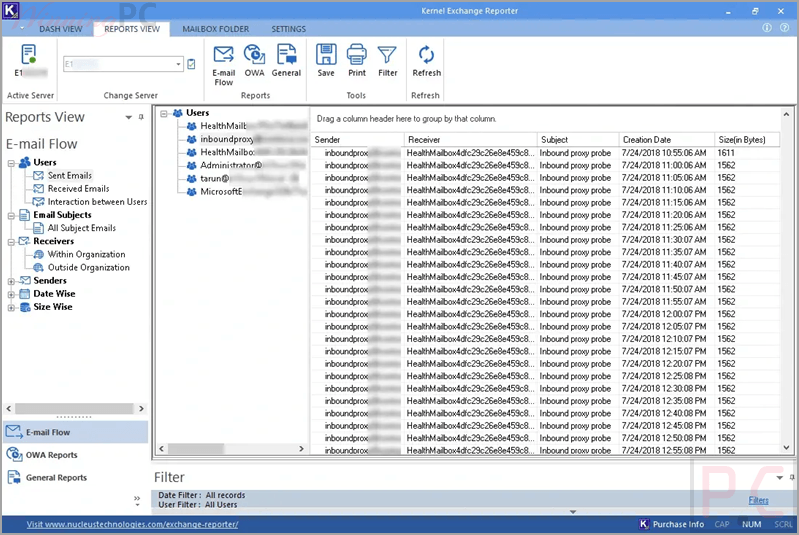
- 80+ report types: provides a wide range of reports, including email flow, OWA access, and general usage reports.
- Mailbox insights: delivers detailed information about mailbox size, folders, item count, and growth trends.
- Email tracking: tracks sent and received emails within and outside the organization over specific time periods.
- Capacity planning support: helps analyze user interactions, mailbox growth, and server usage for planning purposes.
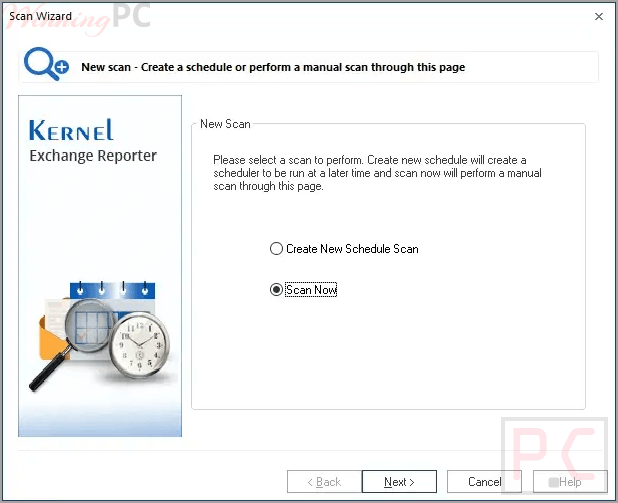
- Scheduled reporting: allows scans and report generation on daily, weekly, monthly, or one-time schedules.
- Resource optimization: uses reporting data to help manage and optimize Exchange resources.
- Custom settings: includes configuration options for servers, databases, logs, schedules, and more.
- Cross-domain support: enables adding Exchange servers from any domain for reporting.
- Multiple export formats: saves reports in Word, PDF, CSV, and HTML formats.
- OWA reporting: provides insights into Outlook Web Access usage across users and systems.
- General reporting categories: include directory, mailbox, public folder, server traffic, and storage reports.
Pros & Cons
More screenshots
Frequently Asked Questions
Will the tool cause downtime during scanning?
No, Kernel Exchange Reporter runs in the background and does not cause downtime.
Can I control who views the reports?
Yes, reports are sent only to specified users.
Is it possible to generate monthly reports?
Yes, you can schedule reports on a monthly basis.
What are the main benefits of using this tool?
It helps monitor email interactions, reduce spam risks, detect potential threats, and generate over 80 types of reports.
Does the software support automatic scanning?
Yes, scans can be scheduled daily, weekly, monthly, or as a one-time task.
Is Microsoft Outlook required?
Yes, Outlook must be installed and configured with an Exchange profile.
Do I need to install it on the Exchange Server machine?
No, it can be installed on any system within the network that has access to the Exchange server.
Where to find a Kernel Exchange Reporter coupon code?
You can find the best Kernel Exchange Reporter coupon code on WinningPC. Now, you can save 53%.
System Requirements & Details
| Feature | Specifications |
|---|---|
| Operating System | Windows 365, 11, 10, 8.1; Windows Server 2022, 2019, 2016, 2012, 2008 R2, 2008, 2003 R2, 2003. |
| Processor | Intel® Pentium compatible (x86, x64) or equivalent |
| Memory | Minimum 128 MB RAM |
| Hard Disk Space | 50 MB required |