
 Laura Marano
Kernel Mac OLM Converter is designed for users who need to move Outlook for Mac mailbox data into PST format for use in Outlook on Windows. It converts OLM mailbox content such as emails, contacts, notes, calendars, and appointments while keeping the original structure, metadata, and item properties intact. For anyone handling Mac Outlook data migration, using the available coupon can make the software more affordable, especially if the Home User License matches your needs.
Kernel Mac OLM Converter
3 plans · best save 65%
Technician License
Lifetime | For Consultants / Migration Services / AMC service provider companies Multiple Computers
📄 Licensing & Support Details
- 30-day money-back guarantee
- 24×7 free support
- Free feature updates
- No file size limitation
- Delivery key via email in 15 minutes.
- Secure checkout.
📝 How to apply
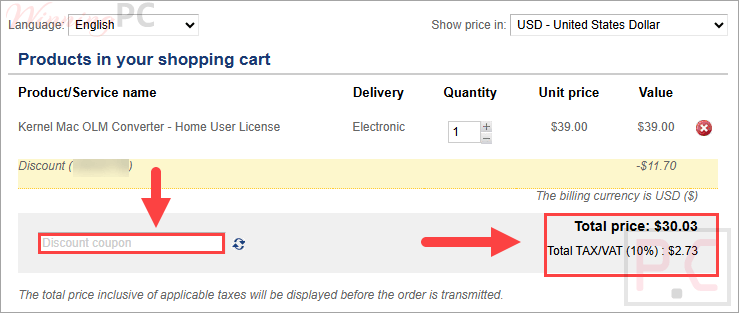
- To save the code and be directed to the billing area, select “Copy code.”
- Be sure to verify the final cost and order info prior to completing the purchase.
In-Depth Review & Features
Key Features
- OLM to PST conversion: converts Mac OLM files into PST format for access in Microsoft Outlook for Windows.
- Complete mailbox conversion: migrates emails, contacts, notes, calendars, appointments, and other OLM data.
- Data integrity preservation: keeps properties, metadata, and folder structure of converted items.
- Multiple file selection: allows users to add multiple OLM files for quick conversion.
- Separate conversion environment: provides a safe and separate conversion environment for each selected file.
- Unlimited OLM conversion: supports the conversion of unlimited OLM files in one cycle.
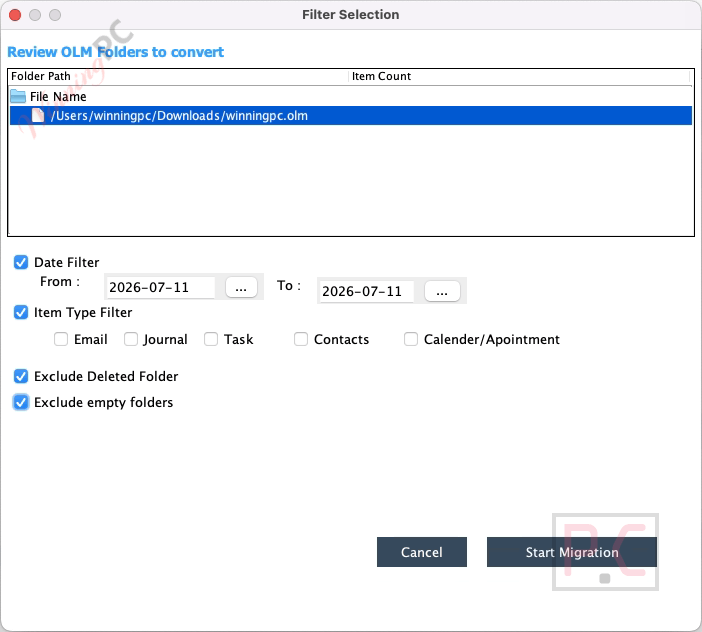
- Advanced filters: include filters such as date range and item-type selection for more specific conversion.
- Folder exclusion options: excludes deleted folders and empty folders when needed.
- Tag support: applies tags to converted files for easier recognition and searchability in macOS.
- New PST file creation: saves converted data into a new PST file on a selected volume.
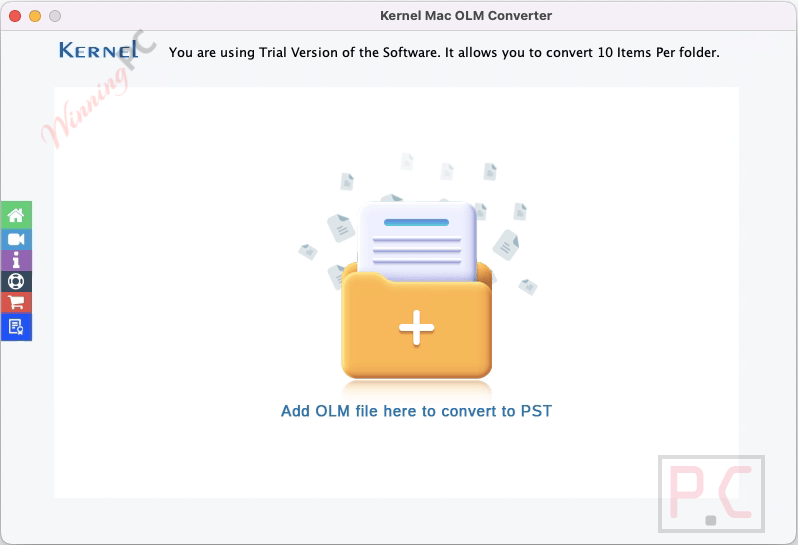
- Trial version availability: The free version converts 25 items per folder.
Pros & Cons
More Kernel Mac OLM Converter screenshots
Frequently Asked Questions
Does the software support Outlook 2011 for Mac OLM files?
Yes. Kernel Mac OLM Converter can be used to convert OLM files from Outlook 2011 for Mac as well.
What is the purpose of tags in the saving process?
Tags improve the visibility of the converted file inside the saving folder, making it easier to identify quickly.
Can I access OLM files from a network shared folder?
Yes. The software allows users to access OLM files from a network-shared folder.
Does the software preserve data in its original form?
Yes. It preserves meta properties and folder structure in the original form during conversion.
Can I convert multiple OLM files at once?
Yes. The software allows you to add multiple OLM files in one go for faster conversion.
How many files can I convert with the trial version?
The trial version allows conversion of multiple files, but it is limited to 25 items per folder.
Is there a maximum size limit for OLM files during conversion?
No. The software accommodates OLM files of any size without restrictions.
How does Kernel Mac OLM Converter save an OLM file to a Windows-based format?
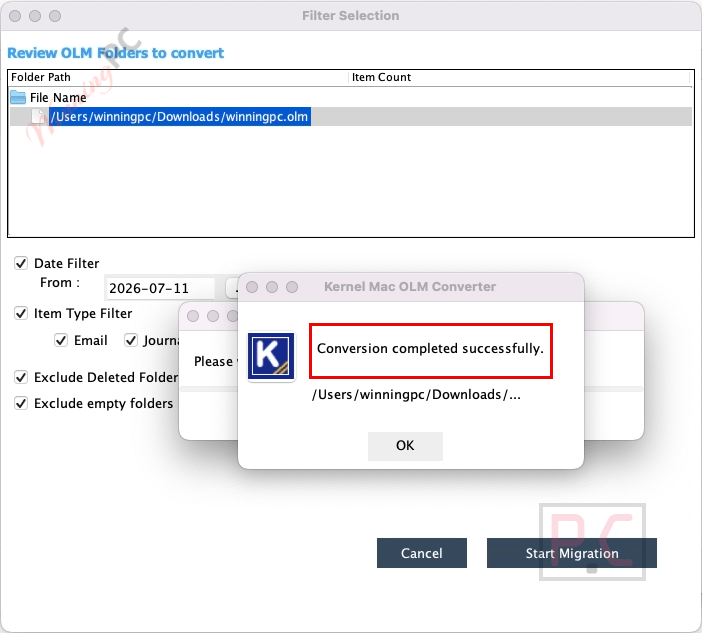
You can convert an OLM file in a few steps: install and launch the software, click the (+) icon to add the OLM file, apply filters through Set Filter and Migrate, start migration, then assign a new name, set tags, choose the save location, and save the converted PST file.
Where can I find the latest Kernel Mac OLM Converter coupon code?
The current 65% coupon code provided here is VWT30**, which can be used on supported license purchases.
System Requirements & Details
| Feature | Specifications |
|---|---|
| Hard disk space | 1 GB |
| Memory | 4 GB minimum |
| Processor | Mac computer with Intel processor |
| Additional requirement | JDK is required |
| Operating system | Mac OS X 10.8 and above |





