WinningPC
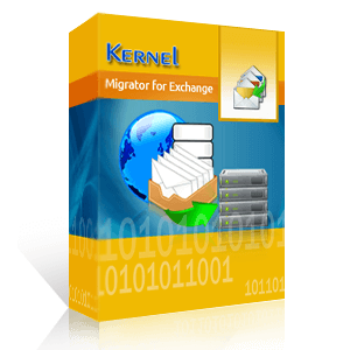
Kernel Migration for Exchange is a robust and user-friendly Exchange migration solution designed to address the challenges of migrating Exchange Server mailboxes. This solution guarantees a smooth data transfer with little interruption and no data loss by enabling you to move mailboxes, public folders, and groups between Exchange Server, Hosted Exchange, and Exchange Online on-premises. The pre-migration analysis feature is provided to help you estimate the time required for migration. Besides, the detailed migration reports provide insights into the process, including mailbox/public folder names, total folders, total items, total size, approximate time, and status.
One of the standout features of Kernel Migration for Exchange is its ability to support intra-forest, cross-forest, and hybrid migration to ensure organizations can migrate their data regardless of the complexity of their Exchange environment. Additionally, it supports migrating user mailboxes, archiving mailboxes, and sharing mailboxes or public folders from any version of Exchange Server. You can move any number of Exchange mailboxes between Exchange versions, including 2010, 2013, 2016, 2019, Hosted Exchange, and Office 365, using Kernel Migration for Exchange, which supports bulk conversions and has no file size constraints.
Kernel Migration for Exchange Coupon Code Oct 2026
Kernel Migrator for Exchange ( 1 - 100 Mailboxes ) - Express Edition
65% off coupon code: regular price $499, discounted price $174.3
Kernel Migrator for Exchange ( 101 - 250 Mailboxes ) - Express Edition
50% coupon code: regular price $699, discounted price $349.3
Kernel Migrator for Exchange ( 251 - 500 Mailboxes ) - Express Edition
44% discount code: regular price $999, discounted price $559.7
Key Features and Screenshots
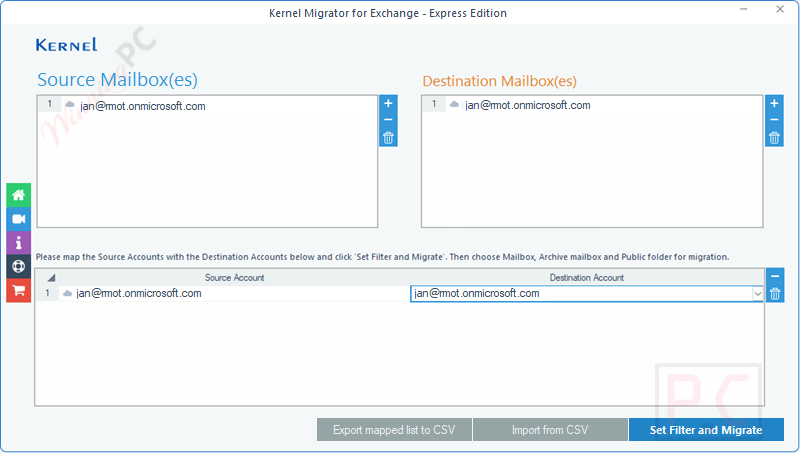
- Versatile Migration Support: Kernel Migration for Exchange supports migrations across on-premises Exchange Servers, Hosted Exchange, and Exchange Online (Office 365), supporting intra-forest, cross-forest, and hybrid migrations, making it adaptable to various organizational needs.
- Comprehensive Mailbox Migration: You can use it to migrate all mailbox components, including emails, contacts, calendars, tasks, and journals, ensuring no data is left behind during the transition.
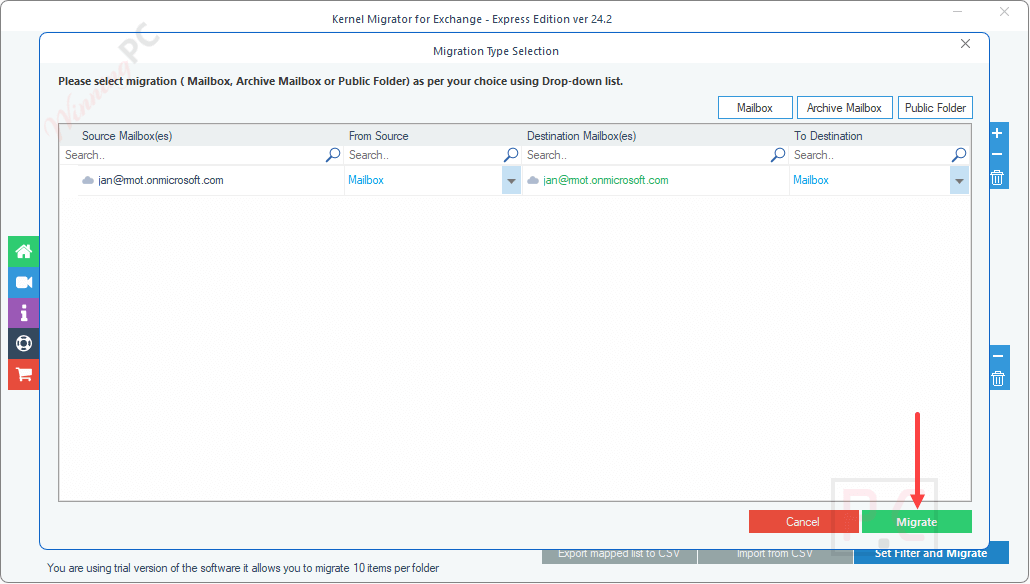
- Public Folder Migration: Kernel Migration for Exchange allows you to migrate public folders to shared or archive mailboxes, preserving the original hierarchy and permissions and providing flexibility in data organization.
- Pre-Migration Analysis: This tool includes a pre-migration analysis feature that allows you to estimate the time required for migration, helping in better planning and resource effectiveness.
- Detailed Migration Reports: You can access enhanced and detailed real-time reports to track migration status and generate comprehensive reports for auditing and compliance, ensuring transparency and control.
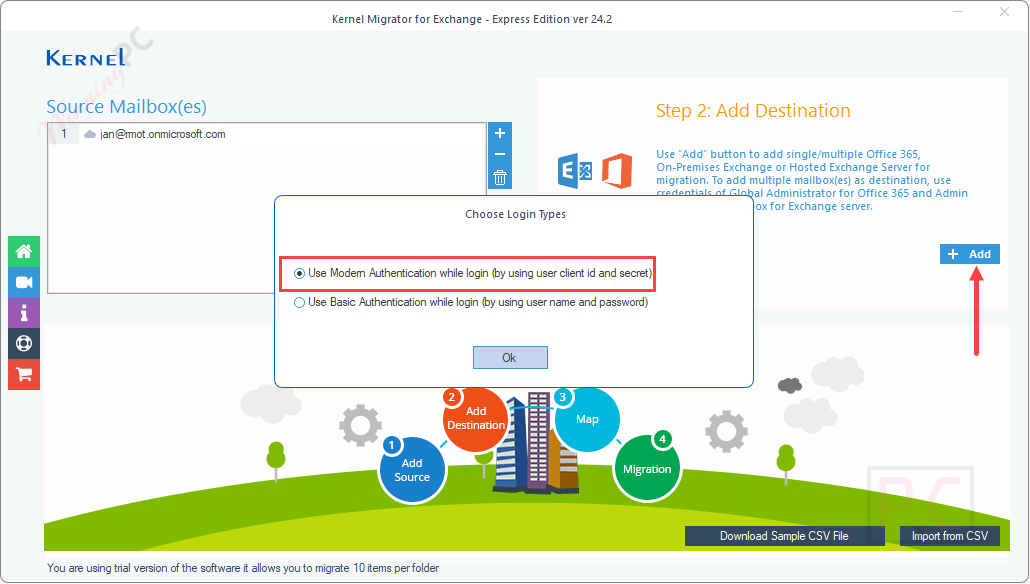
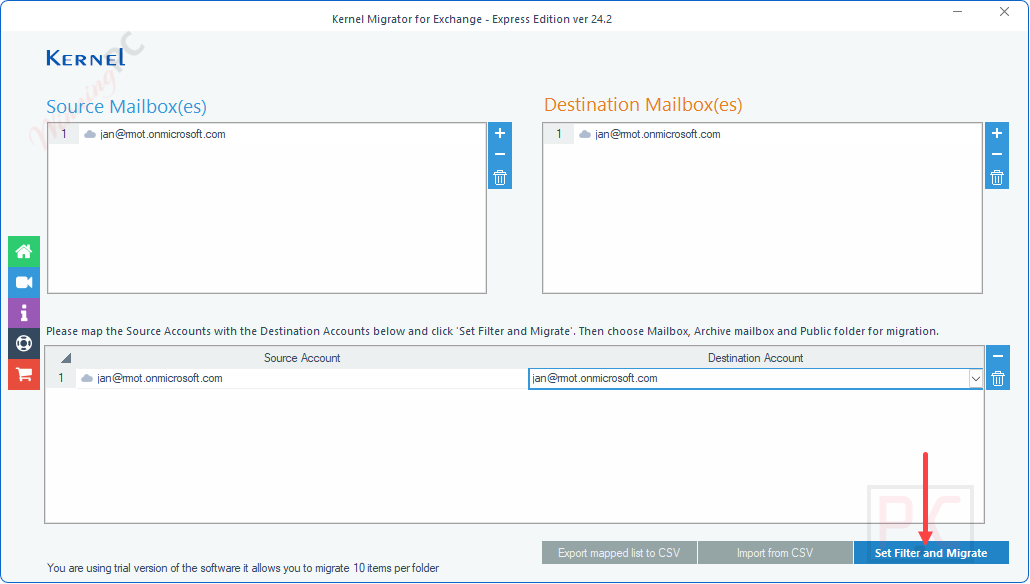
- User Mapping: This tool supports automatic user mapping or mapping via a pre-mapped CSV file, simplifying the migration process.
- No Size Limitations: This software imposes no restrictions on mailbox size; you are allowed to migrate large mailboxes without compromising performance.
- Incremental Migration: This tool supports incremental migration to reduce redundancy and save time. This means transferring only newly added items after the initial migration or updated data between consecutive migrations.
- Global Address List Synchronization: Kernel Migration for Exchange can synchronize the Global Address List during migration, ensuring that the Global Address List (GAL) is synchronized between source and destination, maintaining consistent contact information across the organization.
- Outlook Profiles, Rules, and Permissions: This tool can migrate Outlook profiles, rules, folder permissions, mailbox permissions, and GAL lists, ensuring you can retain your settings and access controls post-migration and bring a seamless transition.
- Support for Hosted Exchange: Kernel Migration for Exchange also supports migrating data from hosted Exchange environments like GoDaddy, Rackspace, and Amazon WorkMail to Exchange Server and Office 365.
- Selective Migration Filters: You can apply filters to migrate specific data, such as emails within a certain date range or specific folders, to specify the mailboxes you want in the target Exchange environment and enhance the efficiency of the migration.
- Cross-Domain Migration: You are allowed to rapidly migrate mailboxes among multiple domains and Active Directory forests, making it suitable for complex organizational structures.
- Schedule Migration Job: You are allowed to schedule migrations at convenient times by selecting the “Schedule Time” radio button under the Run Job section on the Add Job page. This function minimizes disruption to daily operations and allows for automated execution during off-peak hours.
- Migration Rollback: The migration rollback option allows you to roll back changes made during a migration, providing a safety net in case of errors or unforeseen issues.
Frequently asked questions
Which migration scenarios are supported by this tool?
It supports on-premises to on-premises, on-premises to cloud (Office 365), cloud to on-premises, and cloud-to-cloud Exchange/Office 365 migrations.
Can Kernel Migration for Exchange migrate all mailbox components?
Yes, it can migrate emails, contacts, calendars, and other mailbox components.
Is it possible to migrate public folders using this tool?
Absolutely. Kernel Migration for Exchange lets you migrate public folders between Exchange Servers and Office 365 with complete folder hierarchy and data integrity.
Does the tool maintain mailbox structure and metadata?
Does the tool maintain mailbox structure and metadata?
Yes, it ensures 100% preservation of mailbox folder hierarchy, metadata, read/unread status, and even attachments during migration.
How does Kernel Migration for Exchange handle public folders?
It can migrate public folders to shared or archive mailboxes.
How does the software connect to the source and target servers?
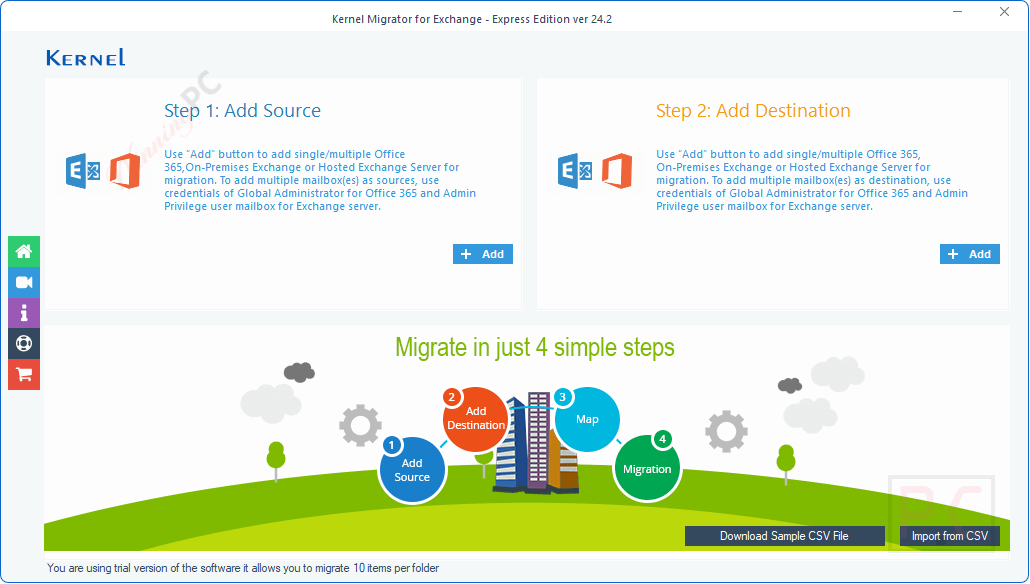
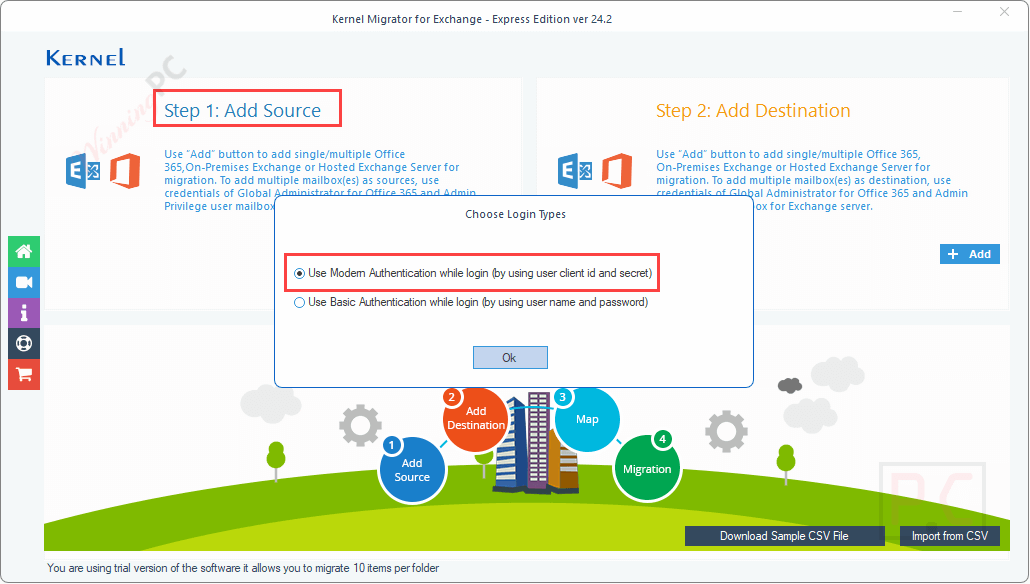
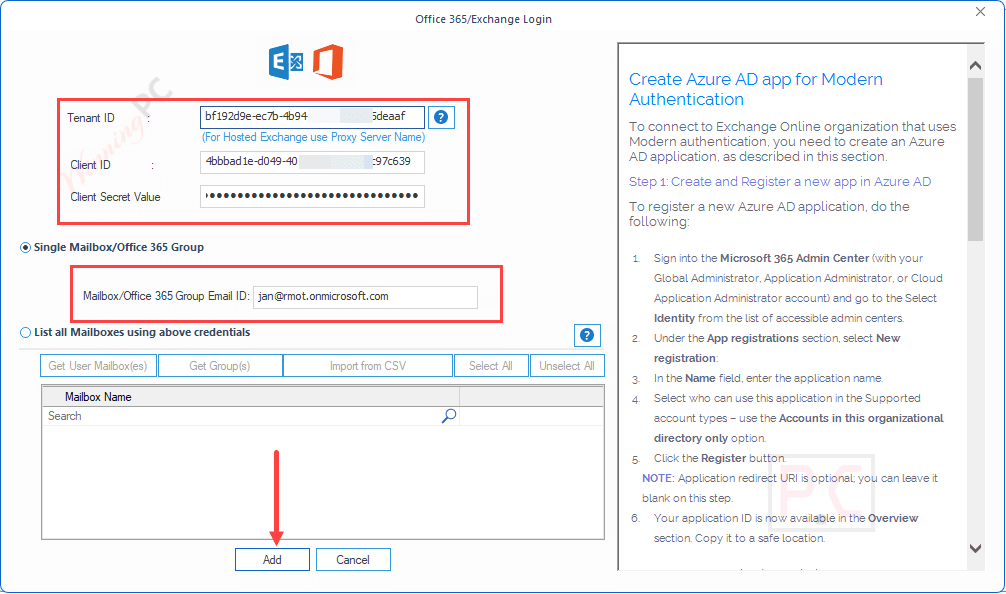
It uses Outlook profiles, modern authentication (OAuth 2.0), or Exchange admin credentials to connect securely to source and destination environments.
Are there any filters to narrow down the migration scope?
Yes, the software includes filters based on date, folder, item type, and more to help migrate only the data you need.
How can I get a discount on the full version?
Use the WinningPC coupon code VW***30 at checkout to receive up to 61% off your purchase of Kernel Migration for Exchange.
Technical Details
| Language Support | English, Français, Italian, Spanish, Swedish, and more… |
| Money Back Guarantee | 30-Day |
| Operating System | Windows 365/ 11/ 10/ 8.1/ 8/ 7/ & 2012/ 2012 R2 and Windows Server 2022, 2019, 2016 and older version |
| Shipping | Register code will be sent to your email in minutes |
| Subscription | Lifetime |
| Support Services | Email, Live Chat, Tickets, Phone |