On this page
NTFS Permissions Auditor Coupons & Pricing
NTFS Permissions Auditor
3 plans · best save 20%
Individual license ★ Best Deal
Perpetual License | 1 Year of Updates & Support
Consultant/MSP license
Perpetual License | 1 Year of Updates & Support
How to Use theNTFS Permissions Auditor Coupon Code
Pick your license in the NTFS Permissions Auditor pricing box above: Individual, Company, or Consultant/MSP.
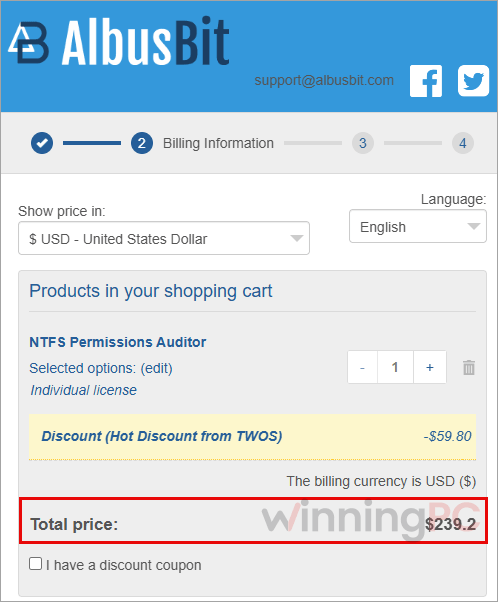
Check the total. Albus Bit’s 2Checkout page opens with 20OFFT*** already applied. If it shows full price, paste the code into the coupon field before going further.
Fill in your billing details and pay through 2Checkout. Purchase orders and bank/wire transfer are also accepted.
Grab your license key from the confirmation email. It’s sent as soon as payment is approved, which is usually almost immediate, and you enter it in NTFS Permissions Auditor to unlock the Pro features.
Can you trust this NTFS Permissions Auditor deal?
Yes. The code runs through Albus Bit’s own store, and there’s a free way to test everything before you spend a cent.
Official source, not a reseller key
The discount applies on Albus Bit’s checkout, and the license key is emailed to you directly by the publisher.
Payment handled by 2Checkout
Albus Bit uses 2Checkout as its sales platform, so the whole transaction happens on their secure checkout. Your card details never touch WinningPC.
Nothing installed on your servers
The tool runs on your workstation and reads permissions over the network. There are no agents to deploy on file servers.
No refunds, so the trial is your safety net
Albus Bit states plainly that it doesn’t refund purchases. The free version has no time limit and the 7-day Pro trial needs no email, so use them to confirm it fits your environment first.
How well does NTFS Permissions Auditor work?
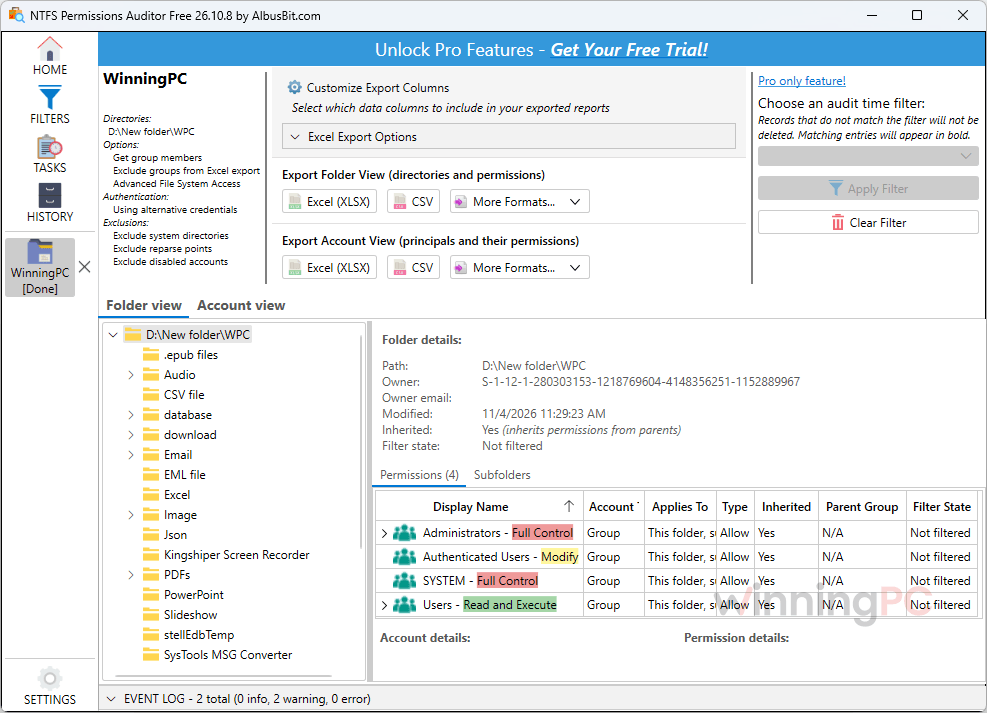
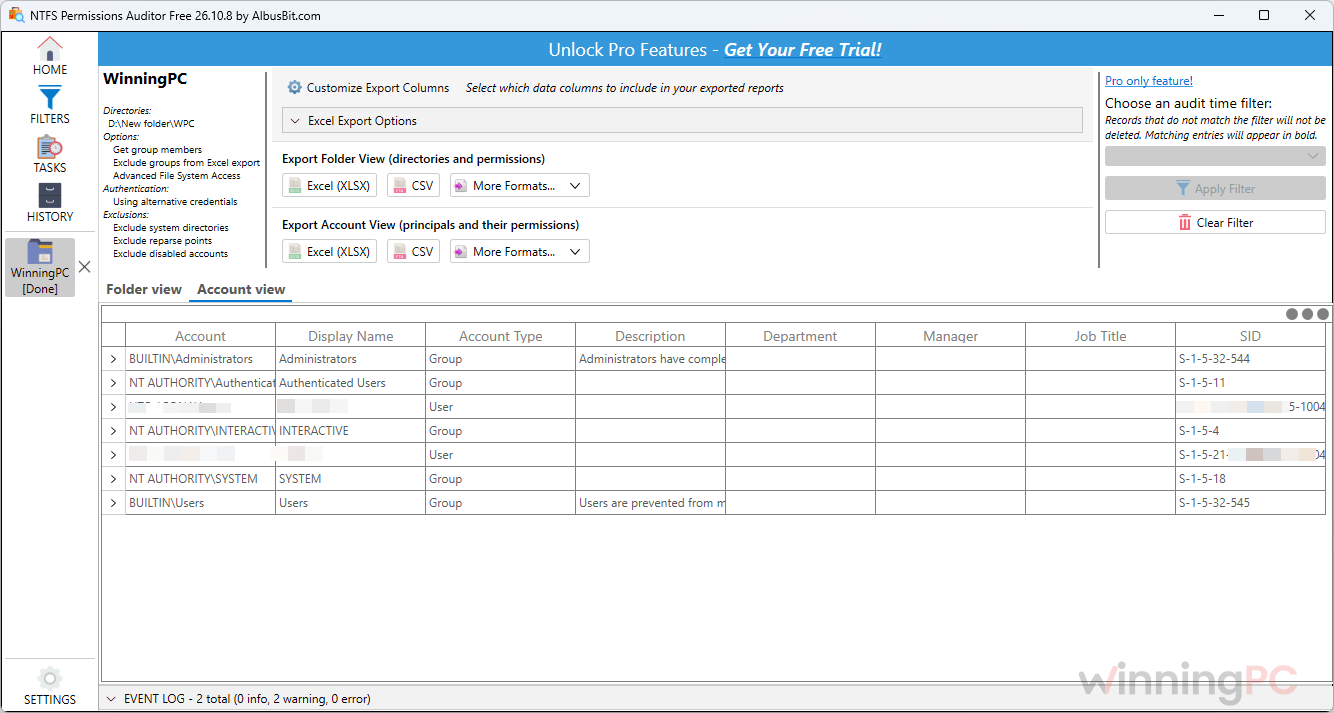
NTFS Permissions Auditor tackles the hard part of any permission audit, which isn’t reading ACLs. It’s working out that Mike can open a folder because he sits in a group that’s nested inside “Managers”, which is the only name the raw ACL shows you. That’s where this tool earns its keep: it resolves nested membership automatically, and the Account View flips the question so you can see everything one person can reach, which is exactly what you need during offboarding or an access review.
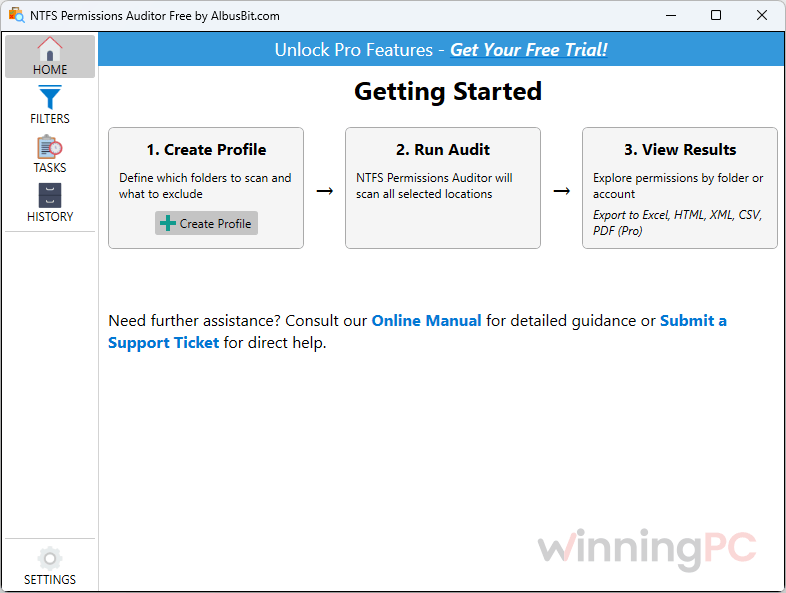
Albus Bit claims 10 file shares take under five minutes versus three to four hours of scripting; that’s the vendor’s figure, but the gap is believable to anyone who has debugged recursive Get-Acl output. The honest limit is that the free edition already does the core analysis. What you pay for is the paperwork side: exports, change tracking and automation.
Key features
- Two ways to read the results. Folder View shows who can reach any folder and whether access is inherited or direct; Account View shows every folder a user or group can reach.
- Nested groups resolved for you. It queries Active Directory and follows group chains, so hidden access shows up without custom scripting.
- Change reports and scheduled audits (Pro). Compare any two audits, run them unattended, and get an email only when permissions actually change.
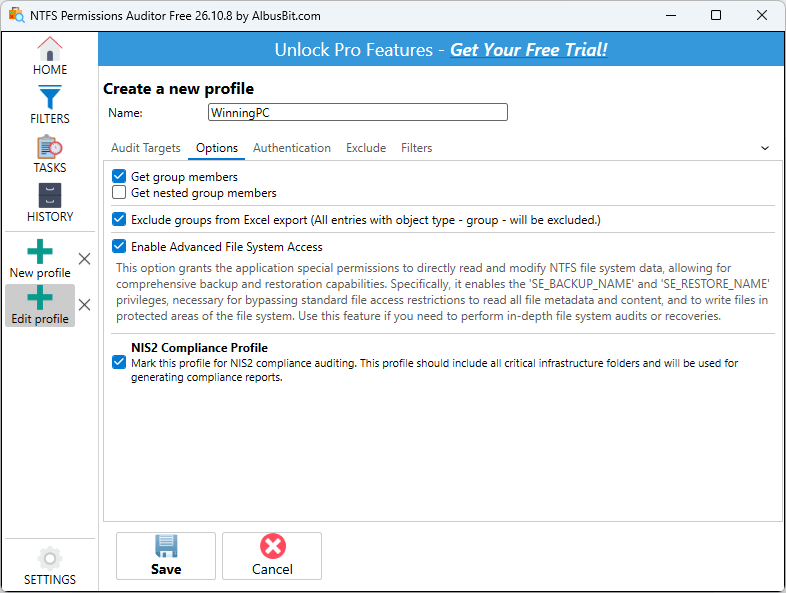
- Compliance-ready exports (Pro). Folder-centric or account-centric reports with customizable fields for SOX, HIPAA, PCI DSS, GDPR reviews, plus a built-in NIS2 dashboard.
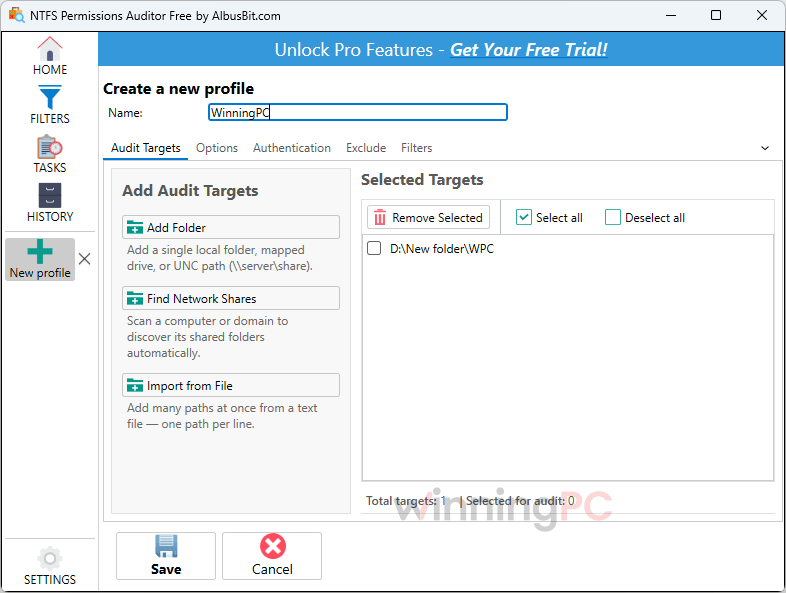
- Share auto-discovery. Enter a server or a whole domain and it finds the shares, or import a path list from a text file for repeatable audits.
What we think
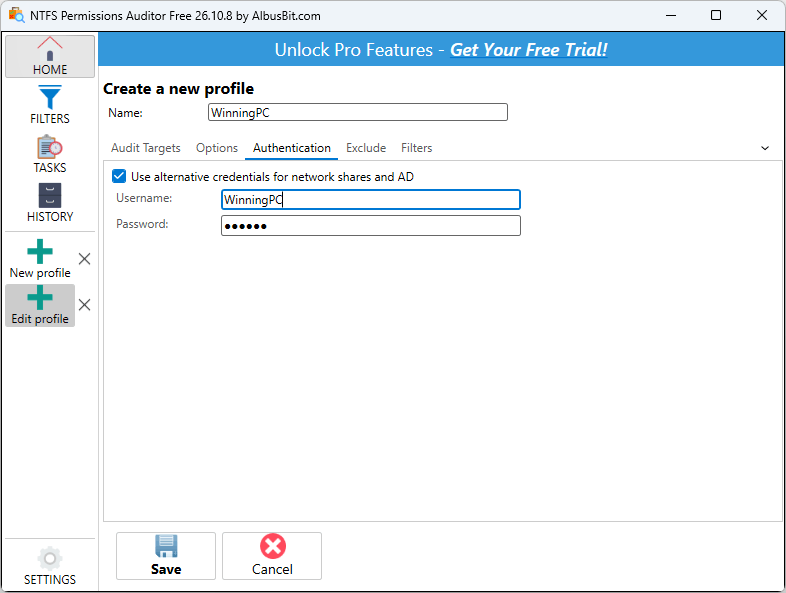
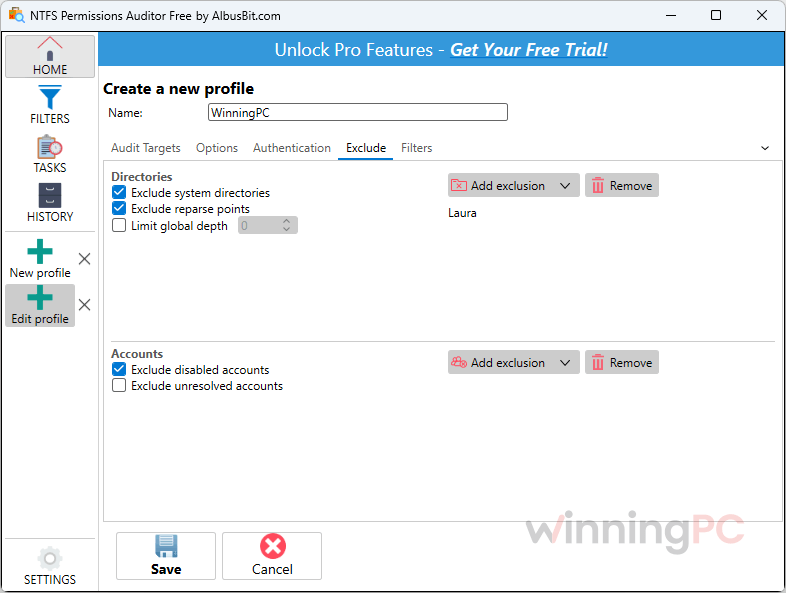
More NTFS Permissions Auditor Screenshots
Which NTFS Permissions Auditor license fits your team?
| License | Price with code | Who can install it | Where it can be used | Best for |
|---|---|---|---|---|
| Individual | $239.20 | One person (reports can be shared with the team) | Your own computer | The go-to IT person at a small company |
| Company | $879.20 | Any number of employees | Work computers across your company | IT teams where several admins run audits |
| Consultant/MSP | $1,079.20 | All your employees | Any client site or location | IT consultants and managed service providers |
All three include full Pro functionality, a perpetual license and 1 year of updates and priority support.
Frequently Asked Questions
Is NTFS Permissions Auditor a one-time purchase, and what happens after the first year?
It’s a one-time purchase. The license is perpetual, so the version you buy keeps working forever. Updates, security fixes and support cover the first 12 months. After that you can renew: before expiry is the cheapest (roughly half the original license cost), within 45 days after expiry gets a smaller discount, and later than that costs full price.
Do I need admin rights to run an audit?
No, you need read access to the folders you’re scanning. In domain environments you can also run audits with alternative credentials, so a security team can audit without full admin rights on the file servers.
Does it run on Windows Server?
Yes. The requirements start at Windows 10 and explicitly include Windows 11 and Windows Server 2022. Older Server versions aren’t listed, so test with the trial if that’s your setup. You’ll also need the .NET Desktop Runtime 10.
Can my whole IT team use the Individual license?
No. The NTFS Permissions Auditor Individual license covers one person on their own computer. You can send reports to colleagues, but they can’t install the software themselves. If several people need to run audits, the Company license covers any number of employees.
Does the free version export reports?
No. The free edition audits unlimited folders and shows both views, but exporting to Excel, PDF, CSV, HTML or XML is Pro-only, along with filtering, scheduling and change reports.
My organization is tax-exempt. Can I avoid sales tax?
Not at checkout, but you can get it back. 2Checkout must collect US state sales tax during the order. Afterwards, email your tax-exempt certificate and order number to pay@2checkout.com and they’ll refund the tax.
Can I get a formal quote before buying?
Yes. Albus Bit provides official PDF quotes if you contact them with the product name, chosen license and buyer details. Purchase orders and bank/wire transfer are accepted as payment, which helps with procurement.
System Requirements & Details
| Field | Value |
|---|---|
| Operating system | Windows 10 and later, including Windows 11 and Windows Server 2022 |
| Runtime | Microsoft .NET Desktop Runtime 10 |
| Processor / RAM / disk | Not specified (16 MB download) |
| What it can audit (input) | Local drives, UNC paths, DFS, auto-discovered shares on a server or across a domain, share lists imported from a text file |
| Export formats (output) | Excel (XLSX), PDF, CSV, HTML, XML, for both folder and account views (Pro only) |
| Other requirements | Installs on your workstation, no agents on file servers; read access to the scanned folders; Active Directory for group resolution |