
 Cathryn Lee
Shoviv GroupWise to Office 365 moves your entire Novell GroupWise mailbox directly into Microsoft 365 without data loss. It simplifies complex email transfers by letting you map folders, filter specific items, and export data directly into local file formats.
Shoviv GroupWise Migration Suite
2 plans · best save 10%
Corporate License ★ Best Deal
Up to 100 Systems/PCs | Lifetime
📄 Licensing & Support Details
- Guarantee: Free trial version available for testing
- 100% Safe and Secure.
- 30-day money-back guarantee.
- Instant Delivery by Email.
- 24×7 Free Technical Support (By – Live Chat, Emails, Contact-Us Form)
📝 How to apply
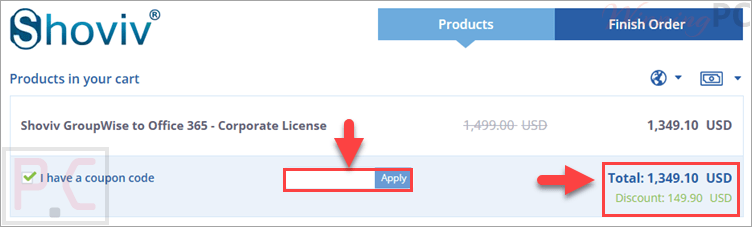
Click the ‘Copy Code’ button in the coupon box above. The code will be copied, and you will be redirected to the checkout page, where you can apply it to secure your discounted price.
Shoviv GroupWise to Office 365: Review & Features
Key Features
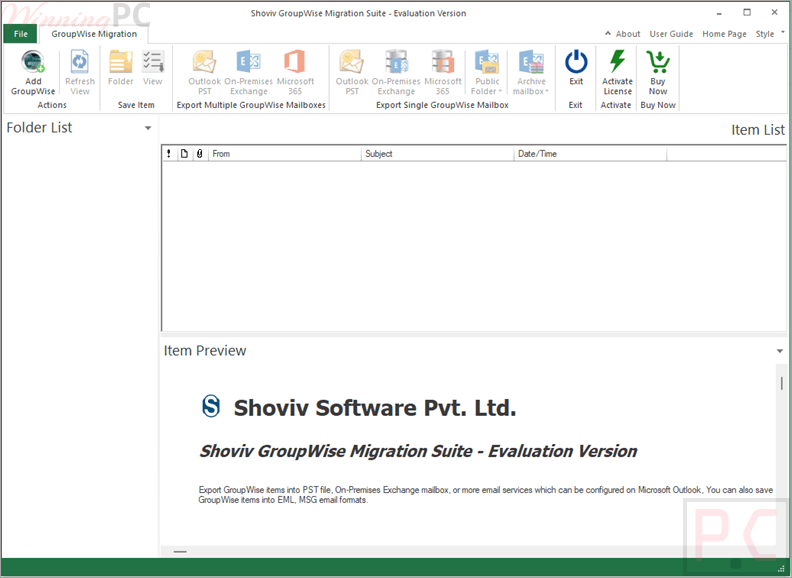
- Migrates GroupWise mailboxes directly to Microsoft 365
- Supports archive mailbox migration
- Exports mailboxes to PST, MSG, and EML formats
- Supports all major GroupWise versions, including 2018, 2014, 2012, and older editions
- Automatic and manual mailbox mapping
- Folder mapping support during migration
- Multiple connectivity options for GroupWise mailboxes
- Split PST option for handling large PST files
- Migrate directly to Outlook profiles
- Preview mailbox data before migration
- Filter items by date range and item type
- Compatible with 32-bit and 64-bit Windows systems
- Supports virtual environments like VMware, Hyper-V, and VirtualBox.
Pros & Cons
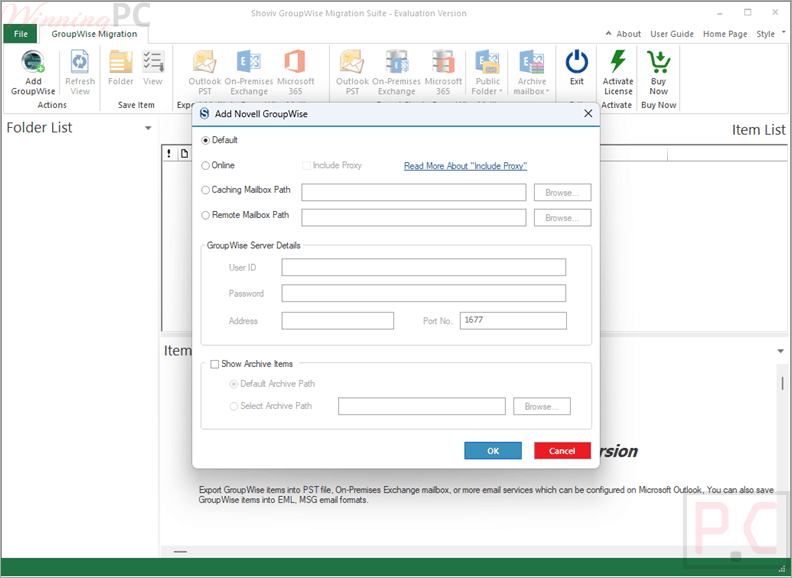
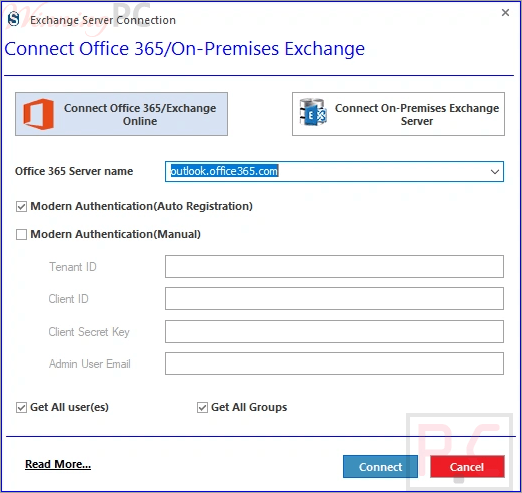
More screenshots:
Frequently Asked Questions
Where can I find a coupon for Shoviv GroupWise to Office 365?
The latest and best deals can be found on WinningPC, alongside the official software website or the developer’s social media channels.
What is the best discount currently available?
The best current discount is 10% OFF, available directly on WinningPC.
Can I migrate my GroupWise archive data?
Yes, you can migrate your archive data directly to Office 365 without any problems.
What file formats can I export my data to?
You can save your GroupWise data locally into PST, EML, and MSG file formats.
Do I need a specific version of Windows to use this tool?
No, the software is compatible with all versions of the Windows operating system, including Windows 11 and server editions.
Can I check my data before moving it?
Yes, the tool has a data screening feature that lets you preview dates and properties before starting the final migration.
What happens if my exported PST file is too large?
The software includes a Split PST File option that automatically divides large files into smaller new PST files based on a size limit you select.
Is it possible to filter which emails get migrated?
Yes, the Items Filter lets you sort and select specific data based on date ranges and item types.
System Requirements & Details
| Feature | Specifications |
|---|---|
| Operating System | Windows 7 / 8 / 8.1 / 10 / 11; Windows Server 2008 / 2012 R2 / 2016 / 2019 / 2022 / 2025 |
| Processor | Minimum 1.0 GHz (2.4 GHz recommended) |
| RAM & Storage | Minimum 4 GB RAM Minimum 512 MB free hard disk space |
| Supported Input | Novell GroupWise (all versions including 2018, 2014, 2012, 8.0, 7.0) |
| Supported Output | Office 365, Outlook Profile, PST, EML, MSG |
| Architecture | 32-bit & 64-bit |
| Outlook Support | Outlook 2003 to Outlook 2024 and Microsoft 365 |
| Virtual Environment | VMware, Hyper-V, VirtualBox |





