
 Cathryn Lee
Shoviv GroupWise to Outlook is an email converter tool that is designed to export Novell GroupWise mailbox data directly into Microsoft Outlook. It securely transfers your entire archive, including emails, calendars, tasks, contacts, and attachments, into PST files, while also providing the flexibility to save individual messages in MSG or EML formats.
Shoviv GroupWise to Outlook
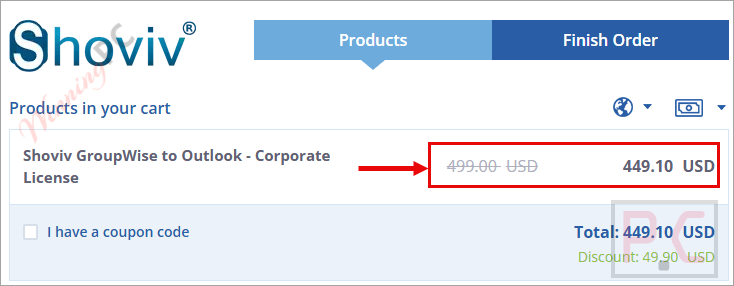
3 plans · best save 65%
📄 Licensing & Support Details
- License Type: Personal, corporate, and enterprise licenses (online & offline activation).
- Software Updates: 1 year (personal license), lifetime (corporate & enterprise license).
- GroupWise mailbox size limitation: No limitation.
- Money back guarantee (may take up to 15-30 days).
- 24×7 free technical support (by – live chat, emails, contact-us form).
📝 How to apply
- Click the “Copy Code” button above to unlock the deal.
- The system automatically applies the code for you and sends you directly to the checkout page to get the best price for the software.
Shoviv GroupWise to Outlook: Review & Features
Key Features
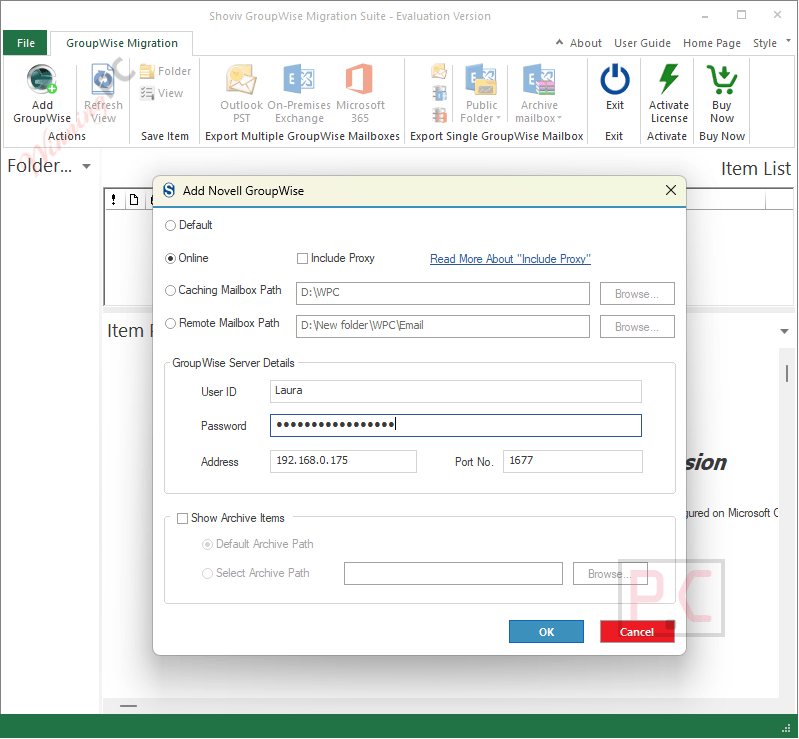
- Flexible Login Methods: Add mailboxes via online login, default login, cache mailbox login, or remote login.
- Batch Migration: Process multiple mailboxes simultaneously in a single run using proxy access.
- Custom PST Splitting: Automatically divide large PST exports into smaller, user-defined sizes to prevent Outlook file damage.
- Selective Filtering: Target specific data by selecting the exact item type or message date range before exporting.
- Security Settings: Generate password-protected PST files and designate a specific save location on your local directory.
- Format Control: Choose between creating standard ANSI files or Unicode PST files based on your system requirements.
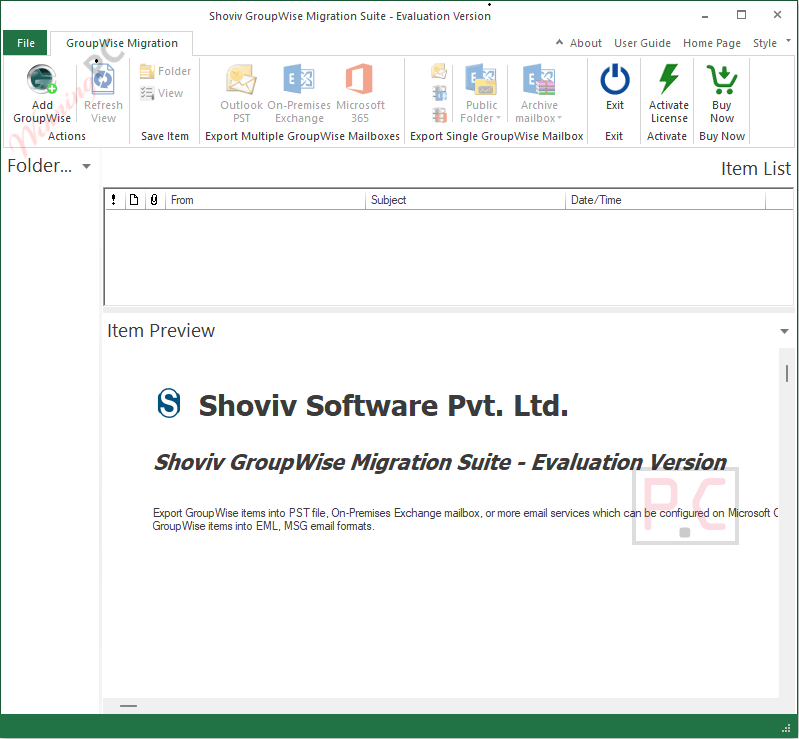
- Live Previews: Verify your emails, attachments, and related data directly within the software interface before initiating the final transfer.
Pros & Cons
More Shoviv GroupWise to Outlook screenshots:
Frequently Asked Questions
Where can I find a coupon or deal for Shoviv GroupWise to Outlook?
The latest and best deals can be found on WinningPC, alongside the official software website or the developer’s social media channels.
What is the best discount currently available for the software?
The best current discount is 65% OFF, available directly on WinningPC.
Does the software allow saving data into an existing PST file?
Yes, you can choose to merge your converted GroupWise mailbox data into an existing Outlook PST file or create a completely new one.
Which versions of GroupWise are supported by GroupWise to Outlook?
It supports all versions of Novell GroupWise, including 2018, 2014 R2, 2014, 2012, 8.0, 7.0, 6.5, and 6.0.
Can this tool fix damaged mailboxes during the conversion?
No, the software requires a healthy GroupWise mailbox file to function. It cannot convert or repair corrupted or damaged data.
Will it migrate emails I have already deleted?
Yes, it is highly proficient at migrating entire datasets, including archived items and deleted mail data located in your trash folder.
What formats can I export my emails to besides PST?
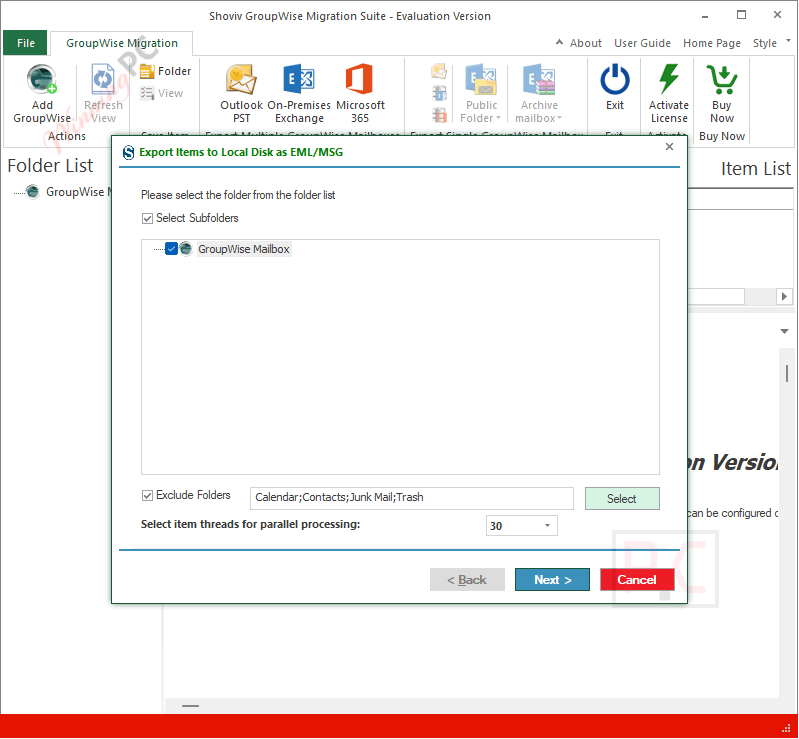
Along with PST, you can choose to save your GroupWise emails into widely used EML and MSG formats.
Do I need to have Microsoft Outlook installed for the software to work?
Microsoft Outlook is only required if you plan to use the tool’s OST File Recovery Mode. Otherwise, it is not strictly necessary for standard GroupWise conversion.
System Requirements & Details
| Feature | Specifications |
|---|---|
| Language Support | English |
| Operating System | Windows 7/8/8.1/10/11 (32-bit & 64-bit) Windows Server 2008/2012 R2/2016/2019/2022/2025 |
| Processor | Minimum 1.0 GHz (2.4 GHz recommended) |
| RAM & Storage | Minimum 4 GB RAM; Minimum 512 MB free hard disk space |
| Supported Input | Novell GroupWise (All versions) |
| Supported Output | Microsoft Outlook PST (All versions), MSG, EML |





