
 Laura Marano
Shoviv IMAP Backup and Restore backs up IMAP mailbox emails to local file formats and restores PST, OST, MBOX, MSG, and EML files back to IMAP mailboxes. It includes scheduling, filters, split PST options, duplicate prevention, and multiple backup/restore jobs.

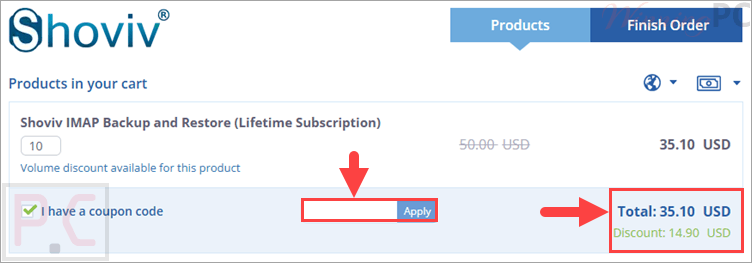
IMAP Backup and Restore (Lifetime Subscription)
Volume discount available for this product
📄 Licensing & Support Details
- Lifetime license validity and free updates.
- Instant delivery by email.
- 100% safe and secure.
- 30-day money-back guarantee.
- No size restriction on mailboxes.
- 24×7 free technical support.
📝 How to apply
Just click the ‘Copy Code’ button above. You’ll be redirected to checkout to paste your code and get the discounted price.
Shoviv IMAP Backup and Restore: In-Depth Review & Features
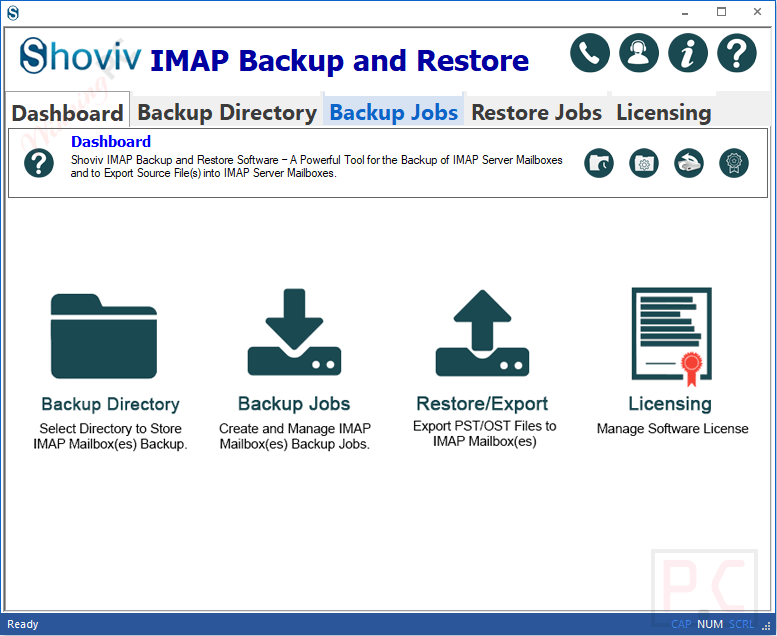
Key Features
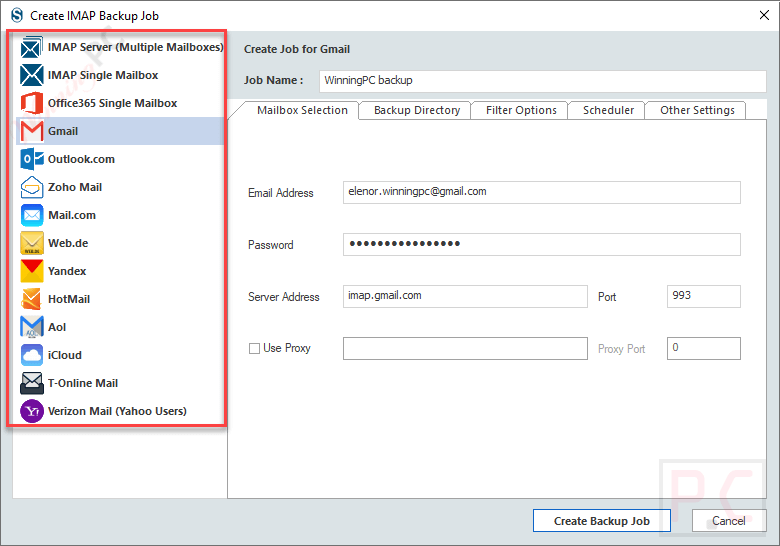
- Back up single or multiple IMAP mailboxes in one batch.
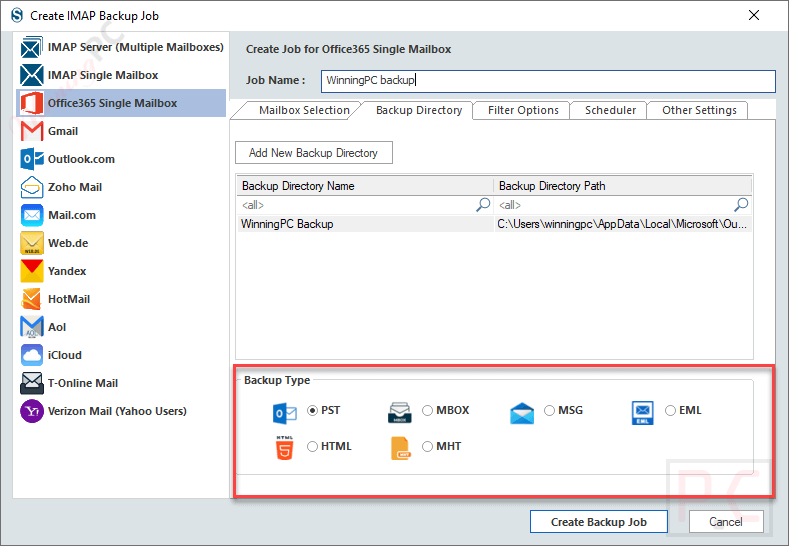
- Save IMAP mailbox data into PST, MBOX, MSG, EML, and other supported formats.
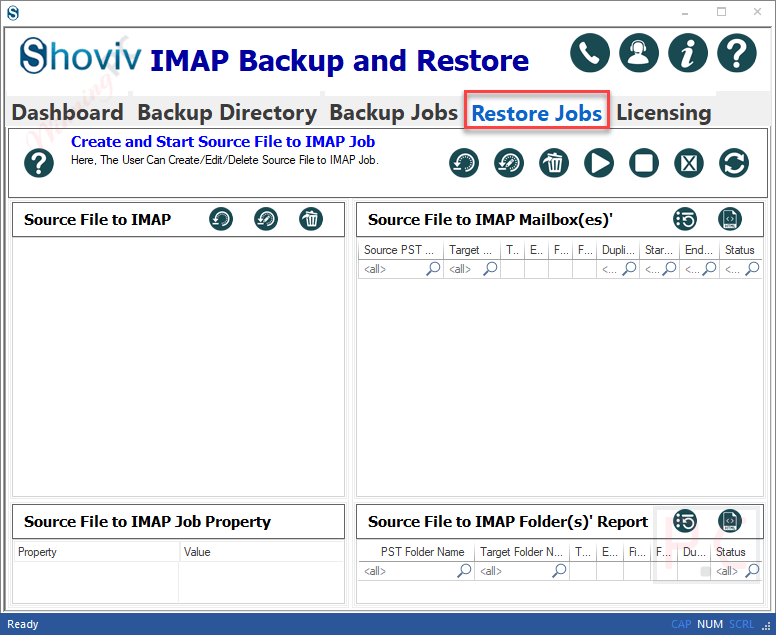
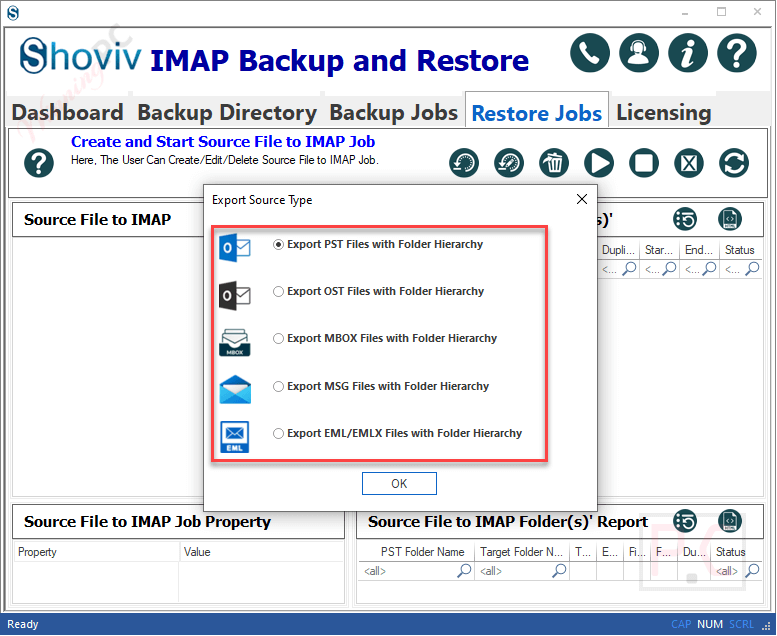
- Restore/export PST, OST, MBOX, MSG, and EML files to IMAP server mailboxes.
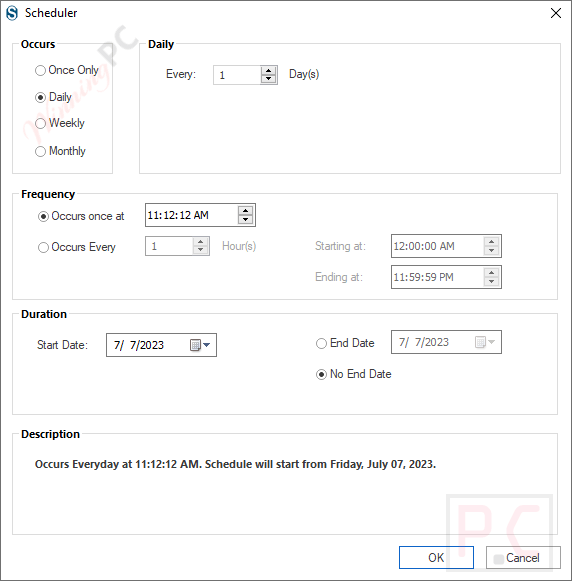
- Use the scheduler to run backups daily, weekly, or monthly.
- Apply date range and folder filters to include or exclude selected emails.
- Split PST backup files into a selected size.
- Resume interrupted backup jobs with the default incremental feature.
- Create multiple backup and restore jobs for simultaneous processing.
- Map source files with IMAP mailboxes during export.
- Use mailbox thread count and item thread count settings to improve processing speed.
- Set the timeout duration to skip items that take too long.
- Set a bad item count limit before stopping a mailbox backup.
- Test the tool with a free version before purchase.
Pros & Cons
More Shoviv IMAP Backup and Restore screenshots:



Frequently Asked Questions
How can I get a Shoviv IMAP Backup and Restore discount?
You can check WinningPC for the current Shoviv IMAP Backup and Restore coupon, along with the official Shoviv website for any direct offers or product updates.
What is the best current Shoviv IMAP Backup and Restore deal?
The best deal listed on WinningPC is 30% OFF the Lifetime Subscription, reducing the price from $50.00 to $35.10.
What does Shoviv IMAP Backup and Restore do?
It backs up IMAP mailbox emails to local formats and restores or exports files such as PST, OST, MBOX, MSG, and EML to IMAP mailboxes.
Can I back up multiple IMAP mailboxes at once?
Yes. The software allows single or multiple IMAP mailboxes to be backed up in one batch.
Does it support scheduled backups?
Yes. You can schedule backups on a daily, weekly, or monthly basis.
Can I back up emails from a specific date range?
Yes. The tool includes a date range filter so you can include or exclude emails based on selected dates.
Can I restore PST files to IMAP mailboxes?
Yes. You can import PST files to IMAP mailboxes, and the software can filter duplicate emails during the process.
Can it process large PST backups?
Yes. The split option lets you create PST backup files in a selected size, which helps manage Outlook PST size limits.
System Requirements & Details
| Operating System | Windows 7 / 8 / 8.1 / 10, Windows 11, Windows Server 2008 / 2012 R2 / 2016 / 2019 / 2022 / 2025 |
| Processor | Minimum 1.0 GHz, 2.0 GHz recommended |
| RAM & Storage | Minimum 2 GB RAM, 500 MB free disk space |
| Supported Input | IMAP mailboxes; PST, OST, MBOX, MSG, and EML files for restore/export |
| Supported Output | PST, MBOX, MSG, EML, other supported file formats, and IMAP server mailboxes |
| Architecture | 32-bit and 64-bit |
| Virtual Environment | VMware vSphere, VMware Workstation Pro, Microsoft Hyper-V, Oracle VirtualBox |





