
 Cathryn Lee
SysTools MailPro+ is an email analysis, search, recovery, and export utility that can load email data from more than 30 platforms and file types. It allows users to preview emails, attachments, and calendars, perform advanced searches, recover deleted data from supported files, and export results into multiple formats.
📄 Licensing & Support Details
- 100% Safe and Secure
- Instant Delivery by Email
- 24*7 Free Technical Support
- 1 Year Free Product Updates
- 30 Days Money Back Guarantee
📝 How to apply
- To use this offer, press the “Copy” button above.
- Your coupon code will be applied instantly, and the checkout page will open automatically.
In-Depth Review & Features
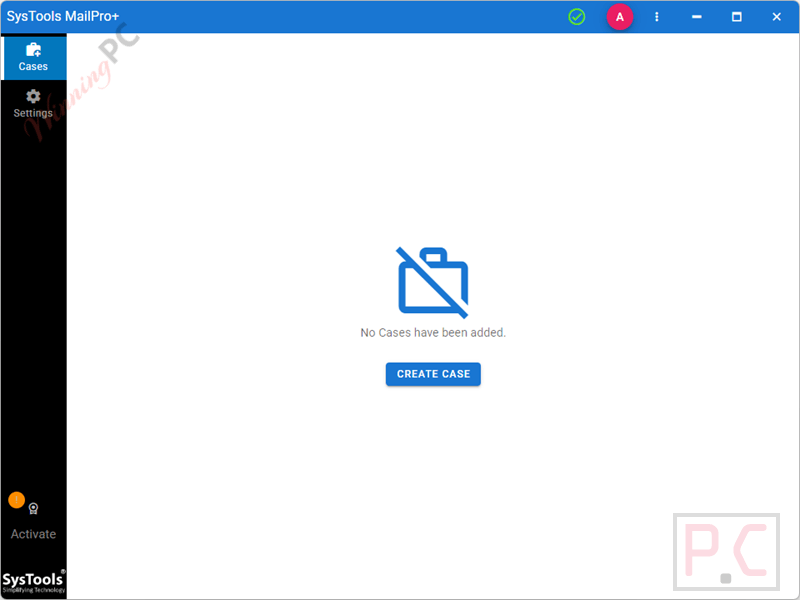
Main Features
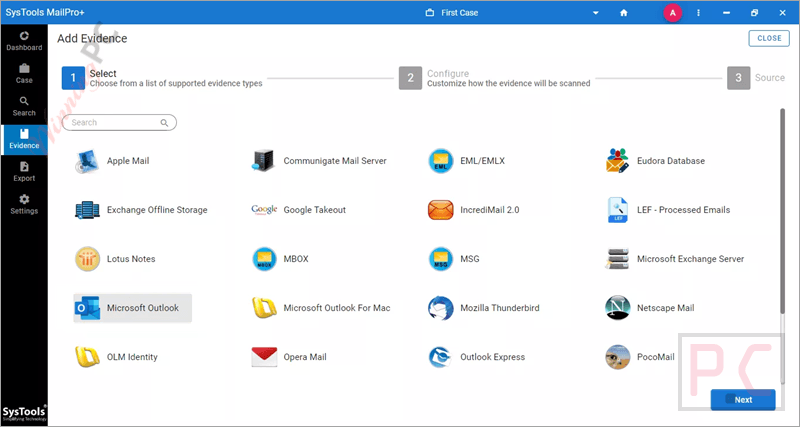
- Wide Platform Support: Read data from over 30 sources, such as Microsoft Outlook, Apple Mail, MBOX, Mozilla Thunderbird, and Google Takeout.
- Batch Processing: Add bulk files (PST, EML, MSG) or complete directories to load data simultaneously.
- Advanced Search Options: Run general, wildcard, condition-based, or keyword-based searches (including CSV import) to locate specific messages.
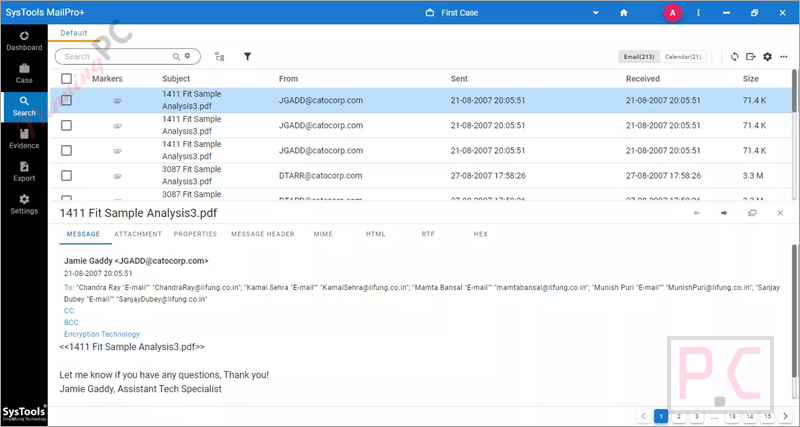
- Preview Modes: Inspect items using views like Normal, Hex, Properties, Message Header, MIME, HTML, RTF, and Attachments.
- Media Filter: Automatically sort messages based on attachment types, separating them into categories like Images, Audio, Video, or PDFs.
- Data Recovery: Load corrupted PST, OST, EDB, or MBOX files to extract remaining data and restore deleted mailbox items.
- Case Management: Create, edit, and delete cases to group different evidence files separately.
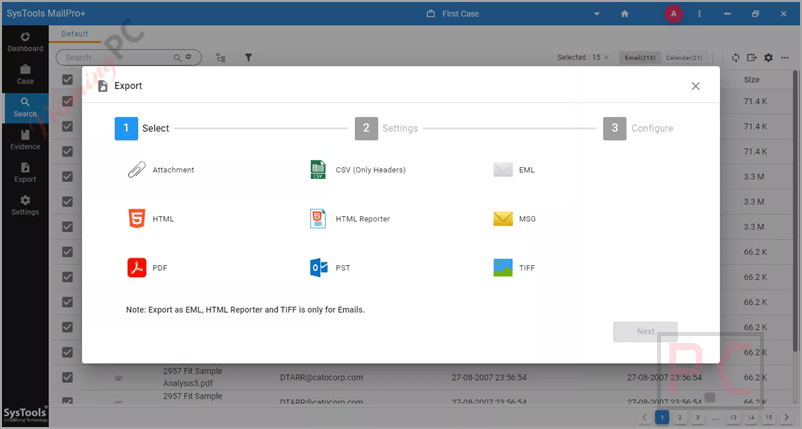
- Export Options: Save processed results into 9 formats, including PST, PDF, EML, MSG, HTML, TIFF, and CSV.
- Index and Decryption: Scan attachments alongside messages, and remove S/MIME or OpenPGP encryption from supported file types.
Pros & Cons
More SysTools MailPro+ screenshots
Add Evidence
Search
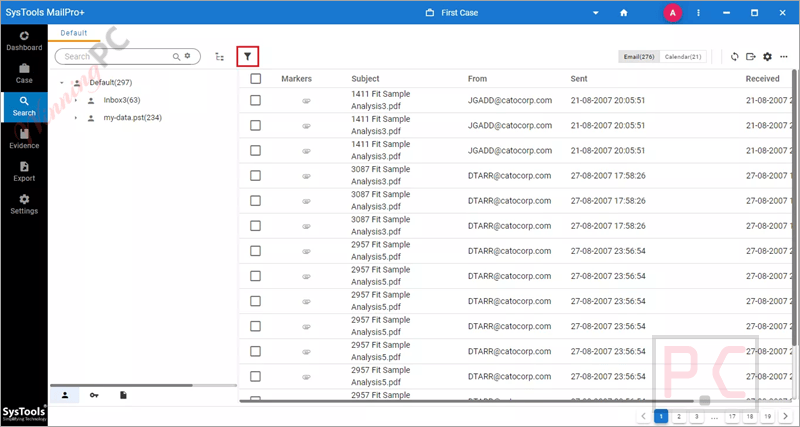
Filters
Export
Frequently Asked Questions
Where can I locate the promo codes and deals for SysTools MailPro+?
You can always find verified discounts and promotions for SysTools MailPro+ right here on WinningPC. We work closely with software publishers to bring you the best deals, though you can also check the official SysTools website for seasonal offers.
What is the absolute lowest price or best savings available for this email exporter?
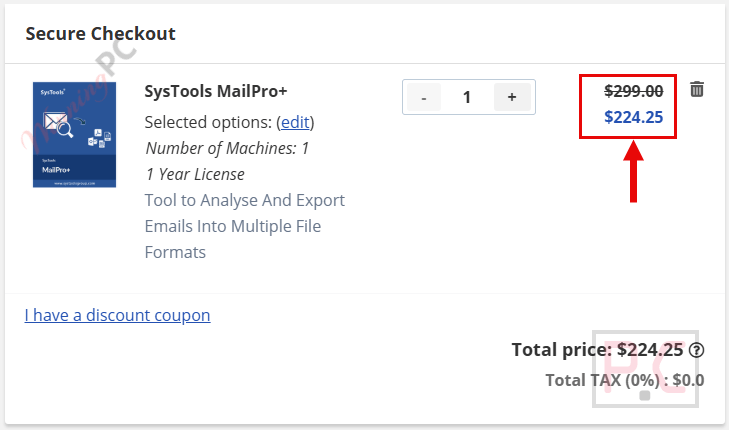
Currently, the most significant discount available is a 25% OFF deal through WinningPC, which drops the regular price from $299 down to $224.25.
Do I need to have Microsoft Outlook installed to run this software?
No, SysTools MailPro+ does not require Microsoft Outlook to be installed or configured on your system to function properly.
Is it possible to extract and export attachments using this tool?
Yes, the software will export any attachments embedded in your emails. If the chosen output format doesn’t support attachments natively, they will be saved into a separate folder.
Can I search for specific keywords within my emails?
Absolutely. You can add keywords manually or import a CSV file containing your desired keywords to perform a thorough search across your email data.
How many cases can I manage within the software?
There is no limit. As long as you have the licensed version, you can create, edit, and manage an unlimited number of cases and add as many email data files as needed.
Can the software handle corrupted email files?
Yes, you can load corrupted PST, OST, EDB, and MBOX files into the application. It can even scan and recover deleted items from these files
Does it support exporting data into PDF format?
Yes, you can export emails to PDF. The software also provides specific PDF settings like page layout, Bates numbering, and naming conventions.
System Requirements & Details
| Feature | Specifications |
|---|---|
| Language Support | English |
| Operating System | Windows 10 (64-bit), Windows 11 (64-bit), Windows Server 2012, 2016 |
| Processor | Intel Core i5-7400 CPU @ 3.00GHz |
| RAM & Storage | 16 GB RAM recommended, 5 GB hard disk space for installation |
| Supported Input | PST, EML, MSG, MBOX, OLM, OST, EDB, Microsoft Outlook, Thunderbird, Apple Mail, Lotus Notes, Exchange Server, Google Takeout |
| Supported Output | PST, PDF, MSG, HTML, EML, TIFF, CSV (Headers only), Attachment |





