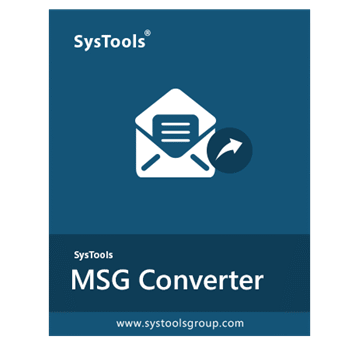
SysTools MSG to PST Converter helps users bulk convert MSG files into PST and several other file formats. It supports emails, contacts, calendars, tasks, notes, journals, attachments, and offers advanced preview, filtering, and PST management options.
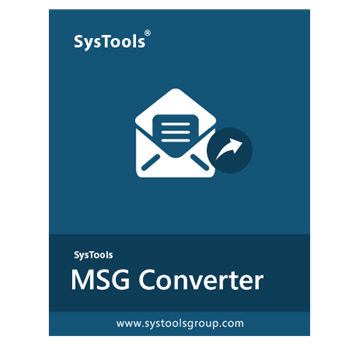
SysTools MSG to PST Converter
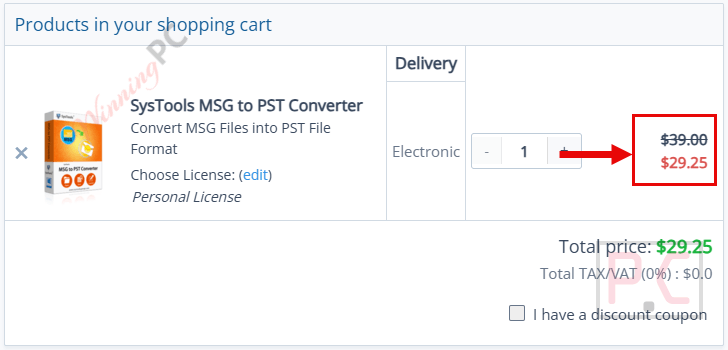
Personal License | 1 Year Free Product Updates
Bundle Offer License
5 plans · best save 25%
SysTools MSG Converter + PST Converter + EML Converter
Personal License
SysTools OLM Converter + PST Converter + EML Converter + MSG Converter + MBOX Converter
Personal License
SysTools Mac MSG Converter + Mac PST Converter + Mac EML Converter
Personal License
📄 Licensing & Support Details
- Licenses Available: Personal, Business, and Enterprise
- Support: 24/7 free technical support
- Updates: 1 year free product updates
- Guarantee: 30 days money-back guarantee
📝 How to apply
- Grab this discount by clicking the “Copy” button above.
- The code applied automatically, so you can head straight to checkout and save instantly.
In-Depth Review & Features
Key Features
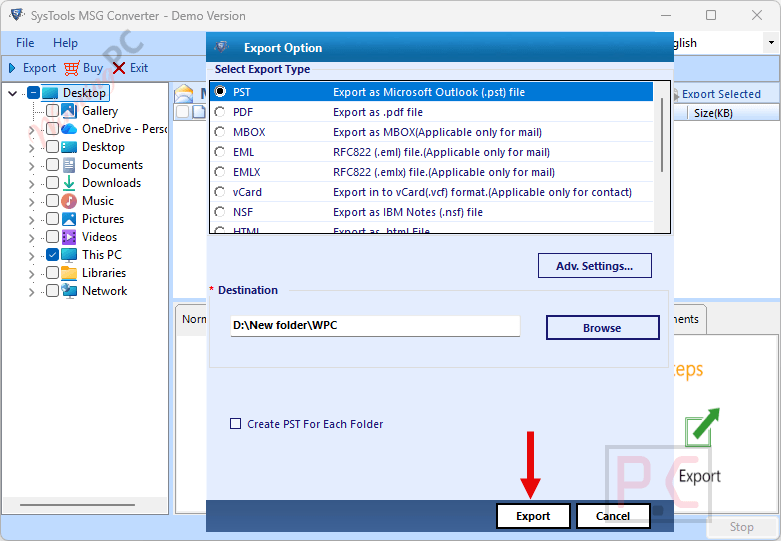
- Multiple Output Formats: Save your data in MBOX, NSF, EML, EMLX, Office 365, MHT, vCard, HTML, PDF, CSV, or TXT.
- No Size Limits: Generates a Unicode file type to avoid the standard 2 GB PST capacity issue.
- Standalone Processing: Complete your email migration without needing to install Microsoft Outlook.
- Advanced Filtering: Use a date-based option to isolate specific items or sort by attributes like Sender, Subject, and Size.
- File Division: Split a large output PST into multiple smaller, more manageable parts based on size.
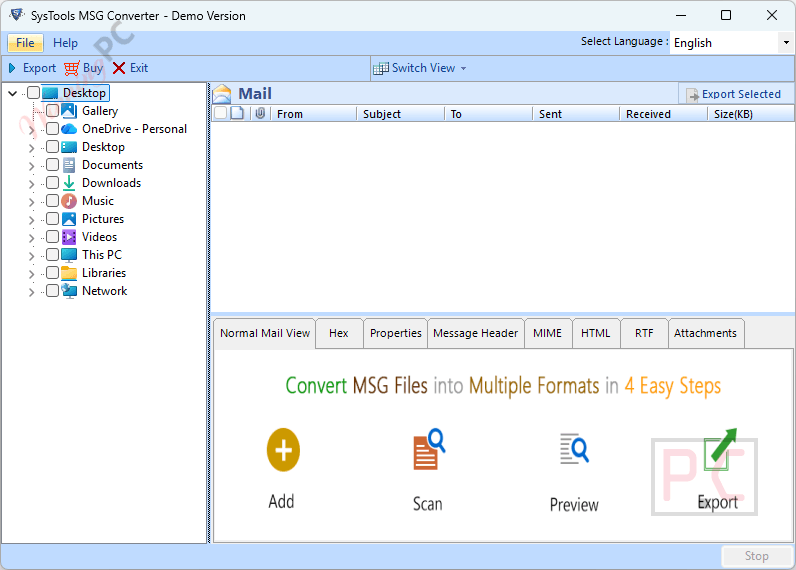
- Detailed Previews: Inspect loaded items in various styles, including Hex, Message Header, MIME, RTF, HTML, and Attachments views.
- Flexible Workspace: Switch the software screen mode between horizontal and vertical viewing.
Pros & Cons
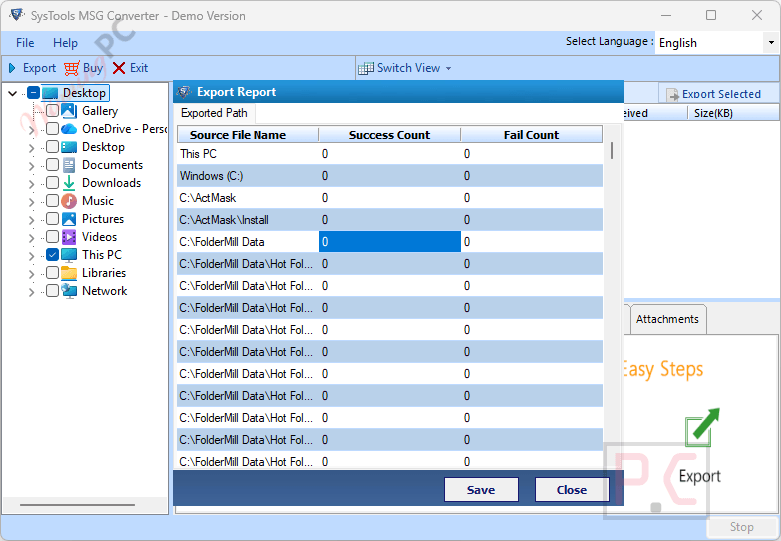
More SysTools MSG to PST Converter screenshots:
Frequently Asked Questions
I’m looking for a working promo code for SysTools MSG to PST Converter. Where should I check?
You can often find official sales on the SysTools website, but for verified promo codes and the latest deals, WinningPC is your best resource to get a valid discount.
What is the biggest price drop currently active for this converter software?
Right now, you can activate a 25% OFF markdown on all license types (Personal, Business, and Enterprise) directly through WinningPC.
Do I need Microsoft Outlook installed to use this tool?
No, it is a standalone application. It processes the conversion along with all attachments without requiring any Outlook configuration.
Can I merge multiple MSG files into a single PST?
Yes, you can load an unlimited number of files, and the software will combine them into one single resultant file.
What data from my Calendar gets transferred?
The tool retains all calendar attributes, including the Subject Name, Start Time, and End Time.
Are email attachments kept intact during the export?
Yes, all inline images, links, signatures, and attachments are retained and moved to the destination format.
How do I export only emails from a specific month?
You can use the built-in date filtering option to specify a date range and extract only the messages you need.
System Requirements & Details
| Feature | Specifications |
|---|---|
| Language Support | Multiple languages supported via the software installer |
| Operating System | Windows 11 (64-Bit), 10, 8.1, 8, 7, Windows Server (2008-2019) Mac OS X 10.8 to 10.15 |
| Processor | Win: Intel Core 2 Duo CPU E4600 @ 2.40GHz Mac: Intel or Apple Silicon (M1) |
| RAM & Storage | 4 GB RAM recommended / 200 MB (Win) or 100 MB (Mac) free hard disk space |
| Supported Input | MSG files |
| Supported Output | PST, MBOX, NSF, EML, Office 365, EMLX, MHT, vCard, HTML, PDF, CSV, TXT |