
 Chris Bruner
SysTools OST Merge helps users combine multiple Outlook OST files into one file with options to join OST files, merge folders, or merge contacts only. It supports ANSI and Unicode OST files, duplicate removal, deleted item exclusion, and PDF or CSV reports.

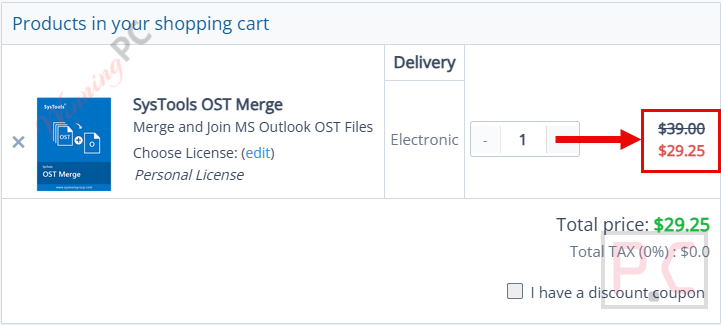
Bundle Offer - SysTools OST Merge + PST Merge
Personal License | Run on one machine | No refund
📄 Licensing & Support Details
- 100% Safe and Secure
- Instant Delivery by Email
- 24*7 Free Technical Support
- 1 Year Free Product Updates
- 30-Day Money Back Guarantee
📝 How to apply
- Press the “Copy” button to copy the coupon automatically and continue to the checkout page, where the discount will be applied.
In-Depth Review & Features
Key Features
- Process both Unicode and ANSI data types simultaneously.
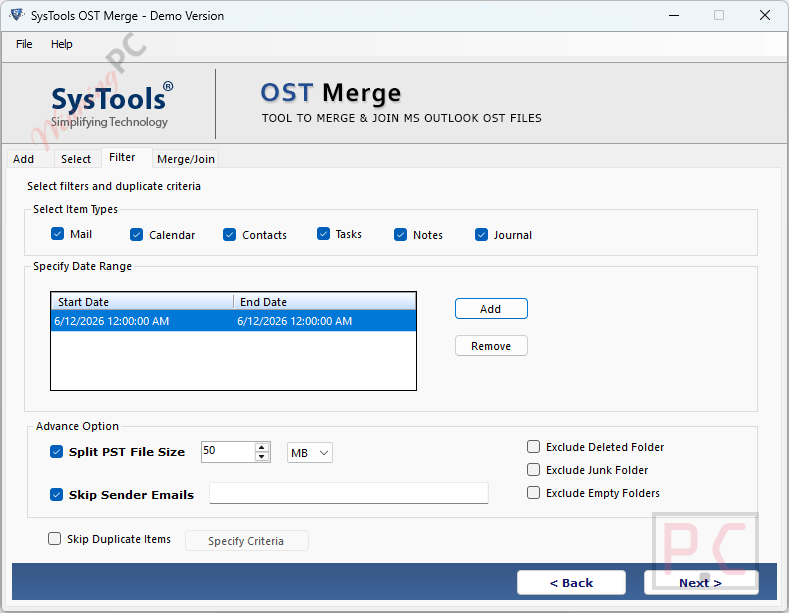
- Filter out duplicate entries and exclude deleted items to keep your storage clean.
- Skip emails from specific senders during the integration process.
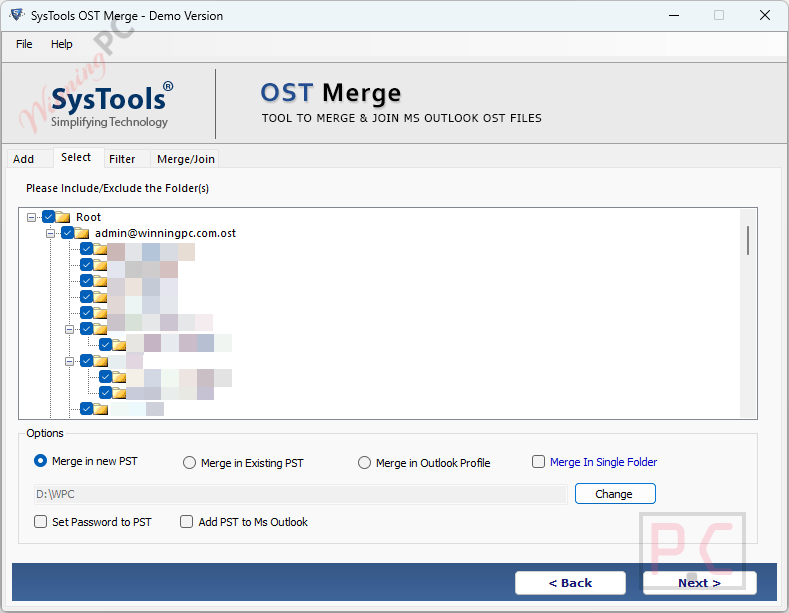
- Password-protect the newly created output file for added security.
- Automatically split the output if it exceeds your preferred file size limit.
- Add the final integrated file directly to your active Microsoft Outlook account.
- Generate detailed migration reports in either PDF or CSV format.
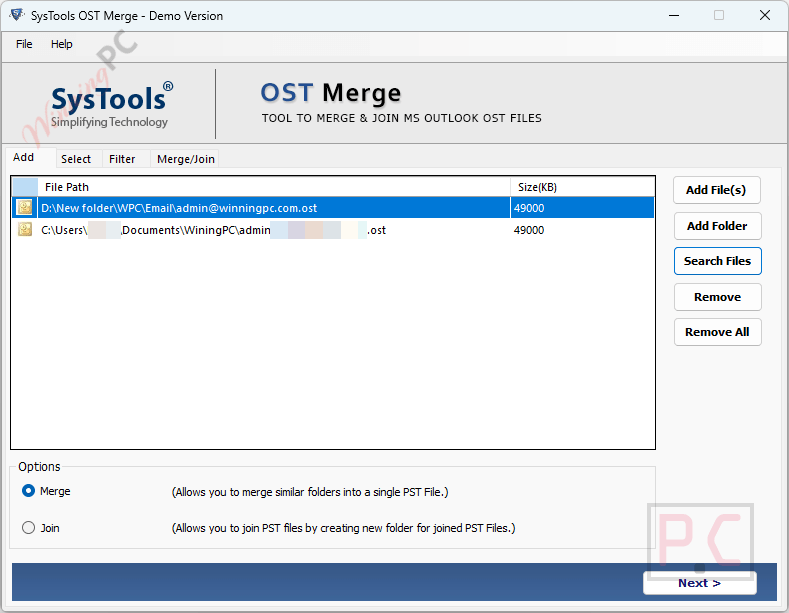
- Load data in bulk using the “Add Folder” option or select individual items via “Add File”.
Pros & Cons
More SysTools OST Merge screenshots:
Frequently Asked Questions
Where can I find valid promotional codes for SysTools OST Merge?
You can always find verified deals, active promos, and the latest offers right here on WinningPC, alongside any discounts hosted on the official developer’s website.
How much can I save on this software right now?
Currently, the biggest markdown available is a 25% OFF discount across all license types when you use the active offers listed on our WinningPC page.
Does SysTools OST Merge remove duplicate emails?
Yes, it includes a built-in “Remove Duplicates” feature to ensure your final output remains clean and free from repeated entries.
Can I combine just my address book instead of the whole mailbox?
Absolutely. The “Merge Contacts” mode is specifically designed to integrate only contact items while keeping all their original meta properties intact.
Is there a file size limit when adding my data?
No, there is no 2GB limitation or any other restriction on the size or quantity of the items you wish to process.
Will my deleted folders be copied over?
Not unless you want them to. You have the option to exclude the “Deleted Items” folder to speed up the process and save hard drive space.
What happens if my final output becomes too large?
SysTools OST Merge provides a splitting facility that can automatically divide the final file if it exceeds your desired storage limits.
How do I check the results after the process finishes?
The tool gives you the option to generate a detailed migration report in either PDF or CSV format so you can thoroughly review the results.
System Requirements & Details
| Feature | Specifications |
|---|---|
| Language Support | English |
| Operating System | Windows 11, 10, 8.1, 8, 7 (32/64-bit) & Windows Server 2008 / 2012 / 2016 / 2019 |
| Processor | Intel Core 2 Duo CPU E4600 @ 2.40GHz |
| RAM & Storage | Minimum 4 GB RAM / Around 100 MB free hard disk space |
| Supported Input | Multiple OST files (Unicode & ANSI) |
| Supported Output | Merged OST / PST file |
| Prerequisites | Microsoft Outlook and .NET framework 4.5 must be installed |





