
 Laura Marano
SysTools PST Merge helps you join or merge multiple Outlook PST files into one file. It supports emails, calendars, contacts, tasks, notes, journals, archive PST files, password-protected PST files, active PST files, orphan PST files, and network PST files.
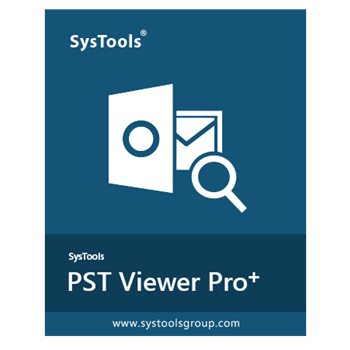
Bundle Offer License
8 plans · best save 25%
SysTools MBOX Converter + SysTools PST Merge ★ Best Deal
Personal License
SysTools PST Merge + Outlook Recovery + PST Password Remover
Personal License
SysTools Outlook Recovery + PST Converter + PST Compress + PST Merge + Email Duplicate Analyzer
Personal License
SysTools PST Merge + Outlook Recovery + PST Password Remover + PST Converter + Split PST + Outlook Duplicate Remover
Personal License
📄 Licensing & Support Details
- License Type: Personal License
- Support & Guarantees: Please refer to the official SysTools policy for technical assistance and refund terms.
📝 How to apply
- Click “Copy” in the coupon section above, and the code will be applied automatically while you are redirected to the checkout page for the special offer.
In-Depth Review & Features
Main Features
- Processes archive, active, and network data files without file size limitations.
- Bypasses password prompts when handling protected Outlook files.
- Converts legacy ANSI files into modern UNICODE format during output.
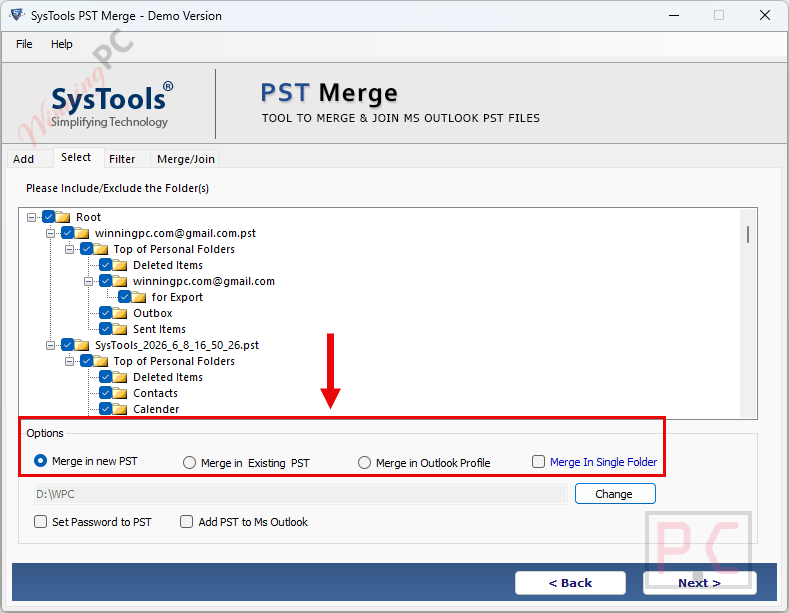
- Outputs data directly to a newly created file, an existing one, or an active MS Outlook profile.
- Allows selective folder processing to save time when full data consolidation is unnecessary.
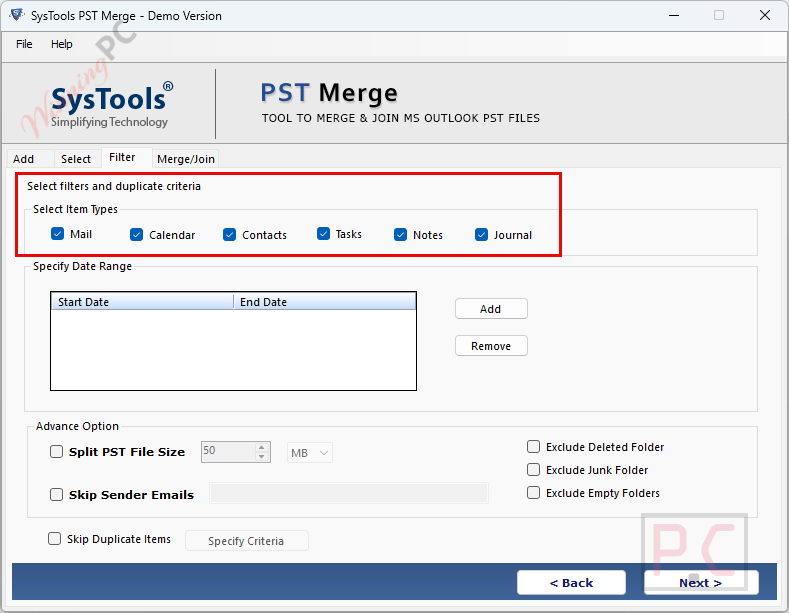
- Divides massive output files into smaller, manageable chunks measured in MB or GB.
- Operates on standard or guest Windows user accounts without requiring administrator privileges.
- Generates a detailed CSV report displaying successful transfers, failed items, and skipped duplicates.
Pros & Cons
More SysTools PST Merge screenshots:
Frequently Asked Questions
Where might I locate current voucher codes or promotional offers for SysTools PST Merge?
You can consistently track down active promo codes and special deals for this application right here on WinningPC, alongside any campaigns run on the vendor’s main page.
What is the highest markdown currently available for this Outlook file manager?
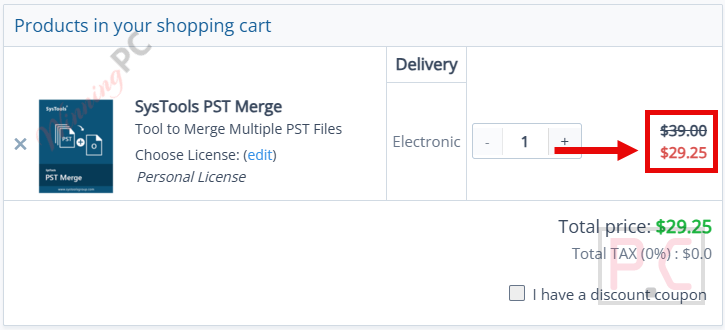
The top bargain active right now gives you 25% OFF the Personal License, an offer you can claim directly via the WinningPC deal box.
Can I sort out specific dates instead of combining my entire mailbox?
Yes, you can set a specific start and end date to narrow down the data before initiating the process.
Will SysTools PST Merge mix up my email folders?
No, the utility preserves your exact folder hierarchy and keeps the read/unread status of your messages intact.
Does the utility require the original passwords for protected archives?
It does not. SysTools PST Merge bypasses password protection, allowing you to process locked files without needing the original credentials.
What happens if my final combined file is too large?
You can utilize the built-in split function to break the final output into smaller pieces based on MB or GB limits, preventing performance issues.
Is the MS Outlook program mandatory for this to work?
If you decide to generate a brand-new file, the MS Outlook application is not required on your machine.
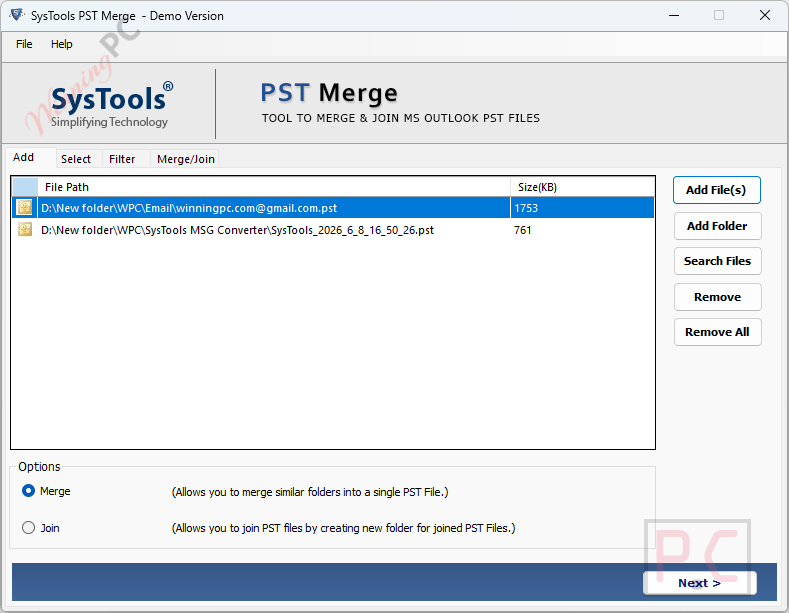
How does the Join mode operate differently from the Merge mode?
The Join mode keeps the source files isolated by placing each into its own new folder, whereas the Merge mode combines matching folders (like merging two Inboxes into one Inbox).
System Requirements & Details
| Feature | Specifications |
|---|---|
| Language Support | English |
| Operating System | Windows 11, 10, 8, 7, Windows Server (2019/2016/2012 R2/2008); macOS 11.0 to 15.0 |
| Processor | Intel Core 2 Duo E4600 2.40GHz (Windows); Intel or Apple Silicon M1 (Mac) |
| RAM & Storage | 4 GB RAM recommended; 100 MB free hard disk space |
| Supported Input | PST Files (Active, Archive, Password-Protected, Network, ANSI, UNICODE) |
| Supported Output | New PST, Existing PST, Outlook Profile |





