Cathryn Lee
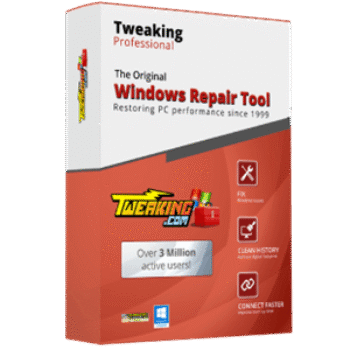
Tweaking Windows Repair is a Windows repair and optimization toolbox designed to fix system issues caused by updates, registry errors, and malware damage.
- Status: ✅ Active & Verified
- Last checked: October 2026
- Offer: Up to 68% Off
- Code: WIN***GPC20
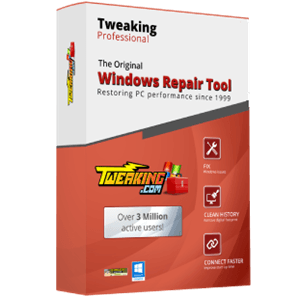
Tweaking.com - Windows Repair 2025 Pro v4 - 1 PC Yearly License
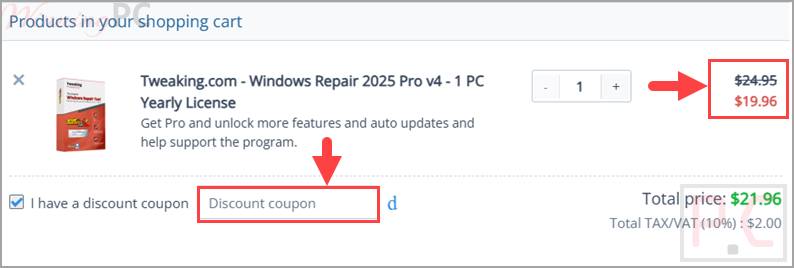
60% off coupon code: regular price $49.95, discounted price $19.96

Tweaking.com - Windows Repair 2025 Pro v4 - 3 PC Yearly License
64% off: regular price $99.95, discounted price $35.96

Tweaking.com - Windows Repair 2025 Pro v4 - Individual Yearly Tech License
68% off: regular price $159.95, discounted price $51.96
Tweaking.com - Windows Repair 2025 Pro v4 - 1 Additional Yearly License
20% off: regular price $24.95, discounted price $19.96

Tweaking.com - Technicians Toolbox Pro
20% off: regular price $19.95, discounted price $15.96
📄 Licensing & Support Details
- 60-day money-back guarantee
- Secure checkout.
- Auto updates.
- Instant delivery by email.
📝 How to apply
Tap the ‘Copy Code’ button above before heading to the checkout; ensure the promo price is correct and submit your order.
What is Tweaking Windows Repair Pro?
Tweaking Windows Repair Pro is a long-standing Windows repair tool that helps users fix common system problems and improve overall PC performance. It focuses on repairing issues related to registry errors, broken updates, and malware damage while also offering tools to optimize system performance.
In-Depth Review & Features
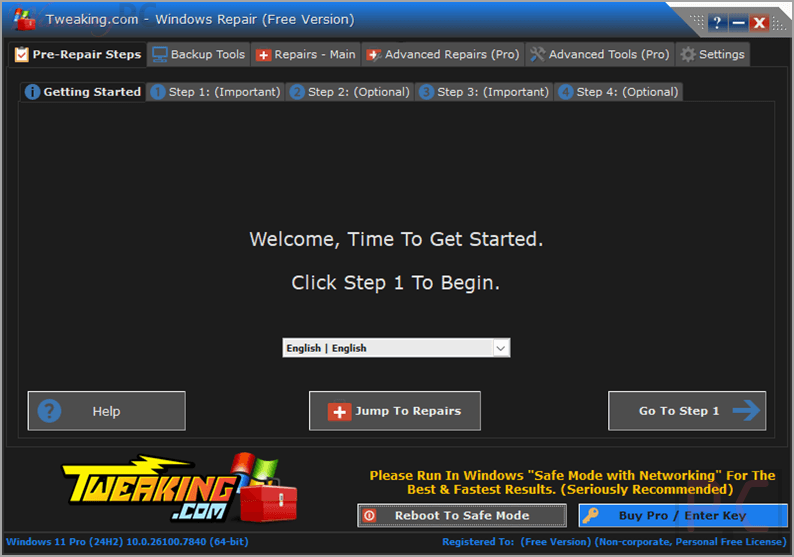
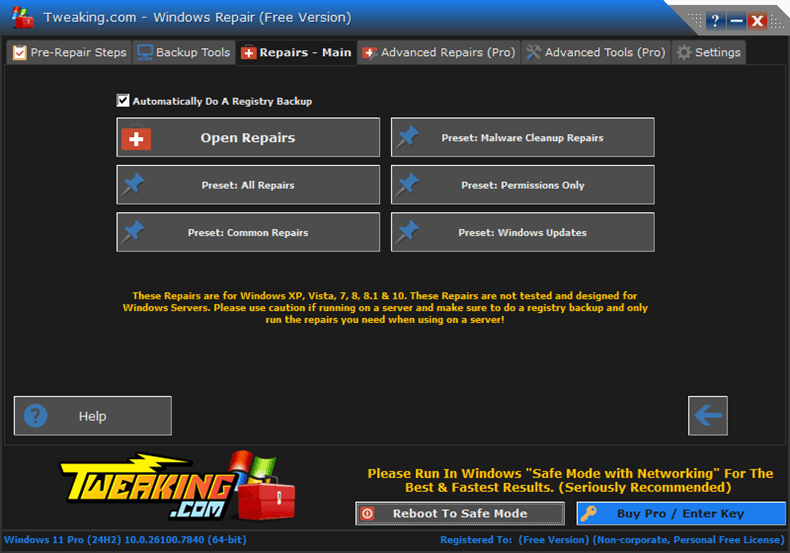
- Repair Windows updates: fixes issues caused by broken or unstable Windows updates.
- Registry repair tools: corrects corrupt entries, keys, and permissions in the Windows registry.
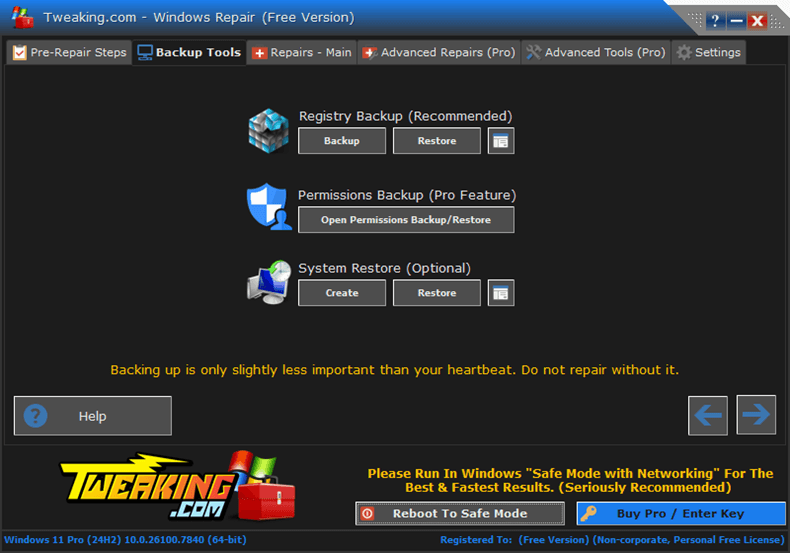
- Advanced backup options: create system restore points and back up registry data before changes.
- Malware damage repair: restores Windows Defender, Firewall, and system settings affected by infections.
- Network repair tools: fixes proxy and DNS settings to resolve connectivity problems.
- System file registration: restores DLL and OCX files to ensure programs run correctly.
- Temporary file cleanup: removes unnecessary files to free up disk space.
- Printer and spooler repair: resets printer-related services and configurations.
- Safe Mode repair: restores registry keys required to boot into Safe Mode.
- DNS and Winsock reset: rebuilds network components to fix loading issues.
- File permission reset: restores correct access permissions for files and programs.
- Windows services restore: resets essential background services to default states.
- Registry compression: reduces registry size by removing unnecessary entries.
- System information tool: provides detailed hardware and system data.
- Kill frozen programs: terminates unresponsive processes quickly.
Pros & Cons
More screenshots:
Frequently Asked Questions
Does the coupon apply to all plans?
The code applies to yearly licenses, including 1 PC, 3 PC, and Tech licenses.
Is Windows Repair free?
Yes, the core repair features are free. The Pro version adds extra tools and advanced options.
What does Tweaking Windows Repair Pro do?
It repairs Windows issues related to registry errors, updates, malware damage, and system settings.
Can I back up my system before making changes?
Yes, the software allows you to create restore points and back up registry data.
What should I do if the installation fails?
Issues like sharing violations may be caused by antivirus scanning. Temporarily disabling antivirus software can help.
Why do I get “The Entry is Invalid” error?
This usually means a Windows update is pending. Updating and rebooting typically resolves it.
Is support available?
Support is planned to be available primarily for registered users, while forums may offer community help.
Where can I find a Tweaking.com Windows Repair coupon code?
You can use the code WIN***GPC20 listed on WinningPC to get up to 68% off.
System Requirements & Details
| Feature | Specifications |
|---|---|
| Language Support | English, Français, Italian, Spanish, and more… |
| Money Back Guarantee | 60-Day |
| Operating System | Windows Server, Windows Vista, Windows XP, Windows 7, Windows 8/8.1, Windows 10/11 |
| Shipping | Register code will be sent to your email in minutes |
| Support Services | Email, Forums |