Keeper Password Manager Coupons & Pricing
Keeper Password Manager
7 plans · best save 50%
Military and Medical Family Plan
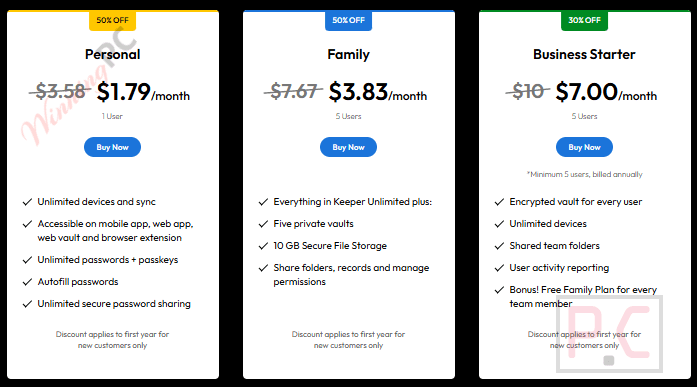
Five private vaults | 10 GB Secure File Storage
Is the Keeper coupon legit?
Yes. It is redeemed on Keeper Security’s own checkout, so you get the same account and app as any full-price customer.
Official source, not a reseller
You buy directly from keepersecurity.com. There’s no third-party key to activate and no grey-market account.
Zero-knowledge encryption
Your vault is encrypted on your device before it syncs. Keeper says even its own staff can’t read what’s inside.
Independently audited
Keeper holds SOC 2, ISO 27001, 27017 and 27018 certifications, is FIPS 140-3 validated and runs a public bug bounty program.
Try before you pay
Keeper offers a 30-day free trial with no card required, which is useful because it doesn’t advertise a money-back guarantee.
How to Use the Keeper Password Manager Coupon Code
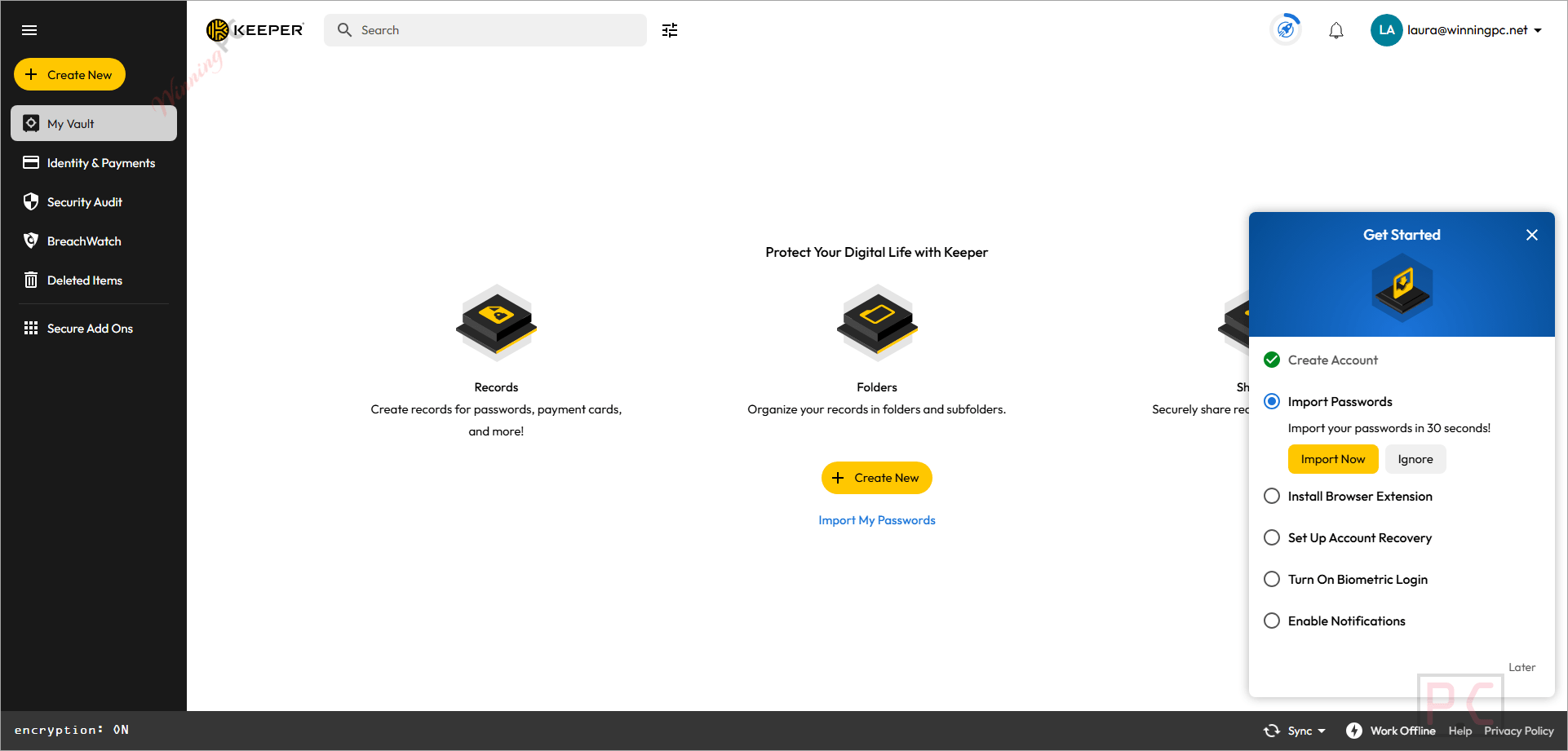
- Click on the “COPY” button above. The Keeper’s official store opens. Pick Personal, Family, or Business Starter, then click the “BUY NOW” button.
- To proceed with payment, please verify your email.
- The Keeper coupon code is applied automatically, and you will get the software at the discounted price.
Hands-on with Keeper Password Manager
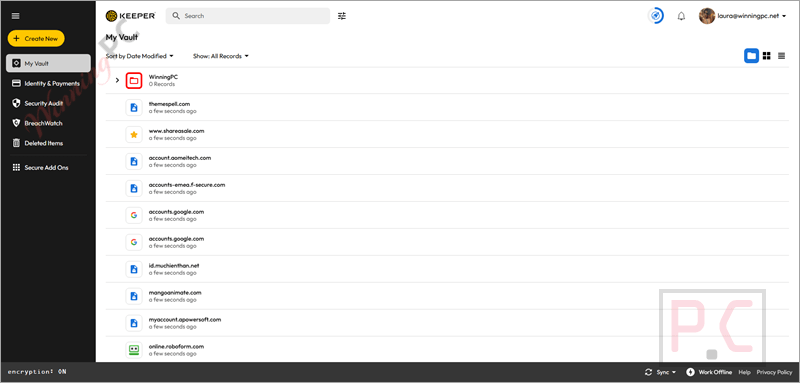
Keeper Password Manager‘s real strength is how little it asks of you once you’re set up. Even the single-user plan syncs across unlimited devices, and it keeps passkeys and 2FA codes alongside your passwords, so you can drop a separate authenticator app. One-Time Share is the feature I’d point people to first. You can send a login to someone who doesn’t use Keeper, and the link expires on its own, which is a lot safer than texting your Wi-Fi password.
Where it feels stingy is the extras. Dark-web monitoring (BreachWatch) and file storage are add-ons on Personal, and rivals often include them by default. Also note that Keeper’s website is built almost entirely around its business products, so finding personal-plan details takes some digging.
Key features
- KeeperFill autofill signs you into sites and apps with your saved password, passkey or 2FA code, and prompts you to update the vault when you change a password.
- Built-in TOTP generator stores your 2FA codes in the same record as the login they protect.
- One-Time Share and self-destructing records let you hand over a credential that disappears after a set time or number of views.
- Emergency access for up to five trusted contacts if you’re ever unable to get into your vault.
- Record history and offline mode let you roll back an edited entry and open your vault without an internet connection.
What we think
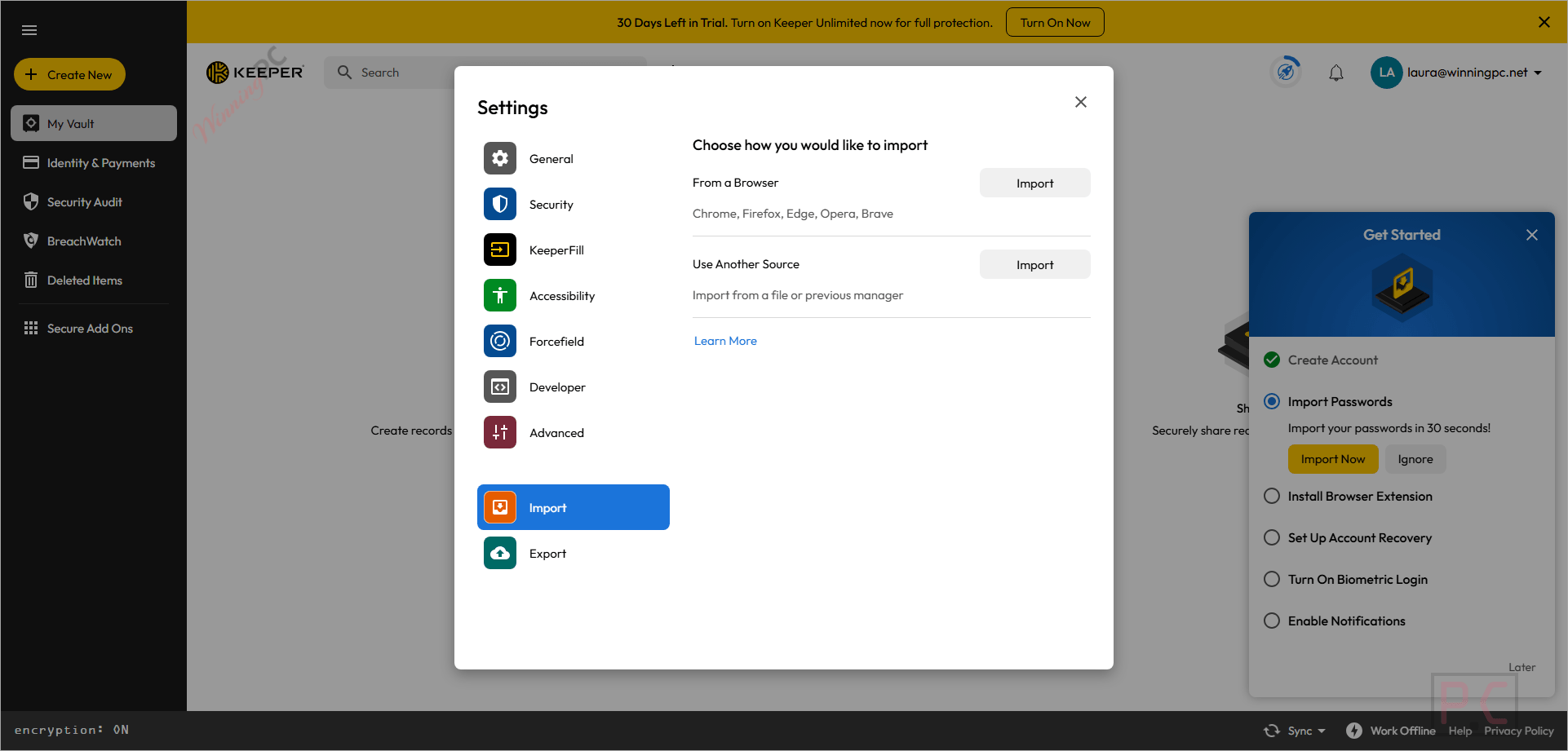
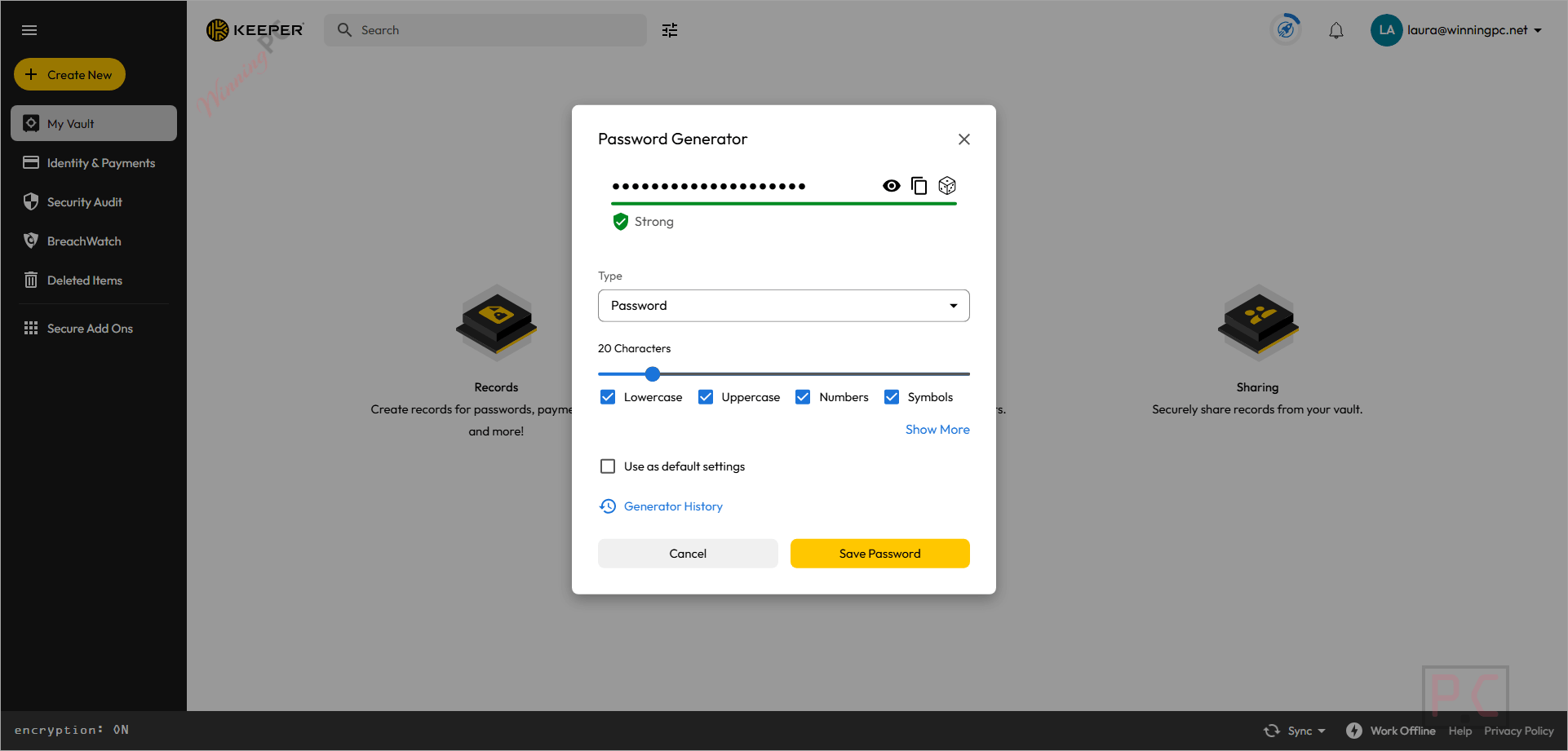
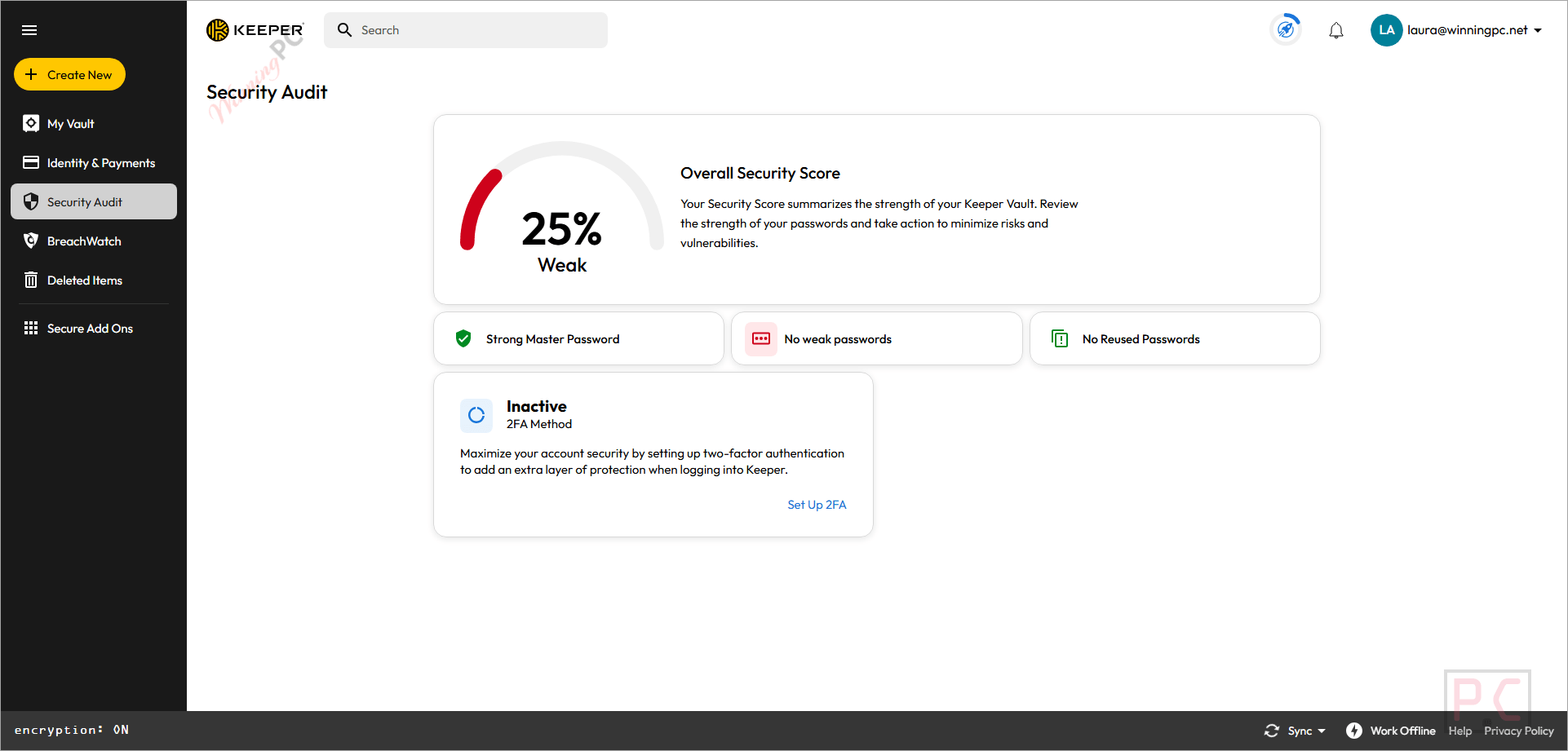
Screenshots
Which Keeper plan should you buy?
| Plan | Price with code | Users | Secure file storage | Extra checks needed | Best for |
|---|---|---|---|---|---|
| Personal | $21.49/yr | 1 user, unlimited devices | Paid add-on | None | One person with a phone, a PC and maybe a tablet |
| Family | $45.99/yr | 5 private vaults | 10 GB included | None | Couples, families or housemates who share Wi-Fi, streaming and bank logins |
Split five ways, the Family plan works out to about $9.20 per person per year with the code. If even two people in your home would use it, Family is the better buy: it costs only slightly more than two Personal plans and includes 10 GB of encrypted file storage.
Keeper vs the alternatives
| Tool | Price (approx.) | Where your vault lives | Platforms | Best for |
|---|---|---|---|---|
| Keeper (with code) | $21.49/yr Personal, $45.99/yr Family | Keeper cloud, zero-knowledge | Windows, macOS, Linux, iOS, Android, browsers | Multi-device users and families |
| DualSafe Password Manager | $17.99/yr | iTop cloud | Windows, browsers | First-timers who want to try a manager for free |
| Sticky Password Premium | $24/lifetime | Local or cloud sync | Windows, macOS, iOS, Android | People who refuse subscriptions |
| Enpass | $9.59/yr | Your own cloud (iCloud, Google Drive, Dropbox, etc.) or offline | Windows, macOS, Linux, iOS, Android | Users who don’t want their vault on a vendor’s server |
| Password Agent | $17.52/yr Personal | Local file on your PC | Windows (+ Android) | Offline, Windows-only setups |
| TweakPass | $9.99/yr | TweakPass cloud | Windows, browsers, iOS | Basic password saving |
Frequently Asked Questions
Does this code work on the Keeper Family plan?
Yes. The code takes Family from $91.99 to $45.99 for the year, the same 50% cut you get on Personal.
I’m in the military or a nurse. Does Keeper offer a special discount?
Yes. Keeper currently offers 40% off one-year plans for eligible nurses, doctors, hospital employees, military members, and first responders. Eligibility is verified during the purchase process. If you also have a coupon, compare the final checkout prices because Keeper does not clearly document whether these discounts can be combined.
Is Keeper a one-time payment or a subscription?
Keeper Unlimited and Keeper Family are subscription plans billed annually. Keeper’s current consumer pricing does not list a lifetime purchase option. The free Keeper plan remains available for users who do not need the features included with a paid subscription.
Can I get a refund if Keeper isn’t for me?
Keeper does not advertise a general money-back guarantee for simply changing your mind. Its terms describe refunds under specific circumstances rather than providing a standard refund period for all purchases. Keeper offers a 30-day trial of Keeper Unlimited, so testing the service before purchasing is the safer option.
Does Keeper work on Windows 10?
Keeper currently lists Windows 11 or later as the minimum requirement for its Windows desktop application. Keeper also provides a Web Vault and extensions for Chrome, Firefox, Edge, Opera, Brave, and Safari, but its current download page does not specifically confirm Windows 10 support for the desktop app.
Can my family see my passwords on a Keeper Family plan?
No. Keeper Family provides five private vaults, so family members do not automatically have access to each other’s passwords. You can choose which records and folders to share and control permissions such as viewing, editing, and sharing.
Is there a free version of Keeper?
Yes. Keeper Free supports one mobile device and up to 10 password or passkey records. Keeper’s terms also allow up to two TOTP records and five files with a combined storage limit of 100 MB. Features such as multi-device syncing, Web Vault access, browser extensions, and sharing require a paid plan. Keeper also offers a 30-day Keeper Unlimited trial for users who want to test the premium features.
System Requirements & Details
| Field | Value |
|---|---|
| Windows | Windows 11 or later (32-bit and 64-bit), supports Windows Hello |
| macOS | Supported; Touch ID and iCloud Keychain import supported |
| Linux | Debian, Ubuntu, Fedora, Mint, Red Hat, CentOS |
| Mobile | iOS and Android apps, plus wearable apps |
| Browser extension | Chrome, Firefox, Safari, Edge, Opera, Brave |
| Processor / RAM / disk | Not specified |
| Import from | iCloud Keychain (macOS) and other password managers/files |
| Two-factor options | FIDO2/WebAuthn security keys, TOTP apps, Duo Security, KeeperDNA, SMS |
| Biometrics | Windows Hello, Touch ID, Face ID, Android biometrics |
| Internet | Required for setup/sync; Offline Mode available when enabled in advance |