
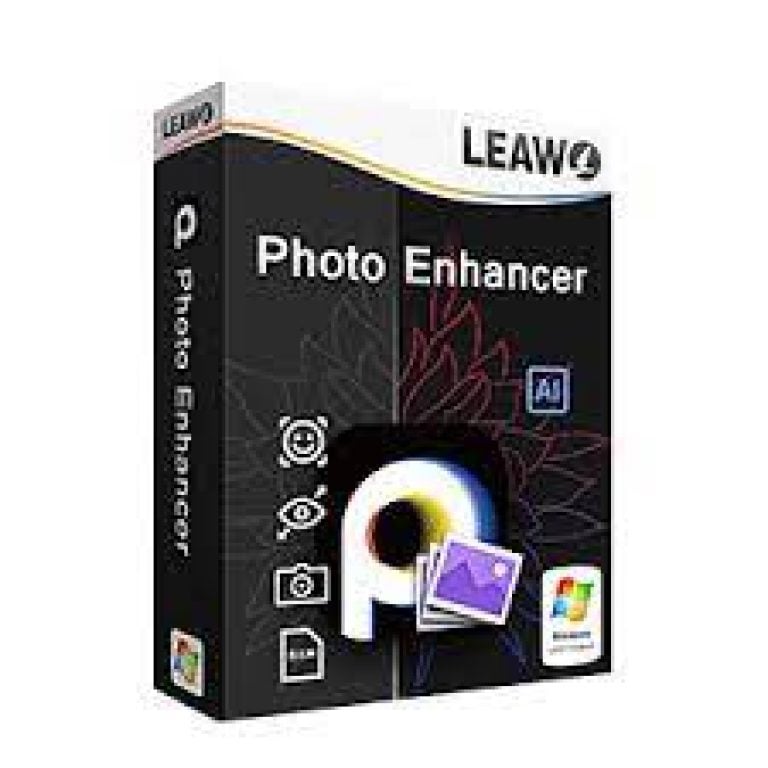

Leawo Photo Enhancer Giveaway
Leawo Photo Enhancer
Leawo Photo Enhancer is the best AI photo enhancer to enhance photos in batch in simple clicks.
- Product
- Leawo Photo Enhancer
- Product website
- leawo.com
- License
- 1-Year
- Platform
- Windows 7, 8,10 (64-bit),
macOS 10.13/10.14…/15/26 - Updates
- No future upgrades
- Support
- No support
- Updated
- 2026-08-29
Continue on leawo.org
Share to reveal the official giveaway page, then register there to receive your license.
This giveaway ended on .
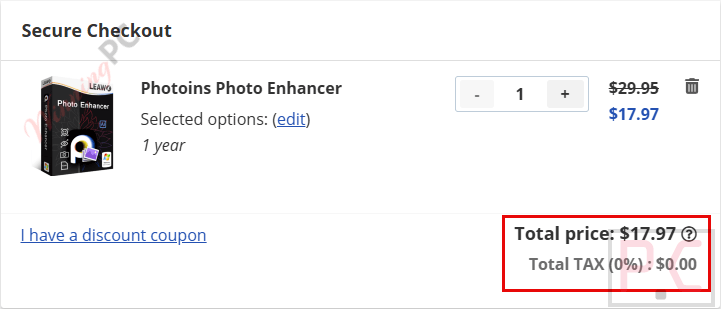
40% Off Photoins Photo Enhancer 1-Year Coupon Code
Photoins Photo Enhancer Plans & Coupon Codes
Photoins Photo Enhancer
2 plans · best save 40%
1 Year License ★ Best Deal
1 License for 1 PC | Unlimited Free Upgrades
Photoins Photo Enhancer for Mac
2 plans · best save 40%1 Year License ★ Best Deal
1 License for 1 Mac | Unlimited Free Upgrades
📄 Licensing & Support Details
- Available for Windows and Mac
- Yearly and lifetime license options
- Unlimited free upgrades included
- Basic Plan: 1-Year License, 5-Day Money-Back Guarantee
- Professional Plan: Lifetime License, One-Time Payment, 14-Day Money-Back Guarantee
📝 How to apply
- Press the “Copy” button to copy and apply the coupon automatically.
- Continue to the checkout page where the discount will be applied.
How to Get the Leawo Photo Enhancer License Key for free?
- Open the Leawo Photo Enhancer giveaway page to get your free license code
- You will receive the license key and download link in your mailbox.
- After installation (PhotoIns), launch the program and open the Photo Enhancer module.
- Register it for 1 year free.


What Leawo Photo Enhancer is actually good at
Leawo Photo Enhancer is a photo enhancement program for improving portraits, landscapes, RAW files, and compressed JPG images. It can automatically correct exposure and white balance, improve colors and contrast, reduce noise and blur, remove haze, and sharpen image details. For portraits, it can smooth skin, reduce freckles and wrinkles, and adjust facial features. The program also supports batch processing, making it easier to enhance multiple photos at once.

Key features
- One-click portrait optimization to brighten eyes and smooth facial imperfections like freckles and wrinkles.
- Smart dehaze function to remove fog and restore scene sharpness.
- Automatic AI sky enhancer for vibrant, immersive background restoration.
- Exposure and white balance correction based on color temperature adjustments.
- Color optimization to adjust tonal balance and ensure accurate tints.
- Automated RAW file processing with built-in lens correction for chromatic distortion and vignetting.
- JPG image optimization to minimize blur and reduce visual noise on compressed files.
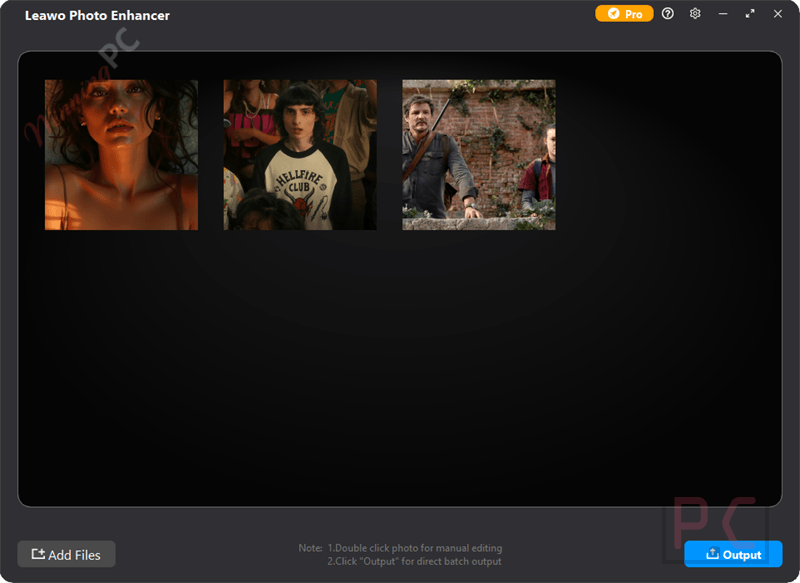
- Lightning-speed batch processing for handling massive photo libraries effortlessly.
pros & cons
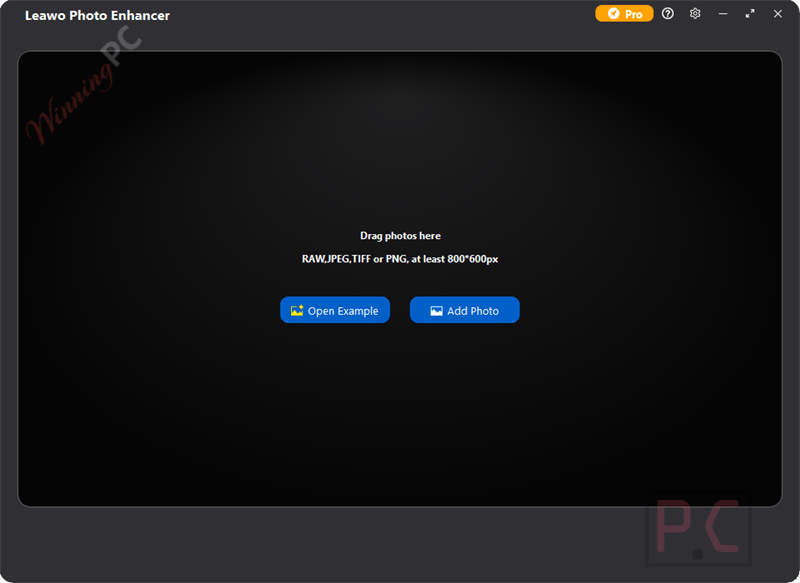
More screenshot
Frequently Asked Questions
Where can I find the latest discount codes or promotional deals for Leawo Photo Enhancer?
While the official site occasionally runs sales, WinningPC is the most reliable place to find active, verified discount codes and exclusive promos for this specific software.
How do I get the absolute lowest price on this AI photo editor?
Right now, you can activate a massive 40% OFF discount by grabbing the active coupon code listed in the deal box on this WinningPC page.
Can it fix blurry or noisy pictures?
It optimizes low-quality and compressed JPG images by reducing visual noise, minimizing blur, and restoring lost sharpness.
How does the portrait enhancement work?
The software uses AI to automatically detect faces, enlarge and brighten eyes, and smooth out skin issues like wrinkles or freckles.
What does the sky enhancement feature do?
It acts as an AI sky enhancer that automatically identifies dull skies in your landscape shots and restores vivid, natural colors.
System requirements & supported formats
| Feature | Specifications |
|---|---|
| Language Support | English, Français, Italian, Spanish, Swedish, and more… |
| Operating System | Windows 7, 8,10 (64-bit), macOS 10.13/10.14…/15/26 |
| Processor | Intel Core i3 or AMD Athlon 64 processor (2 GHz or faster) |
| RAM & Storage | 4 GB RAM minimum (8 GB recommended), 4 GB hard drive space |
| Supported Input | RAW files, JPG images |
| Supported Output | Enhanced photo images |
| Graphics Card | OpenGL 3.3 or later compatible graphics cards |
| Display | 1024 × 768 display (1280 × 800 recommended) |





Watch out the real installer is only just shy of 1Gigabytes!!! Also on installation completion a n executable called bbtool.exe for an undisclosed reason tries to access the hard drive directly… why? it has no business directly access my drives! Thankfully windows protection blocked the access and I see no reason that I will ever give such an anonymous program direct access to my drives, in fact at next opportunity I am going to block bbtool.exe from ever executing again! The reason for the unreasonable size is this is a suite of THREE programs and we are only getting the license for the photo enhancer, the other two unregistered programs are just bloat/junk or a bloated piece of adware for Photo BG remover and Photo Enlarger…. guess I shall be removing this pretty quickly I don’t like being deceived or manipulated into wasting masses of storage for adverts. Note that this is also only a 366 day trial license. Install size is a whopping 2.34Gigabytes for the photoins product but we only get 1/3 of the photoins functionality! If they make us download and install 3 licensable products they should at least give us all 3 products licenses!
works good
Registration nag even if you use the code they send, it doesn’t work in the app, even if it claims to. Uninstalled anyway because the app is essentially useless, as it *only* works with 800x800px images, which defeats the purpose. Even then, they results are so poor that it is not worth the effort. App interface and usage have *zero* options or settings.
Lastly, it wants to load your startup with garbage and nags. Even uninstalling left a lot of suspicious leftovers.
Do *NOT* install this, it’s 100% garbage.
registered twice with two different Email accounts
Invalid License every time
nice marketing joke …
If you want to get rid of potential new customers, this is the way to go!
I have just checked and it worked for me.
You should check again: https://prnt.sc/pjOHrY8tB8M_